

Luzia: AI Assistant & Chat
Luzia · AI Assistant · Chatbot
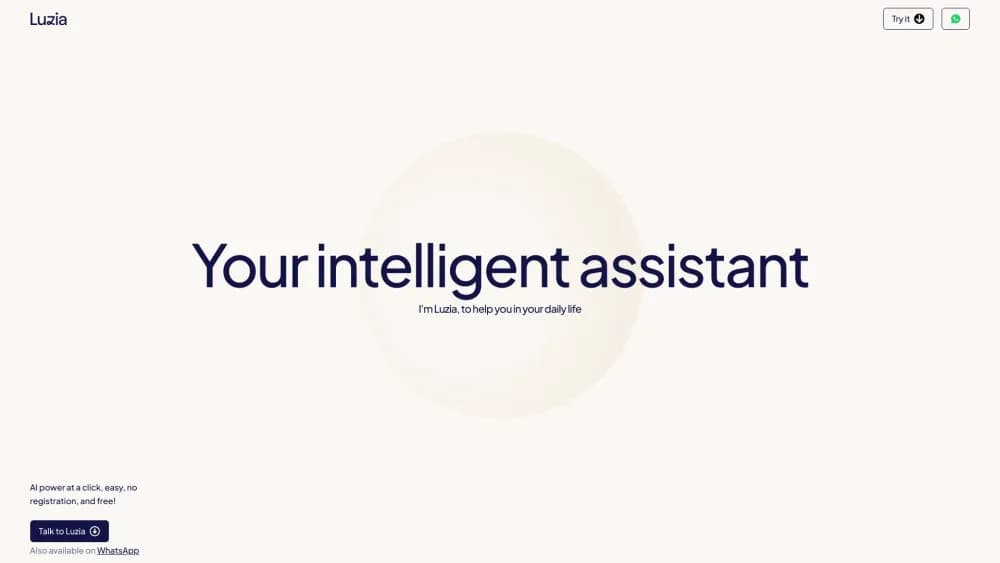
Luzia is a free AI assistant that runs inside WhatsApp, Telegram, and its own mobile app. The AI chatbot answers questions, writes text, generates images, and drafts messages in a chat you already know.
About Luzia: AI Assistant & Chat
What Is Luzia
Luzia is an AI assistant built around chat. You add it as a contact in WhatsApp or Telegram, or open its iOS and Android app, and just start talking. It handles everyday jobs: it answers a question, explains a topic, translates a message, does a math problem, or writes a quick draft. The pitch is that it feels like texting a helpful friend rather than operating a tool, and the company says more than 85 million people use it.
The main difference from most chatbots is where it lives. You don't open a separate website or app if you don't want to. Luzia sits in the messaging apps where you already talk to people, so help is one message away. It also generates images from a text description, builds custom AI characters you can chat with, and reads photos you send it, like a picture of a handwritten math problem.
A few things shape who it suits. The free version covers the basics but shows ads and sets lighter limits. A Luzia+ subscription removes the ads and unlocks longer chats plus a stronger reasoning mode. The newer agent features, sold under the LuziClaw name, are still in beta and only available in some countries. It leans toward Spanish and Portuguese speakers, since that's the audience it grew up with, and it handles English as well.
Getting Started
- Open WhatsApp or Telegram and add Luzia as a contact, or download the Luzia app from the App Store or Google Play.
- Send your first message. Ask a question in plain language, paste text to rewrite, or snap a photo of a problem you want solved.
- Try the extra tools from the chat menu, like generating an image from a description or creating a custom AI character to talk to.
- Ask for a draft when you need to write something, such as a reply to a message, complaint, or reminder.
- If you want longer chats, higher quality images, and no ads, upgrade to Luzia+ from inside the app.
Product Information
A quick look at Luzia: AI Assistant & Chat's pricing, supported platforms, and performance.
Best for
The users, tasks, and scenarios where this tool fits best.
Users
- Spanish and Portuguese speakers
- People who live in WhatsApp
- Anyone testing an AI assistant for the first time
Tasks
- Writing a quick reply or message
- Generating an image from an idea
- Solving a math or homework problem
- Translating a message or paragraph
- Creating a custom AI character
Scenarios
- Getting help at night in a group chat
- Organizing plans and reminders
- Practicing a language
Key features
Chat Assistant in WhatsApp and Telegram
Luzia works as a contact inside WhatsApp and Telegram, so you don't need to open a separate app to use it. You message it like a person and it answers, explains, translates, or writes. Because the majority of its users reach it through messaging apps, this is the core of how the product works rather than a side option.
Image Generation
You describe what you want in text and Luzia turns it into an image. This covers the usual cases, such as a picture for a social post or a quick mockup of an idea. Luzia+ gives you longer, higher quality generations, which matters when the free output looks stretched or rough.
Custom AI Characters
You can create your own AI character with a name and personality, then chat with it. The feature is meant for fun and low-stakes practice, like a companion or a language partner. Luzia+ lets you keep several characters, while the free plan is limited to fewer.
AI Chats with Photo Input
Luzia reads images you send, not just text. Send a photo of a math problem, a sign in a language you don't read, or a document, and ask what it says or how to solve it. This is what makes the math and translation tools useful in real situations rather than only typed input.
LuziClaw Agent Mode
LuziClaw is Luzia's agent mode: instead of just answering, it does things. You can ask it to set a reminder, draft a difficult message like a complaint, or compare prices while shopping. It runs in the app and in WhatsApp with no setup. The catch is that it's in beta and only available in some countries for now.
Free Tier with a Paid Upgrade
The core assistant is free, covering chats, image generation, and custom characters. The free version still shows ads and caps chat and image lengths. Luzia+ is the paid tier that removes ads and unlocks advanced reasoning, longer outputs, more characters, and higher quality images.
Pros and cons
Pros
- Works inside WhatsApp and Telegram, so you can use it without installing another app or switching windows.
- The free plan covers chats, image generation, and custom characters, making it easy to try before paying.
- It reads photos as well as text, which makes math help and translation workable from a single snapshot.
- It handles Spanish and Portuguese naturally, which suits speakers in Latin America and Spain better than tools built for English first.
- Luzia+ is an optional upgrade that strips ads and adds longer, higher quality outputs rather than gating the basics.
Cons
- The free version shows ads and limits chat and image length, so heavy users will feel the ceiling.
- The agent features are still in beta and only work in select countries, so many users can't rely on them yet.
- It focuses on relaxed everyday chat, so it's weaker for deep technical or coding work than a dedicated developer assistant.
- There's no public API, so you can't build it into your own apps or workflows.
Frequently asked questions
Luzia is a chat-based AI assistant for everyday tasks. You can ask questions, get explanations, translate text, solve math problems from a photo, generate images, and draft messages, all through WhatsApp, Telegram, or its own app.
Related content
Explore related tools, skills, and articles for Luzia: AI Assistant & Chat.
Luzia: AI Assistant & Chat Alternatives
Agibot
Agibot · Productivity · AI Assistant · ChatbotAgibot is a personal AI agent for Mac that keeps running after you close the window, runs routines on a schedule, and works from Telegram or Slack with your own API keys.

Foley
Hanamori Labs, LLC · Voice & Language · Productivity · AI AssistantFoley is a voice to-do list that turns a spoken sentence into a filed task, complete with project, date and time, then helps you plan the day around what is already there.

Ghost Core
Ghost · Productivity · AI AssistantGhost Core is a $3,499 screenless personal AI computer that runs local AI models on its own hardware, builds context from your apps and devices, and acts without waiting for a prompt.