

Macaron AI
Mindverse · Leaning · AI Assistant
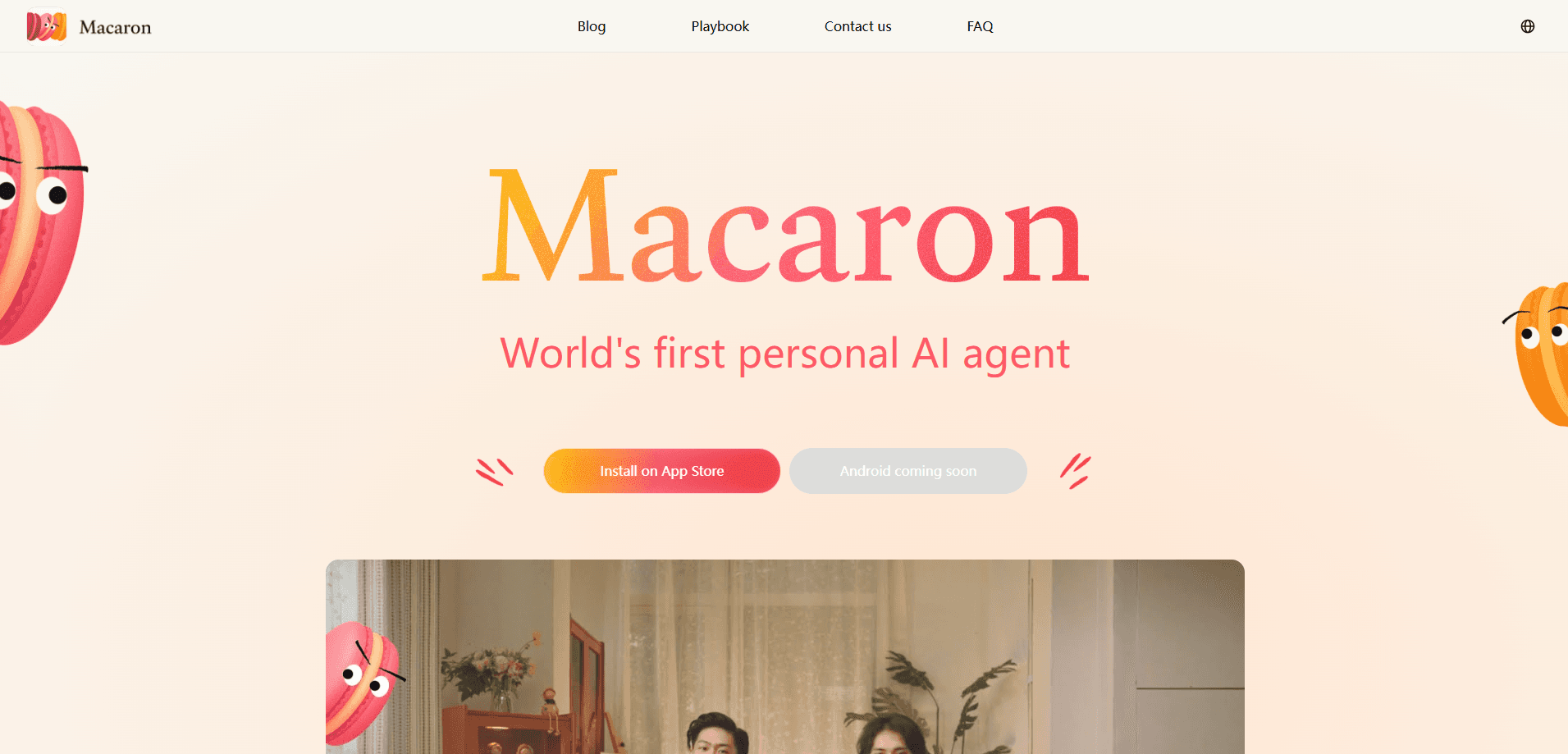
Macaron AI is a personal AI agent from Mindverse that remembers your preferences and turns everyday chat into custom mini apps, a mix of AI companion app and AI life assistant.
About Macaron AI
What Is Macaron AI
Macaron AI is a personal AI agent built by Mindverse, the team behind the Mind Lab research group. It launched on August 15, 2025 and trades the usual productivity framing for something closer to a companion app. The tagline on its own site puts it plainly: other AI agents help you work, Macaron helps you live better.
The idea is that most chat assistants forget who you are the moment a session ends. Macaron keeps a running picture of your habits, goals and even your mood, then uses that context to build small tools on demand. Ask for help planning a trip and it can spin up an itinerary sheet, a phrase card and a budget tracker without you opening a single other app.
The catch is scope. Macaron is not a heavy work platform, so you won't find team dashboards, enterprise integrations or an API for stitching it into your own stack. It's a consumer app aimed at personal life, and the whole experience runs through conversation rather than menus.
Getting Started
- Download the Macaron AI app from the App Store and open it.
- Answer a short set of questions about your habits, goals and how you like to be spoken to.
- Start chatting about what you want to do, from a fitness plan to a travel checklist.
- When Macaron offers to build a tool, review the mini app it generates and refine it in chat.
- Save the ones you like, or browse the Inspiration Library to reuse apps other people made.
Product Information
A quick look at Macaron AI's pricing, supported platforms, and performance.
Best for
The users, tasks, and scenarios where this tool fits best.
Users
- Casual users who want an AI agent for daily life, not another work inbox
- People who like the idea of building tiny tools but don't want to learn code
- Travelers, students and hobbyists juggling small recurring tasks
Tasks
- Turning a vague idea into a usable mini app, like a habit tracker or a packing list
- Keeping long-term context, such as a fitness streak or a savings goal
- Getting a plain answer to a life question without re-explaining your situation
Scenarios
- Planning a trip and needing an itinerary, a budget sheet and a few phrases in one place
- Tracking health goals where a lightweight check-in tool beats a spreadsheet
- Studying a language or a subject and wanting quick practice cards generated on the spot
Key features
Deep Memory
Deep Memory is the part that sets Macaron AI apart from a standard chatbot. It builds a profile of your preferences, routines and goals, then carries that across conversations instead of resetting each time. Tell it you're saving for a trip and a later money question gets that context back. The memory runs on reinforcement learning, so the profile sharpens as you keep using it.
Chat to Mini App
The headline move is turning a sentence into a working tool. Describe what you need in plain language and this mini app generator renders a small app inside the chat, complete with the basics to actually use it. Early builds were slow, but the team has since cut generation time from roughly 20 minutes down to about 2 minutes. It's the closest thing here to skipping a no-code builder entirely.
Proactive Assistance
Macaron tends to speak up instead of waiting to be asked. If you mention feeling off or drifting from a goal, it can follow up on its own and suggest a next step. That behavior is closer to a friend checking in than a tool waiting on a command, and it's a deliberate design choice rather than a prompt trick. It also means the agent can feel chatty if you'd rather keep things strictly transactional.
Inspiration Library
The Inspiration Library works like an app store inside Macaron. It collects mini apps made by the team and by other users, grouped around family, hobbies, daily life and personal growth. You can grab a ready-made tool, adapt it, or just browse for ideas when you don't know what to ask for. It solves the blank-page problem that hits most tool builders.
Multi-User and Sharing
Mini apps can be shared and edited with other people. You can create group chats around a tool, work on it together, and keep everyone on the same version. For a household budget tracker or a trip plan with friends, that turns a personal tool into something a small group can run together. It's a light collaboration layer, not a full workspace.
Pros and cons
Pros
- Deep Memory keeps context across sessions, so you stop re-explaining your situation
- Mini apps generate from plain conversation, no coding or no-code builder needed
- The Inspiration Library gives you a starting point when you have no clear request
- Sharing and group editing make a personal tool usable by a small team or family
Cons
- iOS only for now, with Android still announced rather than shipped
- No public API, so you can't plug Macaron into your own apps or workflows
- Proactive follow-ups can feel intrusive if you prefer a strictly on-demand tool
- Not built for heavy work tasks, so it won't replace a dedicated productivity suite
Frequently asked questions
Macaron AI is a personal AI agent that chats with you and generates small apps on demand, called mini apps. It's made by Mindverse and pitched as a companion for daily life rather than a work tool.
Related content
Explore related tools, skills, and articles for Macaron AI.
Macaron AI Alternatives

HireKey
HireKey · Voice & Language · Productivity · LeaningHireKey is an AI job search copilot built by a former tech recruiter. It checks role fit, tailors resumes, runs interview practice and tracks every application.

Lune
Retrograde Labs · Productivity · LeaningLune is a research search engine for scientific AI agents. It runs as an MCP server that lets Claude, ChatGPT and Cursor search peer-reviewed computer science papers and cite them.
Coddy
Coddy · Coding · LeaningCoddy is a gamified platform to learn to code through short interactive lessons in 20+ languages, with a browser editor, an AI tutor and free certificates.