

MagicForm
MagicForm · Productivity · Leaning
MagicForm AI is an AI chatbot for websites that answers visitor questions, captures leads, and books appointments around the clock, no code required.
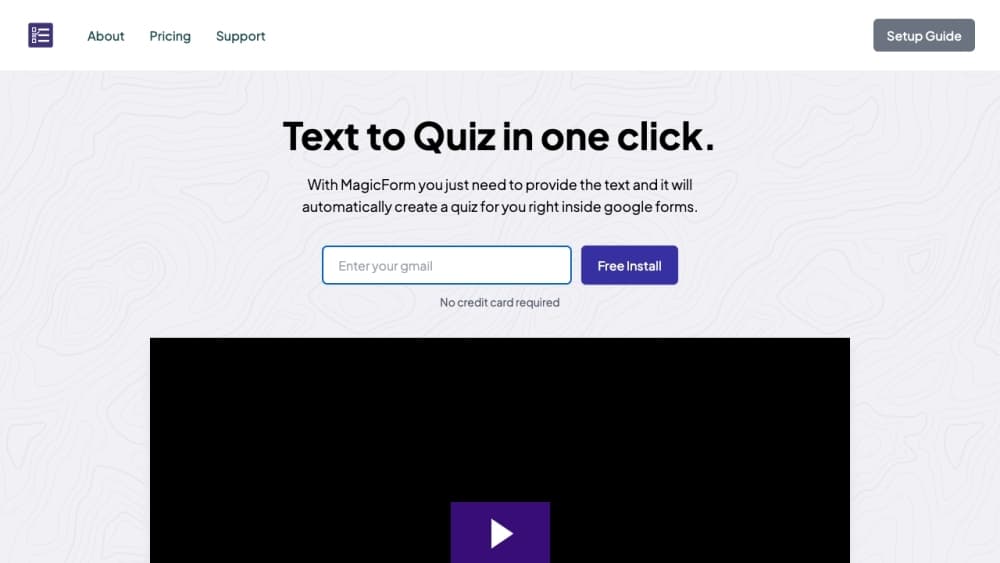
About MagicForm
What Is MagicForm AI
MagicForm AI is a no code chatbot that you drop onto a website to greet visitors, answer their questions, and turn chats into buyers, bookings, or answered support queries. You train it on your own questions and answers, set its tone, then paste a snippet into your site.
The draw is coverage. Most small teams can't staff live chat around the clock, and contact forms sit ignored. MagicForm AI starts the conversation the moment someone lands, asks the right questions, and passes real leads to your inbox or calendar. It runs on GPT-4o and handles several languages.
The limits matter. The starter plan caps you at 500 messages a month, so a busy site can burn through it fast. There's no public API, and deep customization stops well short of what a developer platform offers. Treat it as a focused sales and support assistant, not a full chatbot framework.
Getting Started
- Sign up for MagicForm AI and pick a plan.
- Add your business details and feed the agent a set of questions and answers, or start from its suggested ones.
- Set the personality traits and reorder the suggested questions, or add your own.
- Copy the embed code and paste it into your website.
- Watch conversations in the dashboard, edit responses to keep training the agent, and set up webhooks or email follow ups.
Product Information
A quick look at MagicForm's pricing, supported platforms, and performance.
Best for
The users, tasks, and scenarios where this tool fits best.
Users
- Solo founders and solopreneurs
- Small business owners
- Agencies running client sites
Tasks
- Capturing leads automatically
- Booking appointments
- Deflecting support questions
- Following up after hours
Scenarios
- A storefront that never sleeps
- A local service business with one owner
- A marketing site testing conversion
Key features
No Code Setup in Minutes
You paste a snippet into your site and you're live. MagicForm AI walks you through entering your business details, customizing the bot, and launching it, and the whole thing takes a few minutes rather than a build cycle. That low setup cost is the main reason small teams pick it over a custom build.
Train It on Your Own Answers
You feed the agent a set of questions and answers, or start from its suggested ones, and set the tone with personality traits. You can reorder the suggested questions or add your own, then edit responses as you watch real conversations. It learns from what you give it, so the quality of your answers shapes the quality of the replies.
24/7 Sales and Support Replies
The chatbot greets visitors and answers pricing, availability, and service questions at any hour, which matters most when your team is offline. It runs on GPT-4o and replies in several languages, so overseas buyers get an answer in their own words. The tradeoff is that untrained gaps show up as vague replies.
Automatic Lead Capture and Follow Up
The agent collects contact details during the chat and passes each lead to you by email or webhook, so nothing sits in a forgotten form. You can route hot leads to a calendar or an inbox and follow up while interest is high. That handoff is what turns a visitor into a booked appointment or a sale.
Analytics Dashboard
A dashboard shows how many visitors engage with the customer support agent and how many it converts into buyers, appointments, or answered queries. For an ecommerce or service site, it also surfaces which chats turned into sales. You can see which questions come up often and where the bot stalls, then fix the answers. For a small team, that feedback loop is the fastest way to improve results.
Webhooks, Zapier, and Team Seats
The mid and premium plans add webhooks, Zapier, and team seats, so the bot plugs into the tools you already run. You can trigger an email, create a calendar event, or push a lead into a CRM without writing code. Larger teams get shared access to manage and monitor the agent.
Pros and cons
Pros
- Setup takes minutes with a copy and paste embed, so you don't need a developer to get an AI chatbot for websites live.
- It answers visitors around the clock and captures leads automatically, which recovers the after hours traffic a contact form loses.
- Training on your own questions and answers keeps replies tied to your business, and you can edit them as you watch real chats.
- Webhooks, Zapier, and email follow ups connect the chatbot to your existing sales and booking tools.
- The premium plan removes the agent cap and adds a white label domain, which suits agencies running many client sites.
Cons
- The starter plan caps you at 500 messages a month, so a busy site can run out and force an upgrade sooner than expected.
- There's no public API, so developers can't wire MagicForm AI into their own products or automate it programmatically.
- Deep customization is limited compared with a developer platform, so complex logic or custom workflows aren't on the table.
- Quality depends on the answers you feed it, and thin training shows up as vague replies that need a human to fix.
Frequently asked questions
MagicForm AI is an AI chatbot for websites. It greets visitors, answers their questions, captures leads, and books appointments, with the goal of turning chats into buyers, bookings, or answered support queries.
Related content
Explore related tools, skills, and articles for MagicForm.
MagicForm Alternatives

Base Code
Base44 (Wix) · Coding · ProductivityBase Code is a shared cloud development environment from Base44. Teammates describe changes to an existing GitHub codebase in chat, preview them live and send them back as pull requests.

Knocket
Knocket (Tencent RTC team) · Productivity · Business · ChatbotKnocket is a free live chat and contact page tool that lets visitors message you from your website, app, or a shareable link, with every reply handled from Telegram or one inbox.

FloorGen
Vinit Kumar (FloorGen) · Productivity · China AIFloorGen is a browser-based floor plan maker that turns a sentence or a sketch into an editable 2D plan and a 3D walkthrough. Export to PDF, DXF or video, and draw without an account.