

Mapify:AI思维导图&大纲笔记
Xmind · Productivity
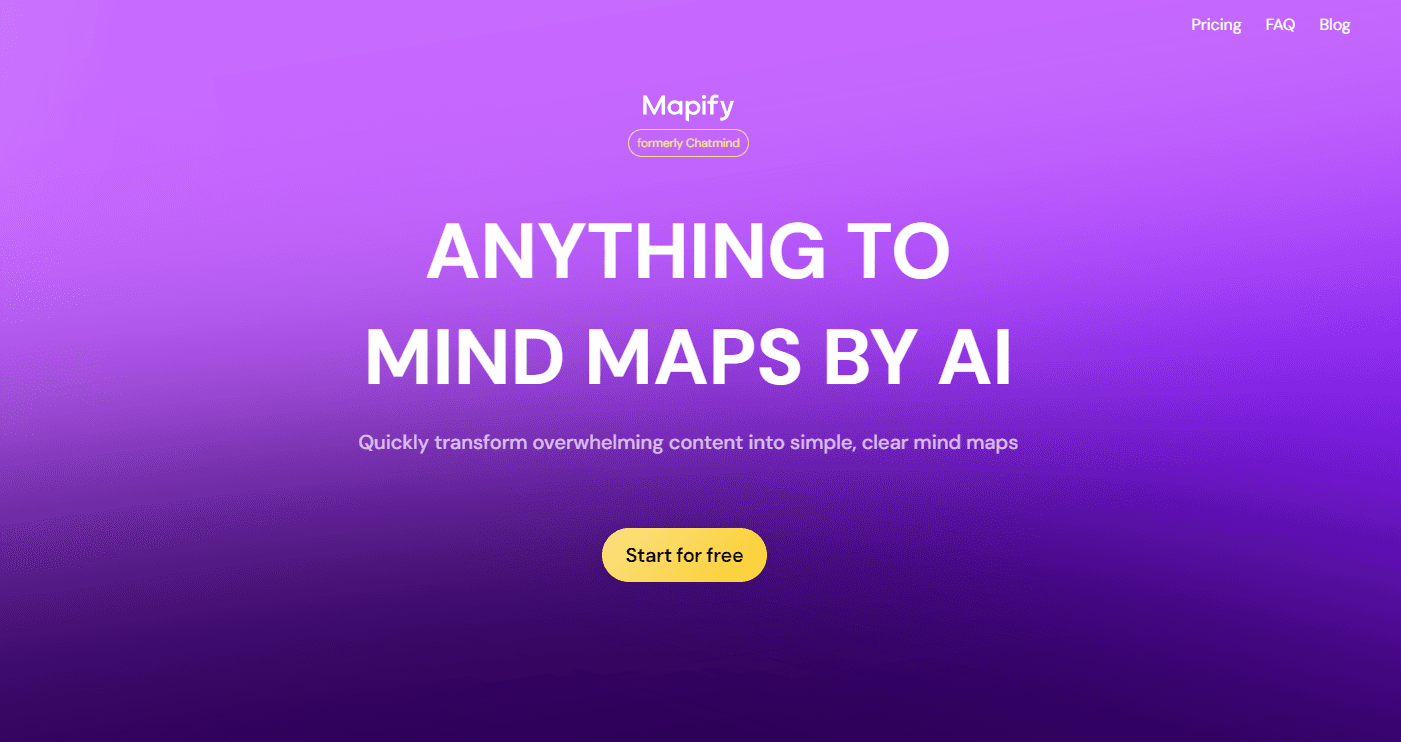
Mapify is an AI mind map generator from Xmind that turns PDFs, YouTube videos, web pages, audio, and images into structured visual maps in seconds.
About Mapify:AI思维导图&大纲笔记
What Is Mapify
Mapify is an AI summarizer and mind mapping app built by Xmind. You hand it a source, whether that's a PDF, a YouTube link, a web page, a podcast, or a photo of your notes, and it reads the content and drafts a mind map of the key points. The pitch is speed. Instead of reading a 40 page report line by line, you get a visual outline you can scan, expand, and edit.
The app runs on top of large language models such as GPT, Gemini, and Claude, and you can pick between light and heavy models depending on the job. It started life as ChatMind before rebranding, and today it covers web, mobile apps, and a browser extension, all synced to one account.
Two things set the limits. It's a summarizer first, so the quality of a map depends on how clean your source is; a messy scan or a video with no captions gives weaker results. And the AI features spend credits rather than running free forever, so heavy use on the top models adds up. For students, researchers, and anyone who reads a lot for work, that trade is usually worth it.
Getting Started
- Sign up at mapify.so with an email or a Google account. You get a small credit balance to test the AI features.
- Pick a source. Paste a URL, link a YouTube video, upload a PDF or audio file, or type a topic to start from scratch.
- Choose a model and generate. Mapify reads the content and builds a mind map with branches and subnodes, which usually takes seconds for short sources.
- Refine and chat. Use the AI chat to expand, shorten, translate, or rewrite any branch, or drag nodes and add your own notes by hand.
- Share or export. Send a link, present the map as slides, or export it to an image, PDF, or Markdown file.
Product Information
A quick look at Mapify:AI思维导图&大纲笔记's pricing, supported platforms, and performance.
Best for
The users, tasks, and scenarios where this tool fits best.
Users
- Students
- Researchers and analysts
- Content creators and writers
Tasks
- PDF to mind map
- YouTube to mind map
- Organizing meeting or podcast recordings
- Brainstorming from a single prompt
- Translating foreign-language material
Scenarios
- Cramming before an exam
- Prepping a presentation
- Editing or reviewing documents
- Working across devices on the move
Key features
Multi-Source to Mind Map
The core feature takes almost any content type and turns it into a map. PDFs and documents, YouTube videos, web pages, long pasted text, audio files, podcasts, and even images all work as inputs. You don't need a specific format or a plugin; you drop in the source and the app figures out what to do with it. That range is what separates it from mind map tools that only accept typed text.
Chat with Your Content
Beyond the first map, you can talk to the source directly. Ask Mapify to expand a branch, shorten a section, rewrite a node, or translate the whole map, and it edits in place using plain-language instructions. For a dense paper, this is often quicker than hunting for the right paragraph yourself, because the AI answers from the document you loaded.
Timestamps and Transcription for Video
When you map a YouTube video, Mapify generates a full transcript and links each branch back to a timestamp. Clicking a node jumps to the exact moment in the video, which turns a long recording into something navigable. Videos without captions are handled through transcription, which does cost more credits.
Export, Present, and Share
Finished maps aren't trapped in the app. You can export to an image, PDF, or Markdown file, or share a live link. A separate Present as Slides feature turns the map into a slide deck for meetings, reports, or classrooms, so the same structure works as a study aid and as a presentation. Xmind's file format is also supported, which matters if you already use Xmind.
Image Generation and AI Templates
An image generator adds contextual illustrations inside a map, useful for visual learners or for making a map readable at a glance. Ready-made templates cover common jobs like brainstorming, analysis, and planning, so you start from a shape that fits the task rather than a blank canvas.
Cross-Platform Sync
Mapify runs on the web, iOS, Android, iPadOS, macOS, and as a Chrome extension, and one subscription covers all of them. Maps stay in sync across devices, so a document you mapped at your desk opens on your phone on the way home. The extension is especially handy for turning an article you're already reading into a map without leaving the page.
Pros and cons
Pros
- Accepts a wide range of inputs, from PDFs and videos to audio and images, so you rarely hit a dead end on format.
- Generates a usable first map in seconds for short sources, which beats reading a long document just to outline it.
- The AI chat lets you reshape the map in plain language instead of rebuilding it by hand.
- Video timestamping and transcripts make long recordings genuinely navigable.
- Cross-platform sync and a working free tier mean you can test it before paying.
Cons
- AI features run on credits, and heavy models or large files burn through them quickly, so frequent users need a paid plan.
- The free tier is limited to a small credit balance and short documents, which is enough to try but not to rely on.
- Map quality tracks the source. Poor scans, caption-free videos, or disorganized files produce weaker results.
- It's built for summarizing content you already have, not for building large freeform diagrams from nothing.
Frequently asked questions
Mapify converts content into mind maps. You feed it a PDF, a YouTube video, a web page, an audio file, or a topic, and it drafts a structured map of the important points. People use it to summarize documents, take notes from videos, and organize research fast.
Related content
Explore related tools, skills, and articles for Mapify:AI思维导图&大纲笔记.
Mapify:AI思维导图&大纲笔记 Alternatives

Base Code
Base44 (Wix) · Coding · ProductivityBase Code is a shared cloud development environment from Base44. Teammates describe changes to an existing GitHub codebase in chat, preview them live and send them back as pull requests.

Knocket
Knocket (Tencent RTC team) · Productivity · Business · ChatbotKnocket is a free live chat and contact page tool that lets visitors message you from your website, app, or a shareable link, with every reply handled from Telegram or one inbox.

FloorGen
Vinit Kumar (FloorGen) · Productivity · China AIFloorGen is a browser-based floor plan maker that turns a sentence or a sketch into an editable 2D plan and a 3D walkthrough. Export to PDF, DXF or video, and draw without an account.