

Martin
Martin (Try Martin) · Productivity
Martin is an AI personal assistant that plugs into your calendar, inbox, Slack, and phone so you can hand off daily tasks by text, call, or email.
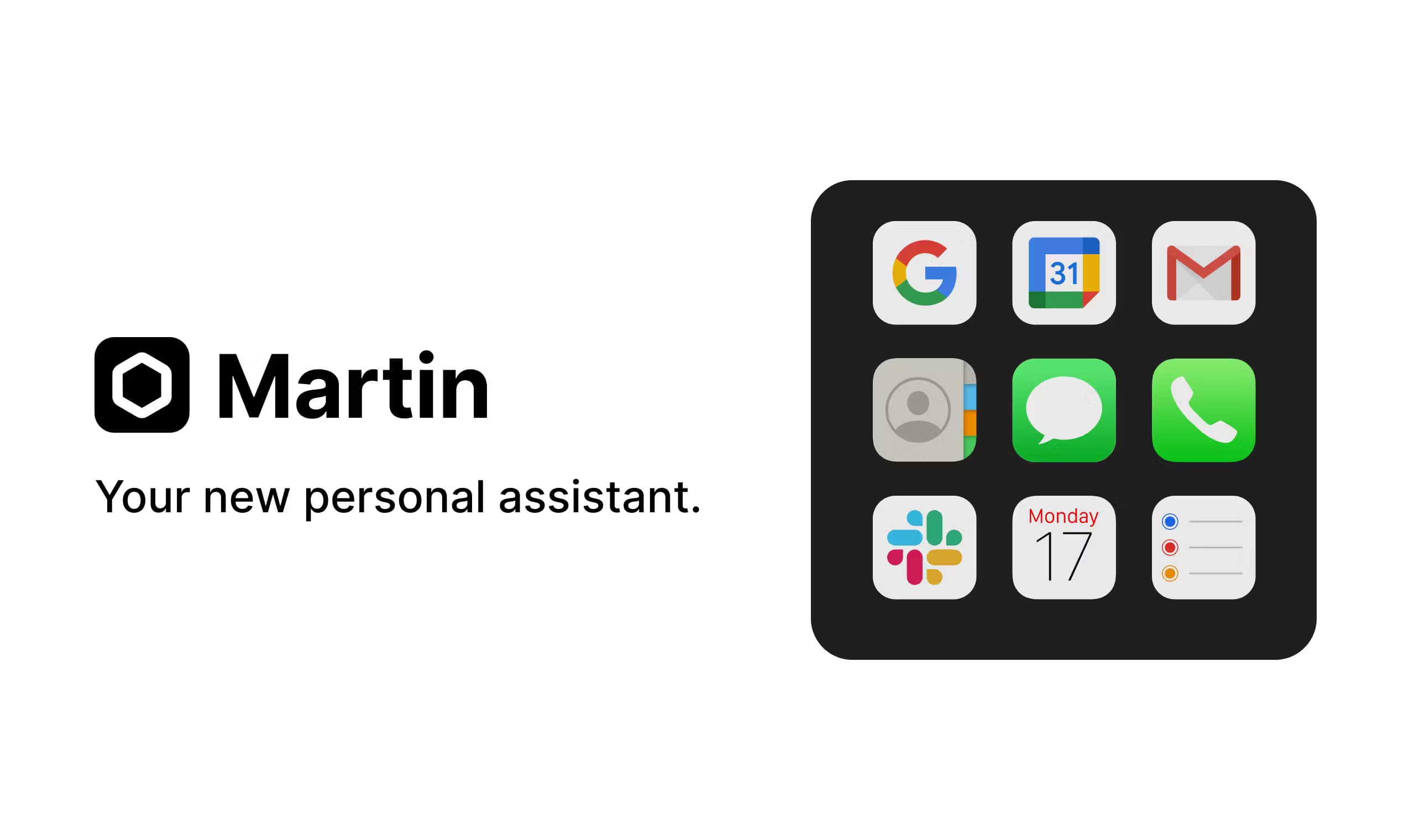
About Martin
What Is Martin
Martin is a personal AI assistant built by a Y Combinator-backed team. Unlike chatbots that live inside a single app window, it works through the channels you already use: SMS, phone calls, WhatsApp, email, Slack, and its own iOS app. You send a message the way you would to a human assistant, and Martin carries out the task on your behalf.
The product targets people whose days are a mess of coordination. It reads your inbox, drafts replies, schedules meetings, sets reminders, keeps a to-do list, and runs background jobs like morning wake-up calls or a weekly briefing. The pitch is a digital butler that remembers your preferences instead of making you repeat them every session.
The biggest limit isn't features. It's trust. Martin needs access to your email, calendar, and messaging accounts to be useful, which means handing a third-party service deep permissions. It also leans on the channels you connect, so if a tool isn't on the supported list, it's out of reach. Pricing sits above casual chatbot subscriptions too, starting at $35 per month billed monthly.
Getting Started
- Create an account at app.trymartin.com or download the Martin app for iOS.
- Give Martin your contact details so you can reach it by phone, SMS, WhatsApp, or email.
- Connect your tools: calendar, inbox, Slack, and anything else on the supported integrations list.
- Send your first request, like "schedule lunch with Alex on Friday" or "draft a reply to this email."
- Set up background tasks, such as a morning wake-up call or a weekly email briefing.
Product Information
A quick look at Martin's pricing, supported platforms, and performance.
Best for
The users, tasks, and scenarios where this tool fits best.
Users
- Busy professionals
- Anyone replacing a virtual assistant
- Students
- Founders and small teams
Tasks
- Inbox management
- Scheduling
- Reminders and to-dos
- Outbound calling and texting
Scenarios
- Daily admin overload
- Early-morning starts
- Ongoing research
Key features
Reach Martin by Text, Call, or Email
You don't open an app to talk to Martin. You text it, call it, email it, or DM it on Slack, and it responds in the same channel. That means zero new habits to learn. Your assistant lives where your conversations already happen.
Inbox and Calendar Automation
Connect your email and calendar accounts and Martin handles the busywork. It reads incoming messages, applies labels, drafts replies, and manages events. The Cc to Schedule feature lets you copy Martin on an email thread and have it book the meeting without a back-and-forth. That alone kills a lot of friction.
Proactive Background Tasks
Beyond answering when prompted, Martin runs jobs on its own. It sends daily or weekly email briefings, triages your inbox, drafts emails ahead of time, and can call you every morning with the weather and your agenda. It doesn't wait for orders. This is what separates an AI secretary from a plain chatbot.
Reminders, To-Dos, and Notes
Martin tracks your to-do list and sends reminders through whichever channel you prefer: SMS, Slack, email, phone call, or push notification. It also takes notes during conversations and stores them, so meeting notes and stray ideas don't vanish.
Built-In Web Search
Ask Martin a question and it pulls from Google, Perplexity, Twitter, and news and weather sources, then gives you a summary instead of a wall of links. From what I can gather, this is closer to a research assistant than a search box. Handy when you need a straight answer.
Custom Shortcuts
You can build shortcuts that trigger multi-step actions, so a single message kicks off a sequence instead of one task. No code needed. It's the closest thing to programming your own assistant without writing a line.
Pros and cons
Pros
- Works through channels you already use, including SMS, phone, WhatsApp, email, Slack, and iOS.
- Setup takes minutes.
- Handles real coordination, from draft replies to outbound calls for reservations.
- Proactive tasks like briefings and wake-up calls save time without extra prompting.
- Remembers your preferences, so custom workflows don't reset every session.
- Rated highly by users on Product Hunt and the App Store for everyday organization.
Cons
- Requires deep access to your email, calendar, and messaging accounts, which is a real privacy tradeoff.
- No free tier. The 7-day trial is the only way to test it before paying $21 or more per month.
- No public API, so you can't wire Martin into your own custom tools or scripts.
Frequently asked questions
Martin manages your calendar, inbox, reminders, to-dos, and notes, and it can text or call other people on your behalf. You reach it by SMS, phone, WhatsApp, email, Slack, or the iOS app, and it acts like a digital butler for daily tasks.
Related content
Explore related tools, skills, and articles for Martin.
Martin Alternatives

Udon
Udon · Coding · ProductivityUdon turns an Apple Silicon Mac into a home server you run from a browser, with container controls, file shares, and an optional AI sysadmin.

offstage
offstage cloud · Coding · Productivityoffstage gives AI coding agents and CI jobs a real Mac: a fresh macOS account on Apple silicon, driven over an API and billed by the second.

BotBus
Chengdu Tuyang Tusen Technology Co., Ltd. · Coding · ProductivityBotBus lets you control AI coding agents from your phone and watch: approve commands, start tasks and read results while the code stays on your desktop.