
Max Studio AI
Max Studio · Image · Voice & Language · Video
Max Studio AI is a web-based content creation platform that turns text prompts and photos into images, videos, and voiceovers. It bundles an AI image generator, an AI photo editor with 150+ effects, and an AI video generator into one workspace. It's built for people who want studio-quality visuals fast, and who don't want to learn pro editing software to get them.
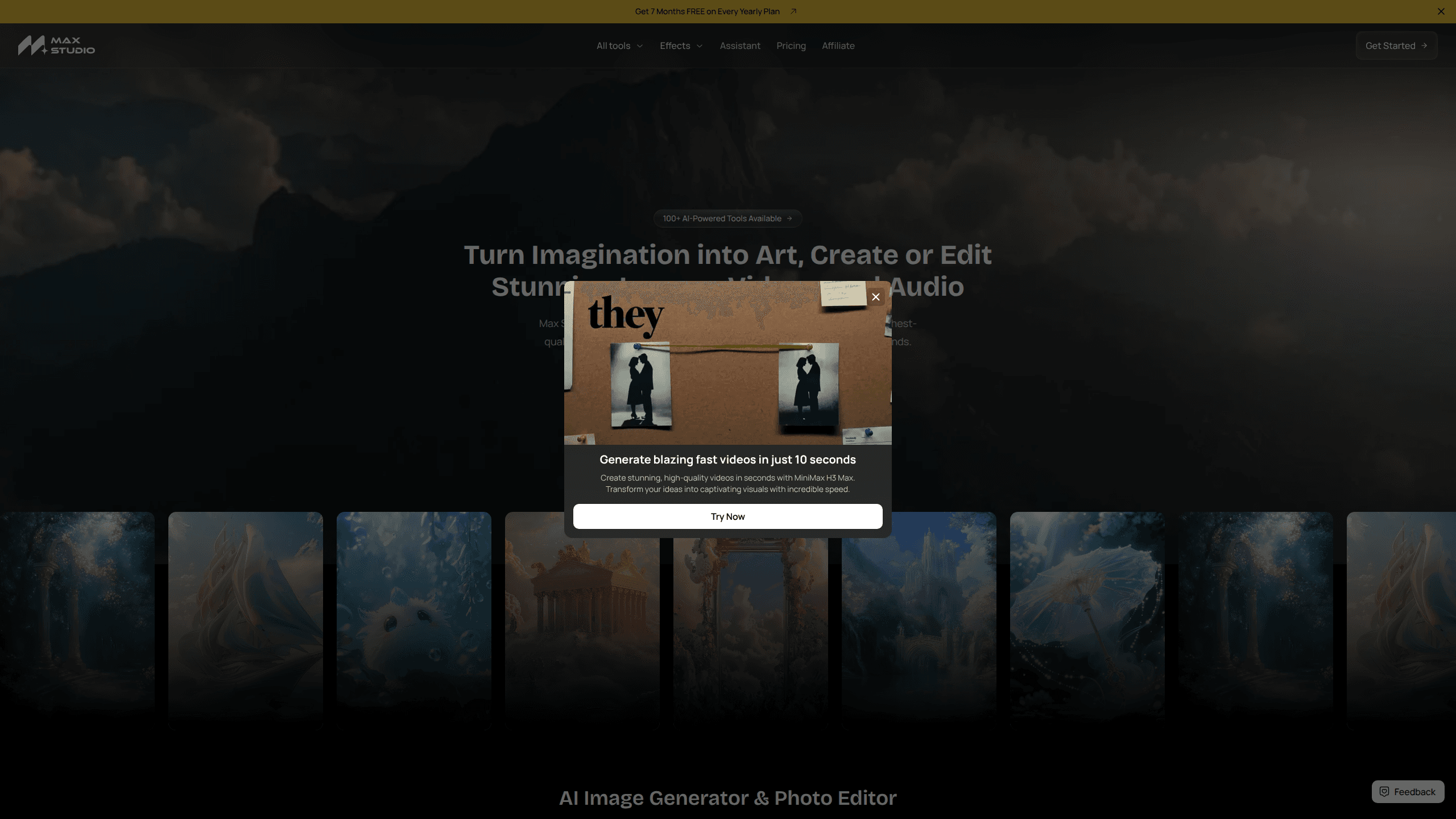
About Max Studio AI
What Is Max Studio AI
Max Studio AI is a browser tool for generating and editing visual media with AI. You type a prompt or upload a photo, pick an effect or a style, and the platform produces the output. The three pillars are image generation, photo editing, and video creation, with audio voiceovers rounding out the set.
The appeal is speed and access. Instead of juggling a photo editor, a video editor, and a separate voice tool, you get one place where a shot can go from idea to finished clip. Treat it as a single image editing tool for most of your everyday work. That matters most for social media content, product visuals, and quick concept work where a polished result beats a perfect one.
The catch is that the platform is web-only. There's no desktop app or mobile app, so you're tied to a browser. Pricing isn't published openly on the landing page either, which makes it hard to compare against alternatives before you sign up.
Getting Started
- Open maxstudio.ai in a browser and create an account.
- Choose your starting point: Image Generator, Photo Editor, or Video Generator.
- Enter a text prompt or upload a photo, then select an effect or style.
- Adjust the output if needed, then generate.
- Download the finished image, video, or voiceover and use it wherever you need.
Product Information
A quick look at Max Studio AI's pricing, supported platforms, and performance.
Best for
The users, tasks, and scenarios where this tool fits best.
Users
- Social media creators
- Small business owners
- Marketers running ads
- Hobbyists curious about AI art
Tasks
- Generating images from text prompts
- Editing photos with AI effects
- Turning a photo into a video
- Creating voiceovers
- Producing social media content
Scenarios
- A product page needs fresh visuals and you have no photographer booked
- A short reel needs a voiceover and you'd rather not record it yourself
- A concept pitch needs a rough clip to show the idea before full production
- Weeknight content work when you want something done in minutes, not hours
Key features
AI Image Generator
The image generator takes a text prompt and returns a rendered image. You describe the scene, style, or subject, and the tool handles the rest. No setup. No learning curve. It's the entry point for most first-time users and the fastest way to see whether the platform fits how you work.
AI Photo Editor with 150+ Effects
The photo editor applies studio-style effects to your own images. With more than 150 effects on offer, the range covers everything from subtle corrections to full stylistic makeovers. Max Studio claims its AI improves image quality up to 10 times faster than manual editing, which for a batch of photos is the difference between an afternoon and a coffee break.
AI Video Generator
The video generator turns text or images into video. You can add effects, build animations, or start a clip from nothing. It's the feature that separates Max Studio from pure image tools, and it's aimed at people who want moving content without touching a timeline editor.
AI Voiceovers and Audio
Max Studio generates spoken audio to pair with your visuals. That closes the loop for short-form video, where a clip without a voice track often feels unfinished. Generating the voice in the same tool means one less export and one less app.
Text-to-Video and Image-to-Video
The platform supports both directions: prompting a video from text, and animating a still image into motion. The second option is handy when you already have a strong photo and want to bring it to life rather than start over from a description. Same idea, different input.
All-in-One Web Workspace
Images, video, and audio live in one place. You don't export from one tool to import into another, which cuts the friction that usually kills small creative projects. Everything runs in the browser. Nothing to install, nothing to update.
Pros and cons
Pros
- Combines image, video, and audio generation in a single web workspace
- 150+ photo effects give plenty of range for quick stylistic changes
- Generates content in seconds, which suits fast social media turnaround
- No editing experience required to get a usable result
- Free plan lets you test the core features before paying
Cons
- Web-only, so there's no desktop or mobile app for offline work
- Pricing isn't published openly on the site, which makes pre-signup comparison awkward
- Output quality varies by prompt, so results need iteration before they're usable
- No confirmed API, so developers can't automate generation at scale
Frequently asked questions
It's used to generate and edit images, create videos from text or photos, and produce voiceovers. Most people use it for social media content, product visuals, and quick concept work where speed matters more than a full production pipeline.
Related content
Explore related tools, skills, and articles for Max Studio AI.
Max Studio AI Alternatives

X Ray Interpreter
X-ray Interpreter · ImageX Ray Interpreter is a web-based AI radiology tool that turns X-rays, CT scans, MRI, ultrasound, and PET images into plain-language reports. You upload a scan, get a preliminary X-ray interpretation in moments, then ask follow-up questions if something needs explaining. It works as a second opinion and a learning aid, not as a medical diagnosis.

Aieasypic
AIEasyPic · ImageAIEasyPic is an AI image generator that turns plain text prompts into finished artwork in seconds. You can also train custom models on your own photos, swap faces in existing images, and create short video clips from text, all from a browser. It suits casual creators who want quick visuals and hobbyists who want to build a personal model without touching any code.

Chargen
Chargen · ImageChargen is an AI character generator and worldbuilding toolkit built for Dungeons & Dragons and other tabletop RPGs. It turns a one-line idea into a painted character portrait, spins up NPCs, monsters, maps and encounters from the same session, and keeps every creature's details close at hand. The tabletop RPG art side runs on a credit system called Gold, while the text generators stay free for everyone.