

Maxium
Maxium · Coding
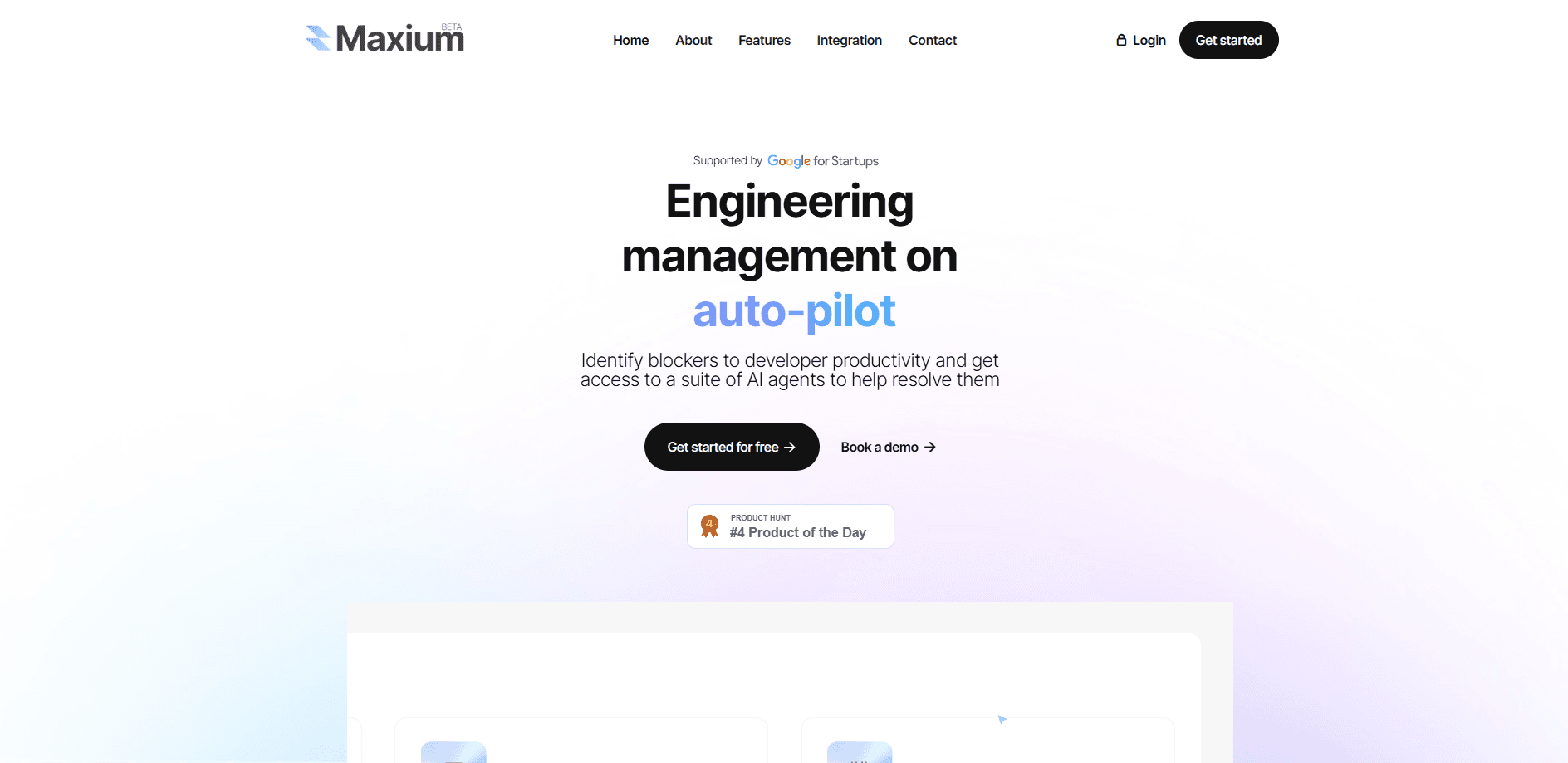
Maxium is an AI DevOps platform that connects to GitHub and helps engineering teams find blockers, estimate pull request effort, and track how work splits between planned and unplanned tasks.
About Maxium
What Is Maxium
Maxium AI is an engineering management platform built by a team that wants software teams to spend less time on process and more on shipping. It installs as a GitHub App, reads the activity already happening in your repositories, and turns it into a picture of how an engineering organization actually works.
The core problem it targets is visibility. Engineering managers rarely get a clean read on where developer hours go, which pull requests sit too long in review, or how much of the team's week gets eaten by unplanned work like bug fixes. Maxium categorizes code changes into areas such as bugs, unit tests, and refactoring, then estimates the effort behind each pull request so managers can see the balance between planned and unplanned work.
Its second job is removing friction inside the review process. Maxium's AI DevOps agents act on that data: one of them is a command line tool that automatically stacks pull requests, breaking a large change into smaller, ordered PRs that reviewers can follow and merge one at a time. Setup runs through GitHub and takes about two minutes, with no CI pipeline rewrites or new workflow to maintain.
The limits are worth knowing upfront. Maxium is aimed at teams, not solo developers, and its value depends on your work living in GitHub. Teams running their code review in GitLab, Bitbucket, or a self-hosted forge won't get much from it. Pricing is quote-based, so smaller teams have to talk to sales before they can compare it against free analytics.
Getting Started
- Install the Maxium GitHub App on the organization or repositories you want to track and grant it read access to pull request activity.
- Let Maxium index a few weeks of history so it can categorize code changes and estimate pull request effort across your team.
- Open the dashboard to see how work splits between planned and unplanned tasks, where PRs stall, and which engineers carry the most review load.
- Turn on the AI DevOps agents, starting with the CLI tool that auto-stacks large pull requests into reviewable chunks.
- Share the insights with engineering managers and set a regular review cadence to act on the blockers Maxium surfaces.
Product Information
A quick look at Maxium's pricing, supported platforms, and performance.
Best for
The users, tasks, and scenarios where this tool fits best.
Users
- Engineering managers
- Engineering leaders and CTOs
- Platform and DevOps teams
Tasks
- Estimating pull request effort
- Categorizing code changes
- Unblocking stalled reviews
- Splitting large changes
Scenarios
- Sprint planning
- Onboarding a new manager
- Post-incident cleanup
- Managing a fast-growing team
Key features
GitHub App Integration
Maxium installs as a GitHub App and starts reading pull request activity right away. Setup runs in about two minutes, and there's no pipeline to rebuild or new process for engineers to learn. The app stays inside GitHub permissions, so it works with the repos you already have.
Pull Request Effort Estimation
The platform estimates the effort behind each pull request rather than just counting lines changed. That gives managers a realistic read on workload, since a small diff to a tricky module can cost more than a large one in simple code. It's the number most review tools miss.
Dev Area Categorization
Every code change gets sorted into a development area such as bugs, unit tests, or refactoring. This turns raw commit data into a workload map, so a manager can see at a glance whether the team spent the week fixing defects or building features.
Planned vs Unplanned Work Tracking
Maxium separates work that was planned from work that showed up unexpectedly. That split is the clearest sign of whether a team is in control of its roadmap or constantly reacting, and it's hard to get from a typical issue tracker alone.
AI DevOps Agents
Maxium ships autonomous agents that act on the data it collects. Instead of only reporting problems, the agents are built to resolve them, which is the part that sets the product apart from plain analytics dashboards.
Auto-Stacking Pull Requests
The first agent is a command line tool that automatically stacks pull requests. It breaks a large change into a series of smaller, dependent PRs, each one easy to review on its own, and lets the whole stack merge in order. For teams flooded with AI-generated code, this keeps review from becoming the choke point.
Pros and cons
Pros
- Turns existing GitHub activity into engineering insights without extra reporting from developers.
- Pull request effort estimation gives a more honest workload picture than line counts.
- Auto-stacking PRs tackles review bottlenecks directly, which matters more as AI-generated code grows.
- Fast setup through a GitHub App keeps adoption friction low.
- Separating planned from unplanned work makes it easier to spot teams stuck in firefighting mode.
Cons
- GitHub-only integration means teams working in GitLab, Bitbucket, or self-hosted forges are out of luck.
- Pricing is quote-based, so you can't self-serve or compare costs without contacting sales.
- It's built for engineering managers and leaders, so individual developers get little from it.
- Some insight depends on historical data, which means the dashboard is thin until it has indexed enough activity.
Frequently asked questions
Maxium is an AI DevOps platform that connects to GitHub and gives engineering managers visibility into how their teams work. It categorizes code changes, estimates pull request effort, and splits work into planned and unplanned tasks.
Related content
Explore related tools, skills, and articles for Maxium.
Maxium Alternatives

Udon
Udon · Coding · ProductivityUdon turns an Apple Silicon Mac into a home server you run from a browser, with container controls, file shares, and an optional AI sysadmin.

offstage
offstage cloud · Coding · Productivityoffstage gives AI coding agents and CI jobs a real Mac: a fresh macOS account on Apple silicon, driven over an API and billed by the second.

BotBus
Chengdu Tuyang Tusen Technology Co., Ltd. · Coding · ProductivityBotBus lets you control AI coding agents from your phone and watch: approve commands, start tasks and read results while the code stays on your desktop.