

Meeting.ai: Work Assistant
Meeting.ai · Productivity
Meeting.ai is an AI agent for work that prepares research and decks before a meeting, records and writes notes during it, and turns what was said into minutes, documents, and Visual Notes after.
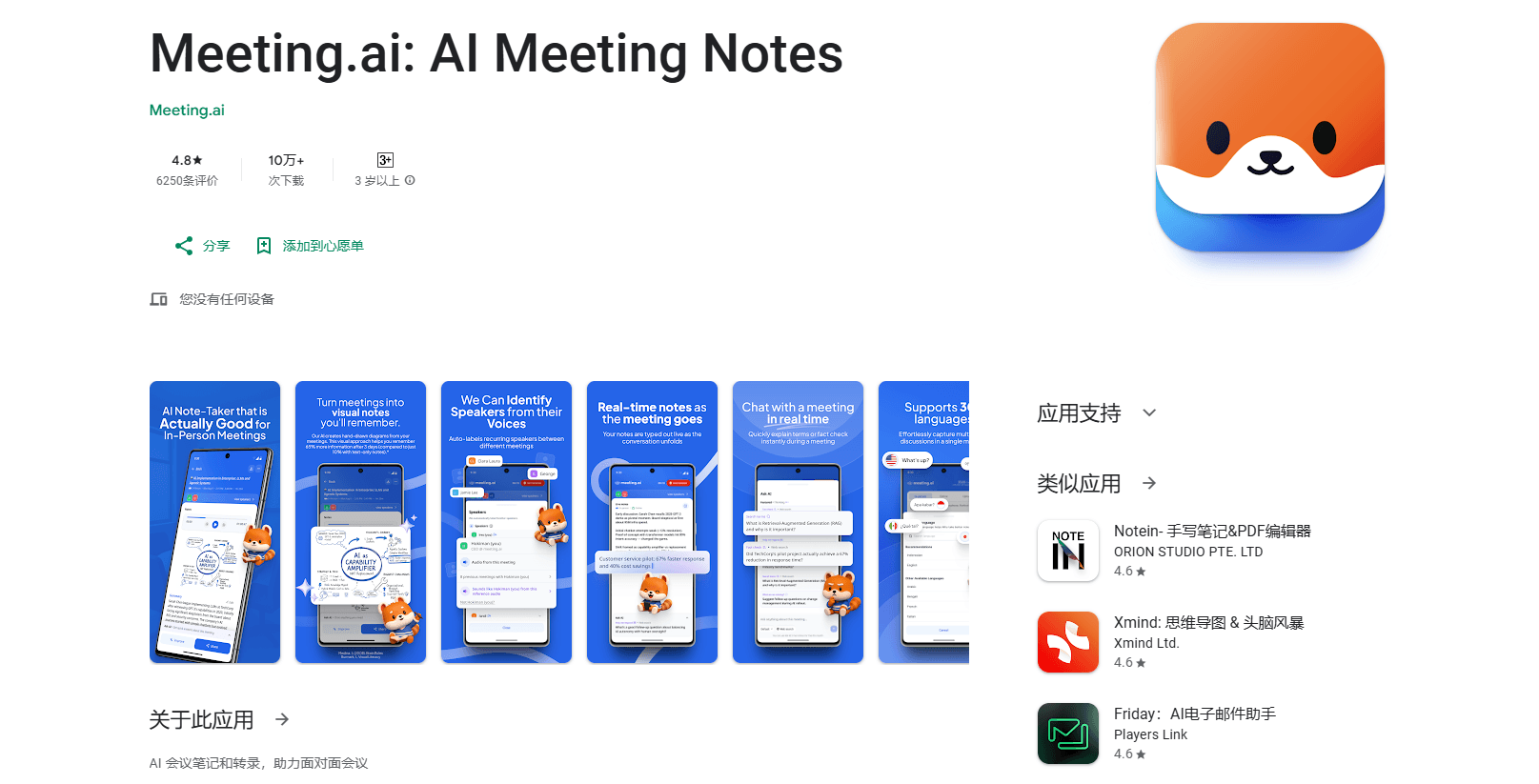
About Meeting.ai: Work Assistant
What Is Meeting.ai
Meeting.ai is an AI meeting assistant that runs across the whole arc of a conversation instead of only summarizing it. Before you meet, it can draft a slide deck, research the company and attendees, or rebuild a spreadsheet with live formulas from your notes. During the call, it captures the discussion through a Meeting Bot on Zoom, Google Meet, or Microsoft Teams, or through the web and mobile apps for in-person rooms. Afterward, it produces minutes, editable decks and documents, an audio brief, or a Visual Note that maps decisions and timelines.
The agent is backed by Memo, a memory layer that updates on its own. Memo tracks priorities, tradeoffs, decisions, people, and files across meetings, so each new brief or answer leans on what came before. That memory is what separates this from a plain note taker that forgets everything once the recorder stops.
Its limits are worth knowing up front. It's built for spoken conversations and the work that follows, not for tasks with no meeting or recording behind them, so it won't replace a general chatbot. Media like Visual Notes and generated audio spend coins from your balance, and Meeting.ai has no public API beyond its MCP server and memo CLI.
Getting Started
- Sign up at meeting.ai or install the iOS or Android app.
- Connect your calendar and grant microphone and system-audio permissions for recording.
- Pick a mode: send a Meeting Bot to a Zoom, Google Meet, or Teams link, record in person on your phone, or upload a file or YouTube link.
- After the call, review the transcript and notes, then generate a Visual Note, deck, document, or audio brief.
- Ask Memo questions across your meeting history, and install skills to extend what the agent can do.
Product Information
A quick look at Meeting.ai: Work Assistant's pricing, supported platforms, and performance.
Best for
The users, tasks, and scenarios where this tool fits best.
Users
- Managers and directors
- Sales and account teams
- Consultants and project leads
- Researchers and students
Tasks
- Preparing a meeting
- Writing meeting minutes
- Turning talk into deliverables
- Answering questions about past meetings
Scenarios
- Back-to-back online calls on Zoom, Meet, or Teams
- In-person meetings without a laptop
- Visual-first reviews
- Catching up after time away
Key features
Before, during, and after coverage
Most meeting tools pick one stage. Meeting.ai works all three. It preps a deck or brief before you arrive, records and writes notes live, then produces minutes and follow-up work once the call ends. That span is the reason it fits a full workflow rather than a single job. If you only need a recording, a simpler tool will do, but the value here is in the handoff between stages.
Meeting Bot and in-person capture
The Meeting Bot joins Zoom, Google Meet, and Microsoft Teams on its own from a link, so online calls get recorded without anyone touching a record button. For in-person rooms, the web or mobile app works as an in-person meeting recorder that captures the conversation directly, which covers the meetings that never had a link in the first place. You can also upload an existing audio or video file, or paste a YouTube link, to bring past recordings into the same workspace.
Transcripts and connected action items
Meeting transcription runs with speaker identification across 30+ languages, and the interface itself is available in 14. The notes don't float free of the conversation: decisions and action items stay tied to the words that produced them, so you can trace why something was flagged. For a team that revisits old calls, that link saves a re-listen.
Memo, the agent memory
Memo is the memory behind the agent, and it updates without prompting. It carries priorities, tradeoffs, decisions, people, and files forward, so a brief written this week knows what you settled last week. Over time the gap between a raw transcript and a usable answer narrows, because the agent already holds the context. It's the piece that makes follow-up questions worth asking.
Visual Notes
A Visual Note turns a meeting into a map or timeline rather than a wall of text, which suits a review where you need the shape of the discussion, not every line. It's drawn from the meeting's own structure, so a decision-heavy call reads differently from an exploratory one. Generating one spends coins from your balance, and editing the notes redraws it by default.
Skills and work outputs
Capabilities ship as installable skills covering research, writing, analysis, presentations, spreadsheets, images, and audio, and you can build private skills for your own routines. The outputs are real files: editable PowerPoint decks, Excel sheets with live formulas, PDF minutes, documents, and podcast-style audio briefs. That range means a meeting can end with finished work instead of a to-do list.
MCP and the memo CLI
Meeting.ai connects to Claude, ChatGPT, and other MCP clients through a hosted MCP server with about 20 tools for searching meetings, pulling transcripts, and creating media, plus a memo CLI for macOS and Linux. Access is approved through browser consent, with no key to paste. Media generation spends coins, and the setup means your agent can work with your meetings from the tools you already use.
Pros and cons
Pros
- It covers all three stages of a meeting, so prep, notes, and follow-up live in one place instead of across three apps.
- The Meeting Bot joins Zoom, Meet, and Teams from a link, while in-person rooms record from the phone, which covers both kinds of calls.
- Memo carries decisions and context between meetings, so answers and briefs get more grounded the longer you use it.
- Outputs are real files, from editable PowerPoint and Excel to PDF minutes and audio briefs, not just a summary block.
- A free tier and 700,000+ users make it easy to try before paying.
Cons
- It only helps when there's a meeting or recording behind the task, so it won't stand in for a general-purpose chatbot.
- Visual Notes and generated media spend coins, which adds up for heavy users beyond the subscription.
- There's no public API outside the MCP server and memo CLI, so custom integrations are limited to those paths.
- Pricing and Coin allowances vary by country and package, so the real cost takes a look at your region's plans.
Frequently asked questions
Meeting.ai is an AI meeting assistant and AI agent for work. It prepares decks and research before a meeting, records and writes notes during it, and turns the conversation into minutes, documents, spreadsheets, follow-up decks, audio briefs, and Visual Notes afterward.
Related content
Explore related tools, skills, and articles for Meeting.ai: Work Assistant.
Meeting.ai: Work Assistant Alternatives

Base Code
Base44 (Wix) · Coding · ProductivityBase Code is a shared cloud development environment from Base44. Teammates describe changes to an existing GitHub codebase in chat, preview them live and send them back as pull requests.

Knocket
Knocket (Tencent RTC team) · Productivity · Business · ChatbotKnocket is a free live chat and contact page tool that lets visitors message you from your website, app, or a shareable link, with every reply handled from Telegram or one inbox.

FloorGen
Vinit Kumar (FloorGen) · Productivity · China AIFloorGen is a browser-based floor plan maker that turns a sentence or a sketch into an editable 2D plan and a 3D walkthrough. Export to PDF, DXF or video, and draw without an account.