

MeetingMemo
MeetingMemo · Productivity
MeetingMemo is a private meeting recorder for Mac that captures calls and in-person conversations without sending anything to someone else's cloud. The meeting transcription runs on your own machine, and the app turns that transcript into a summary and action items. You pick where the AI runs, so sensitive calls stay on your device. Think of it as AI meeting notes that never leave your laptop.
About MeetingMemo
What Is MeetingMemo
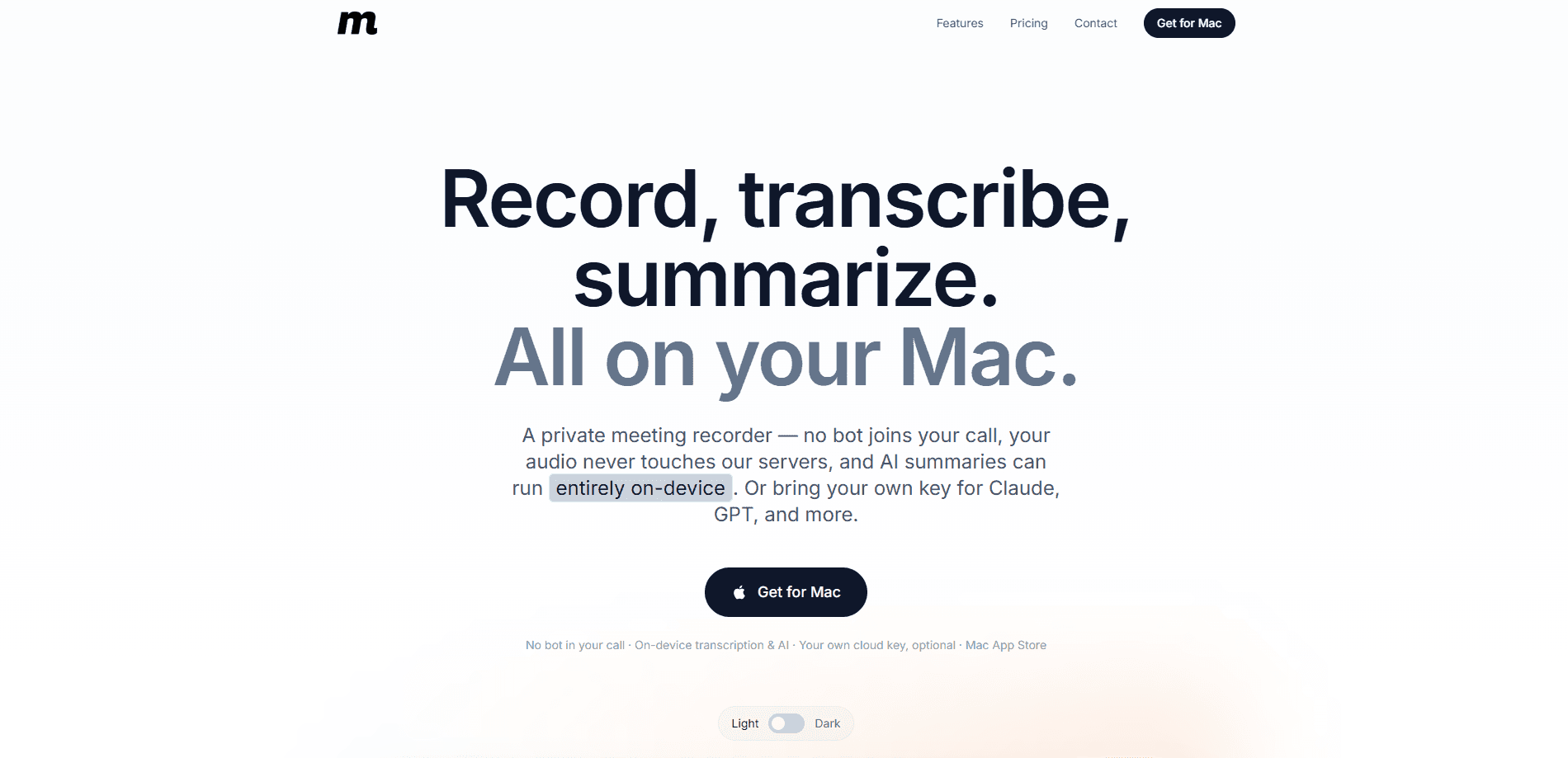
MeetingMemo is a Mac app that records meetings and calls, then turns them into a transcript, a summary, and a list of action items. The pitch is simple: no bot joins the call, and your audio never leaves your computer unless you decide otherwise. It's built for people who can't hand confidential conversations to a third party, like legal, health, and finance teams, and for anyone who has watched a note-taking bot appear in the participant list and wondered who else could see it.
The app records both sides of a call at once. Your microphone and the system audio are captured together, so you get your voice labeled You and everyone else labeled Others. That means no diarization guesswork, and no virtual audio driver to install. Clean audio. Two speakers. Zero setup.
The main limit is platform, and it's a real one. There's no Windows, iPhone, or iPad version, and it needs a recent Mac running macOS 26 (Tahoe) or later on Apple Silicon. So if your work spills across a Windows laptop, an iPhone, and a Mac, MeetingMemo only covers one third of that.
Getting Started
- Install MeetingMemo from the Mac App Store and open it. Recording and on-device transcription work right away, with no account or API key.
- To get summaries and action items, choose an AI engine in Settings. Run it fully on-device with the free Ollama app, or paste your own cloud provider key (Anthropic Claude, OpenAI, Gemini, and others).
- If you use Ollama, install the app, pull at least one model, then hit Refresh in Settings → AI Summaries → On-device.
- Start a call in Zoom, Teams, Google Meet, or FaceTime and hit record. MeetingMemo captures your mic and the call audio together.
- Read the transcript as it builds, then open the summary, action items, and chat with the meeting to pull out decisions.
Product Information
A quick look at MeetingMemo's pricing, supported platforms, and performance.
Best for
The users, tasks, and scenarios where this tool fits best.
Users
- Legal, health, and finance teams
- Freelancers and consultants
- Mac-only knowledge workers
Tasks
- Turning a recorded call into notes
- Finding what was decided
- Transcribing live
Scenarios
- A confidential client call on Zoom
- A phone interview on speaker
- A recurring team standup
Key features
No Bot in the Room
Most meeting recorders send a note-taker that joins as a participant, and everyone on the call can see it. MeetingMemo records what your Mac hears instead. Nobody gets added. Nobody gets a notification. And there's no awkward "who invited the bot" moment.
Two-Sided Recording Without Extra Setup
MeetingMemo grabs your microphone and the system audio at the same time, labeling your voice You and everyone else Others. You don't need BlackHole, Loopback, or any other virtual audio driver. It works with Zoom, Teams, Google Meet, FaceTime, and even a phone on speaker. No driver. No config file. Just hit record.
On-Device Transcription
Two engines run on your Mac: Apple's SpeechTranscriber and WhisperKit, which covers 99 languages. Speech becomes text live on the Neural Engine, and the transcript starts filling in as people talk. Your audio is never uploaded just to be transcribed. This is the part that keeps meeting transcription private, because the words never leave the machine that heard them.
AI Summaries Your Way
MeetingMemo writes a title, a summary, and action items, and you choose where the AI runs. Keep it fully on-device with Ollama so nothing leaves your Mac, use the hosted service that stores nothing, or plug in your own provider key for the strongest models. Only text is ever sent, and only if you ask. Audio stays put.
Chat With the Meeting
Forgot what you agreed on? Ask the transcript. You can pose a question like "What did I commit to?" and get an answer pulled from that meeting's text. Because the AI already read the whole transcript for you, it can surface the one decision you half-remember from twenty minutes in, without you scrubbing through an hour of audio and trying to remember roughly when someone said the sentence you're now looking for.
Private iCloud Sync
Meetings, transcripts, action items, and audio sync across your Macs through your own private iCloud using CloudKit. No MeetingMemo account sits in the middle. If you don't sign into iCloud, everything stays local to that one Mac. That's the whole point of a private meeting recorder: the notes follow you, but the vendor never holds a copy.
Pros and cons
Pros
- No bot joins your calls, so participants aren't notified and nothing shows up in the attendee list.
- Audio and transcription stay on-device, which fits legal, health, and regulated work where handing confidential calls to a third-party cloud provider is simply not allowed.
- AI summaries can run fully offline through Ollama, or through your own provider key, so you're never locked into one model and you can always pick whichever engine you trust most with the text.
- Two-sided capture works out of the box without installing a virtual audio driver.
- Sync runs through your own iCloud, and a 30-day trial covers every feature before you pay.
Cons
- Mac only. There's no Windows, iPhone, or iPad version, so you can't record from a phone call or a PC. That rules out plenty of people.
- It needs macOS 26 (Tahoe) or later on Apple Silicon, so older Intel Macs are out.
- On-device summaries depend on the models you install locally, because small models give noticeably weaker output while a large model can run slowly on a base-spec Mac.
- There's no public API, so you can't build MeetingMemo into an automated workflow.
Frequently asked questions
No. Recording and transcription happen entirely on your Mac, and the audio is never uploaded to any server. If you turn on AI summaries through a hosted or personal provider, only the text transcript is sent, and you choose that provider yourself.
Related content
Explore related tools, skills, and articles for MeetingMemo.
MeetingMemo Alternatives

Base Code
Base44 (Wix) · Coding · ProductivityBase Code is a shared cloud development environment from Base44. Teammates describe changes to an existing GitHub codebase in chat, preview them live and send them back as pull requests.

Knocket
Knocket (Tencent RTC team) · Productivity · Business · ChatbotKnocket is a free live chat and contact page tool that lets visitors message you from your website, app, or a shareable link, with every reply handled from Telegram or one inbox.

FloorGen
Vinit Kumar (FloorGen) · Productivity · China AIFloorGen is a browser-based floor plan maker that turns a sentence or a sketch into an editable 2D plan and a 3D walkthrough. Export to PDF, DXF or video, and draw without an account.