

Meitu
Meitu Inc. · Image
Meitu is an AI photo and video editing app for portrait retouching, beautification and creative design. It runs on iOS, Android and web.
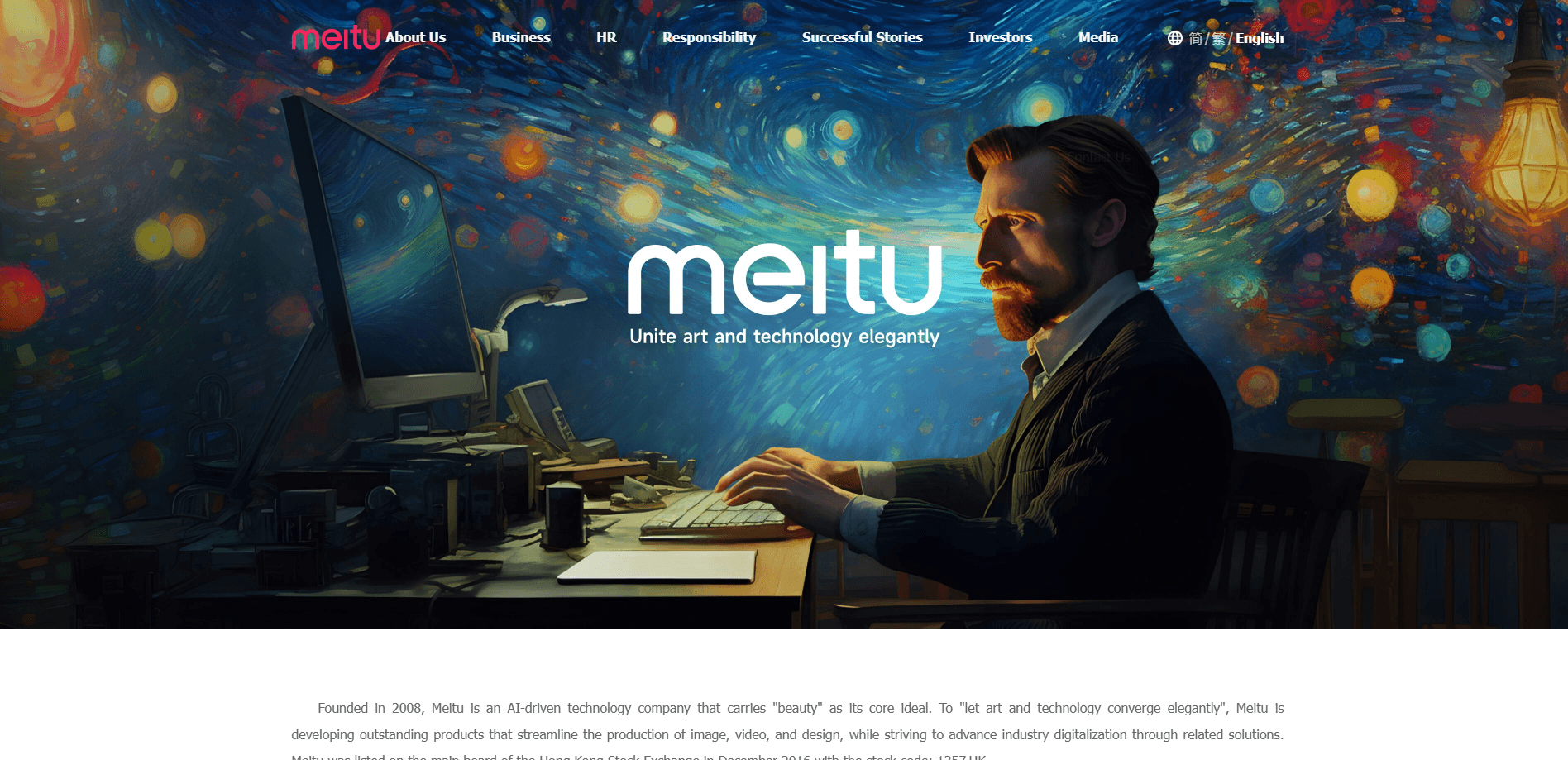
About Meitu
What Is Meitu
Meitu is an AI-driven imaging app made by Meitu Inc., a Chinese company founded in 2008 and listed on the Hong Kong Stock Exchange under 1357.HK. The core idea is beauty: you take an ordinary selfie or clip and the app retouches skin, reshapes a portrait or turns a plain shot into something that looks styled. It ships as a mobile app for iOS and Android, with a web version and a PC build for people who want a bigger screen.
The case for installing it comes down to range. Meitu bundles portrait retouching, AI background removal, object erasing and image extension into one place, so you skip paying for three or four separate tools. The tools sit behind a tap rather than a slider panel, which is why it lands with casual users who want a result fast and don't want to learn a desktop editor. For a fuller creative suite, the Meitu AI image generator covers text-to-image and style transfer as well.
Two limits are worth knowing before you commit. Most of the good stuff sits behind a subscription, and the free tier leaves watermarks and locks frames on many of the AI features. Storage and processing also run through Meitu's servers, so anything you upload leaves your device.
Getting Started
- Download Meitu from the App Store or Google Play, or open the web version in a browser
- Create an account with an email or a social login so your edits sync across devices
- Import a photo or clip, then pick a tool like Face Retouch, AI Removal or a template
- Start on the free tier to test the results, then decide if the subscription is worth it
Product Information
A quick look at Meitu's pricing, supported platforms, and performance.
Best for
The users, tasks, and scenarios where this tool fits best.
Users
- Casual selfie takers
- Content creators posting to social media
- Small business owners
- Hobby photographers
Tasks
- Portrait retouching
- Background removal
- Object erasing
- Image extension
- Video enhancement
Scenarios
- A store owner needs product photos by tomorrow
- A traveler shoots 200 photos on one trip
- A creator has a clip that looks flat
- A family wants an old photo restored
- A shop needs promo posters
Key features
AI Portrait Retouching
This is the feature the app built its name on. Face Retouch smooths skin, clears blemishes and adjusts features while trying to keep the face looking like the person rather than a plastic copy. Beauty Style stacks makeup, hair color and hairstyle options on top, and Body Contour reshapes a silhouette with adjustments the app says stay true to the original. You get a natural result fast, and the sliders are there if you want to dial anything back.
AI Removal and Cutout
The AI Removal tool erases unwanted objects and people from photos and video, and leaves the background intact around the gap. AI Cutout does the opposite job: it detects the subject and strips the background away for a clean transparent image. Both run without a brush or a mask, which matters if you have never used a layer-based editor. For online sellers, this pair covers most of the cleanup work on a product listing.
Photo Extension and AI Filters
Photo Extension stretches the canvas past the original edges and fills the new space by matching the surrounding background, which is handy when a shot won't fit a wide banner. AI Filters takes a reference photo and applies its color style to your own image in one tap. That saves the trial-and-error of hunting through manual color settings to match a look you saw somewhere else.
Creative Assets and Templates
The app carries a large set of stickers, filters, presets and collage layouts, and the preset canvases come with the whole arrangement already set, including the layout, filter, stickers and text placement. You add photos and the design snaps into shape. As a photo collage maker, templates cover everyday posts, travel journals and seasonal greetings, so you spend less time deciding and more time posting.
AI Image Generation
The AI art tools turn a text prompt or a photo into generated visuals in styles like comic, fairy tale or oil painting. It sits alongside the editing features, so you can create an image for a post and then retouch it in the same app. The generated styles lean toward creative and playful rather than photoreal, which fits the social-first audience the app serves.
Video Beautify and Enhancement
The video side applies the same beauty logic to clips. Video Beautify smooths skin and evens out lighting on faces as the clip plays, while enhancement and sharpening lift soft or low-light footage. It won't replace a full video editor with timeline editing, but for a short social clip that needs a fast polish, it's enough.
Pros and cons
Pros
- Bundles retouching, cutout, object removal and generation in one app instead of spreading them across several tools
- Tools work behind a tap, so you reach a decent result without training
- A free plan lets you test the core features before paying
- iOS, Android, web and PC builds let you edit on a bigger screen when it suits you
- Video beautify treats faces across a whole clip, not just one frame
Cons
- The best features sit behind the subscription, and AI tools add watermarks or lock frames on the free tier
- Cloud processing means uploading your photos to Meitu's servers, which won't suit anyone who wants fully local editing
- On long clips or timeline-based projects it trails a desktop video editor
- Image generation leans toward creative styles, so it isn't for anyone after photorealism
Frequently asked questions
Meitu is an AI photo and video editing app. It retouches portraits, removes backgrounds and objects, extends images and applies filters and templates, with a video side that beautifies and sharpens clips. It works on iOS, Android and the web.
Related content
Explore related tools, skills, and articles for Meitu.
Meitu Alternatives

Google EmbeddingGemma 2
Google DeepMind · Writing · Image · CodingGoogle EmbeddingGemma 2 is a 740M-parameter open model that turns text, code, images, audio, and video frames into vectors in one 768-dimension space, running on phones and laptops.

Tractionwave
TractionWave · Image · MarketingTractionWave is an AI attention heatmap tool for static ads. Upload a PNG or JPG and it returns predicted attention, ranked hotspots, and fixes before you spend budget.

Imejis.io
Imejis.io · Image · MarketingImejis.io is an AI design studio for agents and marketing teams. Describe an image in plain words, and it writes the copy, builds the layout, reflows it to every size, then exports a finished file.