

Mem
Mem Labs, Inc. · Productivity · Leaning
Mem is an AI note-taking app and proactive agent. It acts as a second brain that captures your notes, meetings, and files, organizes them, and handles AI task tracking.
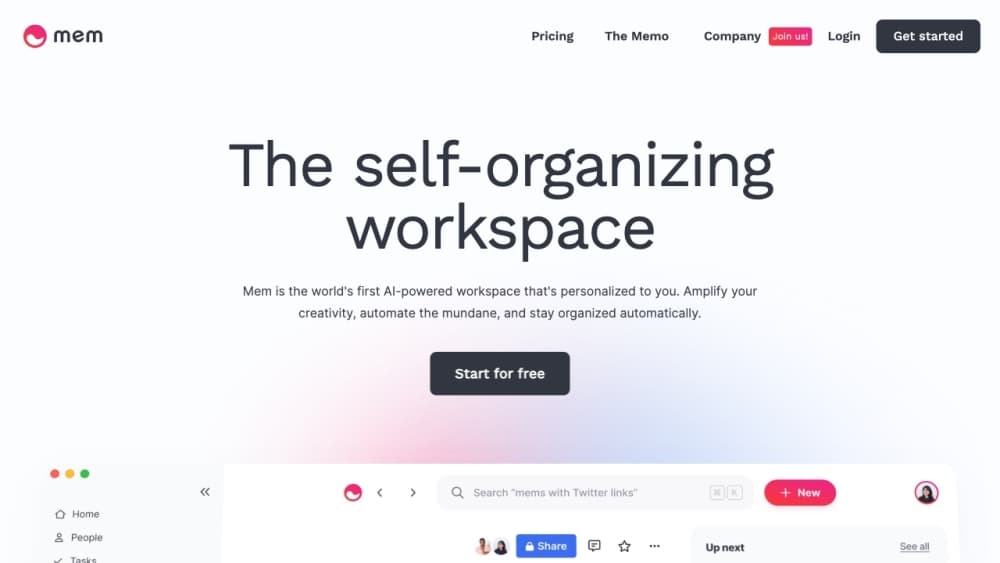
About Mem
What Is Mem
Mem is an AI note-taking app built by Mem Labs, Inc. It started in 2019 as a self-organizing notes workspace and has since grown into what the company calls an AI Thought Partner, a system that captures your thinking and then acts on it.
The core idea is that you shouldn't have to build a filing system to remember things. As a second brain app, it lets you write, speak, or clip whatever is on your mind, and Mem's agent works out where it belongs, what it connects to, and when it should come back to you. It reads your notes, your messages, and your connected calendar to run AI task tracking without a separate to-do app.
The limits are worth knowing up front. Mem runs on a capacity ladder: each plan caps messages, new notes, tracked notes, custom routines, connections, and Voice Mode hours per month, so heavy users outgrow the cheaper tiers. It's also a solo tool at heart, and it only logs in through a Google account, which rules it out for teams standardized on another identity provider.
Getting Started
- Sign up at mem.ai with a Google account. New users start on the Free plan with 25 messages, 25 notes a month, and 3 hours of Voice Mode.
- Capture something. Type a note, hold the desktop shortcut on Mac or Windows to speak, clip a page with the Chrome extension, or forward mail to [email protected].
- Add context by connecting Gmail, Slack, or Todoist, and link your calendar so the agent knows when you have time to act.
- Let Mem organize. It groups notes into collections, detects tasks and projects, and surfaces related notes through Heads Up as you work.
- Ask Mem anything through Deep Search or chat, and set a custom routine on a paid plan to have it brief, research, or remind you on a schedule.
Product Information
A quick look at Mem's pricing, supported platforms, and performance.
Best for
The users, tasks, and scenarios where this tool fits best.
Users
- Founders and operators
- Knowledge workers and consultants
- Students and researchers
Tasks
- Capturing meetings without a bot
- Tracking tasks and projects
- Recalling anything by description
- Following through on commitments
Scenarios
- Busy weeks with no room to think
- Client and account work
- Rebuilding context fast
Key features
Mem Agent and Task Tracking
Mem Agent is the engine that turns stored notes into follow-through. It reviews the notes you create or edit each month, detects tasks and projects on its own, and keeps a live picture of what still needs attention. Your plan decides how many notes it reviews and how many open tasks and projects it tracks at once, from 15 on Free up to 1,000 on the top tier.
Push-to-Remember and Voice Mode
Push-to-Remember lets you hold a desktop shortcut, speak your thought, and release to send it. Mem then works out where the note belongs and what it changes. Voice Mode goes further and captures meetings or long brain dumps as audio plus a structured transcript, without a meeting bot joining the call. Free users get 3 hours a month; paid tiers scale from 10 hours up.
Deep Search and Head Up Recall
Deep Search retrieves notes by meaning, not by exact keywords. You describe what you're after, even as a fuzzy memory, and it pulls the right note. Heads Up works in the opposite direction: it brings related notes and collections up while you're writing or heading into a meeting, so the information finds you instead of the other way around. Both come with every plan.
Connections to Your Work
A Connection links Mem to an outside source like Gmail, Slack, or Todoist. Once linked, Mem can treat that material as context, detect tasks and projects inside it, and notice when work is already done. Free and Plus plans don't include connections; Pro starts you with one, and the 20× plan allows 20 at once.
Custom Routines and Scheduled Work
Custom Routines let Mem do background work on a schedule. You can ask for a weekly briefing, a research pass, a fresh note, or a reminder, and set how often it runs. Each run counts as a Routine Execution against your plan's cap. Routines are a Pro feature, with Pro offering one routine and the largest tier offering 20.
Capture from Anywhere
Mem pulls information in from several directions. An agentic Chrome extension turns a webpage into a formatted note in one click, email forwarded to [email protected] becomes an organized note, and Share to Mem handles links and files from your phone. Everything lands in the same workspace the agent reads, so capture never depends on you deciding where something goes.
Pros and cons
Pros
- The agent tracks tasks and projects from your own notes, so you don't maintain a separate to-do system.
- Deep Search finds notes by description, which makes an old, loosely tagged note base genuinely usable.
- Voice Mode captures meetings and brain dumps without a meeting bot, and produces a structured transcript.
- Connections to Gmail, Slack, and Todoist let Mem pull in outside work rather than waiting for you to paste it.
- Offline support across web, desktop, and mobile means capture works even without a connection.
- Notes stay visible and editable, and one-click Markdown export keeps your data portable.
Cons
- Every plan caps messages, notes, and tracked items per month, so heavy users can hit a ceiling and face an upgrade.
- Connections and custom routines are locked to paid tiers, which weakens the free and $9 plans for agent-style use.
- Login is Google-only, so you can't sign up with email or another provider.
- There's no Android app, which leaves Android users on the web version.
Frequently asked questions
Mem is used to capture and recall personal knowledge. You store notes, meetings, saved pages, and files in one workspace, and the agent organizes them, tracks tasks and projects, and brings relevant notes back when you need them.
Related content
Explore related tools, skills, and articles for Mem.
Mem Alternatives

Base Code
Base44 (Wix) · Coding · ProductivityBase Code is a shared cloud development environment from Base44. Teammates describe changes to an existing GitHub codebase in chat, preview them live and send them back as pull requests.

Knocket
Knocket (Tencent RTC team) · Productivity · Business · ChatbotKnocket is a free live chat and contact page tool that lets visitors message you from your website, app, or a shareable link, with every reply handled from Telegram or one inbox.

FloorGen
Vinit Kumar (FloorGen) · Productivity · China AIFloorGen is a browser-based floor plan maker that turns a sentence or a sketch into an editable 2D plan and a 3D walkthrough. Export to PDF, DXF or video, and draw without an account.