

Memory4Me
Memory4Me · Productivity
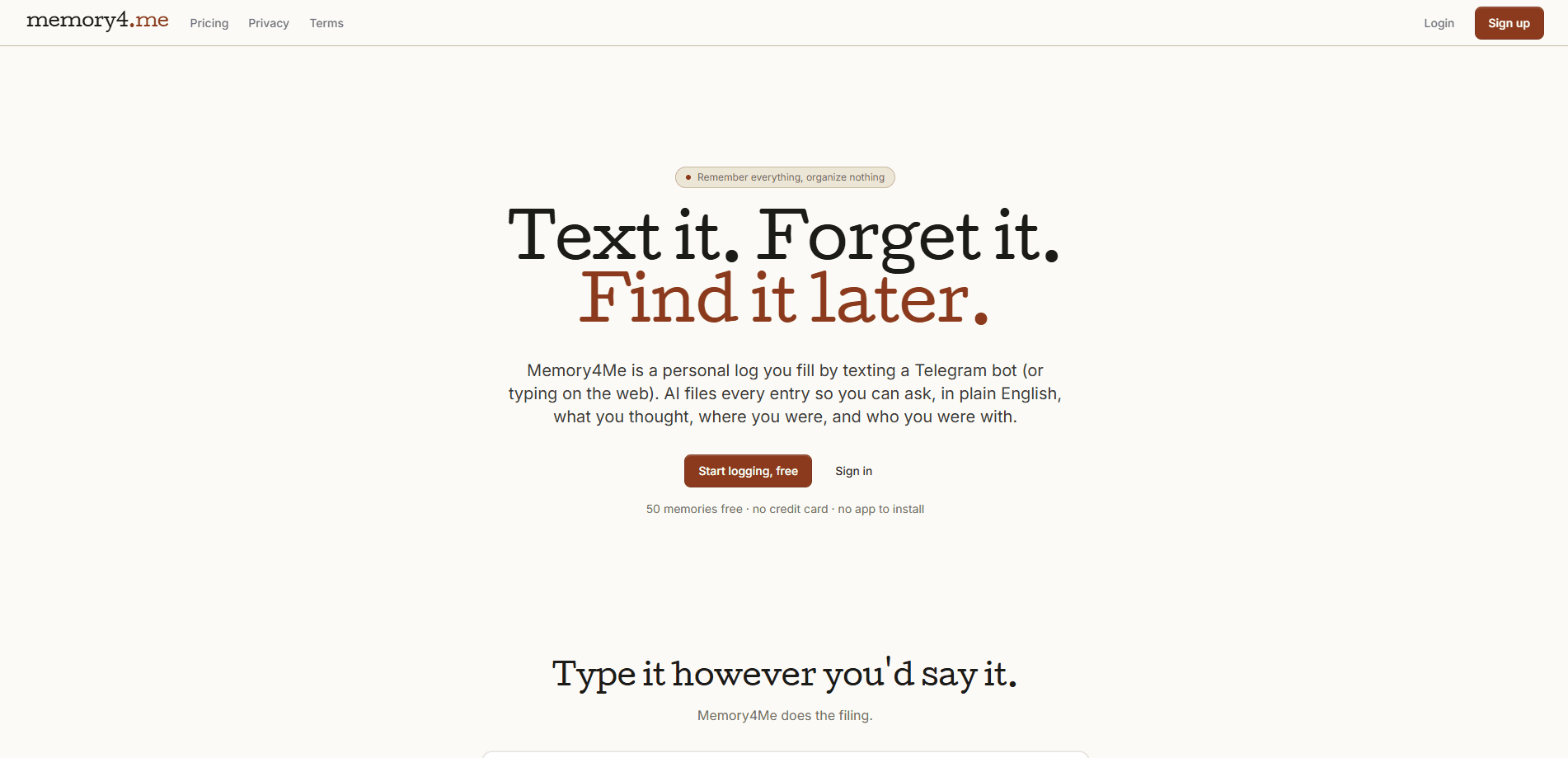
Memory4Me is a personal memory log you fill by texting a Telegram bot or typing on the web. It works like an AI note taking app, except you never file anything yourself. Every entry, whether a sentence or a photo, gets read by AI and sorted with a category, a name, a place, and the people you were with. So how do you find any of it later? Ask in plain English, like "What did I think of Pai?", and the answer comes back. No folders. No tags. No app to install.
About Memory4Me
What Is Memory4Me
Memory4Me is a memory log for people who write things down and never find them again. It sits somewhere between a journaling app and a chat bot. You send a thought to a Telegram bot, and the AI behind it reads the sentence, pulls out the structured parts, and stores everything so it stays searchable. There's a web view too, so you can browse or export from a browser when typing on a phone gets annoying.
The point isn't to replace a full note-taking system. It's to remove the filing work that makes most people give up on notes. You don't create a folder or pick a tag. You just write the sentence the way you'd say it out loud, and Memory4Me decides where it belongs based on the words you used and the names and places buried inside them.
The main limit is trust. Your entries are parsed once by Google Gemini to pull out fields, and the company says it never trains a model on what you save and never sells it. If that trade-off bothers you, there's a toggle to encrypt sensitive entries at rest. It's a web and Telegram product. No native app.
Getting Started
- Sign up at the Memory4Me website, or from the Telegram bot, with an email and password.
- Open the bot in Telegram and send your first entry as a normal sentence, like "Had dinner with Brad at Pai, the curry was great."
- Let the AI parse it. You'll see the entry come back with a category, a place, a rating, and the person attached.
- Send a photo when a sentence won't cover it. A menu, a book cover, or a wine label works, and the AI writes a description your searches can match later.
- Search in plain English from the web view or the bot, or open a person's page to see every memory you've logged with them.
Product Information
A quick look at Memory4Me's pricing, supported platforms, and performance.
Best for
The users, tasks, and scenarios where this tool fits best.
Users
- Casual journalers
- Frequent travelers
- Note-hoarders
Tasks
- Logging a quick thought
- Saving photo memories
- Remembering people
- Recalling past opinions
Scenarios
- End of a meal out
- Weekend catch-up
- Book and wine tracking
- Weekly review
Key features
Automatic AI Filing
Every entry gets parsed once by Google Gemini, which pulls out a category, a name, a place, a rating, and who you were with. You write the sentence and skip the tagging step that kills most note apps. The fields are what make later searches work. Be specific. The more detail your sentence carries, the better the result.
Plain-English Search
You ask questions the way you'd ask a friend. "What did I think of Pai?" or "Who was I with last weekend?" both return matching entries without filters or saved searches. It's the part that separates Memory4Me from a standard notes app, where finding an old thought depends on remembering how you titled it. No keywords required.
Photos as Memories
A photo counts as an entry. Send a picture of a menu, a book cover, or a wine label, and the AI writes a description that becomes searchable text. That turns your camera roll into something you can query, at least for the images you deliberately send in. Good for anything you'd rather not type out.
People Pages
Write "had dinner with Brad" and Brad gets a page of his own, collecting every memory that mentions him. Over time, it becomes a running record of who you've seen and when, built from entries you were writing anyway. Handy. Useful when you can't recall the last time you caught up with someone.
Telegram-First, No Install
Memory4Me runs as a Telegram bot, so there's no new icon, no new login, and no new notification stream. Most people already keep Telegram open, and texting a bot takes about three seconds. The web view handles browsing, search, and export when you want a bigger screen. That's the whole setup.
Private by Design
There are no ads and no feed. The company states it doesn't train AI on your entries and doesn't sell them. You can export everything as CSV at any time, and a single toggle encrypts sensitive entries at rest. Nothing in, nothing trained.
Recap Emails
Pro subscribers get a weekly or monthly recap email that gathers recent entries into one read. It's a nudge to review what you logged, and a way to notice patterns you'd otherwise miss.
Pros and cons
Pros
- Filing is automatic, so there's no folder or tag system to maintain.
- Plain-English search works on people, places, and your own past opinions.
- Photos become searchable once the AI describes them.
- Lives inside Telegram, so there's nothing new to install or remember to open.
- CSV export and an at-rest encryption toggle give you a way out and a way to lock things down.
Cons
- There's no native iOS or Android app, so you're limited to the Telegram bot and the web view.
- Numerical memory caps on the free and Starter plans mean heavy daily users hit the Pro tier quickly.
- Entries are sent to Google Gemini for parsing, so if you'd rather nothing leaves your device, this isn't the tool.
Frequently asked questions
It's a personal memory log for capturing small things you'd otherwise forget: what you ate, what you thought of a place, who you were with. The AI files each entry so you can search it later in plain English instead of scrolling through notes.
Related content
Explore related tools, skills, and articles for Memory4Me.
Memory4Me Alternatives

Base Code
Base44 (Wix) · Coding · ProductivityBase Code is a shared cloud development environment from Base44. Teammates describe changes to an existing GitHub codebase in chat, preview them live and send them back as pull requests.

Knocket
Knocket (Tencent RTC team) · Productivity · Business · ChatbotKnocket is a free live chat and contact page tool that lets visitors message you from your website, app, or a shareable link, with every reply handled from Telegram or one inbox.

FloorGen
Vinit Kumar (FloorGen) · Productivity · China AIFloorGen is a browser-based floor plan maker that turns a sentence or a sketch into an editable 2D plan and a 3D walkthrough. Export to PDF, DXF or video, and draw without an account.