
Mera Work
AAPNA Infotech · Productivity
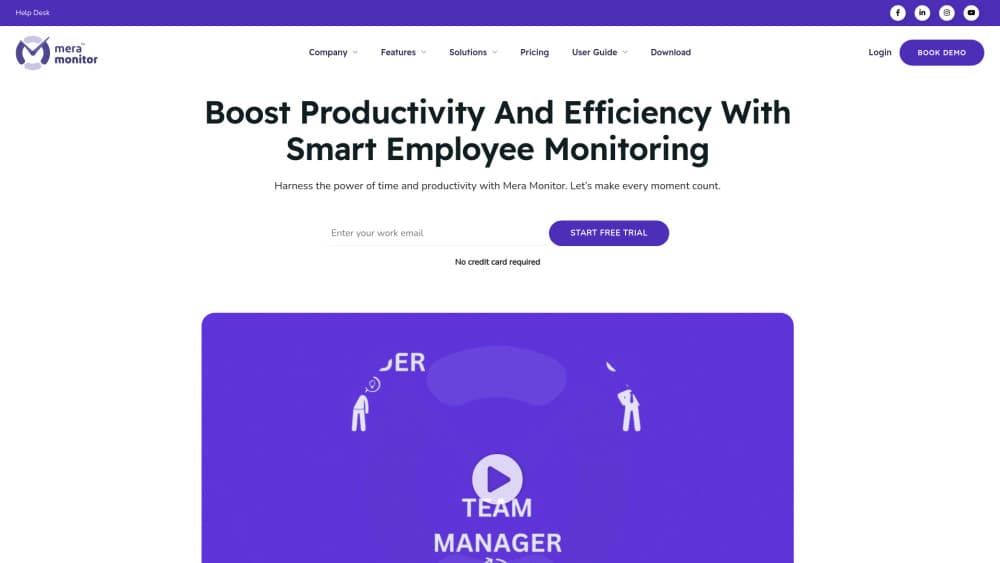
Mera Work is employee monitoring and time tracking software from AAPNA Infotech. It records app and website use, screenshots, and attendance, then turns the data into productivity reports.
About Mera Work
What Is Mera Work
Mera Work is a workforce monitoring platform built by AAPNA Infotech, an Indian software services company that started in 2007. The product launched as Mera Monitor during the remote work shift of 2020 and now runs under the mera.work domain. It puts activity data, attendance records, and project time in one dashboard so a manager doesn't have to piece together three separate reports.
The core job is answering a simple question: where did the working day actually go? Small desktop agents on Windows, macOS, and Linux log active time, idle time, and the apps or sites in use. Managers see that data as charts, screenshots, and per-project totals.
The limits matter before you sign up. Tracking is desktop only, so field staff on phones stay out of scope. Screenshot capture also raises real consent questions, and in many countries you need a written policy and employee notice before you turn monitoring on.
Getting Started
- Create an account at mera.work and start the 14 day trial, which needs no card.
- Install the desktop agent on each team member's machine, or push it through Group Policy for larger rollouts.
- Set work hours, idle thresholds, screenshot intervals, and which apps count as productive in the admin panel.
- Invite managers with role based access, then review the dashboard and reports after the first full working day.
Product Information
A quick look at Mera Work's pricing, supported platforms, and performance.
Best for
The users, tasks, and scenarios where this tool fits best.
Users
- Operations managers at small and mid sized firms
- HR teams handling attendance
- IT administrators
- Founders of remote first startups
Tasks
- Spotting idle time patterns
- Tracking billable project hours
- Reviewing app and website habits
- Proving attendance for compliance
Scenarios
- A hybrid team split between home and office
- A BPO floor with rotating shifts
- A first monitoring rollout
Key features
Live Dashboard and Real-Time Analytics
The dashboard refreshes as people work, so active, idle, and away status shows up while the day is still running. Managers get team level charts plus a per person view. You can filter by project or shift to see whether a slow sprint comes from workload or from lost hours.
Screenshot Capture and Live Screen Streaming
Screenshot monitoring takes periodic captures of each screen, and live streaming opens a real time view of one machine. Both are configurable, so you can set an interval that matches your policy instead of capturing every few seconds. The evidence is useful for disputes where activity logs alone feel abstract. It also makes a clear monitoring policy non negotiable.
App and Website Productivity Classification
Mera Work sorts every app and site into productive, neutral, or unproductive, and you can edit the categories yourself. Reports then show time spent per app and per site rather than a single activity score. That split is what turns raw keystroke logging into something a manager can act on.
Automatic Time Tracking and Timesheets
Timers start with the agent and fill timesheets as the day goes, which removes most end of week reconstruction. Task based tracking links hours to a specific project or ticket. Scheduled breaks stop the clock automatically, so lunch doesn't show up as idle time.
Attendance, Shifts, and Time Claims
Attendance tracking covers check in, check out, and offline entries for people who spent the morning in meetings or on site. Time claims let an employee convert those hours into active time with an approval step. Holiday configuration and shift rules keep the calendar accurate across regions.
Admin Controls, Privacy Mode, and Integrations
Private mode pauses tracking during personal errands or confidential work, and work modes adjust what gets logged for remote, hybrid, or office days. Admins assign roles for Admin, Report Admin, CXO, and User, and can turn on single sign on. API and integration access, private cloud setup, and up to three months of data retention round out the enterprise options.
Pros and cons
Pros
- Every feature ships in both plans, so there are no add ons or feature gates to compare before buying.
- At $3 per user each month on annual billing, the cost stays low for teams that only need activity and attendance data.
- Attendance, shifts, and time claims live beside monitoring, which cuts a separate HR tool from the stack.
- Deployment is handled for you: GPO support, multi device tracking, and single sign on cover a mid sized rollout.
- The 14 day trial needs no card, so a pilot team can test reports before any commitment.
Cons
- There is no mobile agent, so drivers, field sales, and other phone based staff can't be tracked.
- Screenshots and live streaming create consent and privacy obligations that vary by country, and the tool doesn't manage that paperwork for you.
- Retention stops at three months, so year over year trend analysis means exporting data on a schedule.
- Stealth mode is available, and using it without telling staff will damage trust once people find out.
Frequently asked questions
Mera Work monitors computer activity and working hours for teams. It logs active and idle time, apps and websites, screenshots, and attendance, then reports on all of it in one dashboard. Managers use it for productivity tracking, project hours, and shift attendance.
Related content
Explore related tools, skills, and articles for Mera Work.
Mera Work Alternatives

Base Code
Base44 (Wix) · Coding · ProductivityBase Code is a shared cloud development environment from Base44. Teammates describe changes to an existing GitHub codebase in chat, preview them live and send them back as pull requests.

Knocket
Knocket (Tencent RTC team) · Productivity · Business · ChatbotKnocket is a free live chat and contact page tool that lets visitors message you from your website, app, or a shareable link, with every reply handled from Telegram or one inbox.

FloorGen
Vinit Kumar (FloorGen) · Productivity · China AIFloorGen is a browser-based floor plan maker that turns a sentence or a sketch into an editable 2D plan and a 3D walkthrough. Export to PDF, DXF or video, and draw without an account.