

MeshPilot
Jenesh Patel · Coding
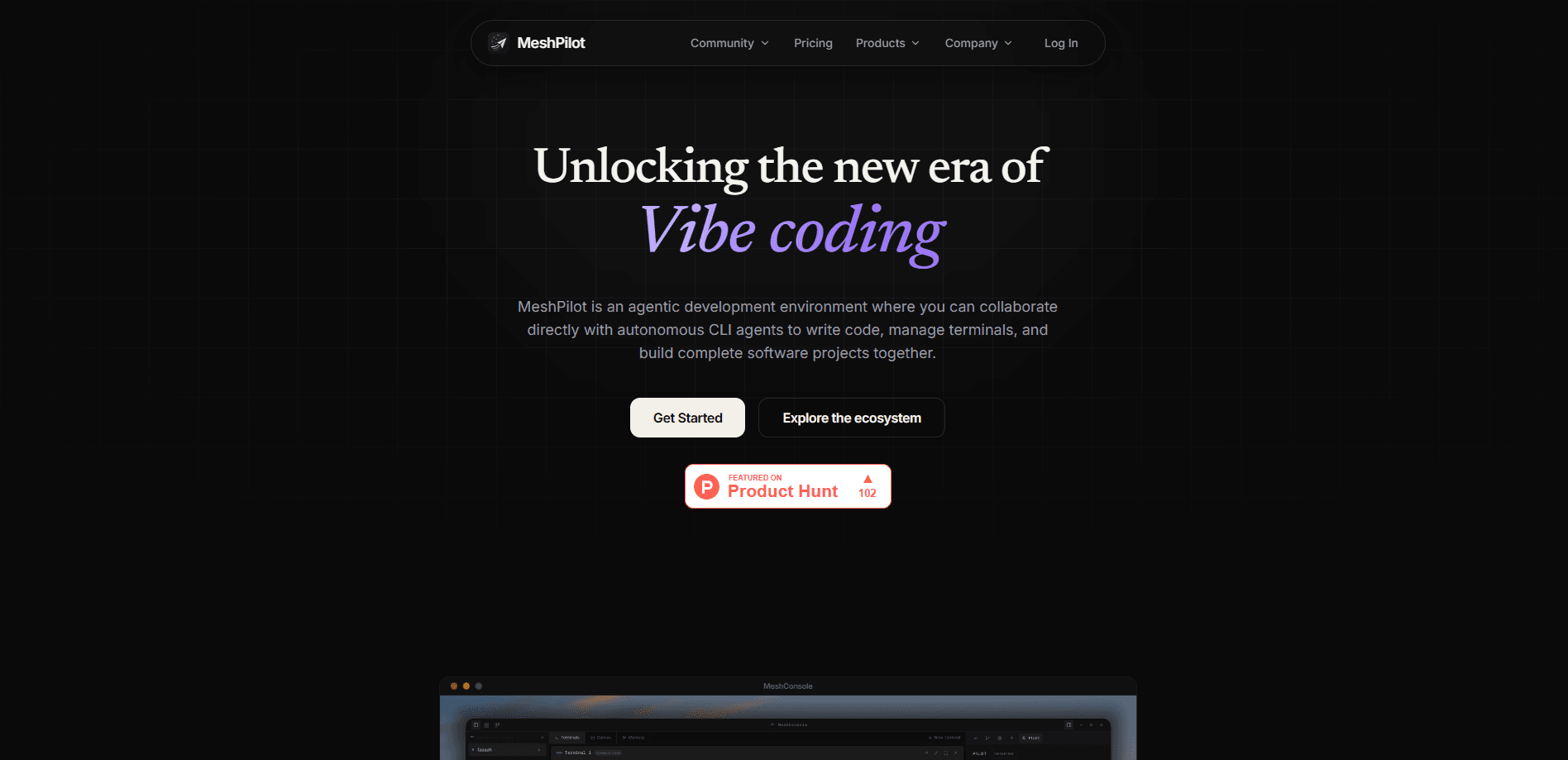
MeshPilot is a desktop workspace for running several AI coding agents on one project at the same time. Instead of juggling terminal tabs and copy-pasting context between them, you get persistent terminals, a shared task board, and project memory that every agent can read. It bundles three pieces. MeshConsole is an AI coding agent workspace where agents run. MeshMCP is the coordination layer they share. MeshUtility is a free dictation and prompt-rewriting widget. You bring your own agents, from Claude Code and Codex to Cursor and Gemini, and MeshPilot stays the workspace rather than the model. It isn't the agent. It's where the agents live.
About MeshPilot
What Is MeshPilot
MeshPilot is a desktop toolset built by Jenesh Patel in Chandigarh, India, for people who run more than one coding agent at a time. A modern coding agent is a command-line program, so most developers end up with one terminal tab per repository and no clean way to share what each agent has learned. MeshPilot treats those agents as first-class processes: nearly thirty CLI agents live in one registry, each in a terminal that survives navigation, and an optional board lets you wire agents together so they pass context to each other.
Its core products are MeshConsole, MeshMCP, and MeshUtility. MeshConsole is the app where agents run, with an editor, a browser, git, and an assistant called Pilot that can operate the app itself. MeshMCP is the coordination layer the agents share, giving them a common task board and memory for a project. MeshUtility is a separate, free tray widget for voice dictation into any focused field and AI rewriting of any selected text, and it works outside MeshPilot too.
The main limits are practical. MeshConsole runs on Windows, macOS on Apple Silicon, and Linux, and it needs an active plan after sign-in. Memory works one project at a time, so cross-project recall depends on you keeping work organized. And because the value comes from coordination, a single-agent user gets far less out of it than someone running a small crew.
Getting Started
- Download MeshConsole for Windows, macOS on Apple Silicon, or Linux, then sign in through your browser so the app receives a scoped token.
- Press Ctrl + N and pick a workspace type: Bench, Studio, or Crew.
- Choose the project folder the agents should work in, then compose your panes by setting how many of each agent you want, plus a plain shell if you need one.
- Launch. Each agent starts already wired to MeshMCP, and they all share the task board and memory for that project.
- Open Pilot with Ctrl + Shift + J and ask it to add tasks, open panes, or connect two agents.
Product Information
A quick look at MeshPilot's pricing, supported platforms, and performance.
Best for
The users, tasks, and scenarios where this tool fits best.
Users
- Solo developers running two or more coding agents
- Small teams that want agents working the same repository
- Developers who already pay for Claude Code, Codex, or another agent
Tasks
- Coordinating a batch of related fixes
- Running long jobs on your own machine
- Rewriting and dictating text anywhere
Scenarios
- A refactor that touches several folders, where one agent drafts changes while another checks tests.
- Early project work where you want a crew of agents exploring a fresh codebase without losing notes between sessions.
- Onboarding onto an unfamiliar repo, using project memory to keep the agents' findings together.
Key features
One workspace for nearly thirty CLI agents
MeshConsole keeps close to thirty coding agents in a single registry and runs them side by side on the same project. You set how many panes of each agent you want and add a plain shell when a task needs one. So why bother? Because the copy-pasting becomes the job once you run three agents.
Shared task board and MeshMCP
MeshMCP is the coordination layer the agents share, and it's the heart of any AI agent orchestration setup. It gives them a common task board and a place to hand off work, so a second agent knows what the first one already did instead of starting over. On the free-tier chat side, the board is where you model a job as a set of tasks and let agents claim them.
Project memory that agents can read
MeshPilot keeps memory for the project, so agents work with notes from earlier sessions rather than a blank slate. The local memory is included on every plan, and Plus adds MeshMemory Cortex, which curates memory and notes with AI. The payoff is fewer repeated explanations when you come back to a repo. Less setup, every time.
Pilot, the assistant that runs the app
Pilot is an assistant you open with Ctrl + Shift + J. Beyond answering questions, it can add tasks, open panes, and connect two agents, which makes it a way to set up a workspace by describing what you want. On a lifetime seat you can point Pilot at your own AI key and run it without credits.
Workspace types: Bench, Studio, and Crew
New workspaces come in three shapes. Bench is a straightforward setup for a single developer, Studio leans toward building, and Crew runs a coordinator that wires agents together. The Crew coordinator is code rather than a model, so orchestration costs nothing extra and behaves the same way twice. No hidden model bill. No surprise.
Remote task execution
Plus and lifetime seats add remote task execution, which lets board tasks run somewhere other than the machine in front of you. That fits long benches and crew runs where you want work to continue without tying up a local session, and credits scale with how heavily you use it.
MeshUtility for dictation and prompt rewriting
MeshUtility is a free, open-source tray widget that handles voice dictation into any focused field and AI rewriting of any selected text. It works across your system, so it's useful even when you're not inside MeshConsole. It ships under Apache-2.0, which makes it the easiest part of the suite to try on its own.
Pros and cons
Pros
- Runs nearly thirty coding agents in one desktop app, so you stop managing a tab per repository.
- Shared task board and project memory cut the context you have to copy between agents.
- Workspace-only design means no lock-in: bring Claude Code, Codex, Cursor, Gemini, or others.
- Local-first setup keeps code, terminals, and memory on your machine, with servers used only for identity, credits, and opt-in coordination.
- A one-time lifetime seat at $69 includes every future update with no renewal.
Cons
- There is no free plan for MeshConsole, so you can't fully test coordination before paying.
- macOS support covers Apple Silicon only, which leaves out Intel Macs.
- The value depends on running several agents at once; a single-agent user gets much less from the coordination features.
- Project memory works per project, so recalling work across projects is on you.
Frequently asked questions
MeshPilot is a coding agent platform built around coordination, and it runs as a desktop workspace for multiple agents on one project. It gives them persistent terminals, a shared task board, and project memory, and adds an assistant called Pilot that can set up the workspace for you. It doesn't replace your agents; it's the place they run.
Related content
Explore related tools, skills, and articles for MeshPilot.
MeshPilot Alternatives
Forefront
Forefront · CodingForefront is a web platform for building with open-source AI. It lets you fine-tune leading open-source language models on your own data, evaluate how they perform, and run them through an API or export them to host yourself. Developers who want the convenience of a closed-source platform but insist on owning their models and data are the target audience here.

Startkit
StartKit.AI · CodingStartkit is a boilerplate for building AI SaaS and AI wrapper products. Think of it as an AI startup boilerplate with the boring parts already wired up: authentication, Stripe and Lemon Squeezy payments, usage limits, transactional email, and an AI API starter that talks to OpenAI, Anthropic, Groq, or Llama. You clone the repo, set your price, and start on the part of your product that people actually pay for. It's Next.js under React and Tailwind, so most of the boilerplate code already feels familiar.
Testim
Tricentis · CodingTestim is an AI-powered test automation platform for building and running end-to-end tests across web, mobile, and Salesforce applications. It leans on machine learning to keep tests stable when an interface changes, so teams spend less time fixing broken selectors. Not bad for an automated testing tool you can start using today. You create tests by recording actions in a browser, then optionally add JavaScript when you need more control. It's a solid pick for busy QA teams.