
Meta Notebook Llama
Meta · Productivity · Other
Meta Llama is Meta's family of open weight AI models, including the multimodal Llama 4 Scout and Maverick. You download the weights, then run them on your own hardware or through a third party host.
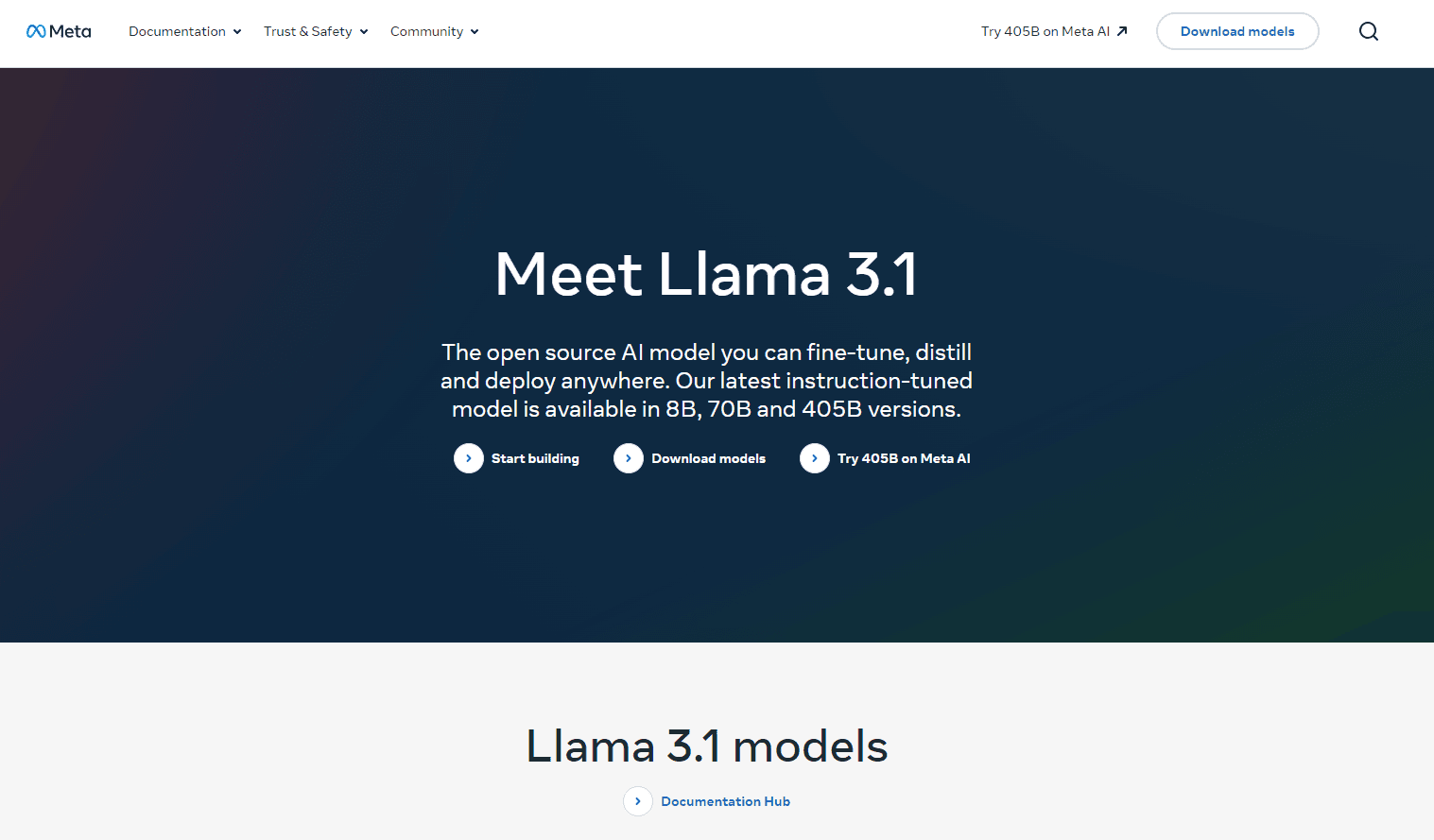
About Meta Notebook Llama
What Is Meta Llama
Meta Llama is a family of language models whose weights anyone can download and run. The line goes back to 2023 and now spans Llama 4 Scout, Llama 4 Maverick, and the older text models such as Llama 3.3 70B and Llama 3.1 405B. Meta trains them, publishes the weights, and leaves the serving to you.
That arrangement is the whole point. An open weight AI model puts the model file in your hands. You pick the GPU, the quantization, the context length, and the system prompt. Nothing about your traffic leaves your infrastructure unless you send it out.
The trade is operational work. There's no dashboard to log into and no per token meter. You provision hardware, run an inference server, watch memory, and handle upgrades yourself. Meta also retired its own hosted Llama API on July 6, 2026, so hosted access now comes from providers such as Together AI, Fireworks, or your own cloud account.
Getting Started
- Request access and accept the license on llama.com or the Meta Llama page on Hugging Face. Approval is usually fast, and you need a Hugging Face account linked to the same email.
- Pick a model against your hardware, not against a leaderboard. Scout fits on a single 80GB GPU with 4 bit quantization. Maverick needs several GPUs. Llama 3.3 70B sits in between.
- Stand up an inference server. vLLM is the common choice for throughput, llama.cpp and Ollama for laptops and small boxes, and TensorRT-LLM if you're on Nvidia hardware end to end.
- Run your own prompts through it before you trust it. Ten or twenty real tasks from your workload tell you more than a public benchmark.
- Fine-tune or ship. LoRA adapters cover most domain tuning. If you'd rather skip the GPUs, point your client at a third party endpoint that serves the same weights.
Product Information
A quick look at Meta Notebook Llama's pricing, supported platforms, and performance.
Best for
The users, tasks, and scenarios where this tool fits best.
Users
- ML engineers and platform teams
- Researchers and students
- Teams with data residency rules
Tasks
- Fine-tuning on private domain data
- Long document review
- Reading screenshots and forms
Scenarios
- Steady high volume classification
- Prototyping before you commit to a closed API
- Deployment where a US hosted API is awkward
Key features
Open weights you can download today
Every current Llama checkpoint is a file you can fetch from llama.com or Hugging Face after accepting the Llama 4 Community License. No seat count, no request quota, no waiting list for production use. You can copy it to as many servers as you own.
Llama 4 Scout and its 10 million token window
Scout packs 109 billion total parameters with 17 billion active, spread over 16 experts, and Meta rates the context window at up to 10 million tokens. That's enough to put an entire code repository or a year of support tickets in front of the model. Accuracy over that distance still drops, so verification matters.
Llama 4 Maverick for harder reasoning
Maverick carries 400 billion total parameters with 17 billion active across 128 experts, and it's the stronger of the two on coding, reasoning, and multilingual benchmarks in Meta's own published numbers. It costs more to serve because the full model has to fit in memory even if only a slice runs per token.
Native image understanding
Llama 4 was trained as a multimodal model rather than a text model with a vision adapter bolted on. You can mix screenshots, photos, and diagrams into a prompt and ask for a written answer. Output is text only, which keeps it useful for extraction and review work.
Smaller text models that still ship
The older line hasn't gone anywhere. Llama 3.3 70B handles text at 128K context and runs on a single 8 GPU node or two 80GB cards with quantization. Llama 3.1 8B remains the practical choice for edge devices and cheap batch jobs.
Fine-tuning and quantization paths
LoRA, QLoRA, and full fine-tuning all work with standard tooling. Builds exist for llama.cpp in GGUF, for vLLM in AWQ and GPTQ, and for Nvidia's own optimized engines. In practice you'll quantize first and fine-tune second, because memory is the binding constraint.
Pros and cons
Pros
- The weights cost nothing, so your only bill is compute. At high utilization that's cheaper than per token pricing on any frontier model.
- Your prompts, documents, and logs never leave your network, which simplifies compliance reviews.
- Six years of tooling sit behind the Llama format, from vLLM to Ollama to every fine-tuning library worth using.
- Two Llama 4 sizes cover different jobs, so you can serve a cheap model for bulk work and a bigger one for hard requests.
Cons
- Maverick realistically needs several high memory GPUs, and that hardware bill arrives before any user does.
- Meta's first party API is gone, and third party hosts prune old models on short notice, so you need a fallback path and a version pin.
- The Llama 4 Community License isn't an OSI approved open source license. Companies above 700 million monthly users need separate terms, and attribution rules apply to what you ship.
Frequently asked questions
Meta Llama is a general purpose model family you run yourself. Teams use it for chat assistants, document review, code help, classification, and image based data extraction. The common thread is a workload where you want the model inside your own infrastructure.
Related content
Explore related tools, skills, and articles for Meta Notebook Llama.
Meta Notebook Llama Alternatives

Base Code
Base44 (Wix) · Coding · ProductivityBase Code is a shared cloud development environment from Base44. Teammates describe changes to an existing GitHub codebase in chat, preview them live and send them back as pull requests.

Knocket
Knocket (Tencent RTC team) · Productivity · Business · ChatbotKnocket is a free live chat and contact page tool that lets visitors message you from your website, app, or a shareable link, with every reply handled from Telegram or one inbox.

FloorGen
Vinit Kumar (FloorGen) · Productivity · China AIFloorGen is a browser-based floor plan maker that turns a sentence or a sketch into an editable 2D plan and a 3D walkthrough. Export to PDF, DXF or video, and draw without an account.