

MidJourney
Midjourney, Inc. · Image
Midjourney is a browser-based AI image and video generator known for painterly, high-detail output. It runs on paid plans from $10 to $120 per month.
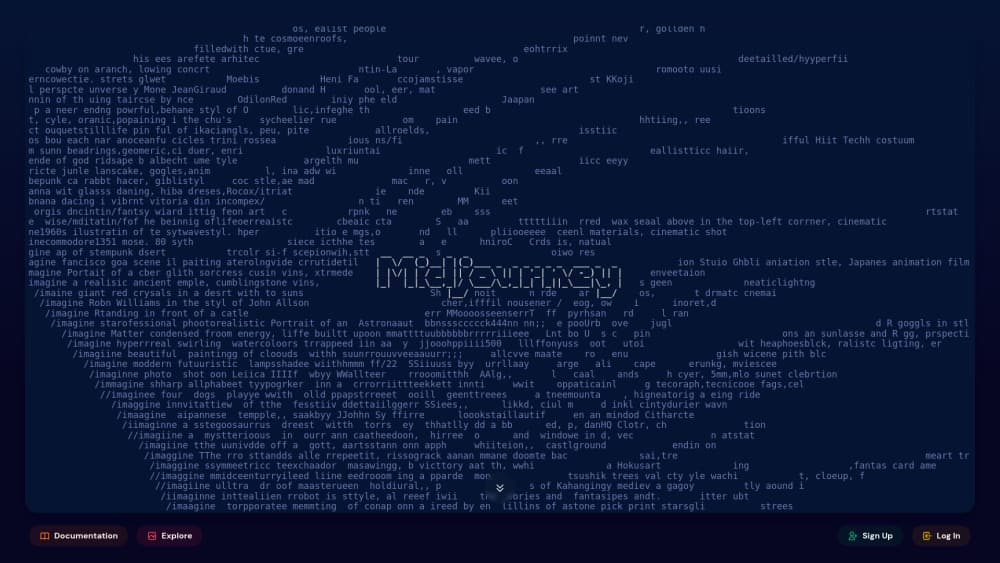
About MidJourney
What Is Midjourney
Midjourney is an AI art generator from Midjourney, Inc., a small research lab in San Francisco. It started in 2022 as a bot inside Discord, and for two years that was the only way in. The midjourney web app changed that: you now open a page, type a prompt, and get four images back without touching a chat server.
The tool works from text, reference images, or both. You steer results with parameters for aspect ratio, stylization, weirdness, and character consistency, then push a favorite frame further with upscaling, variations, or the built-in editor. Since 2025 the same prompt bar also animates a still image into a short video.
The catch is access. There's no free tier, no desktop installer, and no official API, so you can't fold Midjourney into your own product. Everything runs on Midjourney's servers and your subscription.
Getting Started
- Go to midjourney.com and sign in with a Google or Discord account.
- Choose a plan. Basic at $10 covers about 200 fast images a month, enough to test the waters.
- Type a prompt in the Imagine bar, set the version and any parameters, then hit enter.
- Refine what you get: upscale a grid image, edit a region, or animate it into video.
- Download the file from the image panel. Your creations stay in Organize for later reuse.
Product Information
A quick look at MidJourney's pricing, supported platforms, and performance.
Best for
The users, tasks, and scenarios where this tool fits best.
Users
- Illustrators and concept artists
- Social media and marketing teams
- Hobbyists learning prompt craft
Tasks
- Exploring a visual direction before committing
- Producing backgrounds, textures, and spot illustrations
- Animating a still into a short clip
Scenarios
- Pitching a mood to a client who can't read a written brief
- Testing a style before you hire an illustrator
- Keeping a personal reference library
Key features
Prompting Without Discord
The Imagine bar on midjourney.com does everything the old bot did, minus the server noise. You type, adjust parameters from a side panel, and see the queue in real time. This is the single biggest change for anyone who tried Midjourney in 2023 and gave up at the Discord invite screen. No commands to memorize, no channel to mute.
Editor and Vary Region
The midjourney editor opens any image with a brush and selection tools. You can repaint a hand, remove a stray object, or extend the frame with pan and zoom out, and the model fills the gap in the same style. Vary Region does a narrower version of the same job by reworking one selected area. Both save a full regeneration when 90% of the picture already works.
Image to Video
Any image can become a five second clip. Add an optional prompt, set motion strength, and Midjourney animates the frame while keeping the original look. Standard and higher plans render HD in Fast mode; Basic is stuck at SD. Videos eat GPU time faster than stills, so a long batch drains a small plan quickly.
Style and Character References
Style Reference copies the look of a source image, down to palette and grain, without copying its content. Character Reference keeps a person or mascot recognizable across scenes, which matters for comics and brand characters. Omni Reference broadens this to any object you point at. Together they turn one-off images into something closer to a consistent visual system.
Personalization and Moodboards
Midjourney builds a taste profile from the images you like and rate, then nudges new generations toward it. Moodboards go further, grouping references and style codes into a reusable board you can call by name. After a few weeks the output stops looking like generic AI art and starts looking like yours, which is the real reason long-term users stay.
Explore and Organize
Explore is a public gallery with For You, Random, Hot, and Top views, plus search. Every image shows its prompt, so it doubles as a prompt library. Organize keeps your own history in folders and tags, with filters for version, aspect ratio, and date. Finding that one good frame from three months ago takes seconds instead of scrolling.
Pros and cons
Pros
- Image quality holds up in stylized and cinematic work, especially skin, fabric, and light.
- The web app removes the Discord barrier, and the editor covers most small fixes in place.
- Video generation sits in the same subscription, with no second tool to learn.
- Commercial use is allowed on every plan, including images made before you cancel.
Cons
- No free trial and no free tier. You pay $10 before you see a single result, which is a hard stop for casual testing.
- The parameter vocabulary takes real practice. Prompts that work in other generators often need rewriting here.
- No official API. Teams that want Midjourney output inside their own app have to go through unofficial resellers, which is a support and legal risk.
- Images are public on Basic and Standard, so client work needs the $60 plan for Stealth Mode.
Frequently asked questions
No. The free trial ended in 2023, and every account needs an active subscription. The cheapest way in is the $10 Basic plan, which gives you roughly 200 fast generations a month.
Related content
Explore related tools, skills, and articles for MidJourney.
MidJourney Alternatives

Google EmbeddingGemma 2
Google DeepMind · Writing · Image · CodingGoogle EmbeddingGemma 2 is a 740M-parameter open model that turns text, code, images, audio, and video frames into vectors in one 768-dimension space, running on phones and laptops.

Tractionwave
TractionWave · Image · MarketingTractionWave is an AI attention heatmap tool for static ads. Upload a PNG or JPG and it returns predicted attention, ranked hotspots, and fixes before you spend budget.

Imejis.io
Imejis.io · Image · MarketingImejis.io is an AI design studio for agents and marketing teams. Describe an image in plain words, and it writes the copy, builds the layout, reflows it to every size, then exports a finished file.