

MindMash
MindMash · Leaning
MindMash is a browser-based AI trivia game platform that lets you host or join live multiplayer quiz sessions with AI-made questions, audio narration, and custom visuals.
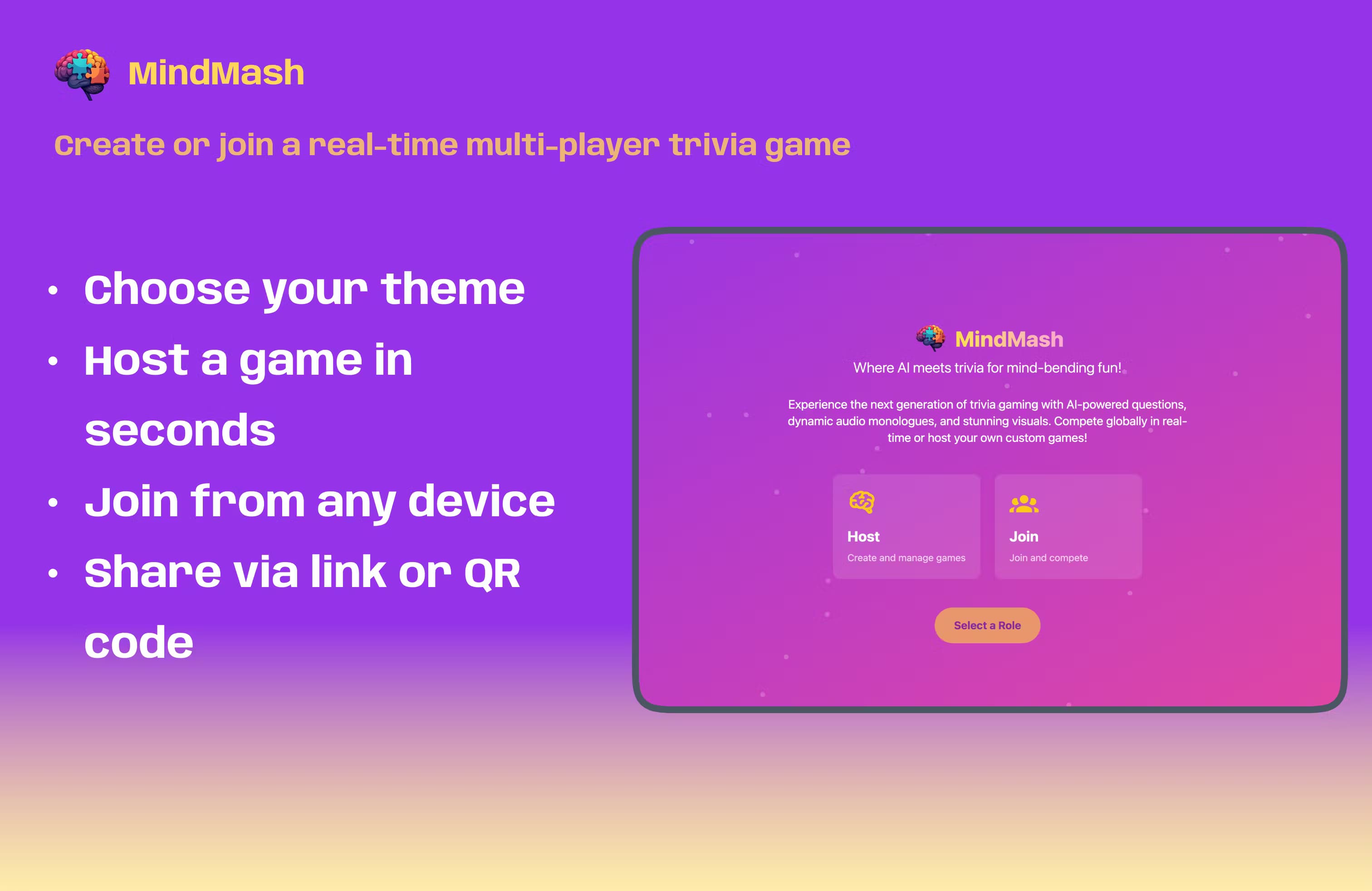
About MindMash
What Is MindMash
MindMash is a web platform for running and playing live trivia games. A host picks a theme, builds a set of questions, and opens a game room. Players join from their own phones or laptops with a game code or a QR scan, answer rounds in real time, and watch scores update on a shared leaderboard.
The appeal is speed and reach. Instead of writing questions by hand, a host can have AI generate a full theme from a document, a web link, or a short description. MindMash then adds optional voice narration and images so each round feels produced rather than read out loud.
It's built for group play, so it leans on phones as buzzers and a shared screen for the host. The main limit is that it runs in a browser and needs a steady connection. It also isn't a deep study tool: it's meant for fast, social rounds, not long-term progress tracking.
Getting Started
- Sign in on mindmash.me with an email account or as a guest.
- Create a theme, either by hand or by letting AI draft questions from a document or web page.
- Set the round options, such as the question timer, questions per round, and whether you host and watch or host and play.
- Share the game code or QR image so players can join.
- Run the rounds and finish on the live leaderboard.
Product Information
A quick look at MindMash's pricing, supported platforms, and performance.
Best for
The users, tasks, and scenarios where this tool fits best.
Users
- Party hosts
- Teachers and trainers
- Team leads
Tasks
- Building a themed quiz fast
- Running a live multiplayer round
- Adding narration and images
Scenarios
- Family game night
- Corporate team building
- Classroom review
Key features
AI question and theme generation
MindMash can build a whole theme of questions for you. Point it at a document, a web page, or a short description and it drafts multiple-choice and true or false questions you can edit before play. That removes the slowest part of hosting a quiz, which is writing and checking every question.
Live multiplayer rooms with join codes
Each game gets a short code and a QR image that players use to enter the room. Players answer on their own phones while the host runs the show, and everyone sees scores move as answers land. There's no app to install, so guests can join in seconds.
Voice narration and generated visuals
For each question the platform can add an AI voice clip and a matching image. The narration reads the question out loud, and the visuals give the round a produced feel. A host can turn these on or off per theme, depending on how much polish the session needs.
Host and play modes
MindMash offers two ways to run a game. Host and view puts you in charge of pacing while you watch the scores. Host and play lets you join as a contestant too. That's useful when you want to take part instead of just running the room.
Leaderboards and round control
A live leaderboard ranks players as the game goes, and a global board tracks results across sessions. Hosts can set a question timer, choose how many questions a round has, and let the game move on automatically once everyone has answered. The AI-generated questions keep each round flowing from start to finish.
Themes from many sources
A theme can start from a manual build, an uploaded file, or a web search. Because themes are reusable, a host can keep a small library of ready-made quizzes and rerun them for different groups without rebuilding anything.
Pros and cons
Pros
- AI question generation cuts setup time, so a host can go from an idea to a live game in minutes.
- Browser-based play means guests join with a code or QR scan, with nothing to install.
- Optional narration and images add production value that plain quiz tools often skip.
- Two hosting modes cover both running the room and playing in it.
- Reusable themes make repeat sessions cheap once a quiz has been built.
Cons
- It needs a steady internet connection, so spotty venues can interrupt the flow.
- Some AI features, like advanced themes and image or voice generation, sit behind paid tiers or credits.
- Building a theme from a private or paywalled page may not work, since the platform needs an open source to read.
- It's built for live group play, so it's a poor fit if you want long-term progress tracking or offline use.
Frequently asked questions
MindMash is a web platform for hosting and playing live trivia games. A host creates a themed quiz and players join by code to answer in real time.
Related content
Explore related tools, skills, and articles for MindMash.
MindMash Alternatives

HireKey
HireKey · Voice & Language · Productivity · LeaningHireKey is an AI job search copilot built by a former tech recruiter. It checks role fit, tailors resumes, runs interview practice and tracks every application.

Lune
Retrograde Labs · Productivity · LeaningLune is a research search engine for scientific AI agents. It runs as an MCP server that lets Claude, ChatGPT and Cursor search peer-reviewed computer science papers and cite them.
Coddy
Coddy · Coding · LeaningCoddy is a gamified platform to learn to code through short interactive lessons in 20+ languages, with a browser editor, an AI tutor and free certificates.