

MindPal
MindPal · Productivity
MindPal turns your expertise into AI agents and multi-agent workflows that run 24/7, built for solopreneurs and teams. Plans start free.
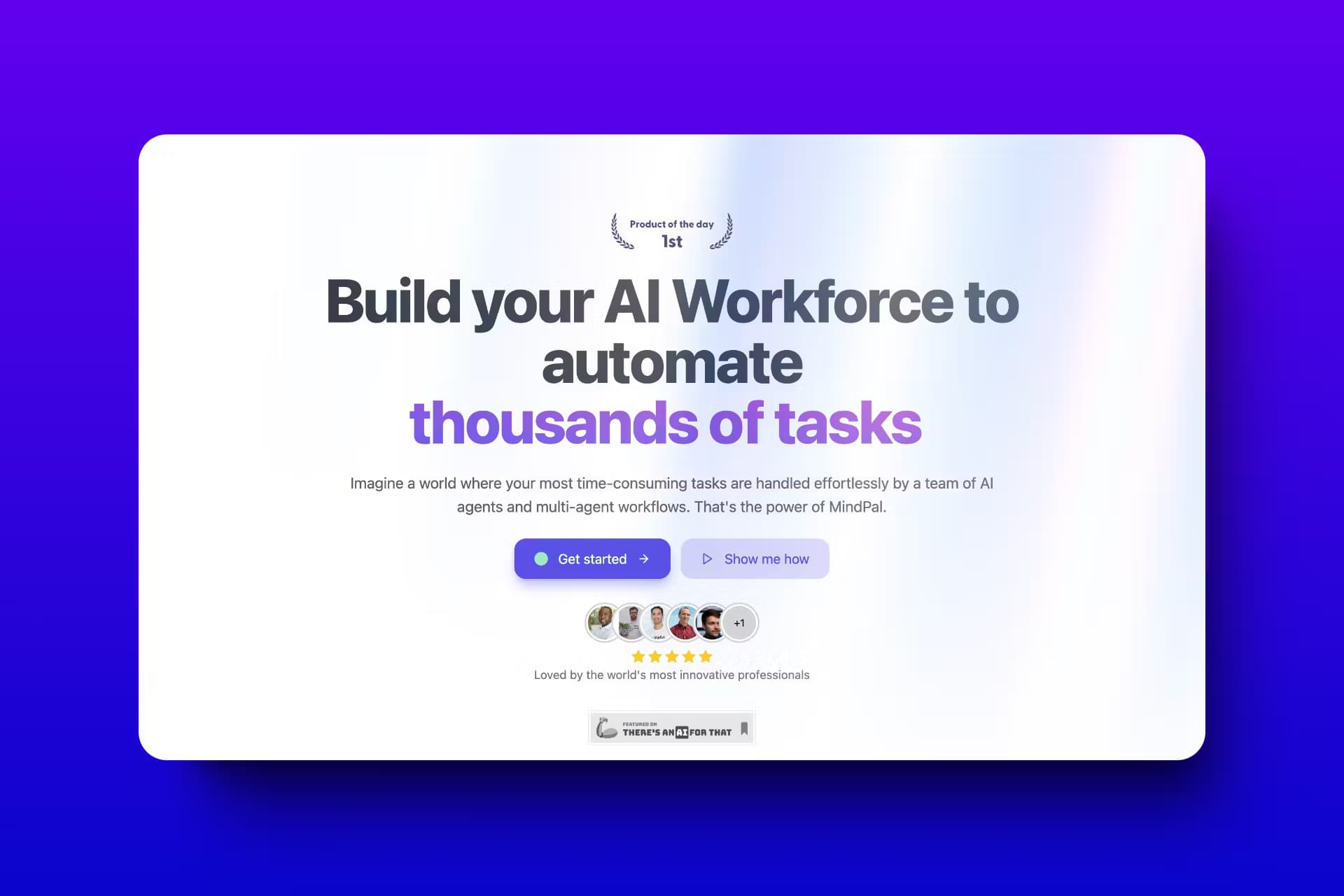
About MindPal
What Is MindPal
MindPal is a no-code platform for turning your documents, SOPs, and stored expertise into AI agents and multi-agent workflows. Instead of answering generic questions, its agents pull from the knowledge you upload, like frameworks, training material, and brand voice, then produce real deliverables. Think of it as a small team you build once and reuse.
If you're hunting for an AI agent builder, the pitch is simple. Your process, not the model, does the work. Most "build AI agents" tools hand you a blank prompt box. MindPal starts from what you already know.
The platform splits the work into three layers: a knowledge layer, where you upload source material, an orchestration layer, where agents are chained into multi-step flows, and a delivery layer, where finished agents get published as chatbots, portals, or embeddable tools your clients can open from a plain link.
Two limits are worth flagging early. Usage runs on credits. Free-plan runs stop once the 100 starter credits are gone. Custom domains need a paid add-on on most tiers.
MindPal isn't a general AI automation platform that plugs into every app. It's tighter than that. The closer your work looks like a staged deliverable, the better it fits.
Getting Started
- Create a free account at mindpal.space. No credit card is needed.
- Open the knowledge layer and upload the material your agent should learn, such as a PDF, a Notion page, or a website link.
- Describe the agent you want in plain text or upload a screenshot, and let Mindie, the built-in assistant, draft the agent or workflow for you.
- Add steps to a multi-agent workflow if the task has several stages, like research, draft, review, and publish.
- Publish the result as a shareable link, an embed, or a chatbot, then test it before sending it to clients.
Product Information
A quick look at MindPal's pricing, supported platforms, and performance.
Best for
The users, tasks, and scenarios where this tool fits best.
Users
- Solopreneurs
- Consultants and coaches
- Small teams
Tasks
- Automating repetitive deliverables
- Turning SOPs into working tools
- Client-facing chat
Scenarios
- A coaching business that wants a 24/7 assistant to handle intake questions while the owner is offline.
- A marketing team that needs the same content brief written in a consistent voice every time.
- An agency that builds a branded AI portal for a client and connects it to a custom domain.
Key features
Knowledge Layer
You upload PDFs, Notion pages, ebooks, websites, and structured data, and the agent draws on that material when it answers. This is what separates MindPal from a generic chatbot, since the output reflects your process rather than a broad model's guess. The free plan caps storage at 50 MB, so large document sets need a paid tier.
Multi-Agent Workflows
Workflows chain several agents into one run using node types like Agent, Evaluator-Optimizer, Loop, and Orchestrator-Worker. A single task can move from research to draft to quality check without you stepping in, which is the part that saves the most time once a workflow is tuned. It's aimed at multi-stage deliverables that a lone agent tends to fumble.
Mindie, the Built-In Assistant
Mindie is the native building assistant. You describe what you want or upload a screenshot, and it assembles the agent or workflow for you. During a build you can ask it to add a review step or explain a flow, which lowers the entry bar for people who don't want to wire nodes by hand.
Published Client Experiences
Finished agents publish as shareable links, embedded widgets, or branded portals. You can drop them on WordPress, Shopify, Wix, Notion, course platforms, and no-code builders like Replit and Lovable. As an AI chatbot builder, this is the feature that matters most for client work. Custom domains are available, and they're an add-on on the lower tiers.
Advanced Model Access
Paid plans open up GPT-5, Gemini 2.5 Pro, and Claude 4 Sonnet. The free plan starts on GPT-4o mini. Picking a stronger model matters most for long, multi-step work where smaller models drift.
Team Workspace and Seats
The Advanced tier includes 5 editor seats and 20 user seats, plus workspace-level branding and sharing across agents. Editor and user seats differ. Editors build and change agents. Users only run them. This keeps a team's tools in one place without handing everyone build access.
Pros and cons
Pros
- No coding is required, so a non-technical operator can ship a working agent.
- The three-layer setup keeps knowledge, logic, and publishing separate and easier to manage.
- Published agents support custom domains and embedding, which suits client-facing work.
- AI credit top-ups let you scale usage without switching plans.
- Multi-agent workflows handle staged deliverables that a single prompt can't.
Cons
- The free plan is tight: 100 AI credits, 50 MB storage, and just one agent and one workflow.
- Custom domains cost an extra $9 per domain per month on tiers below Ultra.
- Advanced models like GPT-5 and Claude 4 Sonnet sit behind paid plans only.
Frequently asked questions
Yes. The free plan costs $0 forever and needs no credit card. What do you get? 100 AI credits, 50 MB of storage, one agent, one multi-agent workflow, and GPT-4o mini.
Related content
Explore related tools, skills, and articles for MindPal.
MindPal Alternatives

Base Code
Base44 (Wix) · Coding · ProductivityBase Code is a shared cloud development environment from Base44. Teammates describe changes to an existing GitHub codebase in chat, preview them live and send them back as pull requests.

Knocket
Knocket (Tencent RTC team) · Productivity · Business · ChatbotKnocket is a free live chat and contact page tool that lets visitors message you from your website, app, or a shareable link, with every reply handled from Telegram or one inbox.

FloorGen
Vinit Kumar (FloorGen) · Productivity · China AIFloorGen is a browser-based floor plan maker that turns a sentence or a sketch into an editable 2D plan and a 3D walkthrough. Export to PDF, DXF or video, and draw without an account.