

Mindsmith: AI-powered Learning
Mindsmith · Leaning
Mindsmith is an AI eLearning authoring tool that turns documents, videos, and outlines into interactive courses, then shares them to any learning platform in more than 70 languages.
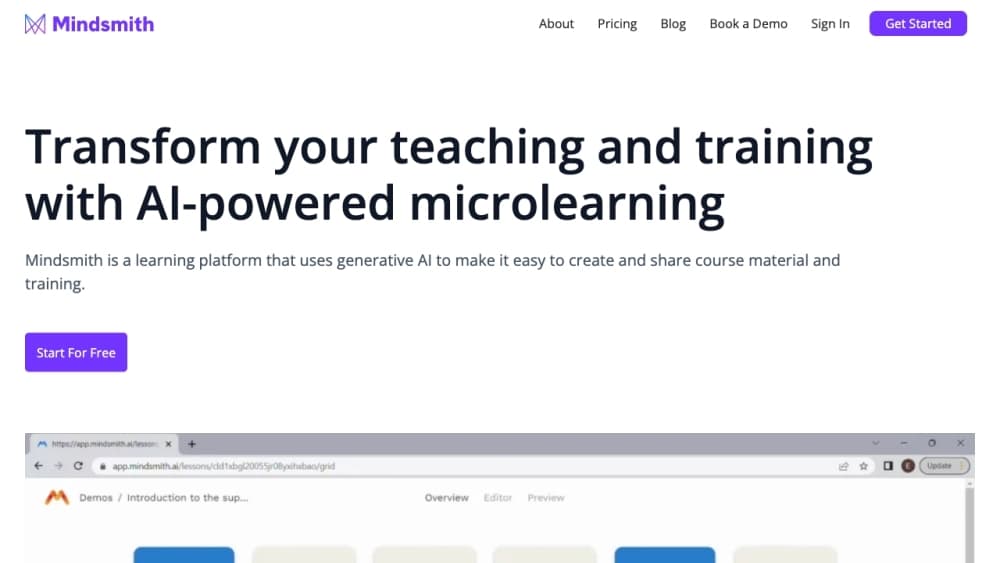
About Mindsmith: AI-powered Learning
What Is Mindsmith
Mindsmith is a browser-based course authoring platform built around an AI agent. You drop in source material, whether that's a slide deck, a recorded walkthrough, an SOP document, a course outline, or a lesson you built elsewhere, and the agent drafts a structured lesson with sections, questions, and interactive blocks. The first draft arrives in minutes rather than hours, which is the main reason teams switch from a traditional eLearning course builder.
The problem it targets sits between subject experts and finished courses. Instructional designers spend a large part of every project retyping material that already exists in someone's head or in a shared drive. Mindsmith keeps that source visible through a storyboard view, so you can follow the document word for word or let the agent restructure it around learning objectives.
The limits show up in volume and control. The free plan hands you 450 AI credits once, and those run down quickly on image-heavy or conversation-heavy lessons. Generated prose still needs an editor's pass before it goes to learners. Treat the agent as a fast first draft, not a finished product.
Getting Started
- Create a free account at app.mindsmith.ai with an email address or your organization's SSO.
- Start a lesson and upload source material, or open a blank lesson and write your outline by hand.
- Read the storyboard, rewrite the objectives, and regenerate only the sections that missed.
- Add interactive pieces such as a quiz, a branching scenario, or a live AI conversation, then apply your brand colors and logo.
- Publish as a link, an embed, or a SCORM package, and check completion data in the analytics tab.
Product Information
A quick look at Mindsmith: AI-powered Learning's pricing, supported platforms, and performance.
Best for
The users, tasks, and scenarios where this tool fits best.
Users
- Instructional designers on small teams
- Subject experts who know the material but not the tooling
- Learning and development teams in regulated industries
- Training agencies producing client work
Tasks
- Turning a standard operating procedure into an onboarding module
- Refreshing compliance training every year
- Writing soft skills practice
- Localizing a finished course
Scenarios
- A compliance deadline is six weeks out and the old slides are unusable
- A sales team needs product training after a launch
- A university course is moving online
Key features
Agentic lesson generation from your own files
The agent accepts presentations, videos, course outlines, SME notes, SOP documents, and lessons built in Mindsmith. It reads the source, proposes a structure, and writes the first version of each section. Storyboards keep the plan visible, so you can see where the draft drifted from your material before you spend time editing.
Storyboard control and custom skills
Every generated lesson opens as a storyboard you can rearrange. You can also define custom skills that tell the agent how your team writes, which is useful when house style matters more than generic instructional design advice. That second layer is what separates this from a one-shot AI course generator.
Interactive elements beyond slides
Mindsmith ships more than 30 interactive blocks. The ones that change a lesson most are live AI conversations, animated video, custom AI avatars, branching scenarios, quizzes, accordions, and flashcards. A branching scenario, for example, lets a learner make a call and see the consequence rather than answer a multiple choice question about it.
Dynamic SCORM and xAPI publishing
Courses go out as a link, an embed, or a SCORM package, with xAPI available on enterprise plans. The package is dynamic: when you republish the lesson, the version inside your LMS updates without a fresh upload. That single behavior removes a lot of the back-and-forth that normally sits between an author and an LMS administrator.
Translation into more than 70 languages
You can generate and edit content in 70+ languages, and dynamic packages serve several languages from one build. Teams that used to keep parallel English and Spanish courses now maintain one master lesson. Enterprise plans add multi-language modules for learners who switch language mid-course.
Learner analytics and MCP access
The analytics view reports completion rates, score breakdowns, answer distributions, and results by learner, and exports to PDF on the Business plan. Mindsmith also runs an MCP server, so you can create and edit lessons from Copilot, Claude, or ChatGPT without opening the authoring tool.
Pros and cons
Pros
- A usable first draft from material you already own, which cuts the slowest part of course production.
- Interactive blocks that usually need separate tools, including AI conversations and branching scenarios, live in the same workspace.
- Dynamic SCORM export means learners see updates without a new package upload.
- One lesson can serve 70+ languages, so localization stops being a parallel project.
- An MCP connector lets teams build lessons inside the chat tools they already use.
Cons
- AI credits are the real constraint. The free plan's 450 credits are one-time, and heavy image or conversation use can burn through a paid allowance before month end.
- Generated writing still sounds generic until an editor rewrites it, so the time saving is smaller than the marketing suggests for brand-sensitive courses.
- Advanced permissions, SSO, and xAPI sit behind the Enterprise tier, which means no public price.
- The workspace caps at 10 seats on every self-serve plan, which gets awkward for larger departments.
Frequently asked questions
It builds eLearning courses from material you already have. You upload a document, video, or outline, the agent drafts the lesson, and you refine it in an editor before publishing to an LMS.
Related content
Explore related tools, skills, and articles for Mindsmith: AI-powered Learning.
Mindsmith: AI-powered Learning Alternatives

HireKey
HireKey · Voice & Language · Productivity · LeaningHireKey is an AI job search copilot built by a former tech recruiter. It checks role fit, tailors resumes, runs interview practice and tracks every application.

Lune
Retrograde Labs · Productivity · LeaningLune is a research search engine for scientific AI agents. It runs as an MCP server that lets Claude, ChatGPT and Cursor search peer-reviewed computer science papers and cite them.
Coddy
Coddy · Coding · LeaningCoddy is a gamified platform to learn to code through short interactive lessons in 20+ languages, with a browser editor, an AI tutor and free certificates.