

MindStash
Jaydeep Sureliya · Leaning
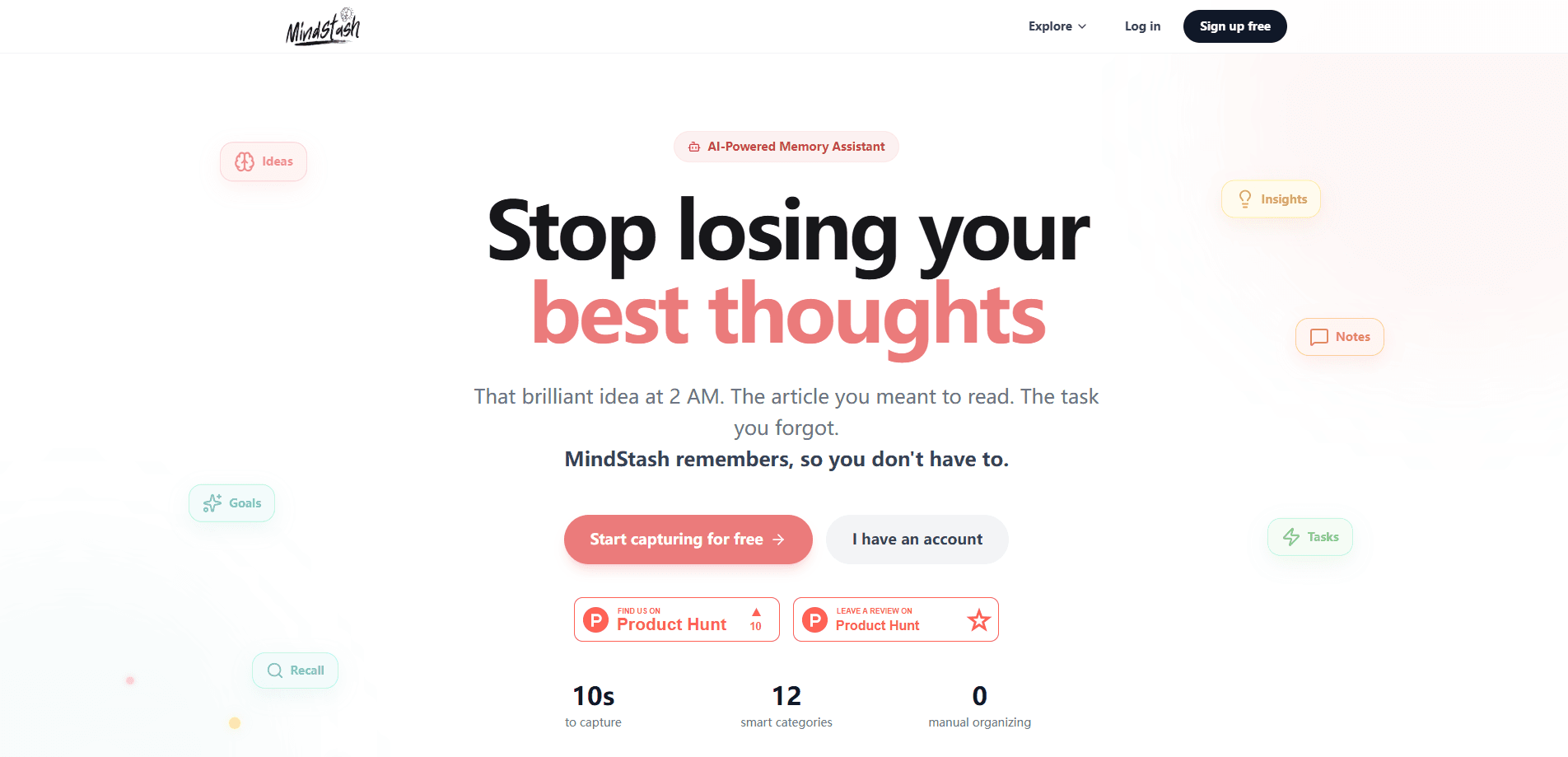
MindStash is an AI-powered memory assistant built for people who keep losing their best thoughts. You capture ideas, tasks, and links in about 10 seconds. No folders. No tags. The app sorts each one into one of 12 smart categories, tags it, and writes a one-line summary without you touching a thing. Later you ask for it in plain language and semantic search pulls it back. If you've bounced off heavier AI note taking apps, this is the lighter alternative. It runs as a web app, a Telegram bot, and an email digest service, and a mobile app is on the way.
About MindStash
What Is MindStash
MindStash is a personal knowledge management tool that treats your captured thoughts as a searchable memory rather than a filing cabinet. The pitch is blunt: your brain generates good ideas constantly, and most of them disappear before you act on them. MindStash is the place they land instead.
It's built by Jaydeep Sureliya, a software engineer who describes it as a second brain for everyday use. The core loop is simple. Capture, AI organizes, review later. You don't build taxonomies or maintain tag systems, because the app does that for you. The trade-off is real: you're trusting an AI to categorize your notes correctly, and heavy users will eventually hit the capacity limits that separate the paid tiers from the free one.
Under the hood it's an agentic system rather than a thin chatbot wrapper. It uses Anthropic's Claude for the conversational layer, pgvector embeddings for semantic search, and streaming responses so answers appear as they're generated.
Getting Started
- Sign up for a free account with your email, no credit card required.
- Capture your first item: type an idea, save a task, or drop in a link, and let the AI categorize it automatically.
- Link your Telegram account if you want to capture and chat from your phone without opening the web app.
- Ask the chat agent a natural-language question, like "what was that business idea from last week," to test semantic search.
- Check your daily briefing and weekly digest emails to review what you've saved.
Product Information
A quick look at MindStash's pricing, supported platforms, and performance.
Best for
The users, tasks, and scenarios where this tool fits best.
Users
- Busy professionals juggling tasks who need reminders that surface at the right time. You'll want the Starter tier once you pass 30 items a month.
- Writers and creators who collect links and half-formed ideas and need a way to find them again, no manual tagging required.
- Students who want a lightweight second brain that doesn't demand a folder structure, as long as their monthly capture volume stays modest.
Tasks
- Capturing late-night ideas in seconds so they survive past breakfast.
- Saving articles and links to revisit, with AI summaries so you don't have to reread everything.
- Turning scattered notes into answered questions through chat and semantic search.
- Tracking simple tasks and marking them complete to close the loop.
Scenarios
- You get a business idea at 2 AM and want it saved before you fall back asleep.
- A colleague sends a link you can't read now, and you want it summarized and stored.
- You're planning a project and need to pull every related note you've saved over the past month.
Key features
Zero-Friction Capture
The point of MindStash is that it takes about 10 seconds to save something. No folders. No tag decisions. That matters because decision overhead is exactly what stops people from capturing thoughts in the first place. You type it, and it's stored.
AI Categorization Across 12 Smart Categories
Every item gets sorted into one of 12 smart categories automatically, with tags and a one-line summary generated on the way in. That means your notes start organized even if you never organized them yourself. It's the feature that separates MindStash from a plain notes app, since the AI does the filing work that usually falls to you after the capture is done.
Semantic Search and Chat Agent
You find things by asking, not by remembering where you put them. What if you can't recall the exact words you used when you saved something? That's the whole point. The chat agent answers natural-language questions and semantic search matches on meaning rather than exact keywords, so "the idea about reducing onboarding friction" finds your note even if it never used those words. A chat history makes follow-up questions possible.
Urgency and Priority Detection
MindStash reads context to flag time-sensitive items and rank them by priority, so deadline-bound tasks float up instead of getting buried under everything else you saved over the past few weeks. If you capture a note about a meeting tomorrow, it's treated differently from an idea with no deadline.
Telegram Bot
Linking your Telegram account lets you capture and chat from your phone without opening the web app. Your phone is already in your hand. For people who already live in messaging apps, this removes the friction of a separate destination and turns capture into something you do mid-conversation.
Daily Briefings and Weekly Digests
The app generates a daily AI briefing and sends a weekly digest email, giving you a scheduled moment to review what you've saved. It's a nudge against the "save it and forget it" trap. Every plan includes it. That includes the free tier.
Streaming, Context-Aware Responses
Responses stream in as they're generated using server-sent events, so you see answers build in real time rather than waiting for a full reply. No spinner. Just text appearing. The agent also tracks learned preferences and interaction patterns over time, which it uses to make answers feel less generic than a cold-start chatbot.
Pros and cons
Pros
- Capture takes about 10 seconds, and the AI handles categories, tags, and summaries for you.
- Semantic search finds notes by meaning, so you don't need to remember your own filing decisions.
- Works across web, Telegram, and email, with a daily briefing built into every tier.
- Free plan is genuinely usable and needs no credit card to start.
- Streaming chat keeps the agent responsive, and urgency detection is baked into the core engine.
Cons
- The free tier caps you at 30 items and 10 AI chat messages per month, which a regular user will burn through quickly.
- A native mobile app isn't available yet, so phone capture depends on the Telegram bot.
- There's no documented public API for developers, which limits building your own integrations on top of it.
- Accuracy of the automatic categorization depends on the AI, and there's no way to retrain it around your own preferences.
Frequently asked questions
It's an AI memory assistant that captures your ideas, tasks, and saved links in seconds, organizes them automatically into 12 smart categories, and lets you retrieve them later with natural-language search. Think of it as a searchable second brain rather than a structured note-taking app.
Related content
Explore related tools, skills, and articles for MindStash.
MindStash Alternatives

HireKey
HireKey · Voice & Language · Productivity · LeaningHireKey is an AI job search copilot built by a former tech recruiter. It checks role fit, tailors resumes, runs interview practice and tracks every application.

Lune
Retrograde Labs · Productivity · LeaningLune is a research search engine for scientific AI agents. It runs as an MCP server that lets Claude, ChatGPT and Cursor search peer-reviewed computer science papers and cite them.
Coddy
Coddy · Coding · LeaningCoddy is a gamified platform to learn to code through short interactive lessons in 20+ languages, with a browser editor, an AI tutor and free certificates.