
Mindvideo
Mindvideo AI · Image · Voice & Language · Video
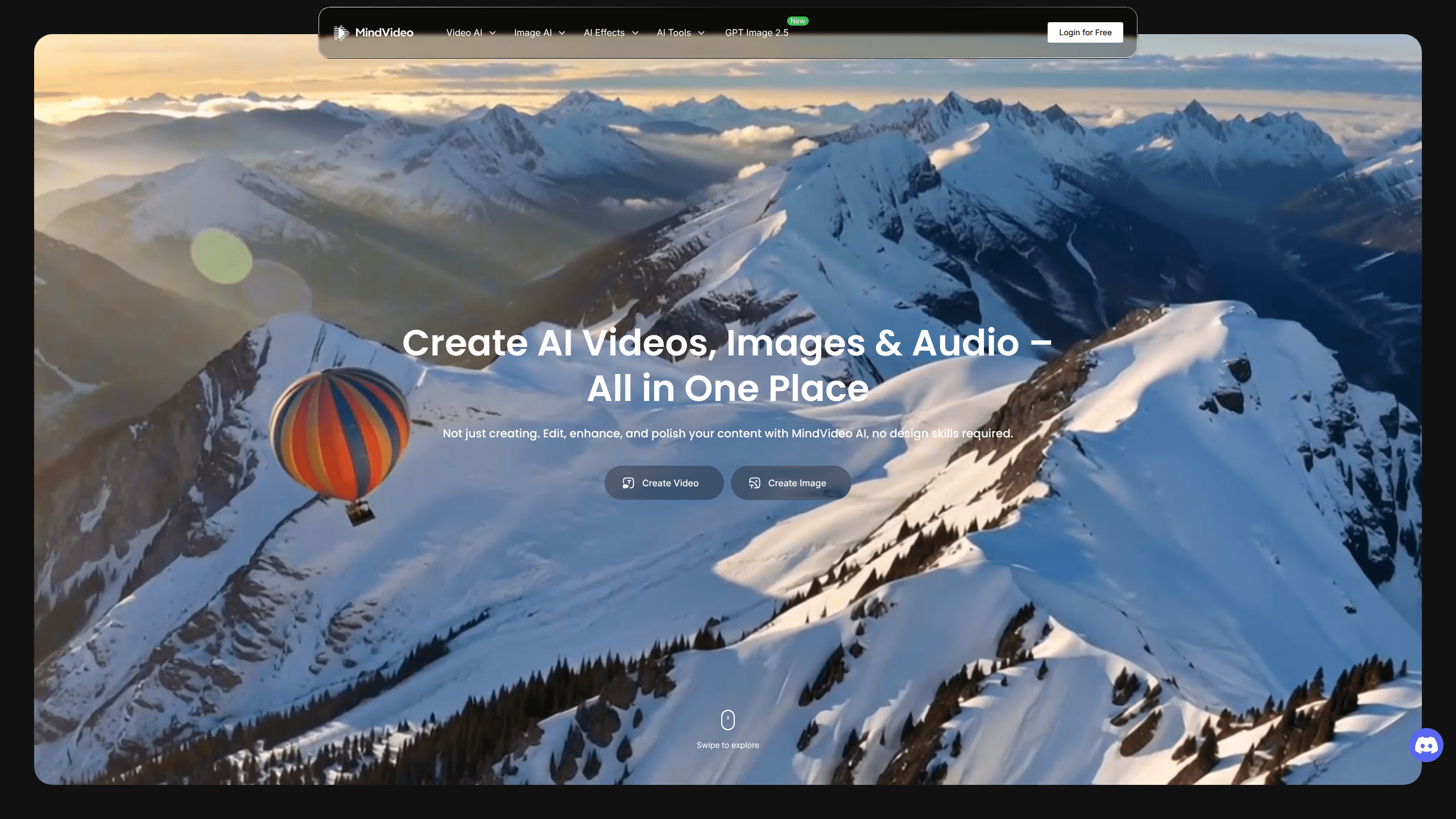
Mindvideo is an all-in-one AI creative suite for generating videos, images, and audio from simple text prompts or uploaded files. Instead of juggling a video maker, a photo editor, and a music app, you can build a clip, clean up an image, and add a soundtrack in one place. It targets social media creators, marketers, and editors who need fast, polished content without a heavy production setup.
About Mindvideo
What Is Mindvideo
Mindvideo is a web-based AI video generator that handles the whole content pipeline: creating footage, editing it, and layering in visuals and sound. You describe an idea or drop in an image, and it produces a clip you can post. The same workspace also covers images and music, so a single project can move from script line to finished asset without exporting files between tools.
The platform leans hard on text-driven editing. You upload a video, type what you want changed, and the AI removes objects, swaps backgrounds, or extends a shot. That's a big deal for people who don't want to learn a timeline editor just to fix one messy frame.
The catch is that the more advanced output sits behind credits. Full-quality downloads without a watermark, higher resolutions, and heavier tools generally need a paid tier, so the free experience is best treated as a trial rather than a full workflow. Think of it as a test run.
Getting Started
- Create a free account on the Mindvideo website and log in.
- Pick a starting point: type a prompt for a new video, or upload an existing clip or image.
- Choose a tool for the job, such as the AI Video Editor, the Video Enhancer, or the Image Generator.
- Adjust the prompt or settings and let the AI generate the result.
- Download your file, and top up credits if you need the higher-resolution, watermark-free version.
Product Information
A quick look at Mindvideo's pricing, supported platforms, and performance.
Best for
The users, tasks, and scenarios where this tool fits best.
Users
- Social media creators
- Marketers and small brands
- Video editors
Tasks
- Generating video from text or an image
- Editing existing footage by prompt
- Creating images and music
Scenarios
- Posting a daily short-form video
- Polishing an old file
- Producing a campaign on a tight budget
Key features
Text and Image to Video
The core generator takes a written prompt or an uploaded image and produces a short clip. You can aim it at ads, social posts, or narrative scenes, and it skips filming and manual editing entirely. This is the fastest path from a bare idea to something postable. Just type and go.
Prompt-Based AI Video Editor
Instead of a timeline, you describe the change you want. Upload a clip and ask the AI to remove an object, swap a background, or shift a scene. That's the whole trick. For quick fixes on otherwise good footage, this saves the hassle of frame-by-frame tweaking.
Video Enhancer and Upscaler
This tool lifts resolution up to 4K, cuts noise, and auto-adjusts color and sharpness. Old phone footage or compressed exports come out looking cleaner. It's useful when the source quality is the only thing holding a clip back. Not a miracle fix, but close.
AI Video Extender
When you're short on footage, the extender analyzes the lighting and motion in your upload and generates new frames that blend with the original. You can add up to 8 seconds at 1080P, which helps when a shot needs a little more room to breathe.
Image Generation and Restoration
Mindvideo creates realistic photos, anime characters, and concept art from text or a reference image. It also restores damaged images by repairing cracks, scratches, fading, and blur, and colorizes black-and-white photos. That covers both new visuals and salvaging old ones.
AI Music, Voice, and Sound Effects
The audio side works as an AI music generator: it creates royalty-free tracks, converts text to speech, and produces sound effects from a prompt. You can describe a mood or feed in lyrics and get a track that's safe to use in your own videos and podcasts. No music theory required.
Stylized Effects and Trending Templates
A library of effects transforms existing photos and footage without a reshoot. You can apply retro, cartoon, or trend-driven looks in a click. It's a fast way to refresh content that already exists rather than starting over. One click, new vibe.
Pros and cons
Pros
- Combines video, image, and audio tools in a single workspace.
- Text-prompt editing lowers the barrier for non-editors.
- Free credits let you test the core features before paying.
- Supports up to 4K upscaling and royalty-free music output.
- Handles restoration and colorization for older media.
Cons
- Watermark-free downloads and higher resolutions need paid credits, so the free tier feels limited.
- Advanced tools depend on credit top-ups, which can add up with heavy use.
- No API is documented, so teams looking to automate face a roadblock.
Frequently asked questions
You can generate short AI video clips, create images and concept art, compose royalty-free music, and edit existing footage by typing instructions. It's built for social-ready content rather than long-form film production.
Related content
Explore related tools, skills, and articles for Mindvideo.
Mindvideo Alternatives

Google EmbeddingGemma 2
Google DeepMind · Writing · Image · CodingGoogle EmbeddingGemma 2 is a 740M-parameter open model that turns text, code, images, audio, and video frames into vectors in one 768-dimension space, running on phones and laptops.

Tractionwave
TractionWave · Image · MarketingTractionWave is an AI attention heatmap tool for static ads. Upload a PNG or JPG and it returns predicted attention, ranked hotspots, and fixes before you spend budget.

Imejis.io
Imejis.io · Image · MarketingImejis.io is an AI design studio for agents and marketing teams. Describe an image in plain words, and it writes the copy, builds the layout, reflows it to every size, then exports a finished file.