
Minimax AI
MiniMax · Image · Video
Minimax AI is an AI video generator and photo enhancer that turns text prompts or still images into short clips, built for creators working without a film crew.
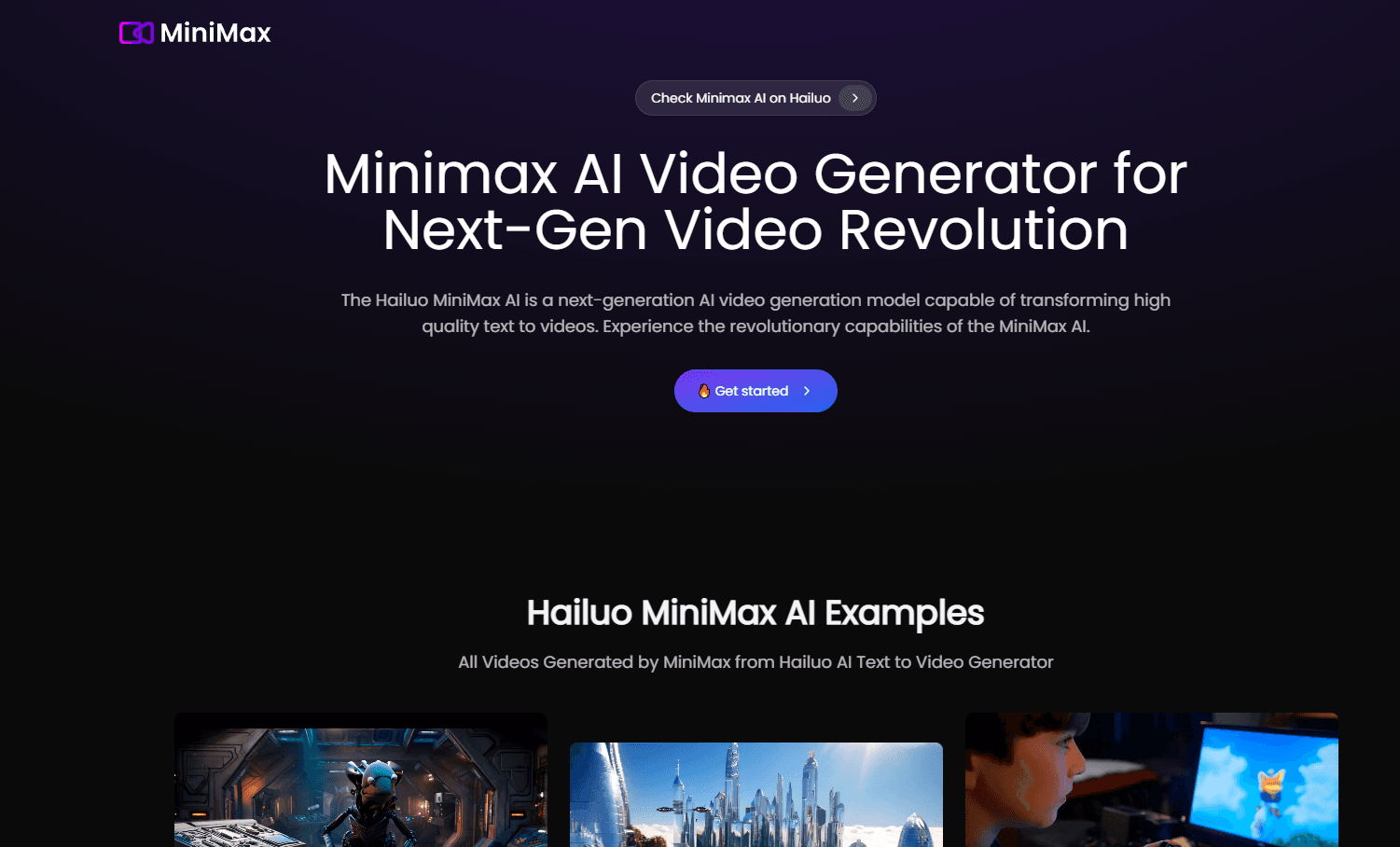
About Minimax AI
What Is Minimax AI
Minimax AI is the consumer-facing arm of MiniMax, a global AI model company founded in early 2022. The pitch is straightforward. You type a prompt, or drop in a photo, and it hands back a short video clip. There's a photo enhancer too, for cleaning up images before or after they move.
The draw here is volume without a production setup. Freelancers, social media managers, and hobbyists who need fresh visuals every single day can generate several options in the time it used to take to storyboard just one shot, and that speed is the whole point. That's the real value, getting to a usable clip fast and iterating from there.
What it won't do is replace a camera or a crew for anything that needs to look real. AI video still stumbles on hands, text, and fast motion, so the smart play is short clips of a few seconds, not a full scene, and the models behind this kind of tool change often enough that yesterday's reliable settings may not hold next month. Treat the output as a raw material you edit, not a finished edit.
MiniMax keeps a low public profile on exact tier limits and the cancellation mechanics, and some specifics shift between regions. I couldn't lock down every number, so pricing below reflects the model most tools in this category follow rather than a signed contract. Check the site before you pay for anything annual.
Getting Started
- Create an account on the site, or sign in with an existing MiniMax account.
- Pick a mode, text to video, image to video, or photo enhancement.
- Enter your prompt or upload the image you want to animate.
- Choose a duration and aspect ratio, then start the generation.
- Review the clip, regenerate if it misses, and download or export it for editing.
Product Information
A quick look at Minimax AI's pricing, supported platforms, and performance.
Best for
The users, tasks, and scenarios where this tool fits best.
Users
- Social media creators
- Small business owners
- Hobbyists and students
Tasks
- Text to video
- Image to video
- Photo enhancement
Scenarios
- Daily content pipelines
- Early concept pitches
- Repurposing old photos
Key features
Text to Video
Type a description and Minimax AI returns a short clip that matches it. This is the core feature. It's also where the tool earns its keep for storyboards and mood pieces. The better your prompt describes motion and camera angle, the closer the first result lands. Not every clip works. Some come back wrong. That's normal here, and the fix is another generation, not a rewrite.
Image to Video
Upload a still and the tool animates it, adding movement to a face, a product, or a wide shot. This works well for bringing old photos or flat product shots to life. Keep the expected motion small, since big movements on a single frame tend to warp.
Photo Enhancement
Before or instead of animating, you can run an image through enhancement to sharpen detail and push up apparent resolution. It's a practical fix for social posts built from older source images. Low-quality originals have a ceiling. No tool recovers detail that was never in the file.
Prompt-Driven Style Control
You steer the look through the prompt rather than a menu of presets. Describe the lighting. Set the mood. Name the shot type. That gives you more range than a fixed filter would, and the results track how well you write rather than how many buttons you click.
Developer API Access
MiniMax runs an open platform. Video generation can be wired into your own app or workflow through an API. That puts it in reach for product teams, not just end users. It's the same video generation tool under the hood, priced and limited differently for developers.
Pros and cons
Pros
- Turns text or a single image into a usable clip without any filming or editing setup.
- Free tier lets you test the output quality before paying.
- Handles both video generation and photo enhancement in one place.
- API access makes it usable inside larger products, not just as a standalone tool.
- Prompt-based control gives more range than preset-driven video tools.
Cons
- Short clips of a few seconds are the reliable zone. Longer scenes tend to break down.
- Fast motion, text, and hands still come out warped, so you'll redo takes.
- Exact credits, limits, and cancellation terms aren't easy to pin down from the public site, which makes budgeting annual plans risky.
- Consumer output quality varies between regions and can change with each model update.
Frequently asked questions
It generates short videos from text prompts or still images, and enhances photos. People use it as an AI video maker for social clips, concept pitches, and animating old or flat images when a real shoot isn't practical.
Related content
Explore related tools, skills, and articles for Minimax AI.
Minimax AI Alternatives

Google EmbeddingGemma 2
Google DeepMind · Writing · Image · CodingGoogle EmbeddingGemma 2 is a 740M-parameter open model that turns text, code, images, audio, and video frames into vectors in one 768-dimension space, running on phones and laptops.

Tractionwave
TractionWave · Image · MarketingTractionWave is an AI attention heatmap tool for static ads. Upload a PNG or JPG and it returns predicted attention, ranked hotspots, and fixes before you spend budget.

Imejis.io
Imejis.io · Image · MarketingImejis.io is an AI design studio for agents and marketing teams. Describe an image in plain words, and it writes the copy, builds the layout, reflows it to every size, then exports a finished file.