

minimi
Shram Intelligence, Inc. · Productivity · AI Assistant
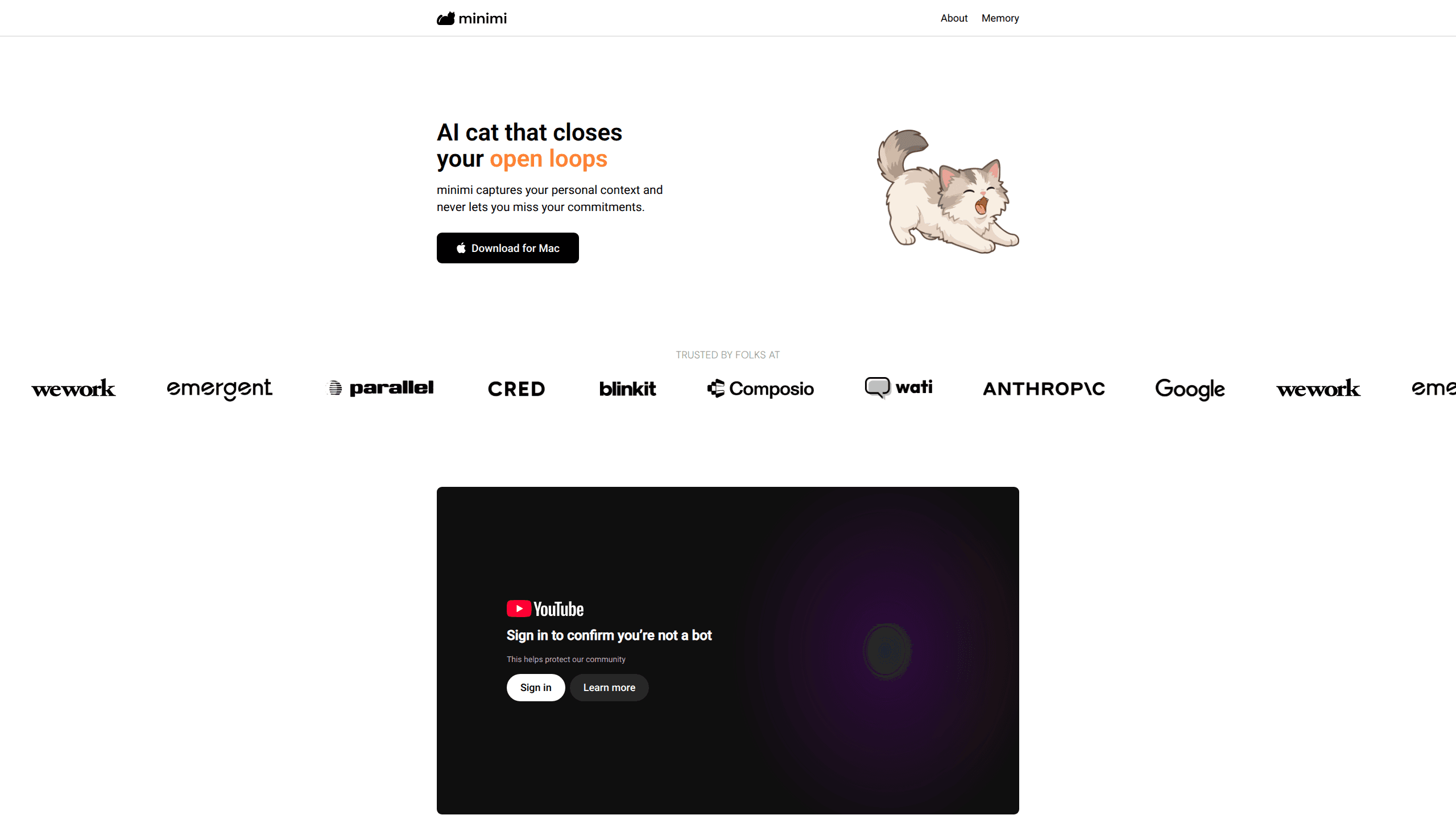
minimi is a Mac AI assistant from Shram Intelligence that builds a private memory of what you read, hear and write, then uses that context to find and close the open loops you keep forgetting.
About minimi
What Is minimi
minimi is a desktop app for macOS built by Shram Intelligence, Inc. The AI memory app sits in your menu bar, reads what happens on your screen through Apple's accessibility layer, and turns that activity into a searchable record of your working life. Version 1.0 sold that idea as a memory layer for Claude. Version 2.0 splits the job between two characters: Cotton remembers, and Melody chases the things you promised to do.
The problem it targets is mundane and constant. Every new chat with an AI starts blank, so you retype the client's name, the deadline, the thread you were halfway through. minimi's MCP connector removes that step by feeding your own context into Claude, ChatGPT, Gemini or a harness like OpenClaw. You ask a question about your week, and the answer comes from your actual activity.
The limits matter before you install anything. There is no Windows build and no phone app. The app needs accessibility-level screen reading, which is the same permission Granola and WisprFlow ask for. Your memories sit in a local vector database, but the embeddings are generated through Gemini's API and requests relay through minimi's own backend, so this is not an offline tool.
Getting Started
- Download the Mac build from the official minimi site, then sign in with your account.
- Approve the accessibility permission so the app can read on-screen text.
- Open the memory page, copy your personal MCP link.
- Paste that link into the custom connector settings of your AI assistant.
- Start a fresh chat and ask something only your own context could answer, such as what you promised a client last Friday.
Product Information
A quick look at minimi's pricing, supported platforms, and performance.
Best for
The users, tasks, and scenarios where this tool fits best.
Users
- Freelancers and consultants with several clients running at once
- Founders and product managers who switch tasks all day
- Writers and researchers who read heavily
Tasks
- Recovering decisions from meetings
- Tracking promises made in chat and email
- Resuming an interrupted project
- Querying your own history from any LLM
Scenarios
- A workday spent hopping between a dozen apps
- The morning after a long meeting day
- A research-heavy week with dozens of tabs
Key features
Ambient capture without integrations
minimi reads activity from your Mac's accessibility layer rather than connecting to each service through an API. WhatsApp, Gmail and Calendar work out of the box because the app sees what is already on your screen. There is nothing to tag and no folder structure to maintain.
Open loops inbox
Melody, the second AI cat, looks through your memory for unfinished commitments and high-value action items. It traces what you decided in a call or a thread, then brings the item back at a point where you can act on it. The app stays quiet otherwise, which keeps it from turning into another notification feed.
Memory MCP connector
The product exposes your memory through an MCP link you paste into any compatible assistant. Claude, ChatGPT, Gemini and agent harnesses such as OpenClaw can all read the same store. Setup takes one copy and one paste, and you can revoke the link when you want to cut access.
On-device vector memory
Memories are stored as embeddings in a local vector database on your Mac, and the company says nothing is kept on its servers or used for training. minimi reports 54% accuracy on the BEAM long-term memory benchmark against 36% for the previous best result, a figure the vendor measured itself.
Meeting capture and transcripts
When a call starts, minimi tunes in and builds a transcript without you pressing record. That record feeds the same memory store, so follow-up questions about a conversation pull from the transcript rather than a summary you wrote afterwards.
App and website exclusions
You can mute specific apps or domains so sensitive material never enters the memory. Exclusions are worth setting on day one for banking, health portals and any client under a confidentiality agreement.
Pros and cons
Pros
- Capture runs without integrations, so the setup cost is a download and one permission prompt.
- One MCP memory link covers Claude, ChatGPT, Gemini and several agent harnesses.
- Local vector storage plus published details about the Gemini and Deepgram relay give you something concrete to evaluate.
- Meeting transcripts arrive without a second subscription to a dedicated notetaker.
- The open loops inbox targets commitments rather than search results, which is the harder problem.
Cons
- macOS on Apple silicon only, so Windows, Linux, iPhone and Android users are out.
- Accessibility-level screen reading is a broad permission, and it is the price of zero-setup capture.
- Embeddings still leave the device for Gemini's API, so "on-device" describes storage rather than a fully offline pipeline.
- No public pricing page and SOC 2 still listed as a roadmap item, which makes procurement hard for teams that need a security review.
Frequently asked questions
It records your digital activity on a Mac, turns it into a personal memory, and lets an AI assistant query that memory. The second job is finding commitments you have not closed and putting them back in front of you.
Related content
Explore related tools, skills, and articles for minimi.
minimi Alternatives

Base Code
Base44 (Wix) · Coding · ProductivityBase Code is a shared cloud development environment from Base44. Teammates describe changes to an existing GitHub codebase in chat, preview them live and send them back as pull requests.

Knocket
Knocket (Tencent RTC team) · Productivity · Business · ChatbotKnocket is a free live chat and contact page tool that lets visitors message you from your website, app, or a shareable link, with every reply handled from Telegram or one inbox.

FloorGen
Vinit Kumar (FloorGen) · Productivity · China AIFloorGen is a browser-based floor plan maker that turns a sentence or a sketch into an editable 2D plan and a 3D walkthrough. Export to PDF, DXF or video, and draw without an account.