

Mockin
Mockin · Business
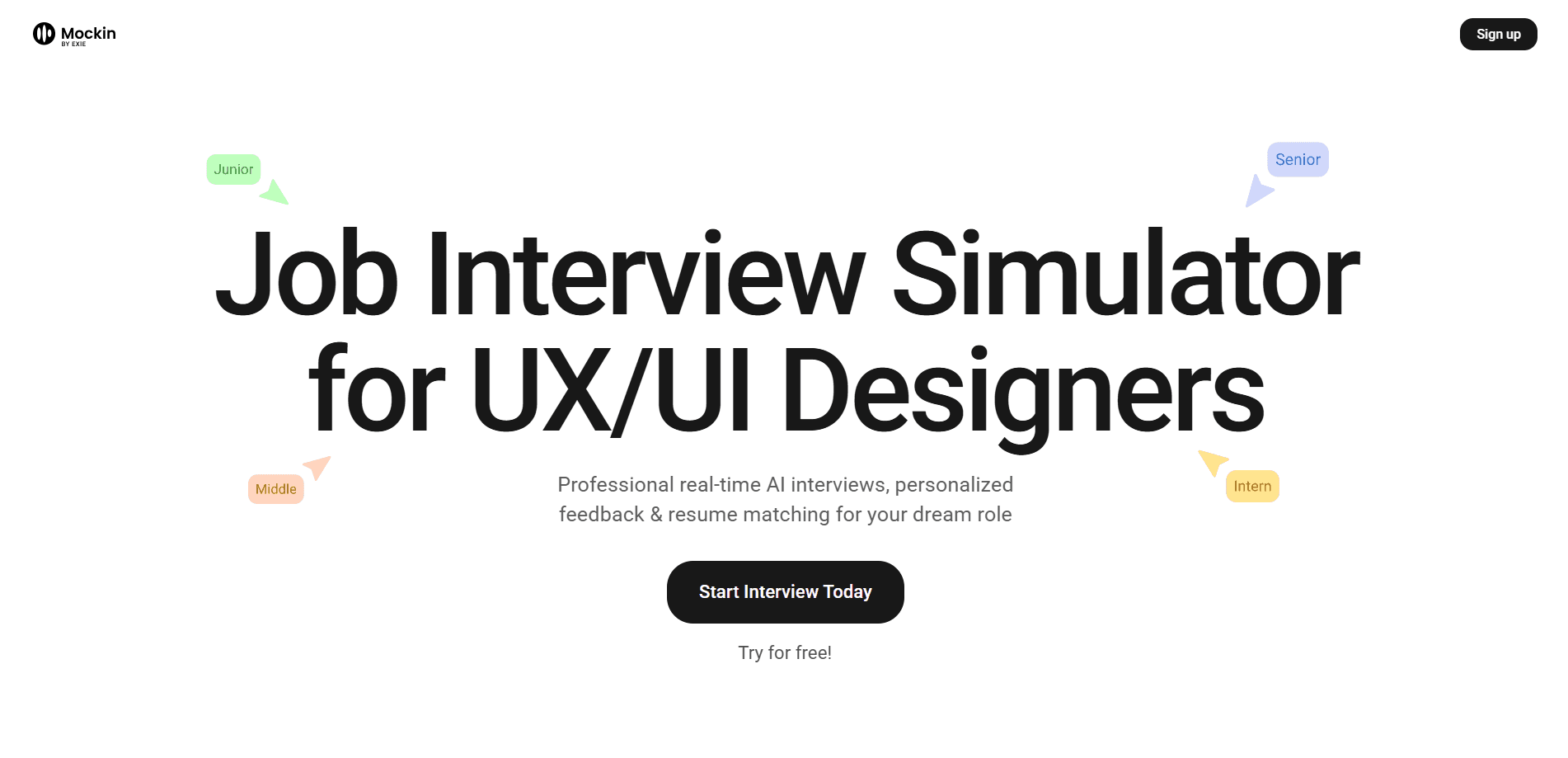
Mockin is an AI career toolkit for UX/UI and product designers. It reviews resumes and portfolios, runs STAR-based mock interviews and scores how well you match a job.
About Mockin
What Is Mockin
Mockin is a web app that prepares UX/UI and product designers for a real hiring process. The tool runs at Mockin.work, and it is aimed at AI interview prep for designers rather than general job seekers. Instead of a single resume scan, it bundles five tools into one account: a resume builder, a resume checker, a portfolio checker, a LinkedIn profile checker and mock interviews. Each one returns the kind of feedback a design manager would give, not a generic score.
The problem it targets is specific. Designers often get rejected without knowing why, and most application tools stop at grammar. Mockin looks at what recruiters and hiring managers actually screen for, from how clearly a case study tells its story to whether a resume passes the keyword filters that applicant tracking systems run.
Two things are worth knowing before you sign up. The full feature set sits behind a paid PRO plan, and the entry point is a free resume builder rather than a free trial of everything. And the mock interviews are text and voice practice sessions, not live coaching with a human, so the quality of the feedback depends on how much detail you bring to each answer.
Getting Started
- Sign up with a Google account and open the resume builder to create a resume from scratch without adding a credit card
- Upload or paste your resume and portfolio, up to three case studies, so the checkers can read the real structure
- Run the resume checker and the portfolio checker, then work through the specific fixes each report lists
- Start a mock interview, either a single question or a full screening or assessment session, and answer out loud
- Read the feedback on your answers, refine your story with the STAR method and repeat before you apply
Product Information
A quick look at Mockin's pricing, supported platforms, and performance.
Best for
The users, tasks, and scenarios where this tool fits best.
Users
- Junior and intern designers
- Mid-level and senior designers
- Design leads and managers
- Career switchers moving into product design
Tasks
- Resume review
- Portfolio review
- Mock interviews
- LinkedIn profile check
- Job match scoring
Scenarios
- An interview is scheduled for next week
- You keep getting rejected with no explanation
- A new role opens at a company you want
- English is not your first language
- You are returning after a career break
Key features
Resume Builder and Resume Checker
The resume builder creates an ATS-friendly resume from scratch, and it is the one tool you can use without a paid plan. The resume checker then reads an existing CV and scores it for applicant tracking systems and recruiter readiness. It looks at structure, formatting, keywords, role clarity, impact and career progression, then points out the lines that are likely to cost you an interview. The point is a rewritten suggestion, not just a warning.
Portfolio Checker
Design portfolios live or die on how a case study tells its story, and this checker reviews up to three of them. It reports on what a hiring design manager expects to see and flags where a project stops short, from an unclear problem statement to a missing outcome. Reviewers on Product Hunt single this out as unusual, because most tools stop at the resume and never open the portfolio a recruiter actually reads.
Mock Interviews with the STAR Method
Mockin runs mock interviews built around the STAR method, situation, task, action and result. It holds a library of more than 200 real interview questions for designers, grouped by theme like product thinking, leadership, collaboration and design thinking. You can take a single question or a full interview, and the sessions cover screening and assessment formats. The interviewer follows up on your answers rather than reading a fixed script, so the practice feels closer to a live round.
LinkedIn Profile Checker
The LinkedIn checker reviews your profile the way a recruiter would and returns a report on what is holding it back. It focuses on the wording, keywords and framing that decide whether you show up in search and whether a recruiter clicks through. For designers who lean on inbound interest instead of applications, this closes a gap that resume tools ignore.
Job Matcher and Match Score
The job matcher compares your resume against a specific job description and returns a match score. You see which requirements you already cover and which ones you do not, so you can tailor an application to the role instead of sending the same resume everywhere. It pairs with the checkers, since fixing the resume first makes the match score more useful.
Practice in Multiple Languages
You can run mock interviews in more than one language, and you answer out loud rather than in text. That matters for designers applying across borders or to remote teams that interview in English. Practicing the delivery, not just the content, is what turns a prepared answer into a confident one under pressure.
Pros and cons
Pros
- Designed specifically for UX/UI and product designers, so the feedback matches design hiring, not general job seeking
- Covers the whole application, resume, portfolio, LinkedIn and interviews, in one subscription instead of four
- The portfolio checker reviews up to three case studies, which is more than most resume tools attempt
- Interview practice responds to your answers and supports several languages for cross-border job searches
- The resume builder is free and needs no credit card, so you can start before paying
Cons
- No full free plan and no free trial, so the checkers and mock interviews all sit behind the PRO subscription
- Mock interviews are automated practice with no live human coach, which limits how much nuance the feedback can carry
- The site publishes no API, so there is no way to pull feedback into your own tools or workflow
- Pricing is listed in passes and short plans rather than a cheap ongoing tier, which suits a job search better than long-term use
Frequently asked questions
Mockin is an AI career toolkit for UX/UI and product designers. It builds and reviews resumes, checks portfolios and LinkedIn profiles, scores how well your resume matches a job, and runs mock interviews built on the STAR method, all from one account.
Related content
Explore related tools, skills, and articles for Mockin.
Mockin Alternatives

Fuse AI
Fuse AI · Coding · Marketing · BusinessFuse AI is an agentic sales platform for B2B teams. It combines 850M+ contacts, buying signals, and multi-channel outreach, and connects to AI assistants through an MCP server.

AUDR by Chargebee
Chargebee · Productivity · BusinessAUDR by Chargebee is an open JSON standard that records who started each AI agent run and what every model and tool call cost, so teams can bill and budget from one shared record.

Pilot5 Legal
Pilot5 Inc. · Writing · Productivity · BusinessPilot5 Legal is a legal AI console that runs five frontier models on one matter, lets them challenge each other, and returns one sourced recommendation with the dissent kept.