

Modal
Modal Labs · Coding
Modal is a serverless platform from Modal Labs for AI and data work. You write Python, and it handles containers, GPUs, and scaling. Teams run inference, batch jobs, and fine-tuning without servers.
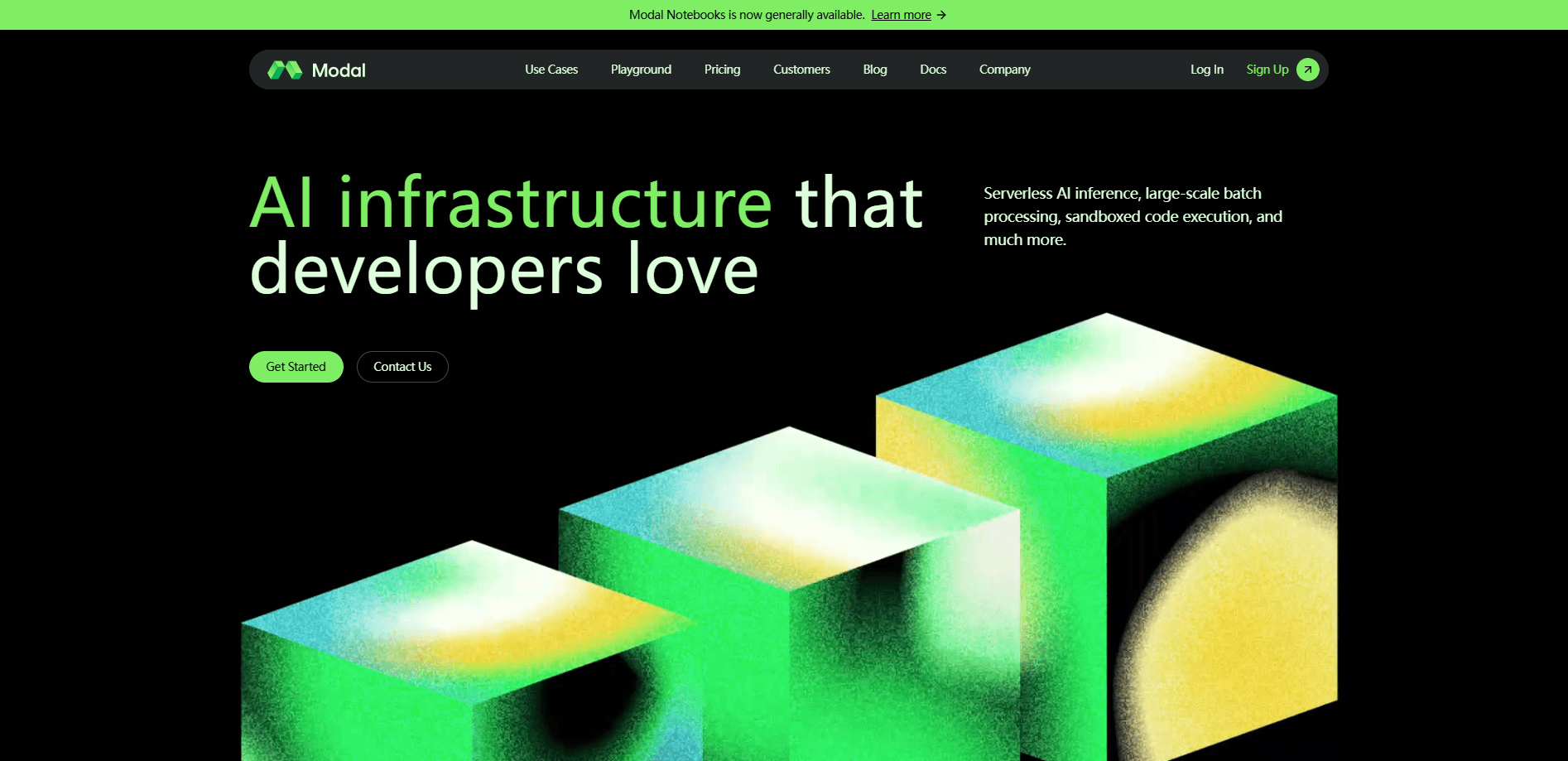
About Modal
What Is Modal
Modal is a serverless compute platform built for AI and data-heavy work, and it comes from a company called Modal Labs. You bring Python code; Modal puts it in a container and runs it in the cloud, spinning containers up and down as traffic changes. There's no server to log into and no cluster to babysit. If your app goes quiet, it costs nothing.
The pitch is the missing infrastructure layer. Instead of renting GPUs by the hour and paying for idle time, you pay per second of actual use, and Modal pools capacity across major clouds to find machines. For spiky workloads like inference endpoints or batch runs, that changes the math a lot. You can run low-latency inference on open-weight models, fan out thousands of parallel jobs, fine-tune on the latest GPUs, or launch isolated sandboxes to execute code an AI agent wrote.
Two things define how you work in it. First, everything is code. Container images, GPU specs, schedules, and secrets all live in your Python files, so there's no YAML to wrangle. Second, it stays out of your way once deployed. You define a function, run it with a command, and Modal handles the rest. The tradeoff is that this is a developer tool at heart. It isn't a point-and-click dashboard for people who don't write code, and GPU use needs a valid payment method on file even on the free tier.
Getting Started
Modal keeps setup short, and you don't have to provision any infrastructure up front.
- Create an account at modal.com and add a payment method if you plan to use GPUs.
- Install the client by running
pip install modalin your Python environment. - Authenticate with
modal setup, which links your local machine to your account. - Write a Python file that defines an app and one or more functions, and mark the GPU you need.
- Deploy or run it with a single command like
modal run file.py, then watch it scale on its own.
If you want to try it before installing anything, Modal hosts an interactive playground in the browser, so you can run a small example first and set up your machine later.
Product Information
A quick look at Modal's pricing, supported platforms, and performance.
Best for
The users, tasks, and scenarios where this tool fits best.
Users
- ML engineers deploying models
- Data teams running batch jobs
- Startups watching burn
- Researchers fine-tuning models
Tasks
- Serving inference endpoints
- Fine-tuning and training
- Running AI-generated code
- Processing large data sets
- Prototyping with GPUs
Scenarios
- Launching a model-backed app with spiky traffic where fixed reserved GPUs would sit idle most of the day.
- Building an agent product that needs millions of short-lived sandboxes for safe code execution.
- Teaching or research work that needs occasional bursts of serious GPU power without a long-term contract.
Key features
True Serverless Autoscaling
Modal scales your containers up and down automatically based on request volume, so you don't manage a cluster or reserve capacity. It pools resources across major clouds and picks where your code runs based on the best available hardware and cost. For irregular traffic, that beats paying for reserved machines that sit empty. Cold starts for inference can land under a second, which is fast enough for interactive apps.
Pay Per Second, No Idle Costs
Billing is by the second of actual compute, not by the hour of reserved hardware. If nothing is running, you pay nothing beyond your plan. That's the core reason teams move spiky workloads here: a service that's busy for hours a day but idle overnight only costs you for the busy hours. Region selection, non-preemptible execution, and network egress are priced as add-ons on top of base rates.
Everything Is Code
There's no YAML, no dashboard wiring, and no separate infra repo. Container images, GPU specs, schedules, secrets, and network rules are all declared in Python next to your app logic. That keeps environments reproducible and reviewable in the same pull request as the code that uses them. It also means your infrastructure travels with your code, so onboarding a teammate is a clone away.
GPUs on Demand
You request the GPU you need at the function level, from consumer cards up to high-end data-center chips like the H100, and Modal finds capacity. Single and multi-node runs are available for training and fine-tuning, and autoscaling handles bursts across thousands of GPUs. You don't negotiate a quota or file a support ticket to get more.
Sandboxes for Agent Code
Modal Sandboxes let you create isolated, secure containers to run code your AI agent or users generate. You can programmatically create millions of concurrent sandboxes in under a minute, which is what agent products need when each user request spawns its own execution. This is the security layer that keeps untrusted code from touching your production systems.
Inference, Training, and Notebooks in One Place
The same platform covers low-latency inference, async batch jobs, fine-tuning, reinforcement learning, and GPU-backed notebooks. You don't stitch together three vendors. A team can serve a model, run a nightly fine-tune, and hand a colleague a live notebook without changing infrastructure. OpenAI-compatible endpoints are available for out-of-the-box model serving.
Pros and cons
Pros
- Pay only for compute seconds, so spiky or idle-heavy workloads cost far less than reserved GPUs.
- Autoscaling handles bursts across thousands of containers and GPUs without a scheduler to run.
- Everything lives in Python, so there's no YAML or separate infrastructure configuration to maintain.
- Generous free tier with $30 per month in credits, plus up to $10k in academic grants.
- Covers inference, batch, fine-tuning, sandboxed code execution, and notebooks on one platform.
Cons
- It's built for people who write code. There's no visual dashboard for deploying a model without a Python file, so non-developers will struggle.
- Even on the free plan, using GPUs requires a valid payment method on file, which blocks users who want to test hardware with zero commitment.
- Costs can climb fast at scale once you pass the included credits, and tuning concurrency to control spend takes some experience.
- You're relying on Modal's pooled capacity, so regional availability and specific hardware aren't guaranteed at every moment.
Frequently asked questions
Modal runs AI and data workloads in the cloud without you managing servers. People use it to serve model inference, run large parallel batch jobs, fine-tune or train models on GPUs, and execute AI-generated code in isolated sandboxes. It's aimed at developers and teams rather than end users.
Related content
Explore related tools, skills, and articles for Modal.
Modal Alternatives

Udon
Udon · Coding · ProductivityUdon turns an Apple Silicon Mac into a home server you run from a browser, with container controls, file shares, and an optional AI sysadmin.

offstage
offstage cloud · Coding · Productivityoffstage gives AI coding agents and CI jobs a real Mac: a fresh macOS account on Apple silicon, driven over an API and billed by the second.

BotBus
Chengdu Tuyang Tusen Technology Co., Ltd. · Coding · ProductivityBotBus lets you control AI coding agents from your phone and watch: approve commands, start tasks and read results while the code stays on your desktop.