

Moggr - Haircut & Looksmax AI
Funny Media Labs, S.L. · Image
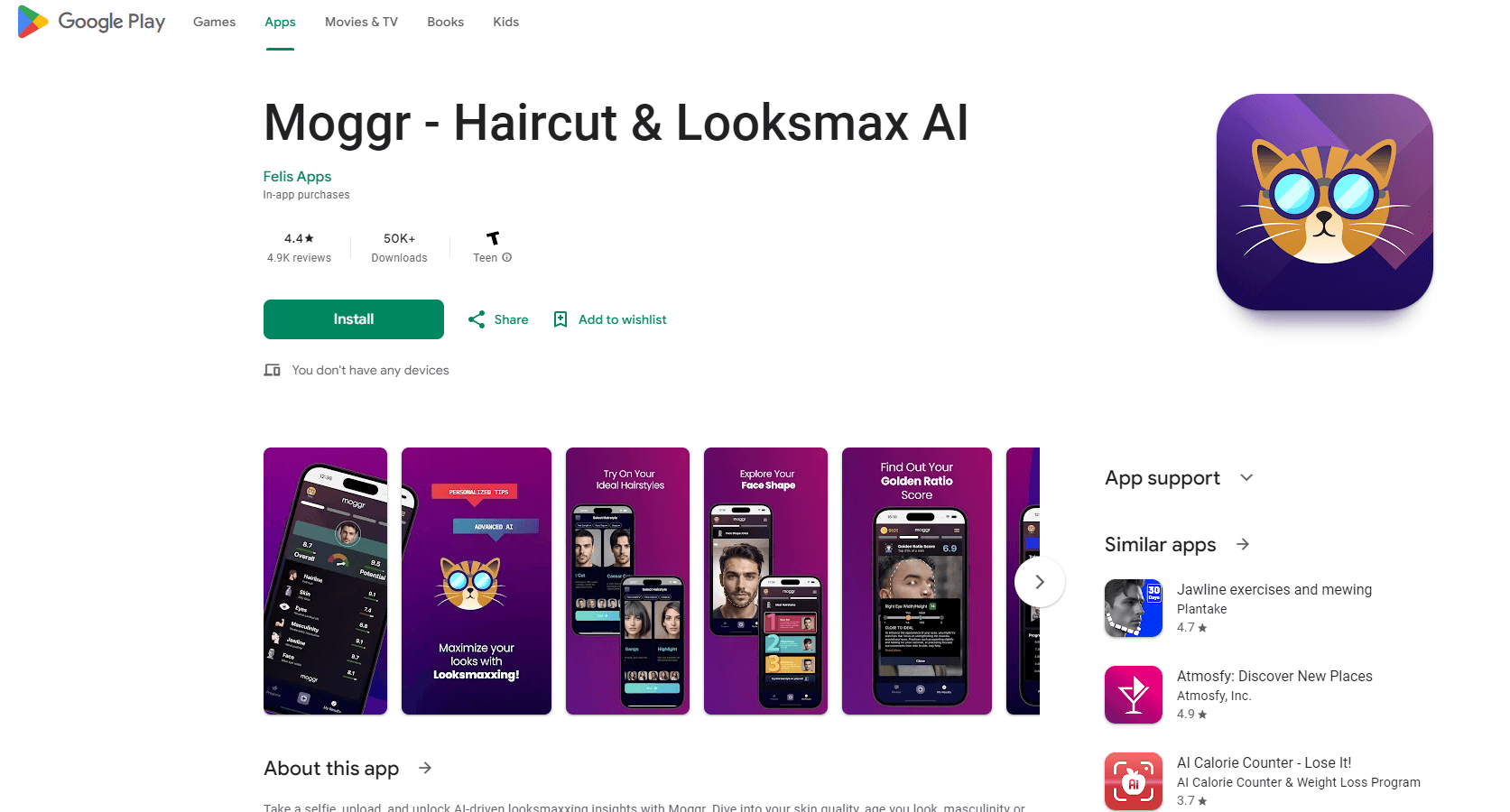
Moggr is an iPhone app that rates your face with AI and then tells you what to change: symmetry scores, skin and face shape reads, plus try-ons for 50 hairstyles.
About Moggr - Haircut & Looksmax AI
What Is Moggr
Moggr is a selfie app that turns a photo of your face into a score sheet and a short list of fixes. Upload a picture and it returns numbers for facial symmetry, skin quality, the age you look, and how masculine or feminine your features read. Then it points at specifics: the haircut that fits your face shape, the sunglasses that suit your eye shape, which side of your head takes the better photo.
The vocabulary comes straight from looksmaxxing, the corner of the internet that treats appearance as a project with inputs and outputs. Moggr is a looksmax AI app in all but name, and it borrows the slang without apology. The hairstyle engine is the headline feature and the reason most people install it: 50 styles for men and women, rendered by eight AI models so you can see a cut on your own head before a barber touches it. Plenty of people treat it as a plain AI haircut app and never open the symmetry report.
Two limits matter before you download. Results sit behind a subscription, so the free app mostly shows you the door. The scores are geometry, not medicine: proportions measured against ratios like the golden ratio and a 1:1 midface, with no published study behind the cutoffs. Lighting, camera angle, and a bad haircut in the source photo all move the numbers.
Getting Started
- Install Moggr from the App Store. The listing asks for iOS 13.4 or newer and the download is free.
- Take a selfie in even light with your hair pulled back, or upload one from your library. A straight-on shot scores better than a tilted one.
- Read the free preview, then pick a subscription plan if you want the full report and the hairstyle try-ons unlocked.
- Work through the recommendations, then retake the same photo in a few weeks and compare the two reports.
Product Information
A quick look at Moggr - Haircut & Looksmax AI's pricing, supported platforms, and performance.
Best for
The users, tasks, and scenarios where this tool fits best.
Users
- Men who already follow looksmaxxing forums
- Anyone about to change their hair
- Women curious about face and eye shape
Tasks
- Picking a haircut before a salon visit
- Learning your most photogenic side
- Tracking grooming changes
Scenarios
- The night before a haircut appointment
- A monthly self check
- Building a dating profile
Key features
Face Rating and Symmetry Scores
The core analysis takes one selfie and scores each facial feature for symmetry, then rolls the results into an overall read. Moggr also maps your face against the golden ratio and checks whether your midface sits near the 1:1 ratio the looksmaxxing crowd treats as ideal. Every score comes with a short note on which area pulled it down, so you know whether the eyes, nose, jawline, cheekbones, or mouth is doing the damage.
50 Hairstyle Try-Ons
The hairstyle engine is what separates Moggr from the pile of face rating apps, and it is the reason the app gets called a hairstyle try on app before anything else. You get 50 styles across men's and women's cuts, rendered by eight AI models rather than a single generic filter. Upload a photo, tap a style, and the app returns your face with that cut on it. Short crops, fades, longer layers, and curly shapes all appear in the library, which is enough range to test a real change rather than a small trim.
Face Shape and Eye Shape Finder
Moggr classifies your face as round, oval, square, oblong, heart, or diamond, then explains what that shape usually suits in hair, glasses, and accessories. The eye shape finder does the same job for almond, hooded, deep-set, and round eyes, with notes on makeup and frame styles. It reads like a style guide written for your specific head instead of a generic article.
Skin, Age, and Masculinity Metrics
Beyond bone structure, the app estimates skin quality, the age you appear to be, and how strongly your features read as masculine or feminine. These are the softest numbers in the report, and the part of the AI face analysis that deserves the most suspicion. Apparent age swings with lighting and beard length, and skin quality from a compressed selfie is a rough guess at best. Treat them as conversation starters, not dermatology.
Personalized Grooming Recommendations
Each analysis ends with a list of suggested moves aimed at your weakest scored areas. The advice runs from haircut and beard shape to skincare basics and photo habits. Moggr keeps the language plain, which helps if you are new to the terminology, and it ties each suggestion back to a measurement so the list does not read like generic self improvement filler.
Progress Tracking
Reports stack over time, so you can compare an old selfie with a new one and see which scores moved. The feature only works if you shoot consistently: same room, same light, same distance. Used that way, it turns the app from a one time curiosity into something closer to a grooming log.
Pros and cons
Pros
- The hairstyle library is genuinely wide: 50 cuts with both men's and women's options in one place.
- One selfie feeds several tools at once, covering symmetry, skin, face shape, eye shape, and hair, which saves installing four separate apps.
- Recommendations name the feature they came from, so the advice is specific enough to act on.
- The App Store listing shows a 4.8 average from roughly 4,100 ratings, which is a large sample for a niche app.
- Frequent updates: version 3.8.1 shipped in July 2026, and the developer keeps adding analysis types.
Cons
- Analysis results require a subscription, so the free download mostly shows the interface rather than the output.
- iPhone only. There is no Android build, no web version, and no API for developers.
- Weekly pricing is easy to underestimate. Several weekly tiers between $3.99 and $6.99 sit next to a $69.99 yearly plan, and the $79.99 premium option needs a careful look before you commit.
- The scores arrive without published methodology or accuracy testing, so a number like 62 percent symmetry means little beyond your own past results.
Frequently asked questions
In app purchases range from $2.99 for a three pack of Boosts to $79.99 for the top premium option. Weekly subscriptions run between $3.99 and $6.99, and a yearly subscription is listed at $69.99. Prices vary by region and change over time, so check the paywall in your own App Store before you tap subscribe.
Related content
Explore related tools, skills, and articles for Moggr - Haircut & Looksmax AI.
Moggr - Haircut & Looksmax AI Alternatives

Google EmbeddingGemma 2
Google DeepMind · Writing · Image · CodingGoogle EmbeddingGemma 2 is a 740M-parameter open model that turns text, code, images, audio, and video frames into vectors in one 768-dimension space, running on phones and laptops.

Tractionwave
TractionWave · Image · MarketingTractionWave is an AI attention heatmap tool for static ads. Upload a PNG or JPG and it returns predicted attention, ranked hotspots, and fixes before you spend budget.

Imejis.io
Imejis.io · Image · MarketingImejis.io is an AI design studio for agents and marketing teams. Describe an image in plain words, and it writes the copy, builds the layout, reflows it to every size, then exports a finished file.