

Molmo
Allen Institute for AI (Ai2) · Image
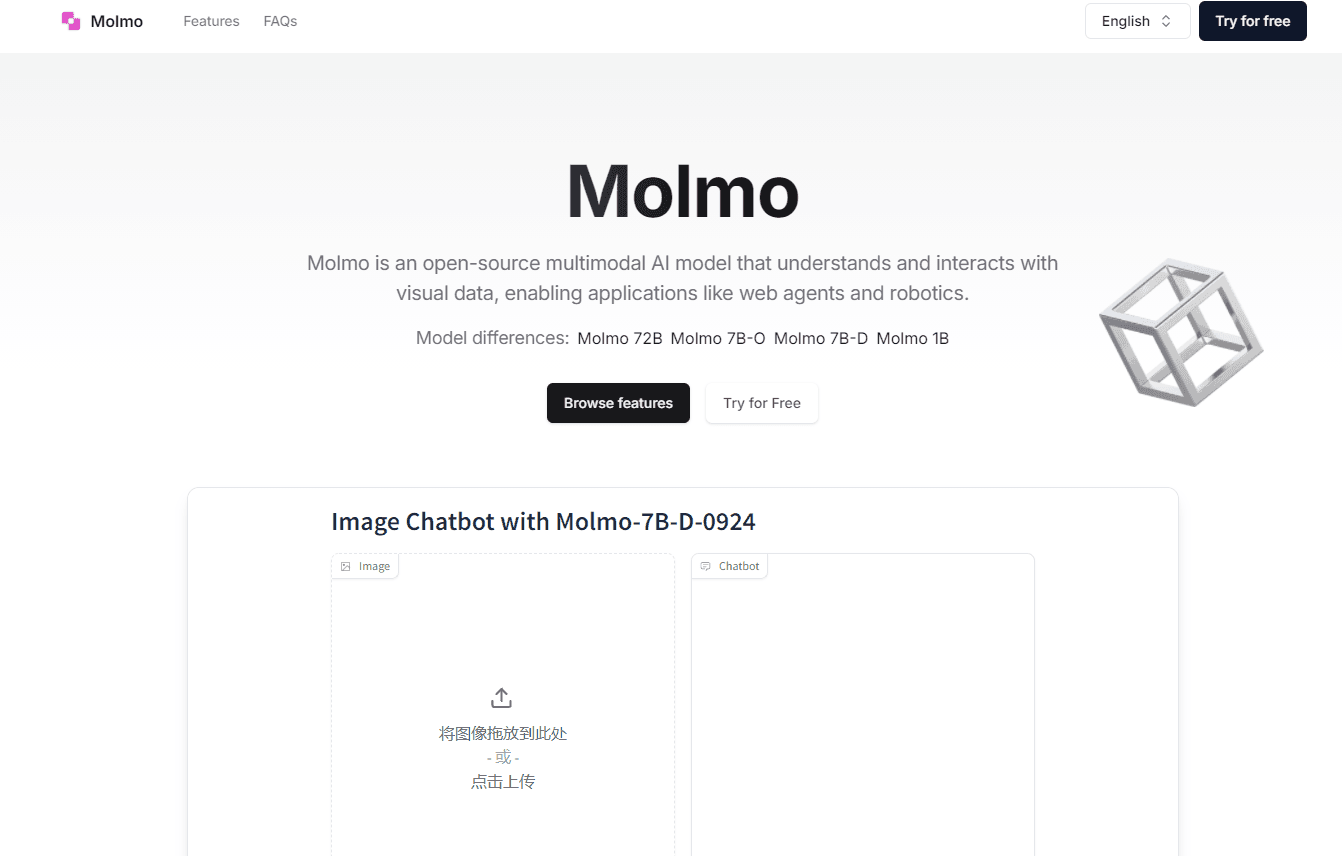
Molmo is an open-source multimodal AI model from Ai2 that understands images, points at objects, and powers web agents and robotics.
About Molmo
What Is Molmo
Molmo is a family of vision language models built by the Allen Institute for AI (Ai2). Unlike text-only models, it takes an image and a question together, then answers in plain language. It can also point at the exact spot it's talking about, which most models can't do.
Three sizes ship under the Molmo name: 1B, 7B, and 72B. The small one runs on a laptop. The 72B version trades blows with closed systems like GPT-4V and Gemini 1.5 on several benchmarks. According to Ai2, that gap exists because Molmo was trained on a curated set of around 600,000 images, not billions. Quality over volume.
Here's the catch. Molmo is a model, not an app. You won't find a slick chat box on a website. Getting it running means downloading weights and wiring it into your own code. That's fine for developers. It's a wall for everyone else.
The weights, training data, and source code are all public, so you can inspect how it works and build on top of it without paying a license fee.
Getting Started
- Create a free account on Hugging Face, where Ai2 hosts the Molmo weights and dataset cards.
- Pick a size. Grab the 1B model if you want to test on your own machine, or the 7B and 72B versions if you have the hardware or a cloud GPU.
- Load the model with a toolkit like Transformers, then pass it an image plus a text prompt.
- Ask it to describe, count, or point at something in the picture, and read the response.
- Feed the output into your own web agent, robot, or app workflow.
Product Information
A quick look at Molmo's pricing, supported platforms, and performance.
Best for
The users, tasks, and scenarios where this tool fits best.
Users
- Developers building computer vision features
- Researchers studying multimodal models
- Hobbyists with a decent GPU
Tasks
- Pointing at specific objects in a photo
- Reading charts, menus, and whiteboards
- Driving web agents
Scenarios
- Automating a repetitive screen task
- Sorting or tagging a photo library
- Picking a base model for a product prototype
Key features
Image Understanding That Points
Most models answer questions about a picture in words. Molmo goes further and drops a marker on the exact object you reference, whether that's a person in a crowd or a button on a menu screen. That pointing works without any special training, a zero-shot trick that opens up tasks like counting and UI navigation.
Three Sizes for Different Hardware
The lineup spans 1B, 7B, and 72B parameters, so you choose based on your machine, not the other way around. The 1B model is light enough for a personal device, while the 72B version targets teams with serious GPU capacity. Same family, very different footprints.
Trained on a Small, Curated Dataset
Ai2 used roughly 600,000 human-annotated images instead of the billions other labs rely on. The descriptions were written by people, not scraped, which makes the model conversational and precise. It also means training cost less, and that efficiency shows in how quickly the smaller models respond.
Fully Open Source
Weights, code, and the training dataset are all released to the public. You can run Molmo, study it, fine-tune it, and ship it inside commercial products without a license fee. For researchers, that transparency is the whole point.
Built for Agents and Robots
Molmo's ability to see a screen and act on it suits web agents that fill forms or navigate sites, and robots that need to interpret what a camera sees. It reads the visual layer directly, so you don't have to reverse-engineer a page's underlying structure.
Pros and cons
Pros
- Free to use with no subscription or per-call pricing.
- Open weights, code, and dataset let you inspect and modify everything.
- The pointing feature handles object location and counting that text-only models can't.
- The 1B model fits on modest hardware, so testing doesn't demand a data center.
- Performance on par with far larger proprietary models on several benchmarks, according to Ai2.
Cons
- No hosted API, so you must run the model yourself or find a third-party host, which adds setup work.
- Only the smallest version is realistic on a laptop; the 72B model needs serious GPU memory.
- No official mobile app or plug-and-play interface, which shuts out non-coders entirely.
Frequently asked questions
Molmo is used for tasks that mix images and language: describing photos, reading charts, locating objects, and powering web agents or robots that act on what they see. It's a foundation model, so developers build the final tool on top of it rather than using it directly.
Related content
Explore related tools, skills, and articles for Molmo.
Molmo Alternatives

Google EmbeddingGemma 2
Google DeepMind · Writing · Image · CodingGoogle EmbeddingGemma 2 is a 740M-parameter open model that turns text, code, images, audio, and video frames into vectors in one 768-dimension space, running on phones and laptops.

Tractionwave
TractionWave · Image · MarketingTractionWave is an AI attention heatmap tool for static ads. Upload a PNG or JPG and it returns predicted attention, ranked hotspots, and fixes before you spend budget.

Imejis.io
Imejis.io · Image · MarketingImejis.io is an AI design studio for agents and marketing teams. Describe an image in plain words, and it writes the copy, builds the layout, reflows it to every size, then exports a finished file.