

Momo: AI Photo & Video Maker
ScaleUp · Image
Momo: AI Photo & Video Maker is an AI photo generator that turns everyday selfies into studio-style headshots, portraits, and short videos.
About Momo: AI Photo & Video Maker
What Is Momo: AI Photo & Video Maker
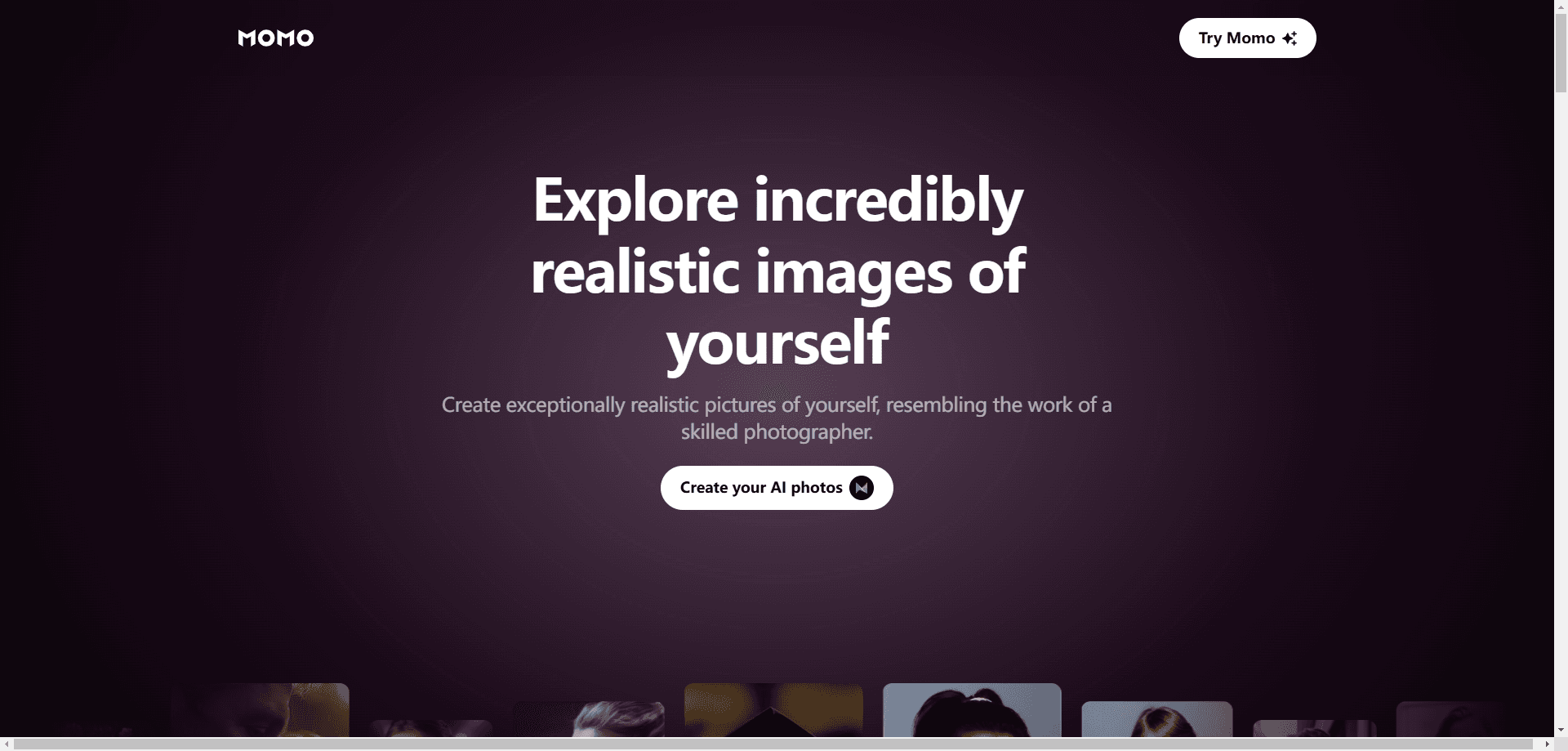
Momo is a mobile app built around one clear promise: you upload a handful of regular photos of yourself, and it produces polished images that look like a professional studio shot them. That includes business headshots, social media portraits, and AI-generated scenes where you appear in places you've never actually visited in real life. It also handles video, generating short clips from the same kind of source material.
The core audience is anyone who needs a decent photo of themselves but doesn't want to book a photographer. Job seekers, freelancers, and people who run small businesses are the obvious fit. So are casual users who just want better profile pictures without learning photo editing software.
As a selfie to headshot app, it leans on the photos you already have on your phone. You aren't describing an image in text or prompting an AI headshot maker from scratch. You're feeding it your own face and letting it restyle the result.
The biggest limitation is the input problem. These tools depend on the photos you feed them, and results vary wildly depending on lighting, angles, and how consistent your source images are. Momo isn't a magic wand. If you hand it five blurry selfies taken in a dark room, you'll get five blurry-looking generated images back, and no amount of AI processing can fully rescue source material that was bad to begin with. Treat it as a fast shortcut for specific image types, not a replacement for a real camera when the occasion matters.
Getting Started
- Download Momo from Google Play and create an account.
- Upload a set of clear photos of your face from different angles, following the in-app guidance.
- Pick a style or template, like a corporate headshot or a themed portrait.
- Let the app process your images into a new set of generated photos.
- Review the results, then save or share the ones you like.
Product Information
A quick look at Momo: AI Photo & Video Maker's pricing, supported platforms, and performance.
Best for
The users, tasks, and scenarios where this tool fits best.
Users
- Job seekers who need a professional headshot fast, and don't want to pay for a studio session.
- Freelancers and small business owners building a personal brand on LinkedIn and similar platforms.
- Casual social media users who want stronger profile pictures without learning editing tools.
Tasks
- Generating business headshots from phone selfies.
- Creating themed AI portraits for social profiles.
- Producing short AI video clips for posts and stories.
Scenarios
- Updating a LinkedIn profile before a job search.
- Refreshing social accounts with a new set of portraits.
- Making quick promotional visuals when there's no budget for a photographer.
Key features
AI Headshot Generation
The headline feature. You supply photos of your face and the app returns professional-looking headshots, complete with lighting and background that look like a studio setup. For anyone who's put off updating a resume photo, this is the whole reason to install the app. No appointment, no awkward posing in front of a stranger.
Themed AI Portraits
Beyond corporate looks, this AI portrait generator produces stylized images for social media. Think cinematic lighting, fantasy settings, or editorial styles. It's the same idea as the headshot tool but aimed at people who want something more eye-catching than a plain profile picture.
AI Video Creation
Momo also produces short videos, turning your source photos into moving clips. This matters if you want video content for stories or reels but don't have footage to edit. Video generation is heavier than stills, so expect longer processing and tighter limits on how many you get. Stills first, video second.
Source-Photo-Based Generation
Everything starts from your own uploaded photos rather than a text description alone. That's what keeps the output recognizably you instead of a generic AI face. The tradeoff: if your source photos are blurry or inconsistent, the results suffer. Good inputs matter more than good luck here.
Style Templates
This Android photo app ships with a library of preset styles so you don't have to write prompts or tune settings. You pick a look, and it handles the rest. Handy for beginners. It does mean less control than tools built around custom prompts.
Mobile-First Workflow
Momo is an Android app, not a desktop program. You shoot, upload, and export on your phone, which suits people who do everything from a handset. It does mean no desktop editing step if you like to fine-tune on a big screen. For some users, that's a dealbreaker.
Pros and cons
Pros
- Turns ordinary selfies into polished headshots without a photographer.
- Handles both images and short video in one app.
- Style templates make it usable with zero editing experience.
- Gets you profile-ready pictures in minutes, not days.
Cons
- Output quality depends heavily on the source photos you upload.
- Android only, so iPhone users have to look elsewhere.
- Video generation is slower and more limited than still images.
Frequently asked questions
It's an AI photo generator and video maker for Android. You upload photos of yourself, and it creates professional headshots, themed portraits, and short video clips from them.
Related content
Explore related tools, skills, and articles for Momo: AI Photo & Video Maker.
Momo: AI Photo & Video Maker Alternatives

Google EmbeddingGemma 2
Google DeepMind · Writing · Image · CodingGoogle EmbeddingGemma 2 is a 740M-parameter open model that turns text, code, images, audio, and video frames into vectors in one 768-dimension space, running on phones and laptops.

Tractionwave
TractionWave · Image · MarketingTractionWave is an AI attention heatmap tool for static ads. Upload a PNG or JPG and it returns predicted attention, ranked hotspots, and fixes before you spend budget.

Imejis.io
Imejis.io · Image · MarketingImejis.io is an AI design studio for agents and marketing teams. Describe an image in plain words, and it writes the copy, builds the layout, reflows it to every size, then exports a finished file.