

Mozaik
Jigjoy · Coding
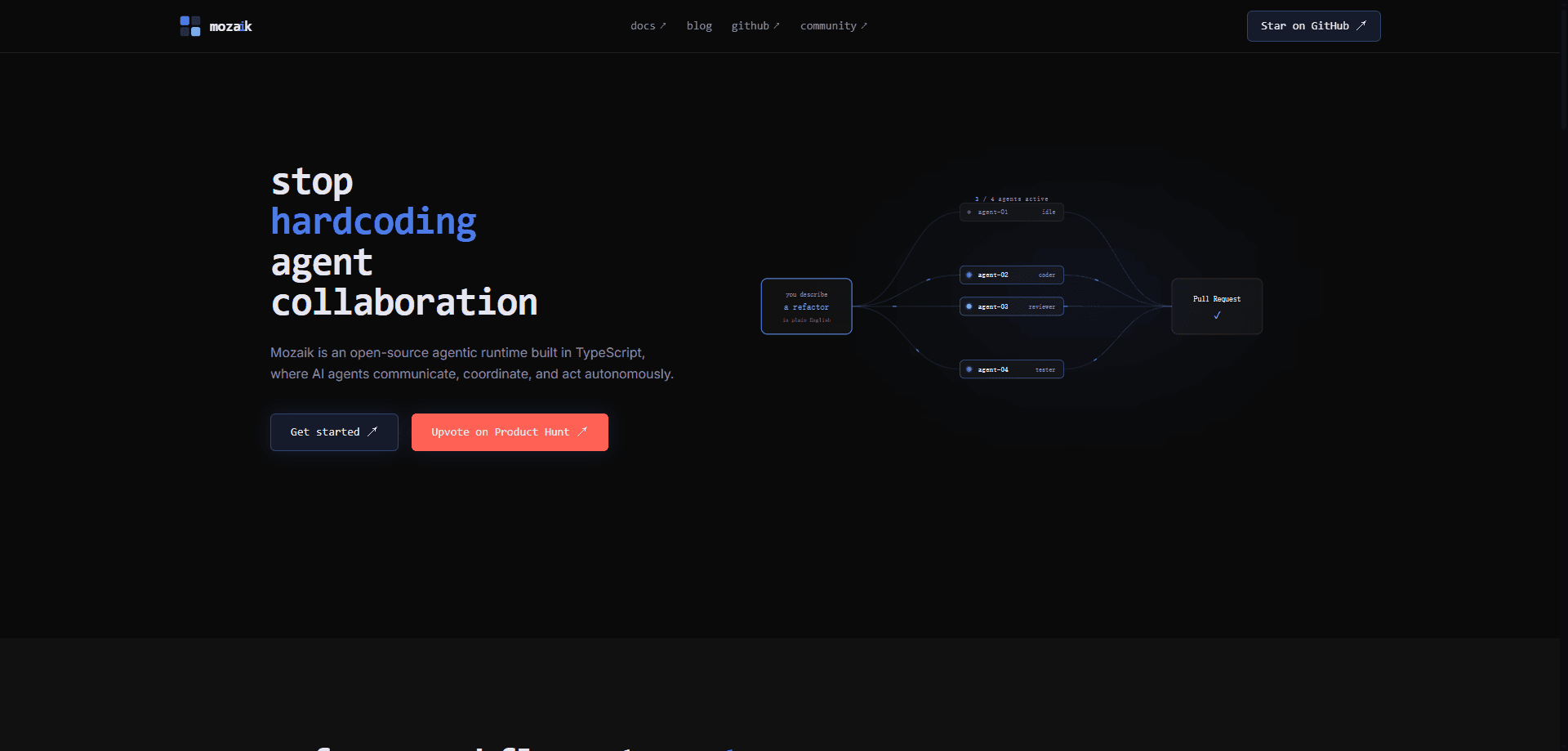
Mozaik is an open-source agent runtime written in TypeScript. It builds AI agents that run at the same time without blocking each other. Instead of wiring together a single chatbot loop, you get a shared runtime where agents, humans, and other participants exchange events and react whenever a situation matches. It targets developers who want multi-agent collaboration rather than one-off assistants. The package ships as `@mozaik-ai/core` on npm.
About Mozaik
What Is Mozaik
Mozaik is a runtime, not a chat app. It's a TypeScript agent framework built and maintained by Jigjoy under the open-source Mozaik repository. It installs as the npm package @mozaik-ai/core. You use it inside a TypeScript project, define your own runtime, then register the agents and handlers you want.
The problem it solves is coordination. Most agent frameworks give you one loop that calls a model and returns an answer. That gets awkward the moment two agents need to work on the same task. So what happens when the second agent wants to act? Mozaik treats the runtime as a shared space where participants publish events and situation handlers decide what to do. Agents can work in parallel, read shared state, and adapt when the situation changes. Teams that need concurrent AI agents get parallelism here instead of one serial loop.
The biggest limit is that it's a library for developers, not a finished product. There's no hosted dashboard and no visual builder. You need Node.js 18+, a provider API key, and enough TypeScript to be comfortable with classes and generics. If you wanted a no-code agent builder, this isn't it.
Getting Started
- Install the core package with
npm install @mozaik-ai/core, or useyarn add/pnpm addif that's your tooling. - Add a
.envfile at your project root with the API key for the provider you plan to use, likeOPENAI_API_KEY,ANTHROPIC_API_KEY, orGEMINI_API_KEY. - Call
defineRuntimeto create your session API, then runinitializeRuntimeonce with a state object before you join anyone. - Create participants with
createAgentandcreateHuman, attach any situation handlers they need, andjointhem to the runtime. - Publish an event with
sendMessage, or start an agent turn withrunLoop, and the matching handlers take over from there.
Product Information
A quick look at Mozaik's pricing, supported platforms, and performance.
Best for
The users, tasks, and scenarios where this tool fits best.
Users
- TypeScript developers
- Backend and platform engineers
- AI researchers and tinkerers
Tasks
- Running concurrent agents on one task
- Human-in-the-loop approvals
- Intercepting and correcting agent output
- Tool and MCP integration
Scenarios
- Multi-agent simulations
- Customer-facing assistants sharing state
- Streaming responses to a console or UI
- Prototyping agent architectures before production
Key features
Concurrent agents that don't block each other
The core idea is that agents work independently rather than taking turns. No one waits in line. When one agent is stuck on inference, another can still handle events in the runtime. For teams running multi-agent workflows, throughput comes from parallelism instead of a single serial loop.
A shared, event-driven runtime
Participants meet in one runtime where events get published and agents react to them. You define the runtime with defineRuntime, then initialize it once with your own state class. Everything else, from humans to agents, joins that same space, so they all see the same activity.
Situation handlers
Instead of hard-coding when an agent should act, you describe the situation it cares about. A SituationSpecification checks each event, and a matching handler runs your processor. Simple as that. The quickstart's WhenOthersSendAMessage example reacts only when someone other than the agent sends a message, which keeps the logic clean and readable.
Shared environment awareness
Agents understand the other participants and the runtime state around them. That awareness lets them adapt instead of running blind. A shared-state example shows an agent answering from a common account with a fixed limit, so the constraint lives in the environment rather than in each agent's prompt. One account, one limit, many agents.
The agent loop with interception
runLoop starts one agent turn: it updates context, runs inference, calls tools, and produces an answer. The interception feature lets you hook into that loop, so a planner can be stopped mid-stream when it proposes something risky and redirected toward a safer option.
Multi-provider model support
Mozaik picks a provider from the model name you pass in. Swap OpenAI, Anthropic, or Gemini models without touching the surrounding code. DeepSeek models run through the OpenAI-compatible endpoint, so they use an OpenAI-style key and base URL pointed at DeepSeek.
Tools and MCP discovery
Agents can carry tools and call them during a turn, and the MCP example shows an agent discovering tools from a local MCP server to answer a stock-price question. For developers already invested in MCP, that means existing tool servers plug into the same agent loop.
Streaming and structured output
Agents can stream results token by token for real-time interfaces. That matters when a user waits on screen. Or return output that matches a strict JSON schema when you need a machine-readable result. The structured-output example returns an investment brief shaped to a fixed schema, which is useful when downstream code has to parse the answer.
Pros and cons
Pros
- Open-source and free to install, with no license fee and no paid tier.
- Built for concurrency, so multiple agents can run at once instead of queuing behind one loop.
- Situation handlers make the trigger logic explicit and easy to read.
- Ships with a set of self-contained examples covering streaming, tools, MCP, and human-in-the-loop approvals.
- Works across OpenAI, Anthropic, Gemini, and OpenAI-compatible providers like DeepSeek.
Cons
- It's a developer library. There's no visual builder or hosted dashboard for non-coders.
- You need Node.js 18+, a provider API key, and solid TypeScript skills before you can run anything. No installer, no shortcut.
- Documentation still leans on the GitHub repository, which means version pinning is on you in production.
- The API surface mentions model names like `gpt-5.5`, so features depend on what your chosen provider actually exposes.
Frequently asked questions
Mozaik is a runtime for building AI agents in TypeScript, especially agent teams that need to run in parallel and react to each other. You use it inside a Node.js project to define participants, publish events, and handle situations as they arise.
Related content
Explore related tools, skills, and articles for Mozaik.
Mozaik Alternatives
Forefront
Forefront · CodingForefront is a web platform for building with open-source AI. It lets you fine-tune leading open-source language models on your own data, evaluate how they perform, and run them through an API or export them to host yourself. Developers who want the convenience of a closed-source platform but insist on owning their models and data are the target audience here.

Startkit
StartKit.AI · CodingStartkit is a boilerplate for building AI SaaS and AI wrapper products. Think of it as an AI startup boilerplate with the boring parts already wired up: authentication, Stripe and Lemon Squeezy payments, usage limits, transactional email, and an AI API starter that talks to OpenAI, Anthropic, Groq, or Llama. You clone the repo, set your price, and start on the part of your product that people actually pay for. It's Next.js under React and Tailwind, so most of the boilerplate code already feels familiar.
Testim
Tricentis · CodingTestim is an AI-powered test automation platform for building and running end-to-end tests across web, mobile, and Salesforce applications. It leans on machine learning to keep tests stable when an interface changes, so teams spend less time fixing broken selectors. Not bad for an automated testing tool you can start using today. You create tests by recording actions in a browser, then optionally add JavaScript when you need more control. It's a solid pick for busy QA teams.