

mrge
cubic (formerly mrge) · Coding
cubic is an AI code review platform that checks every pull request against your full codebase, flags bugs and security issues, and helps teams merge changes faster.
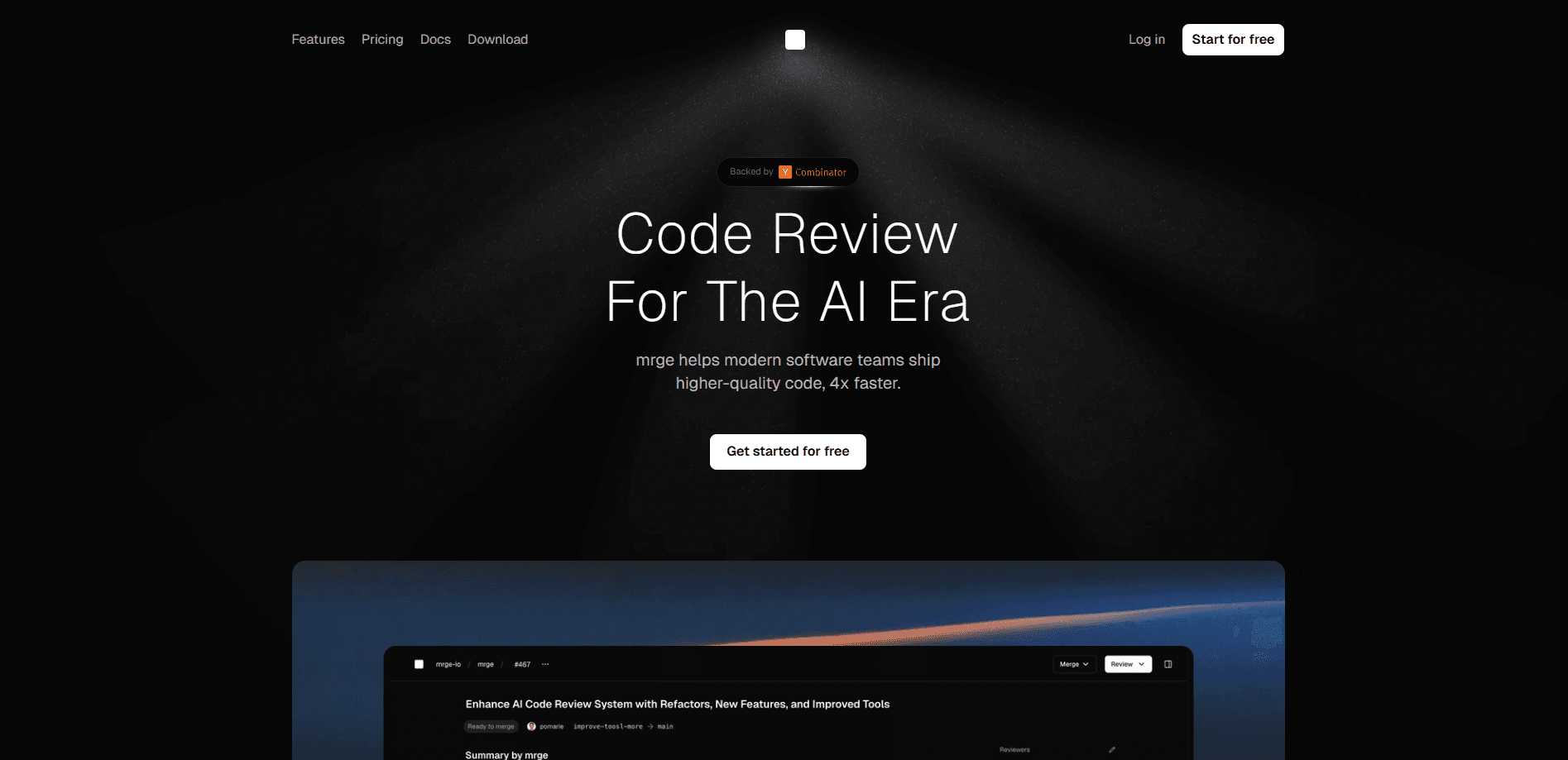
About mrge
What Is cubic
cubic is an AI code reviewer that installs as a GitHub app and comments on pull requests the way a senior engineer would: on the exact lines that look wrong, with an explanation and a suggested fix. It reads what the code does, not just its syntax, so it catches logic bugs, security holes, and changes that break code elsewhere in the repository.
The team behind it, formerly mrge, built cubic because AI coding tools made code cheap to write and review the new bottleneck. On Martian's Code Review Bench, an independent test on thousands of real open-source pull requests, cubic ranked first with a 65.7% F1 score. That figure is the vendor's cited benchmark, so treat it as a strong signal rather than a guarantee for your own repository.
cubic does not replace human review. It takes the first pass so your engineers spend their time on design and intent instead of hunting for mistakes. It is also GitHub-only today, so teams on GitLab or Bitbucket cannot use it yet.
Getting Started
- Sign in with your GitHub account and install cubic on the repositories you want reviewed.
- Open a pull request. cubic reviews it on its own, then comments inline with bugs and suggested fixes.
- Write your team's rules in plain English so cubic checks every PR against your standards.
- Read the review either in GitHub or in the cubic app, then merge or hand simple fixes to cubic with one click.
Product Information
A quick look at mrge's pricing, supported platforms, and performance.
Best for
The users, tasks, and scenarios where this tool fits best.
Users
- Software teams on GitHub
- Engineering managers
- Solo developers and open-source maintainers
Tasks
- Catching logic bugs before merge
- Enforcing team standards
- Finding bugs outside pull requests
Scenarios
- A growing startup where review has become the slowest step in shipping.
- A team that adopted AI coding agents and now faces more pull requests than reviewers can read.
- A late-stage project before a big release, where a scan should catch problems the team missed.
Key features
Pull request review that reads your whole codebase
cubic reviews every change against the full repository, not just the lines that changed. That means it can flag a fix in one file that breaks a caller in another, which diff-only reviewers miss. Every comment lands inline, in the lines that are wrong, with an explanation and a suggested fix.
Rules written in plain English
You describe your team's standards the way you would say them out loud, and cubic checks every pull request against those rules. It also learns from the comments your senior engineers leave and from the ones your team accepts or dismisses, so the advice gets closer to your house style over time.
Auto-approval and merge confidence
cubic scores each pull request from 1 to 5 on how safe it is to merge. Low-risk changes can be approved on their own, while risky ones still go to a person. This keeps routine updates moving without handing the final call to a bot.
Fixes with coding agents
Simple problems can be fixed in one click from the review. For harder ones, cubic hands the work to background coding agents such as Claude Code, Codex, and Cursor, which pick up the comments and push a fix. You can also run cubic in your terminal to catch issues before you even open a pull request.
Codebase scans
On the Pro plan and above, cubic runs thousands of AI agents across your repository to find bugs and security issues outside pull requests. Scans follow the schedule you set, notify the person who introduced an issue, and can open a fix pull request on their own. Findings do not count against your monthly reviewed-line limit.
Review in GitHub or in the cubic app
You keep working in GitHub, where cubic's comments appear next to everyone else's. The optional desktop app for macOS, Windows, and Linux groups related changes in reading order, draws a diagram of what changed, and puts every pull request waiting on you into one inbox.
Pros and cons
Pros
- Ranks first on Martian's Code Review Bench with a 65.7% F1 score, ahead of GitHub Copilot, CodeRabbit, Qodo, and Cursor Bugbot.
- Reviews each change against the whole codebase, so it catches bugs that span files.
- Free for public repositories and a free Starter plan for private work, so you can test it before paying.
- One-click fixes and hands off harder problems to coding agents, which cuts back-and-forth.
- Clear privacy stance: it does not store your code or train AI on it, and it is SOC 2 compliant.
Cons
- Works with GitHub only right now. Teams on GitLab, Bitbucket, or self-hosted GitHub Enterprise Server cannot use it yet.
- Reviews pause once you pass your monthly reviewed-line limit unless an admin turns on extra capacity.
- The benchmark score is a vendor-cited figure from one independent test, not a guarantee for your own teams or code.
- Codebase scans and AI features are locked behind the Pro plan, so smaller teams pay more for the full set.
Frequently asked questions
cubic reviews pull requests automatically. It reads each change against your whole codebase and comments on bugs, security issues, and breaks from your team's rules before the code merges.
Related content
Explore related tools, skills, and articles for mrge.
mrge Alternatives

BotBus
Chengdu Tuyang Tusen Technology Co., Ltd. · Coding · ProductivityBotBus lets you control AI coding agents from your phone and watch: approve commands, start tasks and read results while the code stays on your desktop.

Liquid Inference
Architect Financial Technologies Inc. · Coding · ProductivityLiquid Inference is an AI inference marketplace from Architect that runs a live auction for each request and sends it to the lowest-priced provider that meets your rules.

KloudMate 2.0
KloudMate · Coding · BusinessKloudMate 2.0 is an AI observability platform that keeps logs, metrics, traces, and incidents in one place, with KloudMate Assistant investigating alerts and proposing the fix.