
AI Art Generator
aiartgenerator.cc · Image
AI Art Generator is a web tool from aiartgenerator.cc that turns text prompts into original artwork, from illustrations and concept art to logos and book covers.
About AI Art Generator
What Is AI Art Generator
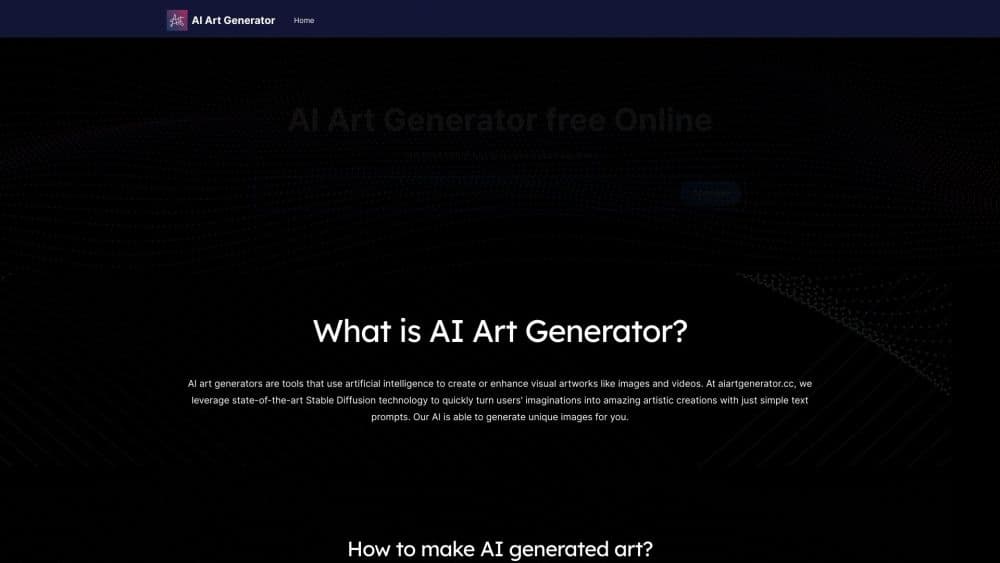
AI Art Generator is a browser-based text to image tool made by aiartgenerator.cc. You type a description, and the service renders original artwork from it. There's no drawing skill needed, and the output covers illustrations, concept art, book covers, logos, and just about any style you can name.
The pitch is speed and simplicity. You write a prompt, wait a few seconds, and get images back. You can generate two images in one go, edit the ones that land with tools like Magic Erase and Upscale, and download them without a watermark once you're on a paid plan. For someone who needs a steady stream of visuals, that loop is the whole product.
The tradeoffs are worth knowing up front. The free plan is a trial, not a permanent setup: 10 daily generations for the first 7 days, then mostly normal-priority processing. There's no public API yet, so you can't wire the tool into your own pipeline. And heavier use means a subscription once the free generations run out.
Getting Started
- Go to aiartgenerator.cc and create a free account. The free plan starts you off with 10 daily generations for the first week.
- Type a text prompt describing the image you want. Style, subject, lighting, and mood all belong in the prompt.
- Generate the first set. The tool can render two images in one go so you have options to compare.
- Refine with the built-in edits: Magic Erase, Upscale, and PNG export sit alongside the generator.
- Download your images. Paid plans remove the watermark and keep your images private.
Product Information
A quick look at AI Art Generator's pricing, supported platforms, and performance.
Best for
The users, tasks, and scenarios where this tool fits best.
Users
- Casual creators and hobbyists
- Writers and self-publishers
- Small businesses and marketers
Tasks
- Turning a text prompt into artwork
- Making book covers and illustrations
- Generating logos and graphics
- Upscaling and cleaning up images
- Trying a free AI art generator
Scenarios
- Testing an idea before you commit
- Producing visuals on a deadline
- Building a small image library
Key features
Text to Image Generation
The core of the tool is a prompt box that works as an AI artwork maker: it turns written descriptions into images. You describe the subject, the style, and the mood, and the model renders original artwork from it, with no copying of existing work. It's built for people who have an idea in words and need to see it on screen fast.
Batch Generation and Styles
You can generate two images in one go, which gives you a comparison point instead of a single result. The tool spans a wide range of styles, so the same prompt can come back as photorealistic, 3D, or illustrative depending on what you ask for. That range matters when a project needs a consistent look across several images.
Magic Erase and Upscale
Paid features include the daily advanced edits: Magic Erase, Upscale, and PNG handling. Magic Erase removes unwanted elements from an image, Upscale raises resolution, and PNG export keeps quality for print. Together they turn a rough generation into something you can actually use.
No Watermark and Private Images
Paid plans remove the watermark and keep your images private, meaning only you can see them. On the free plan, images may appear in the public gallery. For client work or anything you plan to sell, these two items are usually the ones that decide whether you need to pay.
Prompt Gallery and Blog
The site ships a gallery of AI art images and prompts you can browse for ideas, plus a blog with tool updates. If you're stuck on how to phrase a prompt, the gallery shows real examples and the wording behind them, which shortens the learning curve.
Pros and cons
Pros
- Rendering is fast, so you can go from a written idea to a usable image in seconds.
- The free plan needs no card and lets you test real output before paying.
- A wide style range means one tool covers photorealism, 3D, and illustration.
- Magic Erase and Upscale fix common problems without a separate app.
- Paid plans drop the watermark and keep your images private, which matters for client and commercial work.
Cons
- No public API, so you can't wire the tool into your own apps or automation. Teams that need programmatic access have to look elsewhere.
- The free plan is short-lived: 10 daily generations for the first 7 days, then a drop to slower normal processing. It's a trial, not a long-term free setup.
- Advanced edits like Magic Erase are capped at one per day on the free plan, so heavy cleanup work needs a subscription.
- Image quality depends heavily on how you write the prompt, which means a real learning curve for newcomers.
Frequently asked questions
AI Art Generator turns text prompts into original images. You describe what you want, and the tool renders illustrations, concept art, book covers, logos, and more. It's a text to image generator aimed at anyone who needs visuals without drawing them by hand.
Related content
Explore related tools, skills, and articles for AI Art Generator.
AI Art Generator Alternatives

Google EmbeddingGemma 2
Google DeepMind · Writing · Image · CodingGoogle EmbeddingGemma 2 is a 740M-parameter open model that turns text, code, images, audio, and video frames into vectors in one 768-dimension space, running on phones and laptops.

Tractionwave
TractionWave · Image · MarketingTractionWave is an AI attention heatmap tool for static ads. Upload a PNG or JPG and it returns predicted attention, ranked hotspots, and fixes before you spend budget.

Imejis.io
Imejis.io · Image · MarketingImejis.io is an AI design studio for agents and marketing teams. Describe an image in plain words, and it writes the copy, builds the layout, reflows it to every size, then exports a finished file.