

MyColoring AI
MyColoring.AI · Image
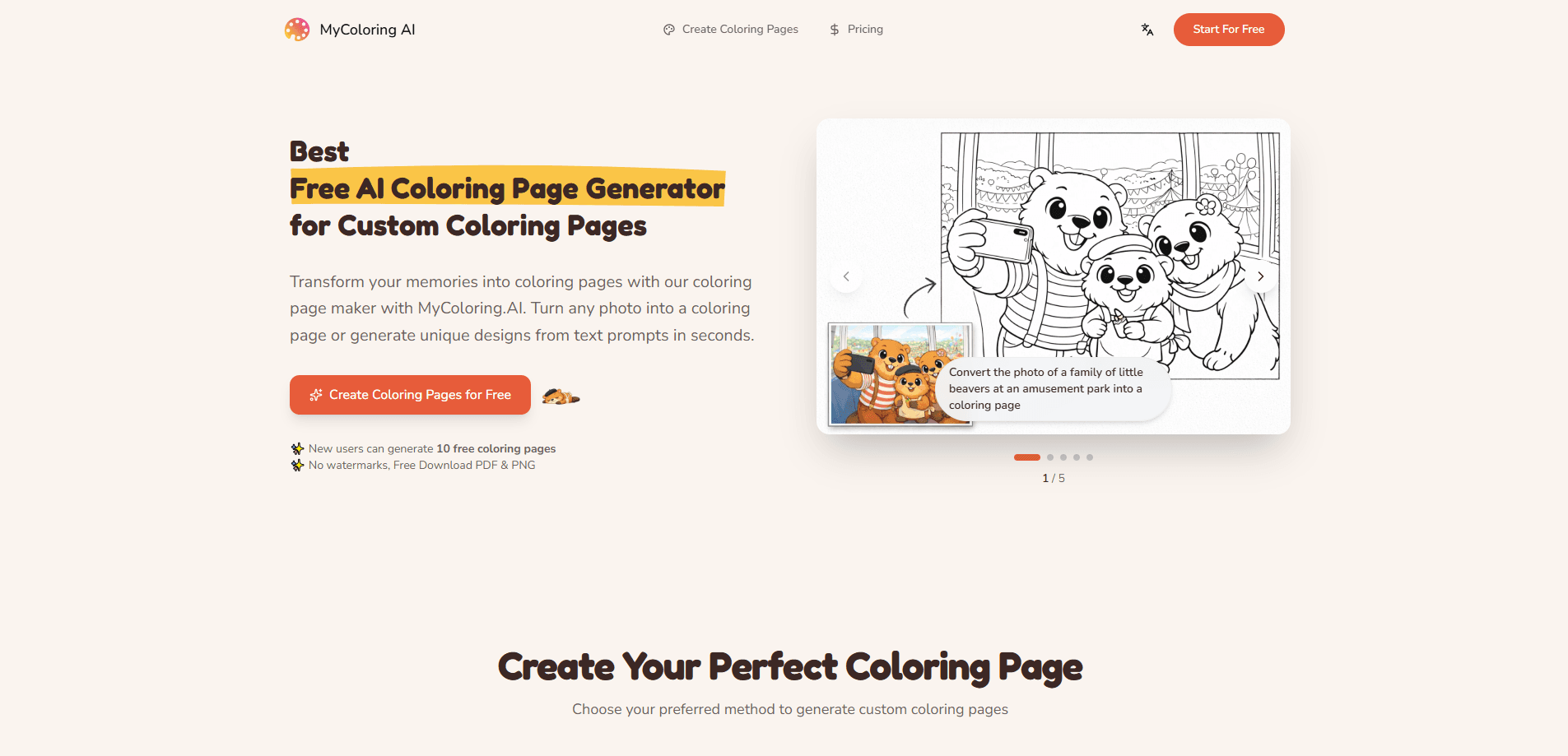
MyColoring AI is an AI coloring page generator that turns photos and text prompts into custom line art you can print or color online. It also builds complete coloring books, up to 60 pages, from a single theme or story idea. You don't need design skills to use it, and the free tier runs on daily credits with no signup required for a first test.
About MyColoring AI
What Is MyColoring AI
MyColoring AI is a web tool for making coloring pages from images or written descriptions. Type what you want, like a cartoon fox under an oak tree, or upload a photo of a pet, and it returns clean black-and-white line art sized for printing.
The main problem it solves is variety. Parents and teachers often hunt through sites for pages that match whatever a child is into this week. Here you generate something new in minutes, and the child can even help invent the picture.
The catch is that it's a web-only tool with no mobile app, so you're tied to a browser. Output quality also depends on the prompt, and detailed scenes with many overlapping shapes can come back messy. The free tier adds a second limit: downloads and generations are capped by daily credits.
Getting Started
- Open mycoloring.ai in a browser; no account is needed to try the free credits.
- Pick a mode: Photo to Coloring, Text to Coloring, or Name to Coloring Page.
- Upload an image or type a description, then set the ratio and style you want.
- Generate the page, review it, and tweak the prompt if a shape looks off.
- Download the finished artwork as a PDF or PNG with no watermark.
Product Information
A quick look at MyColoring AI's pricing, supported platforms, and performance.
Best for
The users, tasks, and scenarios where this tool fits best.
Users
- Parents
- Teachers
- KDP and Etsy sellers
- Coloring hobbyists
Tasks
- Turning a photo into a printable coloring page
- Making a full coloring book from one idea
- Creating name coloring pages
- Keeping a character consistent across pages
Scenarios
- A rainy afternoon indoors when you need an activity in a hurry.
- A class lesson where students build a page around their own name.
- A custom gift built from a family photo.
- A small seller filling a themed book order for a customer.
Key features
Photo to Coloring Page
Upload a photo and MyColoring AI converts it into clean line art. It handles pets, portraits, kids, and landscapes, and you can adjust the coloring style before you generate. This is the fastest route for anyone who already has an image in mind.
Text to Coloring
Describe a scene in plain words and the generator draws it as a coloring page. You can ask for a specific ratio and a child-friendly style, and it works for ideas that don't exist as a photo yet, like a character in a costume.
Name Coloring Page Generator
Type a name, choose a letter style and theme, and the tool finishes a printable design around it. Teachers use this to help younger students learn their own names, and it turns a plain worksheet into something a child wants to keep.
Whole Book Generator
Instead of one page at a time, you describe a book once and it generates a complete set: a page count up to 60, a colored cover, and all inner pages in one flow. This is the coloring book generator that sets the tool apart. Theme Mode keeps the line weight and detail level consistent, while Story Mode holds a narrative and the same characters across the book.
Reusable Characters
You can create a character from text or an image reference and reuse it in future books. For sellers who make custom books, that means a customer's character stays recognizable from page to page rather than being re-drawn each time.
Editable Page Plans
Before credits are spent, you can review the page plan and adjust it. That check step matters because a full book can consume a lot of credits, and catching a weak page idea early saves both time and generation budget.
KDP-Ready Export
Finished books download as no-watermark PDFs built for printing, gifts, classrooms, and publishing. The export is aimed at people who want a usable file, not a folder of loose images that still needs layout work.
Pros and cons
Pros
- Runs in the browser with no signup needed to test the free credits.
- Downloads carry no watermark on the free tier.
- Whole-book generation, up to 60 pages with a cover, sets it apart from single-page generators.
- Reusable characters keep a design consistent across a full book.
- Official pricing page lists four tiers, from a light free allowance up to high-volume plans with commercial rights.
Cons
- Web-only: there's no mobile app, so you can't generate pages offline on a phone.
- Name entry is one at a time, which slows down a 20-student classroom job; teachers have asked for batch support.
- Detailed, busy scenes can come out cluttered, so simple prompts tend to work better.
- Free downloads and generations are capped by daily credits, so heavy use pushes you to a paid tier.
Frequently asked questions
It's an AI coloring page generator. You turn a photo or a text description into printable line art, or use the coloring book generator to build a complete book with a cover and up to 60 inner pages. People use it for kids' activities, classroom materials, and custom books.
Related content
Explore related tools, skills, and articles for MyColoring AI.
MyColoring AI Alternatives

Google EmbeddingGemma 2
Google DeepMind · Writing · Image · CodingGoogle EmbeddingGemma 2 is a 740M-parameter open model that turns text, code, images, audio, and video frames into vectors in one 768-dimension space, running on phones and laptops.

Tractionwave
TractionWave · Image · MarketingTractionWave is an AI attention heatmap tool for static ads. Upload a PNG or JPG and it returns predicted attention, ranked hotspots, and fixes before you spend budget.

Imejis.io
Imejis.io · Image · MarketingImejis.io is an AI design studio for agents and marketing teams. Describe an image in plain words, and it writes the copy, builds the layout, reflows it to every size, then exports a finished file.