

MYPEAS.ai
TrackImpact · Productivity
MYPEAS.ai, also known as TrackImpact, is a platform that helps people and teams track which AI tools they use at work, measure the time saved, and turn that into reports they can show at performance reviews.
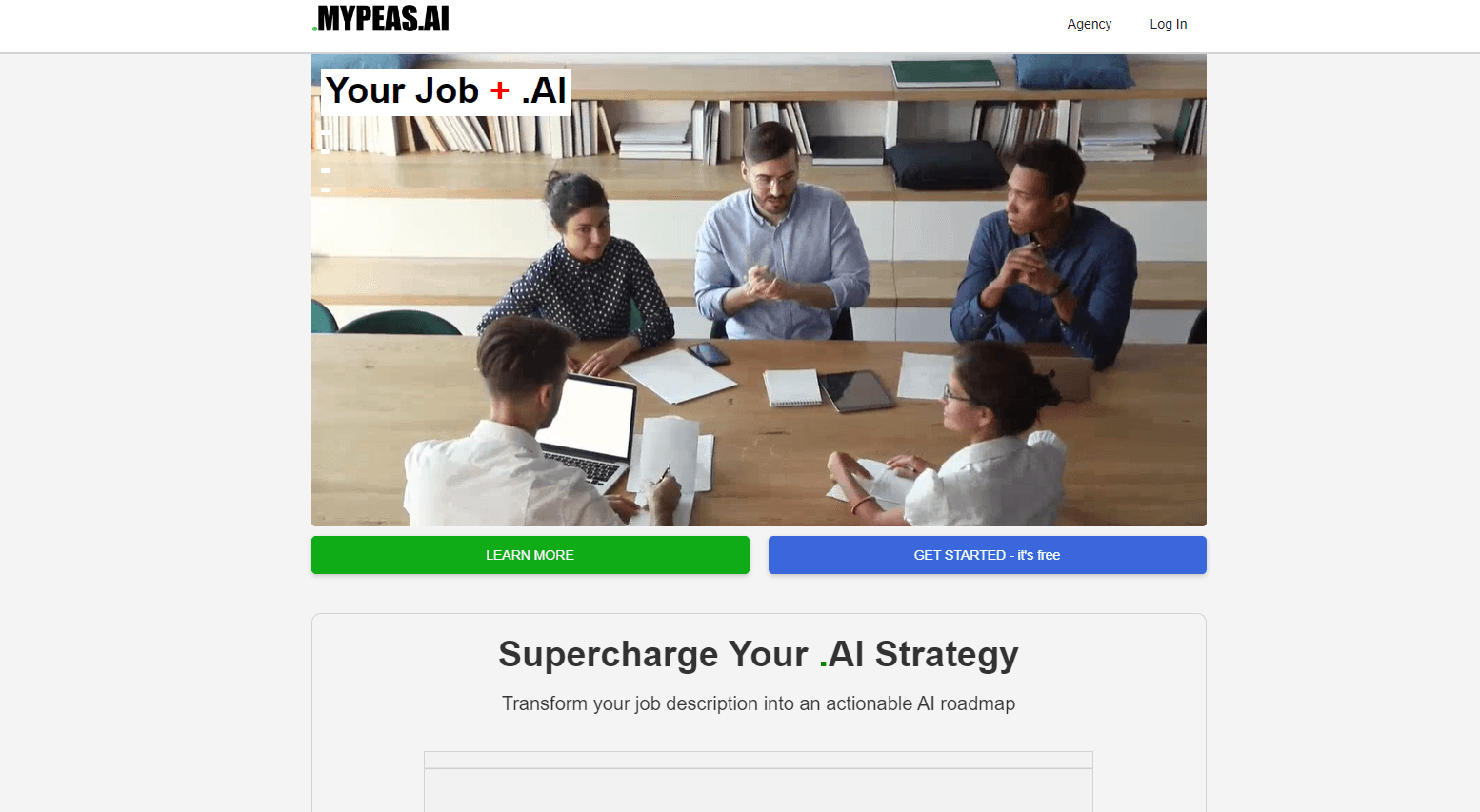
About MYPEAS.ai
What Is MYPEAS.ai
MYPEAS.ai is the web home of TrackImpact, an AI adoption and impact tracker built in Manchester, UK. It does one job that most AI products ignore: it keeps a record of how you actually use AI at work, then turns that record into numbers a manager can read. You log an AI workflow, note how often it runs, and the platform estimates the hours saved and the annual value created.
The core audience is working professionals. TrackImpact ships pre-built AI profiles for more than a thousand job titles, drawing on frameworks such as O*NET, ISCO, ESCO, and ANZSCO. Search your job title and you get a task-by-task breakdown, a score for how much each task suits AI, and ready-to-use prompts. Nothing here runs the AI for you. It measures what you do with the tools you already have, and its AI workflow tracking stays manual on purpose.
The limits matter. Profiles and tracking records are only as good as what you put in, so an untouched dashboard stays empty. Team admins can see that a profile exists but not what is inside it, which is good for privacy yet awkward when a manager wants detail. There is no public API, and TrackImpact pricing leans on self-reported numbers rather than automatic monitoring of your apps.
Getting Started
- Open mypeas.ai and create a free account with an email or a social login.
- Search your job title in the profile library or start a blank profile for your role.
- Log your AI workflows: pick the tool, describe the task, and set how often you run it.
- Add evidence, notes, or attachments so each entry stands up during a review.
- Open the dashboard to watch hours saved and estimated annual value update as you log.
Product Information
A quick look at MYPEAS.ai's pricing, supported platforms, and performance.
Best for
The users, tasks, and scenarios where this tool fits best.
Users
- Individual professionals
- Team leads and operations managers
- Career switchers
Tasks
- Logging AI workflows
- Building role-based AI plans
- Preparing performance evidence
Scenarios
- Review season
- Rolling out AI to a department
- Justifying an AI budget
Key features
Role-based AI profiles
The library covers more than a thousand job titles built from labour frameworks such as O*NET and ESCO. Search a title and you get a task-by-task list, a human-in-the-loop score for each, and matched prompts. It answers a plain question: for this job, where does AI help and where should a person stay in the loop?
Impact tracking with evidence
Every logged workflow can carry a note, a link, or an attachment. That turns a soft claim like "I use AI a lot" into a dated entry with an outcome. During a review, the record does the arguing for you.
Hours saved and value estimates
The platform converts usage frequency into hours saved per week and an annual value figure. The team example assumes daily use is 240 runs a year and falls back to a £45,000 salary when a profile has none. The numbers are estimates, and they say so, but they are concrete estimates.
Team seats and admin controls
A team subscription gives each member full individual access while the admin keeps centralised billing and a single dashboard. Admins can invite by email, revoke access, and add or drop seats. Stripe proration handles the money side, so there is no manual reconciliation.
Private-by-default profiles
Each member's profile stays private. An admin can see that a profile exists, along with its name and creation date, but not its contents, and members cannot see one another. For teams worried about snooping, this is a real feature rather than a footnote.
One-click report exports
Reports come out as PDF or CSV, with charts, adoption scores by department, and a written summary. The summary names the top contributors, flags stalled workflows, and suggests next steps. It is built to be handed to leadership without further work.
No seat minimums
A team can start with a single seat and add people as they join. There is no minimum, no setup fee, and members join by email invite since SSO is not required. Small teams can adopt it without an IT project.
Pros and cons
Pros
- Free tier is genuinely usable: five tracked AI implementations, time logging, and a basic text report at no cost.
- Role profiles cover over a thousand job titles, so most people find their own role rather than a close match.
- The report exports are ready for leadership, with charts, department scores, and a written narrative.
- Team billing is centralised, and Stripe proration keeps adding or removing seats tidy.
- Member profiles stay private by default, which eases the trust problem when AI use is being measured.
Cons
- Everything relies on self-reported data, so an empty or lazy dashboard produces empty or lazy reports.
- There is no API and no automatic capture from the apps you use, which means logging is manual.
- Admins cannot see profile contents, so a manager who wants detail has to ask the member directly.
- Value figures rest on assumed salary and frequency defaults, so they can drift from reality if left unchecked.
- No mobile app, so logging happens through the web browser only.
Frequently asked questions
MYPEAS.ai is the website for TrackImpact, a tool that tracks how professionals use AI at work. It logs your AI workflows, estimates hours saved, and builds reports you can use in performance reviews.
Related content
Explore related tools, skills, and articles for MYPEAS.ai.
MYPEAS.ai Alternatives

Base Code
Base44 (Wix) · Coding · ProductivityBase Code is a shared cloud development environment from Base44. Teammates describe changes to an existing GitHub codebase in chat, preview them live and send them back as pull requests.

Knocket
Knocket (Tencent RTC team) · Productivity · Business · ChatbotKnocket is a free live chat and contact page tool that lets visitors message you from your website, app, or a shareable link, with every reply handled from Telegram or one inbox.

FloorGen
Vinit Kumar (FloorGen) · Productivity · China AIFloorGen is a browser-based floor plan maker that turns a sentence or a sketch into an editable 2D plan and a 3D walkthrough. Export to PDF, DXF or video, and draw without an account.