
Nana Banana Image Editor
Nana Banana · Image
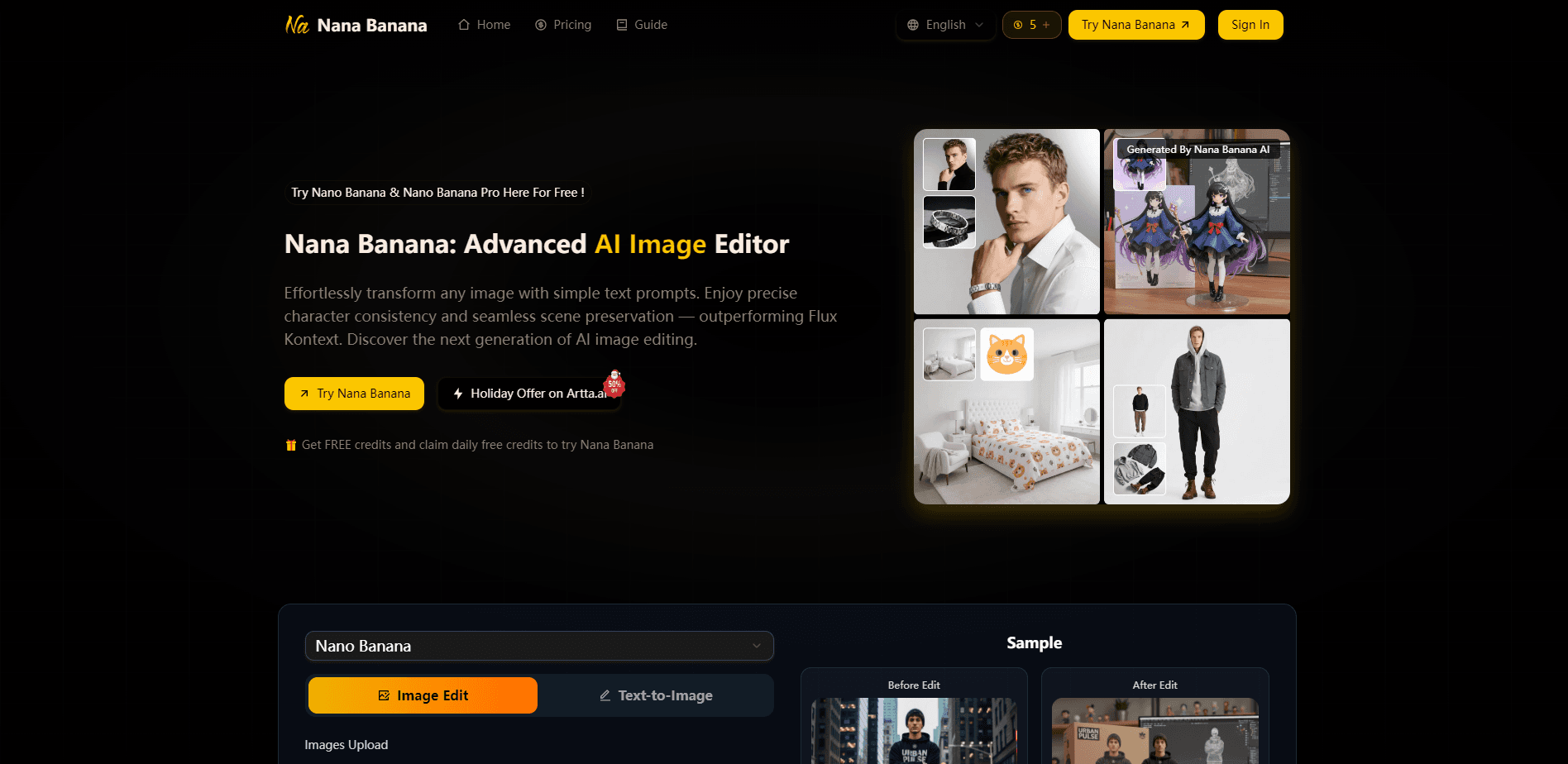
Nana Banana Image Editor is a web-based AI image editor that changes and generates pictures from plain text prompts. Instead of learning layers or masks, you describe what you want in a sentence and the tool handles the rest. It targets the consistency problem that trips up most AI photo editors: keeping a character's face, outfit, and surroundings stable across a whole batch of images.
About Nana Banana Image Editor
What Is Nana Banana Image Editor
Nana Banana Image Editor is an online tool for editing and generating images with natural language. Think of it as a text-to-image editor: you upload a photo, type what you want changed, and the model rewrites the image instead of just filters or crops. The pitch is simple: describe the edit, get a finished result. The site leans on one-shot editing, meaning it tries to nail the change on the first pass rather than making you regenerate five times.
Most AI picture tools struggle when you edit the same subject repeatedly. Faces drift. Backgrounds shift. A brand character stops looking like itself by image three, which is a problem when the whole point was consistency. Nana Banana is built around keeping those details locked, so a set of images feels like one consistent shoot. The company positions it against Flux Kontext on exactly this point.
The catch is that it's a credits-based web app, not a free unlimited editor. Each generation costs credits, so heavy use adds up over a month. It also runs entirely in the browser, with no desktop install. That's fine for quick jobs, but it does limit how deeply the tool can plug into an offline production pipeline. So who actually gets value here? People who need fast, consistent visuals and don't want to open a full editing suite.
Getting Started
- Open nanaimage.ai in your browser and sign in to your account.
- Upload up to 14 images in JPEG, PNG, or WebP format.
- Type a prompt describing the change you want, up to 5000 characters.
- Adjust resolution, aspect ratio, and output format, and optionally switch on web search for extra context.
- Generate the image and download or share the result.
Product Information
A quick look at Nana Banana Image Editor's pricing, supported platforms, and performance.
Best for
The users, tasks, and scenarios where this tool fits best.
Users
- Social media creators
- Small marketing teams
- Indie designers
Tasks
- Character consistency
- Scene preservation
- Multi-image context
Scenarios
- Building a UGC-style ad set
- Quick social content
- Concept exploration
Key features
Natural Language Editing
You describe the edit in ordinary sentences, and the tool interprets the intent rather than requiring exact technical terms. It handles complex, multi-part prompts the way a chat model handles instructions. That lowers the skill floor substantially compared to layer-based editors. Big difference if you're new to image editing.
Character Consistency
This is the core selling point. When you edit the same subject across multiple images, Nana Banana holds onto facial features, clothing, and pose details so the person or character stays recognizable. No drift. The company markets this for AI influencers and UGC content, where a drifting face ruins a whole campaign.
Scene Preservation
Rather than cutting your subject out and dropping it into a new background, the editor merges the change with the original surroundings. Lighting and background stay intact, so the edit looks like it was always part of the photo. That matters for realism. It's aimed at people who've dealt with fake-looking composites.
Multi-Image Context
You can upload up to 14 images in one job. The model reads across them, which helps when you want a result that borrows from several references instead of a single source. Useful for mood boards and guided styles.
One-Shot Editing
The editor tries to get the result right on the first generation. Fewer rerolls means fewer credits burned and less waiting. When a pass does miss, the site suggests switching models for a different interpretation. Simple enough.
Output Controls
You set resolution, aspect ratio, and output format before generating, so you know exactly what dimensions and file type you're going to get back at the end of the run. There's also an option to enable web search, which gives the model extra context for prompts that depend on real-world details. Supported uploads cover JPEG, PNG, and WebP.
Pros and cons
Pros
- Plain-language editing removes the need to learn layers, masks, or complex tools.
- Strong character consistency across multiple images, which many AI editors fail at.
- Scene preservation keeps lighting and backgrounds believable instead of looking pasted.
- Handles up to 14 reference images per job for richer, guided results.
- Runs in the browser, so there's nothing to install.
Cons
- Each generation costs credits, so heavy use gets expensive fast.
- There's no desktop app or offline mode, so a browser connection is always required.
- API availability isn't publicly documented, which is a blocker if you want to automate image jobs.
- Output quality still depends on prompt skill, so total beginners may need a few tries.
Frequently asked questions
It edits and generates images from text prompts. You upload a photo, describe the change, and the tool produces a new version while keeping the character and background consistent.
Related content
Explore related tools, skills, and articles for Nana Banana Image Editor.
Nana Banana Image Editor Alternatives

Google EmbeddingGemma 2
Google DeepMind · Writing · Image · CodingGoogle EmbeddingGemma 2 is a 740M-parameter open model that turns text, code, images, audio, and video frames into vectors in one 768-dimension space, running on phones and laptops.

Tractionwave
TractionWave · Image · MarketingTractionWave is an AI attention heatmap tool for static ads. Upload a PNG or JPG and it returns predicted attention, ranked hotspots, and fixes before you spend budget.

Imejis.io
Imejis.io · Image · MarketingImejis.io is an AI design studio for agents and marketing teams. Describe an image in plain words, and it writes the copy, builds the layout, reflows it to every size, then exports a finished file.