
Nano Banana Pro API
PoYo.ai · Image · Video · Coding
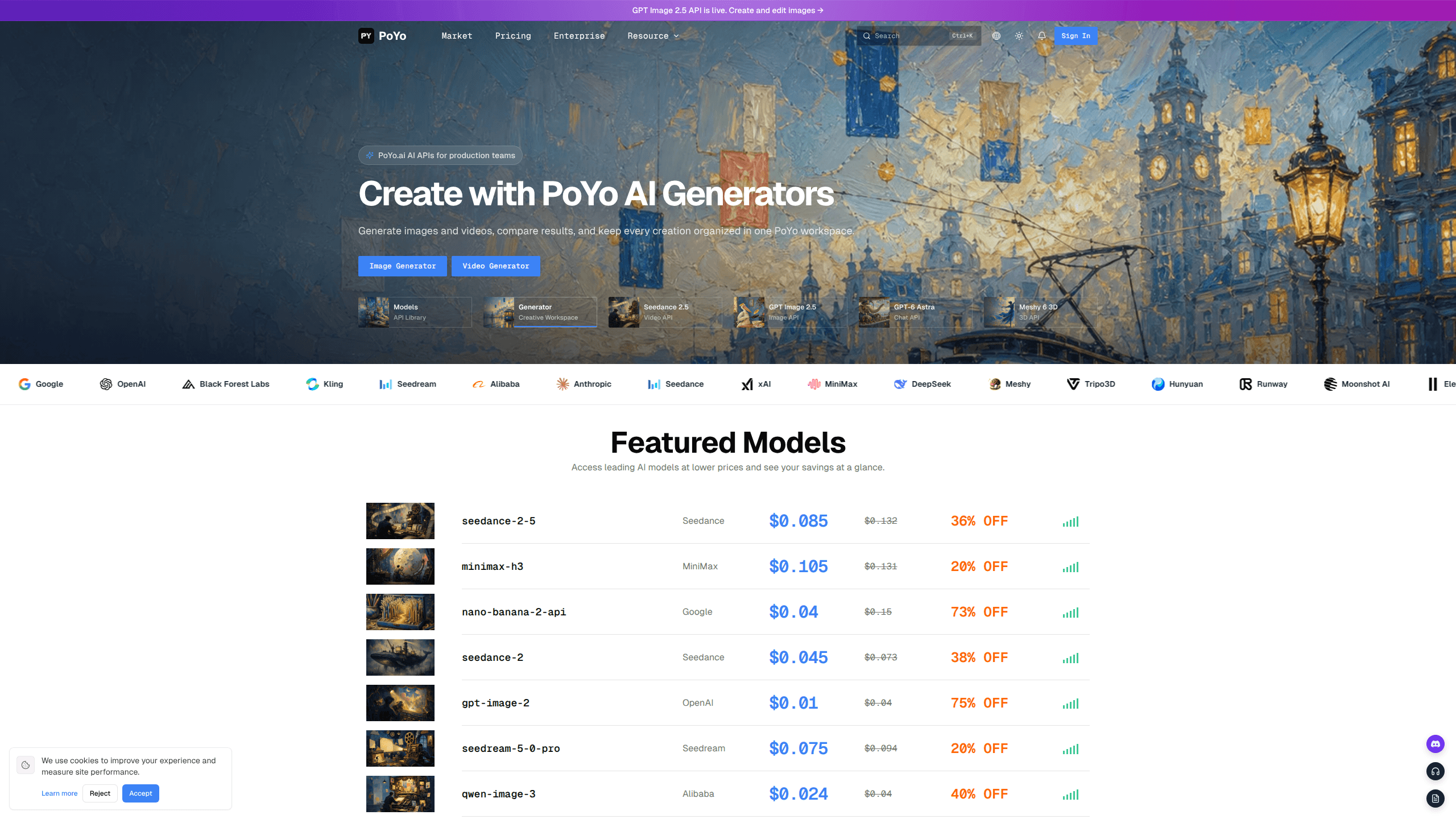
Nano Banana Pro API is a hosted endpoint from PoYo.ai that wraps Google's Nano Banana Pro image model behind one REST API key. It handles text-to-image generation and reference-based image editing, supports output from 1K to 4K, and lets you trigger jobs through polling or webhooks. Failed tasks aren't charged, which keeps the billing tied to results you can actually use.
About Nano Banana Pro API
What Is Nano Banana Pro API
Nano Banana Pro API is PoYo.ai's hosted access to Google's Gemini image model, wrapped behind one text-to-image API endpoint. You send a prompt or a set of reference images, PoYo queues the job, and you pull the finished image back through a task-status call or a webhook. The model family sits alongside the older Nano Banana 2 line, with the Pro version adding explicit controls for output format, resolution, and an optional web search step.
The appeal is access without model ops. No hosting. No Gemini integration to maintain. One PoYo API key also covers hundreds of other image, video, music, chat, and 3D models, so swapping between image generation and, say, a video call is a parameter change rather than a new vendor contract. Pricing runs in prepaid credits, and PoYo lists it as roughly 30% to 50% below official provider rates, with deeper discounts on some models.
The catch is that it's an asynchronous pipeline, not a synchronous trick. Every job returns a task_id, and you're responsible for polling or exposing a webhook receiver. So why does that matter? Because anything expecting an image on the same request will need extra plumbing. It's also a pay-as-you-go credit product, so there's no flat free tier to hide behind once you're in production. Teams that want a one-line, always-on image call may find the task lifecycle more ceremony than they want.
Getting Started
- Create a PoYo.ai account and generate an API key from the API key dashboard.
- Set usage caps (hourly, daily, total) or an IP allowlist on that key before shipping it.
- Submit a job to the generation endpoint with the Nano Banana Pro model, your prompt, and either a size/resolution pair or
size=auto. - Either poll the shared task-status endpoint or pass a
callback_urlso PoYo posts the result when the job finishes. - Read the returned image URL from the finished response and store it, since the credits for a successful generation are already spent.
Product Information
A quick look at Nano Banana Pro API's pricing, supported platforms, and performance.
Best for
The users, tasks, and scenarios where this tool fits best.
Users
- Developers building image features
- Indie app and SaaS teams
- Automation builders
Tasks
- Text-to-image generation
- Reference-based image editing
- Format-controlled output
- Search-assisted prompts
Scenarios
- Generating product or marketing visuals at scale for an app that needs fresh images regularly.
- Powering an in-app image editor where users upload a photo and ask for a change.
- Prototyping a creative tool where you want to test several image models through a single integration.
- Building a batch pipeline that renders overnight and only charges you for the images that succeed.
Key features
Text-to-Image Through One Endpoint
The Pro model turns a written prompt into an image. It returns the result as an asynchronous task. You set size to a fixed ratio or leave it on auto, then pick a resolution: 1K, 2K, or 4K. It's the core call most integrations start with.
Reference-Image Editing
The editing model accepts up to 14 reference images, so it can work from something you already have rather than starting blank. You describe the change in the prompt and the model applies it. For teams retouching existing assets, this is often more useful than generation. Less setup, more control.
Output Format and Resolution Controls
You can request PNG or JPG output. You pick the resolution tier in the same request. That removes a post-processing step when a downstream system only takes one format, and it lets you trade credits against quality per call.
Optional Web Search
The Pro models can enable a web search step before generating. It's aimed at prompts that lean on current facts, like a specific product or a recent event. You toggle it with a simple true/false flag, so it's opt-in rather than always on.
Polling or Webhook Delivery
Every submission returns a task_id. You can check the shared task-status endpoint on your own schedule or hand PoYo a callback_url and let it POST the result when the job hits finished or failed. Webhooks suit long-running batches better than repeated polling.
Pay Only for Successful Generations
Failed tasks aren't charged. Credits are deducted against completed work, so a job that errors out doesn't burn your balance. For high-volume pipelines, that removes some of the cost risk of retrying a flaky model call. Retries stay cheap.
One Key Across Hundreds of Models
The same key that calls Nano Banana Pro reaches the rest of the PoYo catalog. That spans image, video, music, chat, and 3D models from providers like Google, OpenAI, Black Forest Labs, and Kling. Multi-model experiments stay under one billing account.
Pros and cons
Pros
- Pro model adds real controls over the base line, including `output_format`, resolution tiers, and a web search toggle.
- Editing supports up to 14 reference images, a wide margin for workflows built on existing assets.
- Webhook support means you don't have to hammer a status endpoint to know when a render is done.
- Failed generations aren't billed, so dead jobs don't eat into your credit balance.
- One key covers the wider PoYo model catalog, cutting down on vendor and billing admin.
Cons
- It's asynchronous by design, so anything needing an instant image back will need extra plumbing around the task lifecycle.
- Pricing is prepaid credits with no free tier, which means you have to fund an account before you can try a real workload.
- Cost scales with resolution and quality, and a run of 4K high-quality images adds up faster than the per-image headline suggests.
- It's a hosted wrapper, so you depend on PoYo's uptime and model availability rather than calling Google directly.
Frequently asked questions
It's for building image generation and editing into software. You send a prompt or reference images, and the model returns a rendered image, which makes it a fit for apps that create visuals or let users modify their own photos.
Related content
Explore related tools, skills, and articles for Nano Banana Pro API.
Nano Banana Pro API Alternatives

X Ray Interpreter
X-ray Interpreter · ImageX Ray Interpreter is a web-based AI radiology tool that turns X-rays, CT scans, MRI, ultrasound, and PET images into plain-language reports. You upload a scan, get a preliminary X-ray interpretation in moments, then ask follow-up questions if something needs explaining. It works as a second opinion and a learning aid, not as a medical diagnosis.

Aieasypic
AIEasyPic · ImageAIEasyPic is an AI image generator that turns plain text prompts into finished artwork in seconds. You can also train custom models on your own photos, swap faces in existing images, and create short video clips from text, all from a browser. It suits casual creators who want quick visuals and hobbyists who want to build a personal model without touching any code.

Chargen
Chargen · ImageChargen is an AI character generator and worldbuilding toolkit built for Dungeons & Dragons and other tabletop RPGs. It turns a one-line idea into a painted character portrait, spins up NPCs, monsters, maps and encounters from the same session, and keeps every creature's details close at hand. The tabletop RPG art side runs on a credit system called Gold, while the text generators stay free for everyone.