

Napkin
Napkin AI · Image · Productivity
Napkin AI is an AI visual generator that turns your written text into diagrams, mind maps, and infographics, built for anyone who needs to explain ideas clearly.
About Napkin
What Is Napkin AI
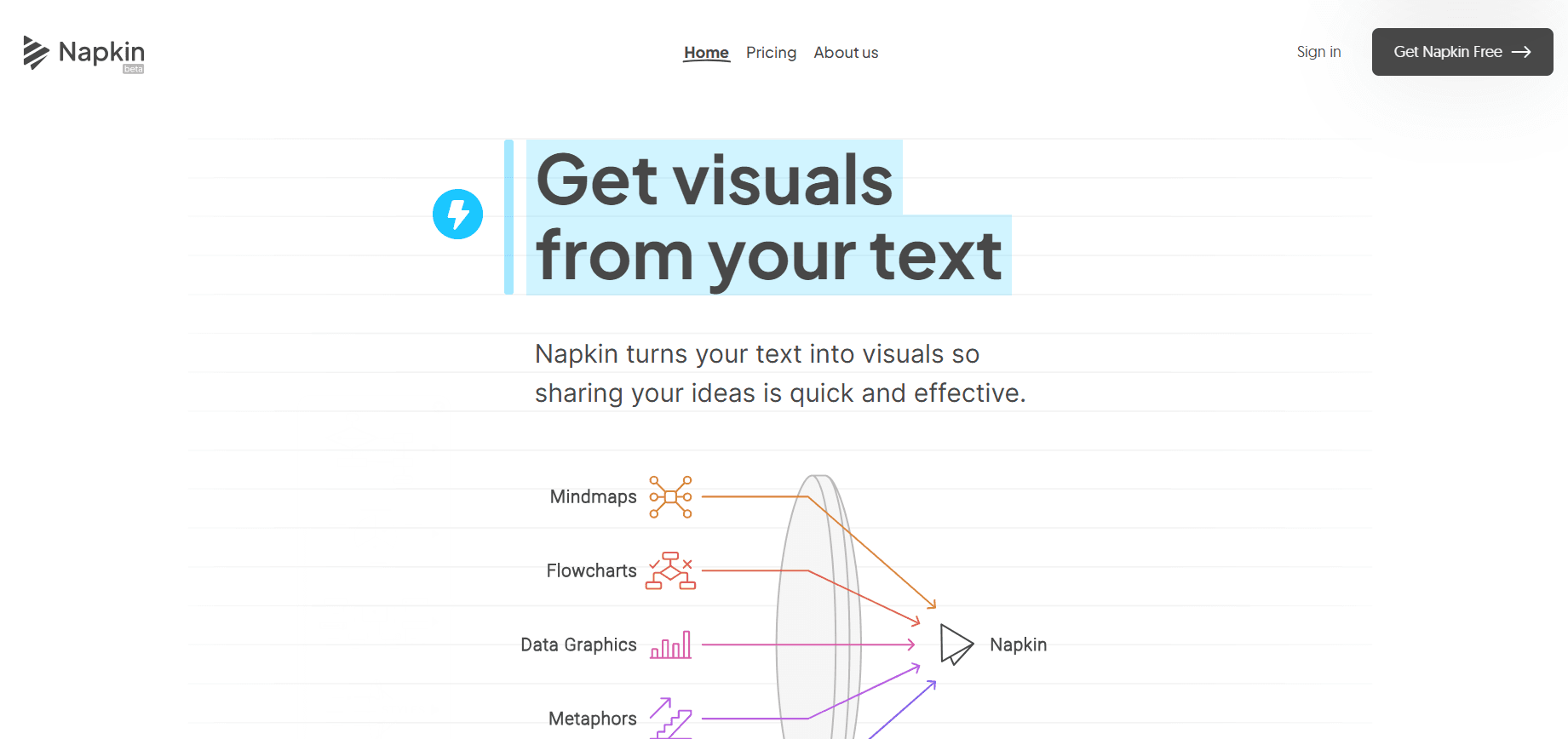
Napkin AI is a web-based tool that reads a block of text and turns it into a visual you can edit and export. Instead of asking you to prompt an image model, it works from what you've already written. Paste a paragraph, click generate, and it offers several diagram types that fit the content.
The team behind it came out of Osmo, an AI gaming company they'd run for about a decade. They got tired of ten-page documents and hundred-slide decks, and they built Napkin around a simple belief: a good visual carries an idea faster than more text can.
The main limit is control. Napkin picks layouts for you, and while you can reshape elements freely, it won't produce photorealistic art or highly custom illustrations. If you need a hand-drawn logo or a polished marketing hero image that has to match an existing campaign's exact visual language, this isn't the tool you want.
Getting Started
- Sign up for a free account at app.napkin.ai, no download needed since it runs in the browser.
- Paste your text directly, or import a file from PPT, DOC, PDF, HTML, or Markdown.
- Highlight a block of text and click to generate visuals, then pick the layout that best matches your point.
- Edit colors, styles, icons, and layout until the visual fits your brand or mood.
- Export as PNG or PDF on the free plan, or get PPT and SVG export with a paid tier.
Product Information
A quick look at Napkin's pricing, supported platforms, and performance.
Best for
The users, tasks, and scenarios where this tool fits best.
Users
- Founders and consultants
- Teachers and students
- Content marketers
Tasks
- Turning a written process into a flowchart
- Summarizing a long report into a one-page visual
- Building a mind map from scattered notes
Scenarios
- Last-minute slide prep before a presentation
- Writing a blog post and needing a supporting visual
- Explaining a workflow to a team over chat
Key features
Text-to-Visual Generation
Napkin's core trick is simple. It doesn't need a prompt. You feed it the text you already wrote, and it generates the visuals that best express that content. Roughly one AI credit is charged per word you select for generation, which is why the free plan's weekly credit allowance matters for heavy users. This text-first approach removes the blank-page problem that keeps most people from making visuals at all.
Diagram, Mind Map, and Chart Types
The generator covers infographics, diagrams, flowcharts, mind maps, and data charts. So you rarely need a separate app for each format. Ever struggled to explain a process in words alone? As an AI diagram maker, it handles a process description as a flowchart, a set of themes as a mind map, and a list of numbers as an editable chart. The flowchart generator, mind map generator, and infographic generator all pull from the same text input. It picks sensible layouts for the content instead of forcing one rigid template that every diagram has to follow.
Full Manual Editing
Nothing Napkin generates is locked. You can pull apart every element, move pieces around, and restyle until the result feels right. That matters because AI output rarely lands perfectly on the first try. Rebuilding a diagram from scratch is the usual reason people give up on visual tools. Here, tweaking is faster than starting over.
Brand Studio and Custom Styling
You can set your own colors and fonts so every visual matches your company's look. The free plan keeps Napkin branding on exports, while paid tiers let you remove it and save multiple brand styles. For teams that publish regularly, this turns a personal tool into something that produces on-brand assets.
File Import and Multi-Format Export
Import existing PPT, DOC, PDF, HTML, or MD files, then export finished visuals as PNG, PDF, PPT, or SVG. Unlocking PPT and SVG export requires a paid plan, which is the practical reason most slide-heavy users upgrade. The range of formats means the same visual can drop into a deck, a web page, or a print document.
Slides and API Access
Napkin has moved beyond single visuals into presentation-ready decks, which makes it a practical AI presentation tool for teams that build slides often. It also offers an API so companies can automate visual generation inside their own products and workflows. The API supports multiple styles and languages, letting developers generate branded diagrams on demand. That pushes Napkin past a personal design helper toward something a platform can build on.
Pros and cons
Pros
- Works from text you've already written, so there's no prompt writing to learn.
- Generates several diagram types from one block of text, covering flowcharts, mind maps, and charts.
- Every element stays editable, so you can fix a good-but-not-perfect result quickly.
- Exports PNG and PDF on the free plan, with PPT and SVG on paid tiers for slide and web work.
- An API and brand styling make it usable in automated, on-brand workflows.
Cons
- The free plan's 500 weekly credits run out fast if you generate from long blocks of text, since credits scale with word count.
- It's built for diagrams and infographics, not photorealistic or illustrative art, so it won't replace an image generator.
- Removing Napkin branding and unlocking PPT or SVG export requires a paid plan.
Frequently asked questions
It turns written text into visuals such as flowcharts, mind maps, infographics, and data charts. Think of it as a text to diagram converter. People use it to explain processes, summarize reports, and build slides without learning design software.
Related content
Explore related tools, skills, and articles for Napkin.
Napkin Alternatives

Google EmbeddingGemma 2
Google DeepMind · Writing · Image · CodingGoogle EmbeddingGemma 2 is a 740M-parameter open model that turns text, code, images, audio, and video frames into vectors in one 768-dimension space, running on phones and laptops.

Tractionwave
TractionWave · Image · MarketingTractionWave is an AI attention heatmap tool for static ads. Upload a PNG or JPG and it returns predicted attention, ranked hotspots, and fixes before you spend budget.

Imejis.io
Imejis.io · Image · MarketingImejis.io is an AI design studio for agents and marketing teams. Describe an image in plain words, and it writes the copy, builds the layout, reflows it to every size, then exports a finished file.