

Napkin Math
Paper Star, Corp. · AI Assistant
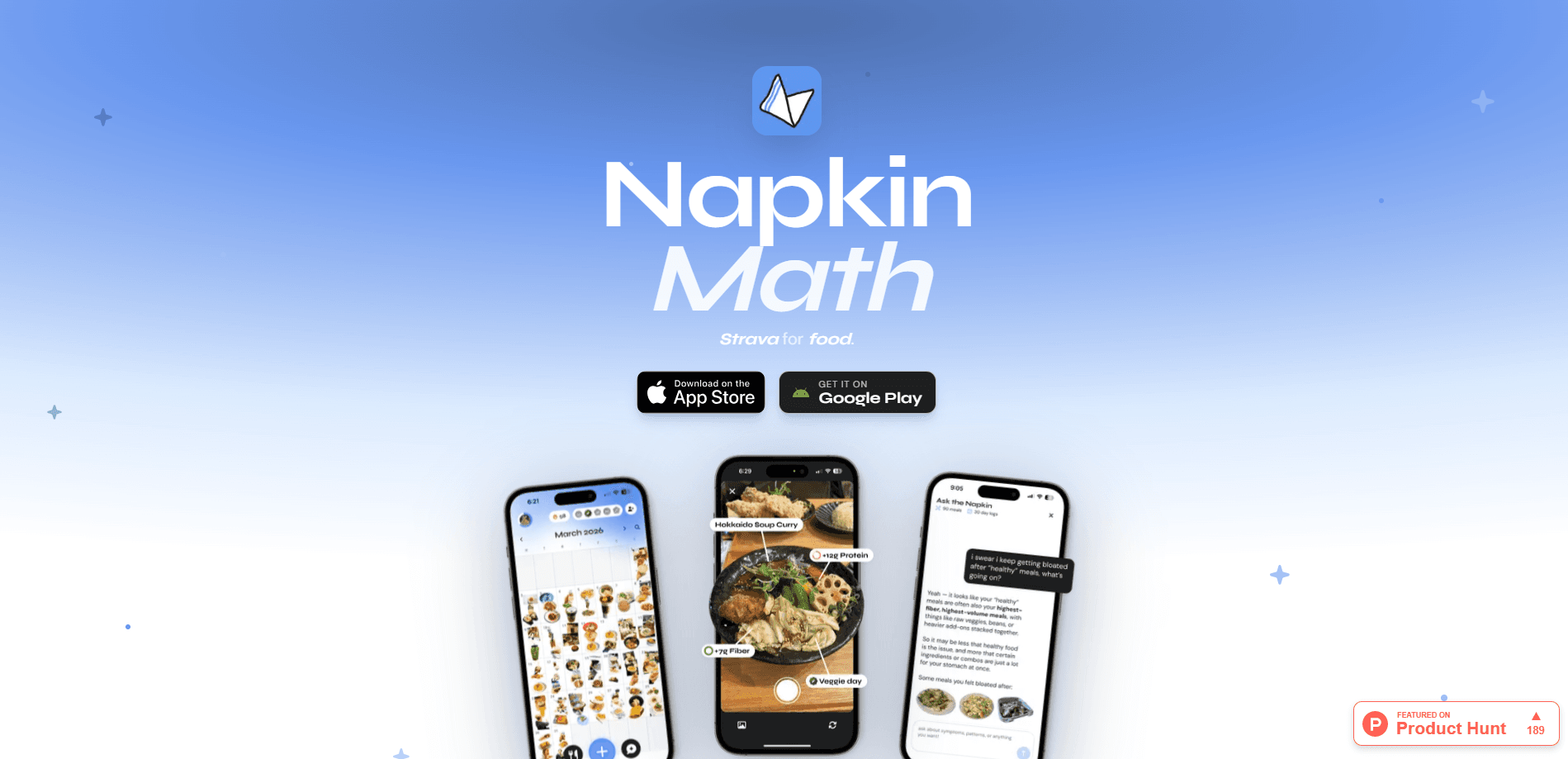
Napkin Math is an AI food journal that logs your meals from a photo or a quick note and turns those entries into patterns about how you eat over weeks and months. It sits somewhere between a habit tracker and a private diary, built for people who want awareness rather than a running calorie total. The pitch is simple: stop counting and start noticing.
About Napkin Math
What Is Napkin Math
Napkin Math is a food diary app built around a different idea than most meal tracking apps. Instead of asking you to weigh portions and log exact numbers, this AI food tracker records what you eat in the way real life works: a photo of your plate, or a sentence about what you remember. The app then pulls those entries together into trends you can actually look at later.
It was made by Paper Star, Corp., a small studio behind a handful of playful, design-forward apps. The team's own terms page sits under the troupetroupe.com domain, and support runs through [email protected]. The app is available for iPhone, with versions that also run on Apple silicon Macs and Apple Vision headsets, plus an Android release on Google Play.
The main problem it targets is that food journals are hard to keep. Counting every gram gets exhausting within a week, so people quit. Napkin Math trades precision for consistency. You log roughly. You stay with it. And after a month, you have something to reflect on.
The biggest limitation is also its core choice. Because it doesn't track calories, macros, or portion sizes in detail, it won't help anyone who needs precise numbers for medical reasons or a strict diet plan. It's for noticing, not for hitting a target.
Getting Started
- Download Napkin Math and open it; there's no long setup form to fill in.
- Log your first meal by taking a photo of what you're eating or typing a short description of it.
- Answer any follow-up questions the app asks about the meal, which sharpen how accurate the entry becomes over time.
- Over the next few days, keep logging. The patterns only start to appear once you have a stretch of entries.
- Open the patterns view to look back at how your eating has shifted, and connect things like energy or appetite to what you logged.
Product Information
A quick look at Napkin Math's pricing, supported platforms, and performance.
Best for
The users, tasks, and scenarios where this tool fits best.
Users
- People who've bounced off calorie-counting apps
- Anyone curious about their habits over time
- Intuitive eaters and people recovering from restrictive tracking
- iPhone users who want a clean, well-designed daily app
Tasks
- Logging a meal in seconds
- Spotting links between food and how you feel
- Supporting a gentle change
- Reviewing a month of eating at a glance
Scenarios
- The first week of trying to eat a bit better, when a strict tracker would feel like punishment
- Feeling off and wanting clues
- Building a record you can actually maintain for months
Key features
Photo and Note Meal Logging
The core of Napkin Math is how little it asks of you. You can photograph a meal or just describe what you remember eating, and either path becomes a log entry. Fast. That's the whole idea. The follow-up questions the app asks, like a quick confirmation of what was on the plate, are there to make later patterns more reliable rather than to slow you down. It's the difference between a journal you abandon in a week and one you keep.
Long-Term Pattern Detection
A single day of food tells you almost nothing. The value shows up over weeks and months, and this is where Napkin Math leans in. It zooms out on your entries to surface bigger-picture patterns in how you eat, so you can spot things you'd never notice day to day. A habit that only shows up on certain days, say. The app is clear that this is reflection, not judgment.
Food and Feeling Connections
When you don't feel right, your own data is the first place to look. You can ask the app to find patterns related to symptoms, energy, appetite, or digestion, and it looks back through what you logged. It's a starting point for connecting what you ate to how you felt, not a diagnosis. The app says plainly that it doesn't offer medical advice.
Gentle Change Support
If you're working toward something specific, like eating more protein or being more consistent with meals, Napkin Math tracks that direction without forcing you into a rigid plan. Rather than setting daily targets you'll miss, it builds awareness over time so the changes you make feel realistic. Slower, yes. But it lasts. That's a slower route than a strict tracker, but a more sustainable one for a lot of people.
Widgets and Calendar Planning
Recent updates added widgets for quick check-ins, sticker collages, and a calendar you can plan meals into. You can also customize how your day is structured, marking fasting periods or skipped breakfasts so the log reflects your actual routine. Apple Health workouts appear in your day timeline, so movement sits alongside food in one place.
Pros and cons
Pros
- Logging a meal takes seconds, which is what makes the daily habit realistic to keep.
- The focus on patterns over weeks gives you something worth reviewing, not just a daily scoreboard.
- No calorie counts means people who find those numbers stressful can use it without the anxiety.
- The design is clean and satisfying, so opening the app doesn't feel like a chore.
- Widgets and calendar planning make quick check-ins and meal planning feel part of the same flow.
Cons
- No calorie or macro tracking means it's the wrong tool if you need precise numbers for a diet or medical reason.
- Patterns only become useful after you've logged consistently for a while, so early days feel like input with little payoff.
- The paid pricing isn't clearly published, so it's hard to know what premium features cost before you start.
- A newer app with few public reviews, so there's little community feedback to lean on before committing.
Frequently asked questions
It's an AI food journal. You log meals with a photo or a short note, and the app turns those entries into patterns about how you eat over time. Think of it as a food diary built for reflection rather than calorie counting.
Related content
Explore related tools, skills, and articles for Napkin Math.
Napkin Math Alternatives

Iplan AI
Iplan AI · Productivity · AI AssistantIplan AI is an AI travel planner that turns a few trip details into a full day-by-day itinerary in seconds. You answer questions about your destination, interests, budget, and travel companions, and the tool builds a plan you can edit, share, and carry with you on any device. It targets travelers who want a solid draft without spending hours in spreadsheets and browser tabs. Think of it as an itinerary generator that does the tedious part for you.

Screenhelp
Screenhelp · Productivity · AI AssistantScreenhelp is an AI screen assistant that turns a single keyboard shortcut into real-time help. You press Ctrl+Shift+Space, it captures what's on your screen, and it streams an answer into a private panel in about two seconds. Think of it as an AI screenshot helper you trigger on demand. It runs on Mac, Windows, and the web, starts free with 30 answers a month, and stays invisible during screen sharing on Zoom, Teams, and Google Meet.

Rainbow
Rainbow · AI AssistantRainbow is an AI weather forecast app built around short-term precipitation nowcasting. Its engine pushes min-by-min rain and snow predictions up to four hours ahead, blending live satellite and radar feeds into hyperlocal forecasts. The app adds live rain radar, a seven-day outlook, precipitation alerts, home-screen widgets, and a hurricane tracker, and it runs on both Android and iOS with a free tier plus paid upgrades.