
MyScript Notes: AI Note Taking
MyScript · Productivity
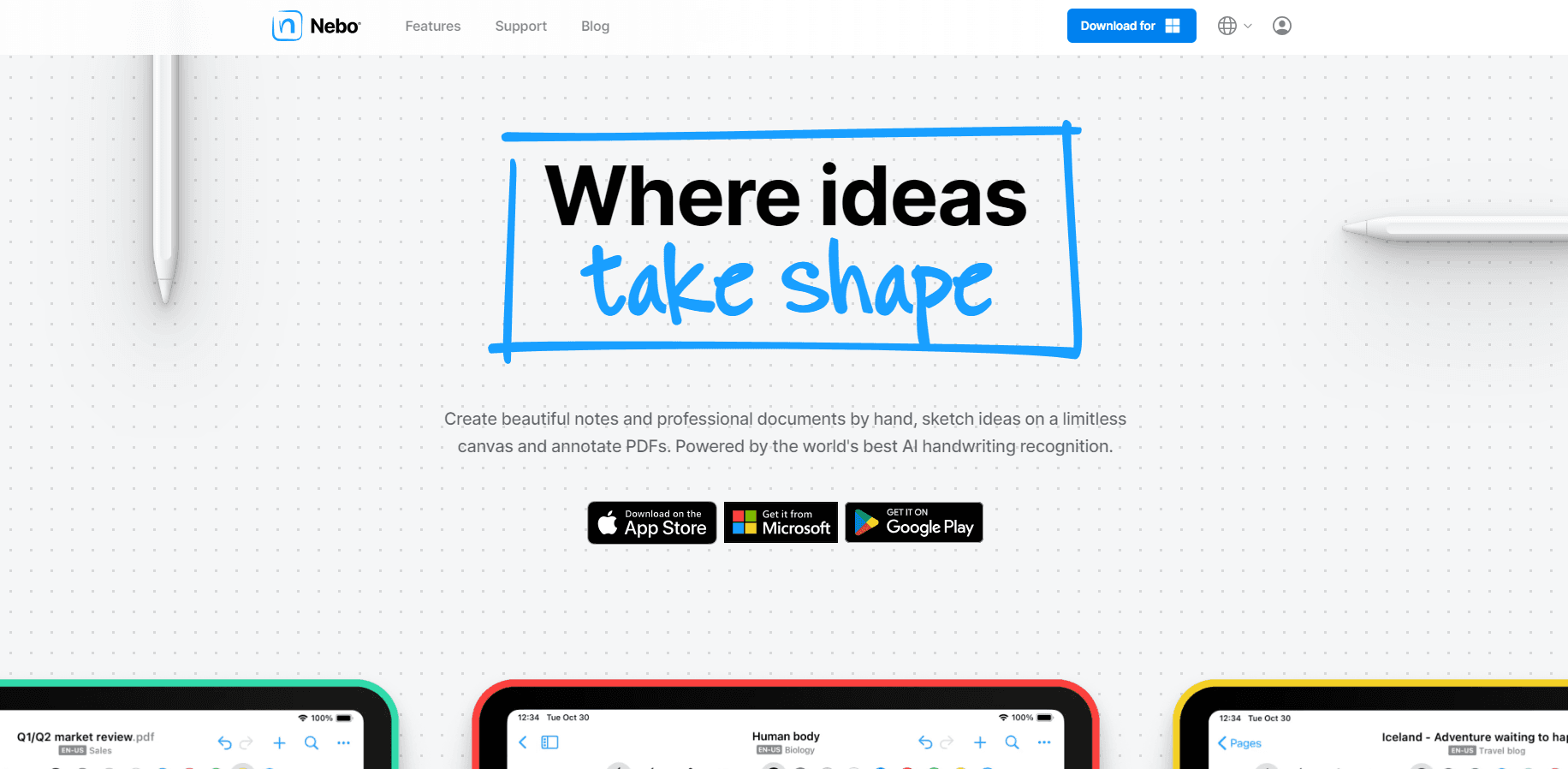
MyScript Notes (formerly Nebo) is an AI note taking app that turns pen handwriting into editable text, converts sketches into clean shapes, and adds AI summaries, quizzes, and chat to your own notes.
About MyScript Notes: AI Note Taking
What Is MyScript Notes
MyScript Notes is a handwriting-first note app from MyScript, a French company that has spent two decades building digital ink recognition. The app was called Nebo until September 2025. You write with a stylus on a phone, tablet, or Apple silicon Mac, and the software reads your ink as you go.
The point isn't to replace paper with a keyboard. It's to keep the speed of handwriting while gaining the things paper can't do: search across every page you have ever written, convert a scrawled paragraph into shareable text, and pull a summary out of a long lecture without retyping it.
The limits matter too. The AI features are aimed at students, and the study sets that turn notes into flashcards only work on iOS right now. Sync needs a free MyScript account, and the free tier after the trial is deliberately narrow.
Getting Started
- Install MyScript Notes from the App Store, Google Play, or the Mac App Store and open a 7-day trial of the full version.
- Create a free MyScript account if you want cloud sync, then pick iCloud, Google Drive, or Dropbox as the destination.
- Choose a format for the first note: a notebook for daily pages, a board for freeform thinking, a document for structured writing, or an imported PDF for annotation.
- Write with your pen as you normally would, then use gestures to erase, add space, or convert a selection into typed text.
Product Information
A quick look at MyScript Notes: AI Note Taking's pricing, supported platforms, and performance.
Best for
The users, tasks, and scenarios where this tool fits best.
Users
- Students who take lecture notes by hand and want summaries and practice quizzes from the same page, with the caveat that AI study sets are iOS only for now.
- Researchers and analysts who annotate PDFs and need to search handwritten margin notes months later.
- Designers and engineers who sketch diagrams on a tablet and want clean, editable shapes instead of photos of paper.
- People who already own an iPad with Apple Pencil or an Android tablet with an active stylus, since the app leans on precise pen input.
Tasks
- Turning a page of handwriting to text for a report or email, including math that converts into typed equations.
- Summarizing a long reading assignment or meeting notes into a short list of main ideas.
- Building quick self-tests from class notes with true/false or multiple choice questions.
- Cleaning up a whiteboard session on an infinite canvas and exporting it as PDF, PNG, or Word.
Scenarios
- A full semester of coursework where notes, readings, and revision all live in one library you can search.
- Client or lab work that mixes printed documents with handwritten markup in the same file.
- Field research or site visits where typing is awkward and a pen is the practical input method.
Key features
Handwriting to Text in 66 Languages
Write in your normal hand and convert a word, a line, or a whole page into typed text. MyScript says its recognition engine covers 66 languages, and in practice it handles mixed pages where handwriting, typed text, and drawings sit side by side. Math written by hand converts to typed equations, which you can paste into other apps.
Pen Gestures Instead of Menus
Scratch out a line to delete it. Draw a vertical stroke to open space between paragraphs. Underline to emphasize. Hold the pen on the screen after drawing a shape and it snaps into a clean circle, triangle, or arrow. The gestures keep you in the flow of writing, which is the main reason people stay with this app.
Four Note Formats in One Library
A digital notebook gives you fixed pages with custom size, orientation, paper color, and pattern. Boards are an expandable canvas for visual thinking. Documents reflow when you rotate the screen or change the layout, so the text stays readable. PDFs import as multi-page files you can annotate page by page, and your markup stays editable and searchable.
AI Tools That Work on Your Own Notes
Summarize condenses long notes or readings into main ideas. Explain gives a plain definition of any term you select, ready to paste back into the page. Quiz turns a note into true/false or multiple choice questions in seconds. Chat is a conversational assistant, with your notes as the starting point rather than a blank prompt.
Search and Sync Across Devices
Global search covers handwriting, text inside diagrams, and PDF annotations, so an old margin note is as findable as a typed heading. Sync runs through iCloud on iOS, or Google Drive and Dropbox on any platform, once you sign in with a free MyScript account. A custom dictionary lets you teach the recognizer your own names and abbreviations.
Export That Keeps the Layout
Export to PDF, PNG, SVG, Word, or the native Nebo app format, with an option to send several pages into a single file. Diagrams remain editable when pasted into PowerPoint, which saves a redraw when a sketch has to end up in a slide deck.
Pros and cons
Pros
- Handwriting recognition is fast and accurate enough that converting a page to text rarely needs cleanup.
- Pen gestures cover erase, insert space, and shape correction without opening a toolbar.
- Four formats means one app handles daily notes, whiteboard sessions, structured documents, and PDF markup.
- Global search reaches handwritten content and annotations, not just typed titles.
- Export options include editable Word files and SVG, which most note apps skip.
Cons
- AI study sets are limited to iOS, so Android users get the writing tools without the revision features.
- The free version after the trial is restrictive enough that most regular users end up paying.
- Sync depends on a third-party cloud drive and a MyScript account, and there is no live collaboration.
- Handwriting input assumes a stylus, so typing-only users get little value from the core design.
Frequently asked questions
Yes. Nebo was renamed MyScript Notes in September 2025. Existing notes and the app's core handwriting engine carried over, and the old Nebo app name still appears in the export format.
Related content
Explore related tools, skills, and articles for MyScript Notes: AI Note Taking.
MyScript Notes: AI Note Taking Alternatives

Base Code
Base44 (Wix) · Coding · ProductivityBase Code is a shared cloud development environment from Base44. Teammates describe changes to an existing GitHub codebase in chat, preview them live and send them back as pull requests.

Knocket
Knocket (Tencent RTC team) · Productivity · Business · ChatbotKnocket is a free live chat and contact page tool that lets visitors message you from your website, app, or a shareable link, with every reply handled from Telegram or one inbox.

FloorGen
Vinit Kumar (FloorGen) · Productivity · China AIFloorGen is a browser-based floor plan maker that turns a sentence or a sketch into an editable 2D plan and a 3D walkthrough. Export to PDF, DXF or video, and draw without an account.