

Neolocus
Neolocus · Image
Neolocus is an AI rendering platform for architects and interior designers. It turns SketchUp and Revit sketches into photorealistic interior and exterior renders in minutes.
About Neolocus
What Is Neolocus
Neolocus is a web-based AI rendering platform built for architects, interior designers, and 3D artists. It sits in the AI interior design space, and the workflow is simple. Instead of waiting hours on a traditional render, you upload a SketchUp or Revit sketch, or a screenshot from a 3D space, and the platform returns a photorealistic image in minutes. A studio that once queued renders overnight can now test a dozen design directions before lunch.
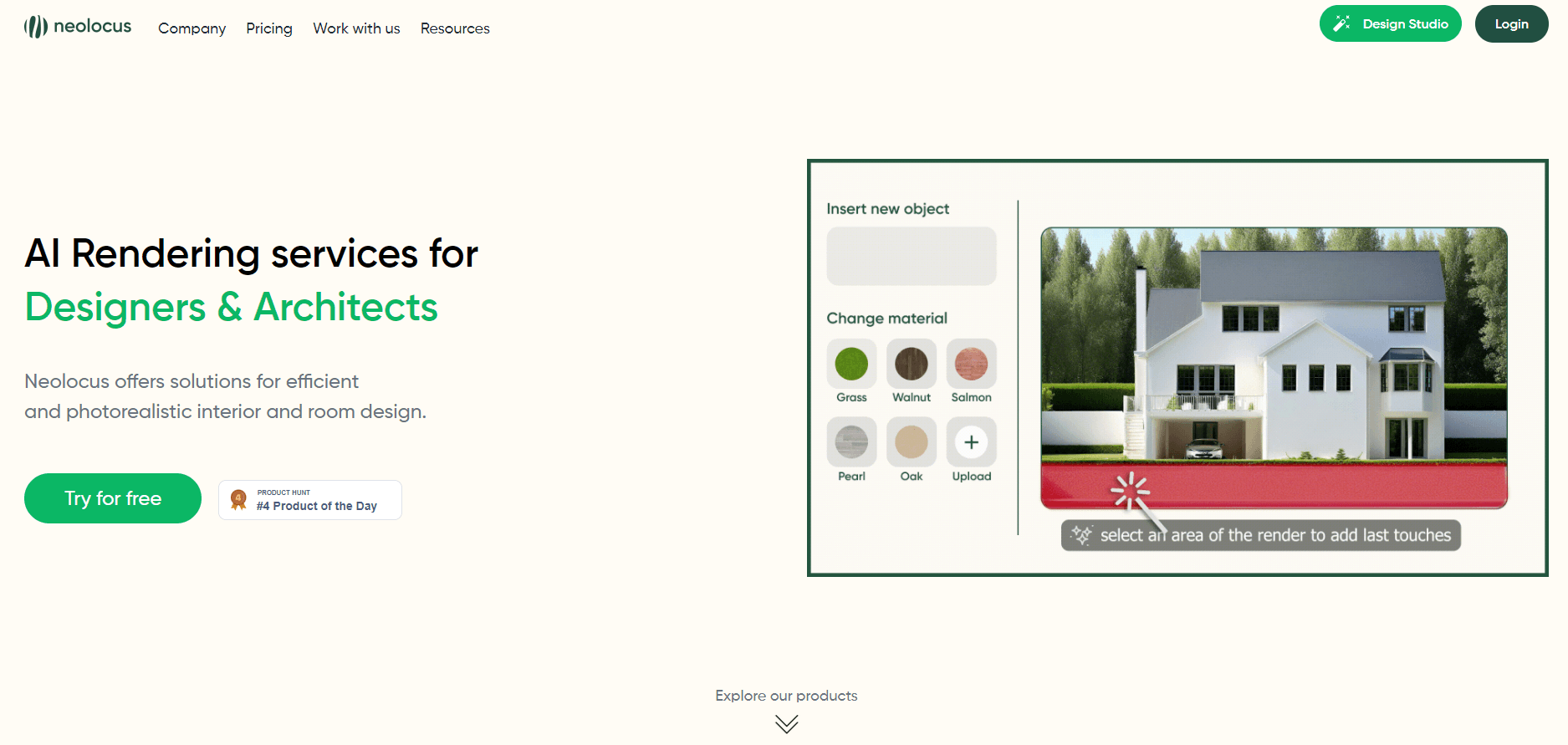
The product isn't one tool but a suite of small AI apps. Interior AI and Exterior AI handle the main renders. Around them sit helpers that fix and stretch an image: Magic Removal clears small mistakes, 4K Upscale AI lifts a render to print resolution, Style Swap AI copies the look of a reference, and Modify AI and Tiling AI change a single section or a facade.
The limits matter as much as the features. Every generation costs 10 credits, so heavy users burn through a free allowance fast. The platform is web-only, with no desktop app. And your source file has to be a sketch, a 3D screenshot, or an existing render, not a photo of a finished room.
Getting Started
- Create an account at app.neolocus.ai. The free plan needs no credit card.
- Pick an app from the playground, such as Interior AI or Exterior AI.
- Upload your SketchUp or Revit sketch, or a screenshot from a 3D space.
- Generate the render, then refine it with Modify AI, Tiling AI, or 4K Upscale AI.
- Download the finished image and share it with a client.
Product Information
A quick look at Neolocus's pricing, supported platforms, and performance.
Best for
The users, tasks, and scenarios where this tool fits best.
Users
- Interior designers
- Architects
- 3D visualization artists
Tasks
- Turning sketches into client visuals
- Fixing small render flaws
- Matching an existing style
Scenarios
- Testing several design directions early
- Changing one detail without a redraw
- Preparing print-ready images
Key features
Interior AI and Exterior AI
These two apps do the core work. You feed in a SketchUp or Revit sketch, or a screenshot from a 3D space, and the AI returns a realistic interior or exterior. Each generation costs 10 credits. The point is speed: what used to be an overnight render now takes minutes, which changes how many options a designer can show.
Magic Removal AI
Small flaws ruin a good render. Magic Removal AI fixes them without a full regenerate. You point at the problem, whether it's a stray object or a texture glitch, and the tool clears it. That saves a credit-heavy rerun every time something looks slightly off.
4K Upscale AI
This app takes a render from SketchUp, Revit, Enscape, or Lumion and lifts it to 4K. The result is sharp enough for print, which matters for brochures, boards, and client presentations. It works on both interior and exterior images, and it costs the same 10 credits per generation as the rest.
Style Swap AI
Style Swap AI copies the visual style of any reference render and applies it to your own. A designer with a client who wants a warmer palette, or a match to a previous project, can shift the look without rebuilding the scene. It runs on interior and exterior renders alike.
Modify AI and Tiling AI
These two handle targeted edits. Modify AI changes any section of a render while leaving the rest untouched, and Tiling AI reworks the facade or walls. The value is control: a client who dislikes one wall or one tile pattern gets a fix instead of a new image.
Imagine AI
Imagine AI produces render ideas in seconds, aimed at the prototyping stage. You use it to explore directions before a project hardens, which shortens the cycle from brief to shortlist. It's a brainstorming aid rather than a finishing tool, and it costs 10 credits per generation like the others.
Pros and cons
Pros
- Fast turnaround: a render that once took hours now arrives in minutes.
- A suite of focused apps covers the whole loop, from first idea to 4K export and targeted fixes.
- Free plan with 30 credits and no credit card needed to test the workflow.
- Watermark-free output and a commercial license on paid plans.
- Works with the files architects already produce in SketchUp, Revit, Enscape, and Lumion.
Cons
- Every generation costs 10 credits, so the free 30 credits go quickly with heavy use.
- Web-only, so there's no desktop app for offline or local work.
- Needs a sketch, 3D screenshot, or existing render as input, not a photo of a finished room.
- No public API is listed, which limits teams that want to automate renders at scale.
Frequently asked questions
Neolocus generates photorealistic interior and exterior renders from SketchUp and Revit sketches, or from screenshots of a 3D space. It also includes tools to fix, restyle, and upscale those renders.
Related content
Explore related tools, skills, and articles for Neolocus.
Neolocus Alternatives

Google EmbeddingGemma 2
Google DeepMind · Writing · Image · CodingGoogle EmbeddingGemma 2 is a 740M-parameter open model that turns text, code, images, audio, and video frames into vectors in one 768-dimension space, running on phones and laptops.

Tractionwave
TractionWave · Image · MarketingTractionWave is an AI attention heatmap tool for static ads. Upload a PNG or JPG and it returns predicted attention, ranked hotspots, and fixes before you spend budget.

Imejis.io
Imejis.io · Image · MarketingImejis.io is an AI design studio for agents and marketing teams. Describe an image in plain words, and it writes the copy, builds the layout, reflows it to every size, then exports a finished file.