
neoSVG 3
neoSVG · Image
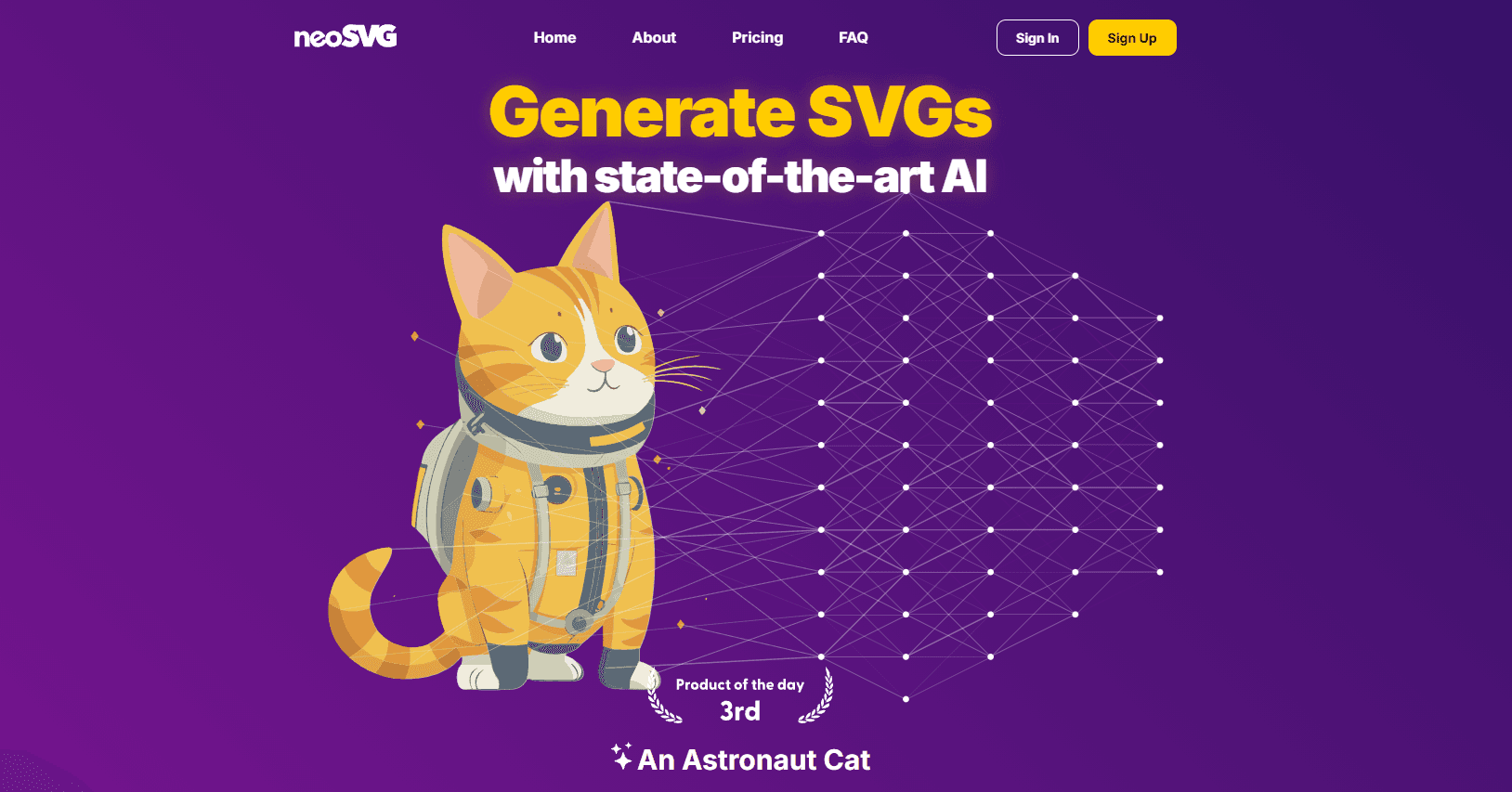
neoSVG 3 is an AI SVG generator and image vectorizer that writes native SVG code from text prompts or converts photos and logos into clean, editable vector files.
About neoSVG 3
What Is neoSVG 3
neoSVG is a vector engine that builds SVG files directly instead of rendering pixels. You type a prompt and it writes XML elements, paths, and shapes. You can also feed it a raster image, and the vectorizer rebuilds the shapes in it as curves and primitives. The result is a file that scales to any size without blurring, which is what designers mean when they ask for a clean vector.
It targets people who need vector art and can't spend an afternoon in Illustrator: designers, marketers, indie founders, and print shops that get logo files from clients in the wrong format. The pitch is that a generated SVG opens in Figma, Illustrator, Inkscape, or Affinity and stays editable, so you can nudge nodes afterward rather than start over.
The limits matter before you commit. The engine runs in tiers called Base, Pro, and Ultra, and Ultra costs more credits per run and is locked out of free accounts. The free plan only previews rendered results in the browser; you need a paid plan to download the raw SVG. Credits reset each billing cycle and don't roll over, and the commercial license covers use but doesn't hand you copyright of the output.
Getting Started
- Create an account at neosvg.com and start on the free plan.
- Pick Generator to write an SVG from a text prompt, or Vectorizer to upload an image.
- Choose a tier (Base, Pro, or Ultra) and check the credit cost shown before you run it.
- Preview the result, regenerate variations if the first pass misses, then download the SVG on a paid plan.
- Open the file in a vector editor to adjust nodes, curves, and colors for final use.
Product Information
A quick look at neoSVG 3's pricing, supported platforms, and performance.
Best for
The users, tasks, and scenarios where this tool fits best.
Users
- Designers
- Marketers and social teams
- Print and sign shops
Tasks
- Text to SVG
- Image vectorization
- Logo clean-up
Scenarios
- Brand asset creation
- Print production
- Rapid concepting
Key features
Text to SVG generation
Type a prompt and the engine writes native SVG code, not a flattened image. You get paths, shapes, and geometric regions you can open in any vector editor and change. It's the core of the product, and it's built for people who know what they want but don't want to draw it path by path.
Image vectorization
Upload a raster image and the vectorizer detects geometric shapes, fits curves, and lines them up with the input. The company says this mimics a designer's node-by-node tracing, which matters for logos and line art, where a messy auto-trace with hundreds of stray points is worse than useless.
Base, Pro, and Ultra tiers
The engine runs at three quality levels. Base is fast for simple graphics, Pro improves fine detail and path accuracy, and Ultra throws the most processing power at a job for the cleanest result. You see the credit cost before each run, and Ultra needs a paid plan.
Credit-based pricing
Every generation and vectorization spends credits, and the amount depends on the tier and task. Plans start with a monthly credit allowance that resets each billing cycle, so unused credits don't carry over. It's a straightforward model if you know roughly how many assets you'll produce per month.
Editable, standard SVG output
Output is standard SVG, so it imports into Illustrator, Figma, Inkscape, and Affinity and stays editable. You can move nodes, adjust Bézier curves, and recolor without redoing the work. That's the main reason to prefer a true vector file over a generated raster image.
Deterministic and non-deterministic vectorization
Deterministic mode returns the same SVG for the same input every time. Non-deterministic mode introduces variation on each attempt, which raises the odds of a better result on a hard image, and each attempt spends credits. You pick based on whether you want a repeatable output or a better one.
API access for developers
neoSVG offers an API, currently in beta, for teams that want generation or vectorization inside their own product or workflow. The company warns that breaking changes can happen during the beta, so it's better suited to testing than to a load-bearing production pipeline for now.
Pros and cons
Pros
- Native SVG output stays editable in Illustrator, Figma, Inkscape, and Affinity.
- Image vectorizer targets logos and line art, where clean curves beat a messy auto-trace.
- Three quality tiers let you trade credits for detail based on the job.
- Commercial use is allowed on paid plans, so client work is covered.
Cons
- Free accounts can only preview rendered results; downloading the raw SVG needs a paid plan.
- Ultra is locked out of free accounts and costs more credits per run.
- Credits reset each billing cycle and don't roll over, so unused credits are lost.
- The API is in beta and may change, which rules it out for some production setups.
Frequently asked questions
It generates SVG vector files from text prompts and converts raster images into scalable vectors. You get native SVG code you can edit in standard design tools rather than a flat image.
Related content
Explore related tools, skills, and articles for neoSVG 3.
neoSVG 3 Alternatives

Google EmbeddingGemma 2
Google DeepMind · Writing · Image · CodingGoogle EmbeddingGemma 2 is a 740M-parameter open model that turns text, code, images, audio, and video frames into vectors in one 768-dimension space, running on phones and laptops.

Tractionwave
TractionWave · Image · MarketingTractionWave is an AI attention heatmap tool for static ads. Upload a PNG or JPG and it returns predicted attention, ranked hotspots, and fixes before you spend budget.

Imejis.io
Imejis.io · Image · MarketingImejis.io is an AI design studio for agents and marketing teams. Describe an image in plain words, and it writes the copy, builds the layout, reflows it to every size, then exports a finished file.