

NeuralAgent
Neural Intelligence, Inc. · Productivity · Chatbot
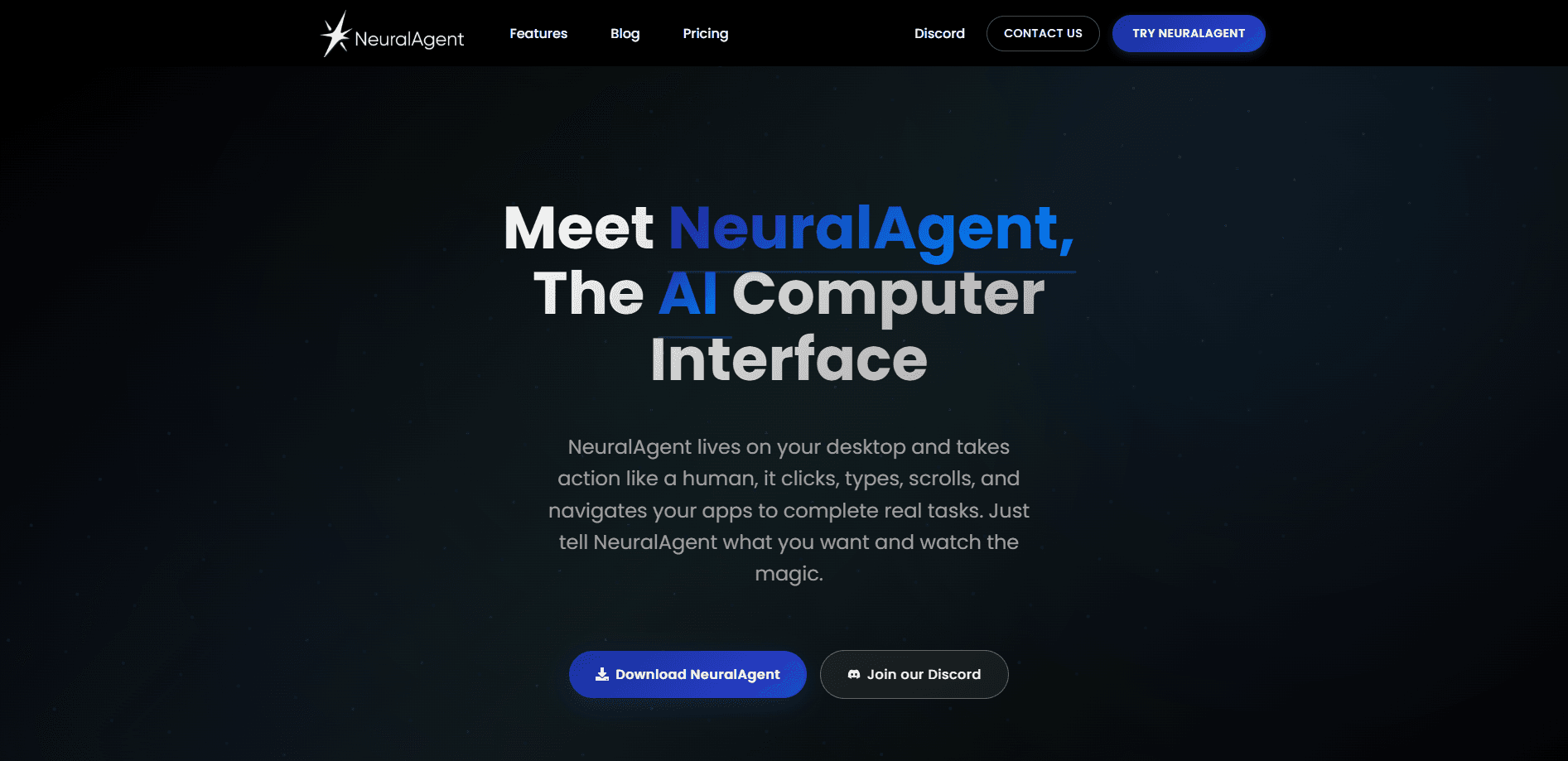
NeuralAgent is a computer-use AI agent that sees the screen, clicks, types and operates desktop and browser apps, letting teams run and supervise automation across software that already exists. It's the kind of AI that controls your computer, not just a chat window.
About NeuralAgent
What Is NeuralAgent
NeuralAgent is a computer-use AI product from Neural (Neural Intelligence, Inc.). Instead of waiting for every application to expose an API, it drives software the way a person does: it looks at the screen, moves the mouse, types, and works through desktop apps and browsers. That makes it useful for the leftover work that scripting tools can't reach, such as SAP, legacy desktop software, internal tools and engineering applications.
The product runs on a simple idea. You point an agent at a computer, tell it what to do, and it carries the task through the interface. Under the hood, Neural's own model, NeuralAction, handles fast, high-volume clicks and keystrokes, while harder planning and recovery route to stronger reasoning models from Anthropic, OpenAI and Google. Completed work can be saved as a reusable replay, so a task you got right once becomes something the whole team can run again.
Limits matter here. NeuralAgent is built for teams and individuals who want agents to operate real desktops, which means you're granting software control over a machine. There's also no published API, and the enterprise edition is scoped by quote rather than listed pricing. It isn't the tool to reach for if you only need a chat assistant inside a browser tab.
Getting Started
- Download the NeuralAgent desktop app, or book an enterprise demo if you're rolling it out across a team.
- Connect a computer: your own machine, an approved virtual machine, or a NeuralAgent-managed cloud computer.
- Pick an execution model, choosing NeuralAction for fast interface work or a supported Anthropic, OpenAI or Google model for heavier reasoning.
- Set the permission mode. Ask First confirms sensitive actions, while Act Without Asking runs them without pausing.
- Assign a task or a shared workflow, then follow progress and screenshots as the agent operates the interface.
- Review the task history, export reports with evidence, and turn a good result into a reusable replay.
Product Information
A quick look at NeuralAgent's pricing, supported platforms, and performance.
Best for
The users, tasks, and scenarios where this tool fits best.
Users
- IT and operations teams extending automation into complex software
- QA engineers running business-process tests
- Back-office teams buried in repetitive cross-system work
- Individual power users on their own computer
Tasks
- Running regression and business-process tests across SAP and internal tools
- Automating ERP and legacy software operations
- Processing invoices, data entry and reports
- Driving engineering applications
Scenarios
- An enterprise rolling out adaptive testing without brittle scripts
- A finance team clearing an invoice backlog
- An IT team keeping shared automation off employee laptops
- A support group standardising a recurring report
Key features
Computer control across desktop and browser
NeuralAgent launches applications and browsers, reads what's on screen, and works through the same mouse-and-keyboard interfaces you use. It moves, clicks, double-clicks and drags, types and uses shortcuts, and carries context from files into business systems. That reach is the difference between an agent that answers questions and one that finishes the job.
NeuralAction, a purpose-built computer-use model
Neural trains its own model for visual grounding and UI action generation. NeuralAction handles frequent interface actions quickly and cheaply, and NeuralAgent sends harder planning and recovery to stronger reasoning models only when the workflow needs it. Neural reports 285ms action-generation latency and up to 95% agreement with a leading frontier-model baseline in internal tests. End-to-end speed still varies by app and environment.
A choice of execution models
Each task runs on the model you pick. You can use NeuralAction, or supported models from Anthropic, OpenAI and Google, from the same workspace. Teams keep computers, shared workflows, execution history and spending in one place rather than across separate subscriptions. For teams weighing enterprise AI agents, that single control plane is often the deciding factor.
Reusable workflows and skills
You can demonstrate a task once and save it as a workflow or replay that runs again with new details and supervision. Skills add focused methods for common tools such as Gmail and the rest of Google Workspace, PowerPoint, Excel, PDFs, coding and research. Colleagues then get a consistent starting point, which is where AI workflow automation starts to compound.
Two permission modes and active supervision
Ask First confirms sensitive actions before they run; Act Without Asking lets them proceed without pausing. Both apply across normal tasks, scheduled workflows and fast replays. Progress updates and screenshots stay visible while the agent works, and supervised recovery steps in when an action fails or the interface changes.
The Enterprise Dashboard
One control plane shows online computers, running and total tasks, available execution credits, and recent activity. Owners and admins can break spending down by member, computer or provider, inspect detailed charges, export task histories with screenshots, and set low-balance notifications.
Enterprise deployment and security review
NeuralAgent connects customer-managed computers, approved virtual machines and NeuralAgent cloud computers to Neural-managed control and model services. Organizations scope access, permissions and workflow boundaries, and Neural runs a security and architecture review before production deployment, with onboarding, rollout training and enterprise support.
Pros and cons
Pros
- Operates software through the same visual interfaces people use, reaching desktop apps, browsers and legacy systems that APIs and brittle scripts can't.
- Runs a fleet from one dashboard, with task histories, screenshots and spend tracked by member, computer and provider.
- Chooses between NeuralAction and models from Anthropic, OpenAI and Google, so you pay for speed on routine clicks and reasoning only where it counts.
- Reusable workflows and replays turn one good result into a repeatable process for the whole team.
- Permission modes and supervised recovery keep sensitive actions and interface changes under control.
Cons
- Granting software control over a computer is a real decision, so it takes setup, permissions and oversight before it's productive.
- There's no published API, which limits teams that want to build NeuralAgent into their own systems or pipelines.
- Enterprise pricing isn't listed and is scoped by quote, so budgeting takes a sales conversation first.
- Value depends on building your own workflows and skills, so a bare install won't do much on its own.
Frequently asked questions
NeuralAgent is a computer-use AI agent that operates software through its visual interface. It sees the screen, moves the mouse, types and works across desktop applications and browsers, handling tasks such as testing, ERP operations, data entry and engineering workflows. Neural trains the underlying computer-use model, NeuralAction.
Related content
Explore related tools, skills, and articles for NeuralAgent.
NeuralAgent Alternatives

Base Code
Base44 (Wix) · Coding · ProductivityBase Code is a shared cloud development environment from Base44. Teammates describe changes to an existing GitHub codebase in chat, preview them live and send them back as pull requests.

Knocket
Knocket (Tencent RTC team) · Productivity · Business · ChatbotKnocket is a free live chat and contact page tool that lets visitors message you from your website, app, or a shareable link, with every reply handled from Telegram or one inbox.

FloorGen
Vinit Kumar (FloorGen) · Productivity · China AIFloorGen is a browser-based floor plan maker that turns a sentence or a sketch into an editable 2D plan and a 3D walkthrough. Export to PDF, DXF or video, and draw without an account.