

Nibbo
Nibbo · Productivity
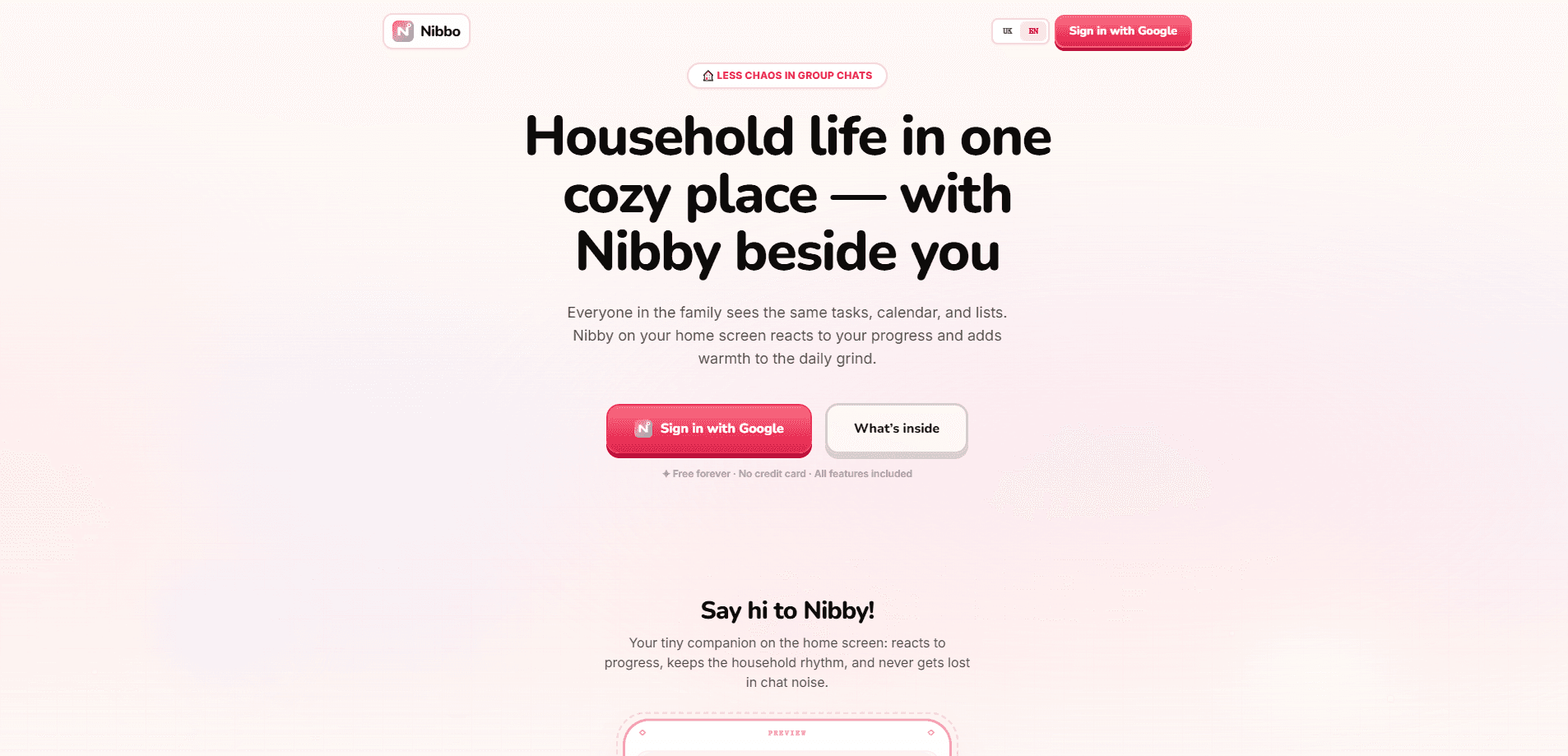
Nibbo is a free family household app that pulls tasks, calendar, menu, notes, budget, and shopping into a single shared space, so your household stops juggling five apps and three half-lost group chats. It pairs that home base with Nibby, an interactive companion that grows as your family finishes tasks and climbs levels together. Everything sits on one dashboard the whole family opens daily, and the essentials are free to use. No cost to start.
About Nibbo
What Is Nibbo
Nibbo is a household management app built around a simple promise: home life in one shared rhythm. Family admin lives scattered today. Chat threads, sticky notes, personal reminders. The same question ("who's buying milk?") gets asked by three people with no shared answer. Nibbo collects tasks, events, menus, notes, budgets, and shopping lists into one place with a shared dashboard, so everyone works from the same information instead of guessing.
What sets Nibbo apart is Nibby, a mascot companion that lives on the home screen rather than inside a chat. Nibby reacts to your family's progress: finish tasks, bank XP, and level up. Core features include a daily and weekly schedule bar, tasks with assignees, a family calendar, a menu planner, shopping lists, notes, and a budget tracker. The app also adds a playful layer with achievement stickers and an optional family battle arena where households can challenge rivals.
The main limitation is scope. Nibbo is aimed at households, not businesses. That means no CRM contacts, sales pipelines, or client reporting. It's also a fairly young product, so the feature set and integrations are still growing, and it runs on the web rather than as a native mobile app. There's no public API for developers to build on.
Getting Started
- Go to nibbo.space and sign in with your Google account.
- Set up your household profile and give your home a name so everyone knows where to land.
- Invite family members so tasks, events, and lists sync across the group.
- Add your first items: a few tasks with assignees, an upcoming event, and a shopping list.
- Check the dashboard daily and watch the day and week bars fill as your family completes things, feeding Nibby as you go.
Product Information
A quick look at Nibbo's pricing, supported platforms, and performance.
Best for
The users, tasks, and scenarios where this tool fits best.
Users
- Busy households
- Parents managing schedules
- Shared-living groups
Tasks
- Assigning household chores
- Planning weekly meals
- Tracking shared spending
- Consolidating shopping
Scenarios
- The daily handoff
- Before a grocery run
- Weekend coordination
Key features
One Shared Dashboard
The dashboard is the app's center of gravity. Day and week bars, active tasks, upcoming events, and shopping items all sit on the same screen your family opens daily. You get the whole house at a glance. Nothing hides in a thread you'll never find again.
Tasks With Assignees
Each task carries an owner, a priority level, and a status, so "someone should do it" turns into a name and a deadline. Handy when chores rotate. Assignees come in useful when the same chores rotate weekly and you want a clear record of who did what.
Family Calendar and Menu Planner
The calendar holds shared events while the menu planner maps out meals, and the two link up with the shopping list. Plan pasta night on the calendar and the ingredients can flow straight into what needs buying. Small automation. It saves a surprising number of mental steps.
Shopping Lists and Notes
Nibbo keeps a live shopping list that every member sees at once, plus a notes space for the odds and ends that don't fit elsewhere, like gift ideas or questions for the dentist. Both replace the scattered notes app and forwarded messages most households rely on. That's the point.
Budget Tracker
The budget tool tracks household spending in the same place as everything else, so grocery runs and recurring costs don't vanish into a personal banking app no one else can see. It's lightweight. Don't expect a full finance suite.
Nibby, the Household Companion
Nibby is the hook that makes the app feel less like a chore chart. The companion lives on the home screen, reacts to your family's progress, and grows as tasks get completed. It's a nudge. A deliberate one, to keep people coming back and actually updating the list.
XP, Levels, and the Family Arena
Completing tasks earns family XP that pushes your household up levels, shown on a spend leaderboard that ranks families that opt in. There's also a family battle arena where you challenge rivals, plus achievement stickers you earn as you hit milestones.
Pros and cons
Pros
- Brings six household tools into one shared dashboard instead of five separate apps
- Genuinely free core with all features included and no credit card required
- Assignees and priorities make chore ownership explicit rather than assumed
- Nibby's XP and level system gives families a reason to keep the lists current
- Menu planner and calendar feed into the shopping list, cutting redundant work
Cons
- Web only, with no native mobile app, so there's nothing to install and offline use is limited
- No public API, which rules out custom integrations or automation for technical households
- The arena and leaderboard lean toward children and families, so adult users may find the gamification unnecessary
- Younger product with a still-growing feature set, so some gaps likely remain
Frequently asked questions
Nibbo is a family organizer and household app for managing the day-to-day admin of a shared home. It combines tasks, a family calendar, meal planning, notes, a budget tracker, and shopping lists in one shared space, with a mascot companion called Nibby that reacts to your progress.
Related content
Explore related tools, skills, and articles for Nibbo.
Nibbo Alternatives

Base Code
Base44 (Wix) · Coding · ProductivityBase Code is a shared cloud development environment from Base44. Teammates describe changes to an existing GitHub codebase in chat, preview them live and send them back as pull requests.

Knocket
Knocket (Tencent RTC team) · Productivity · Business · ChatbotKnocket is a free live chat and contact page tool that lets visitors message you from your website, app, or a shareable link, with every reply handled from Telegram or one inbox.

FloorGen
Vinit Kumar (FloorGen) · Productivity · China AIFloorGen is a browser-based floor plan maker that turns a sentence or a sketch into an editable 2D plan and a 3D walkthrough. Export to PDF, DXF or video, and draw without an account.