

NiroHelp
Codexpert (NiroSuite) · Productivity · Business · Chatbot
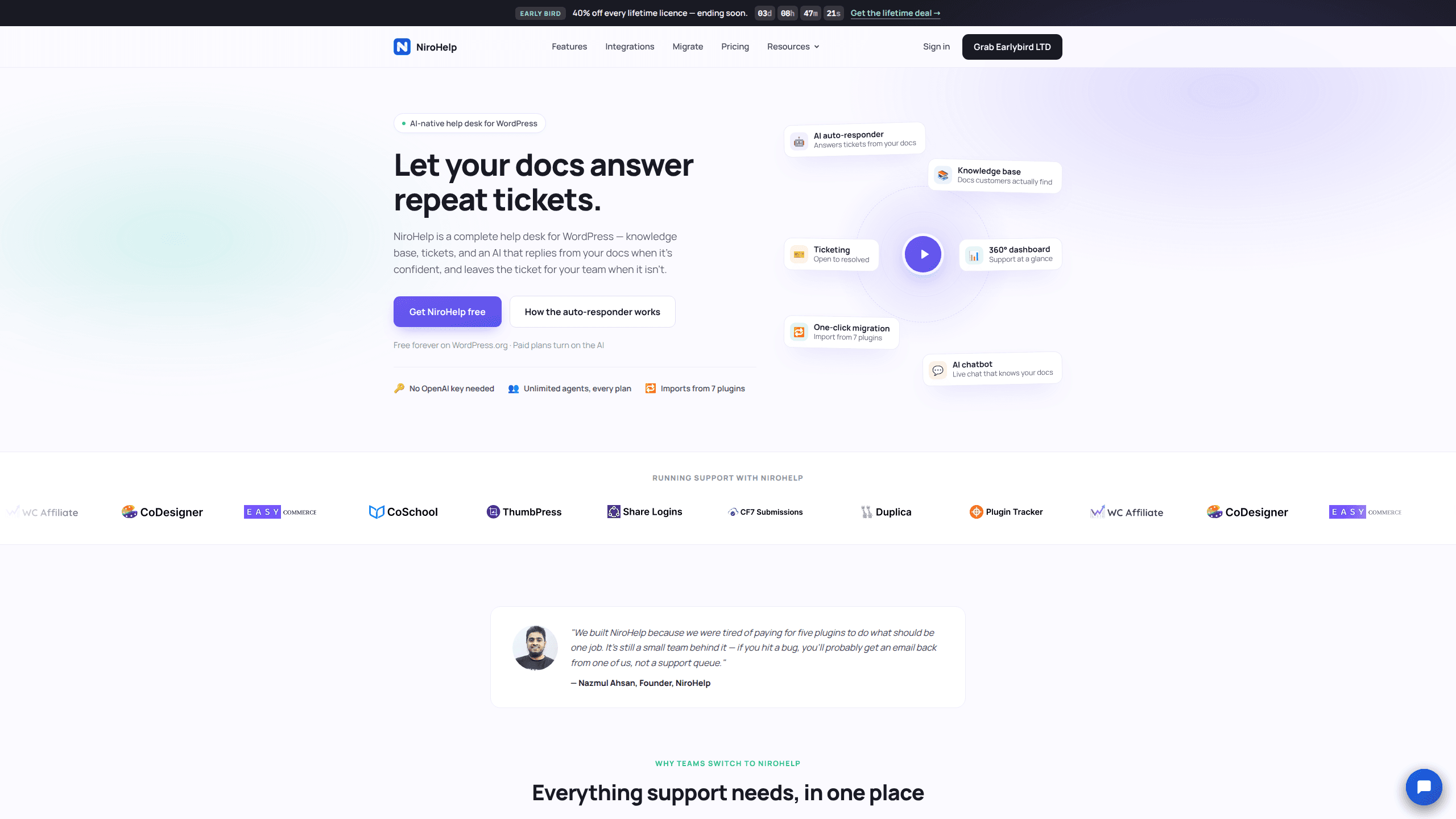
NiroHelp is a WordPress help desk plugin that puts a knowledge base, support tickets and an AI in one admin menu, so repeat questions get answered from your own docs.
About NiroHelp
What Is NiroHelp
NiroHelp is a help desk for WordPress built by Codexpert, the team behind several commercial plugins sold under the NiroSuite name. It bundles three things that usually arrive as three separate purchases: a searchable knowledge base, a ticket queue, and an AI that reads your articles before it writes a reply. All three sit in the same admin menu, and all three store their data as ordinary WordPress posts and comments.
The AI is the part that changes the math. When a ticket comes in, NiroHelp looks for an article that answers the question. If the match clears a confidence threshold you set, it posts a reply after a delay, five minutes by default, so a customer still typing isn't cut off. If nothing clears the bar, it stays silent and the ticket waits for a person. No OpenAI key goes into the plugin, and every paid plan includes a monthly allowance of AI answers instead of a separate model bill.
Three limits deserve a look before you install. The AI features need a paid plan; the free version on WordPress.org covers docs, tickets, the dashboard and migration, not auto-replies. AI answers run on credits, and when they run out the AI pauses until the month resets while the rest of the help desk keeps working. The confidence threshold is yours to tune, so early replies will need reading until you find a setting that matches how thorough your articles are.
Getting Started
- Install NiroHelp from the WordPress.org plugin directory, or upload the zip under Plugins, then activate it. The free plan needs no account and no card.
- Write or import your help articles. The migration screen copies docs and tickets from BetterDocs, weDocs, Echo Knowledge Base, BasePress, Awesome Support, SupportCandy or JS Help Desk.
- Group articles into topics and switch on the knowledge base page, so customers can search your docs and vote on what they read.
- Open the ticket settings and pick how customers sign in: a one-time code, a magic link, or a password. Set the confidence threshold and the reply delay for the AI while you're there.
- Decide where the chatbot goes. Paste the script tag on any site, WordPress or not, and choose the pages and hours it should appear on.
Product Information
A quick look at NiroHelp's pricing, supported platforms, and performance.
Best for
The users, tasks, and scenarios where this tool fits best.
Users
- WordPress product teams
- Support teams of two to ten
- Agencies running client sites
Tasks
- Answering the same presales question for the tenth time
- Turning email into tracked tickets
- Moving off a docs plugin or a ticket plugin
Scenarios
- A WooCommerce store that sells licence keys
- A small SaaS site outside WordPress
- An agency onboarding a client
Key features
Replies built from your own articles
The auto-responder searches your published docs for each incoming ticket and answers only when the match beats the threshold you set. Below that line it writes nothing. Business hours are respected too, so a 2am ticket waits for the morning instead of getting a half-informed guess.
Knowledge base with topics, search and voting
Articles live on your site as WordPress posts, grouped into topics, with a search box and a helpful / not helpful vote on every page. Votes show you what to fix next, and the same articles are the source your AI reads. Pages carry a table of contents and code blocks that stay readable.
Ticketing with eight stages
Tickets move through open, in progress, waiting, resolved and four more stages, with the status updating itself when either side replies. New tickets go to an available agent, roles split into Manager, Agent and Customer, and custom fields can be added without code. Customers get an email when anything changes.
A chatbot that runs outside WordPress
One script tag adds the chat bubble to any site, with a name, avatar and colour you choose. You can limit it to certain pages, silence it outside opening hours, and preview the exact widget in the dashboard before visitors see it. The thread survives page changes inside the same tab.
Email piping from your current inbox
Point NiroHelp at an IMAP mailbox or a provider webhook and every message becomes a ticket. Replies thread back into the same conversation, so customers keep using email. Several shared inboxes can each route to their own agents, and the AI auto-responder answers piped tickets the same way it answers form submissions.
Dashboard with a copilot
The dashboard tracks waiting tickets, median first reply, AI deflection and threads turning unhappy, sorted by risk. Ask NiroHelp answers plain questions about the last 30 days, such as who has waited longest or which article keeps getting marked unhelpful, and names the tickets it read to get there.
Migration from seven help desk plugins
The importer copies articles, topics, tickets, replies and attachments from BetterDocs, weDocs, Echo Knowledge Base, BasePress, Awesome Support, SupportCandy and JS Help Desk. Items are flagged once imported, re-running creates no duplicates, and the old plugin keeps its data until you delete it.
Pros and cons
Pros
- The free plugin is a working help desk rather than a trial: docs, tickets, roles, dashboard and migration cost nothing and stay free.
- AI answers come from your own articles with a threshold you control, so the failure mode is silence instead of a confident wrong answer.
- No OpenAI key and no per-token invoice, which removes the billing surprise that most AI support add-ons bring.
- Unlimited agents on every plan, so a growing team never pushes you into a higher price band.
- Your docs and tickets stay as WordPress posts and comments, and uninstalling the plugin deletes none of them.
Cons
- The AI needs a paid plan starting at $9.99 a month, so the free version answers nothing on its own.
- Credit allowances stop at 1,000 AI answers a month on Starter, which a busy store can burn through before the reset.
- Confidence thresholds need tuning against real tickets. Set it high and the AI stays quiet too often; set it low and weak matches reach customers.
- The chatbot is the only piece that leaves WordPress. Everything else assumes you run a WordPress site, so a site on another CMS gets the widget and nothing more.
Frequently asked questions
Yes for the core help desk. The plugin on WordPress.org includes the knowledge base, ticketing, the dashboard and the importer at no cost, with no account required. The AI features and email piping come with the paid plans.
Related content
Explore related tools, skills, and articles for NiroHelp.
NiroHelp Alternatives

Base Code
Base44 (Wix) · Coding · ProductivityBase Code is a shared cloud development environment from Base44. Teammates describe changes to an existing GitHub codebase in chat, preview them live and send them back as pull requests.

Knocket
Knocket (Tencent RTC team) · Productivity · Business · ChatbotKnocket is a free live chat and contact page tool that lets visitors message you from your website, app, or a shareable link, with every reply handled from Telegram or one inbox.

FloorGen
Vinit Kumar (FloorGen) · Productivity · China AIFloorGen is a browser-based floor plan maker that turns a sentence or a sketch into an editable 2D plan and a 3D walkthrough. Export to PDF, DXF or video, and draw without an account.