

Note API Connector
Andrej Gajdos · Coding
Note API Connector is a no-code tool that imports and syncs data from any API into Notion. You paste an endpoint, map the fields, and schedule the runs.
About Note API Connector
What Is Note API Connector
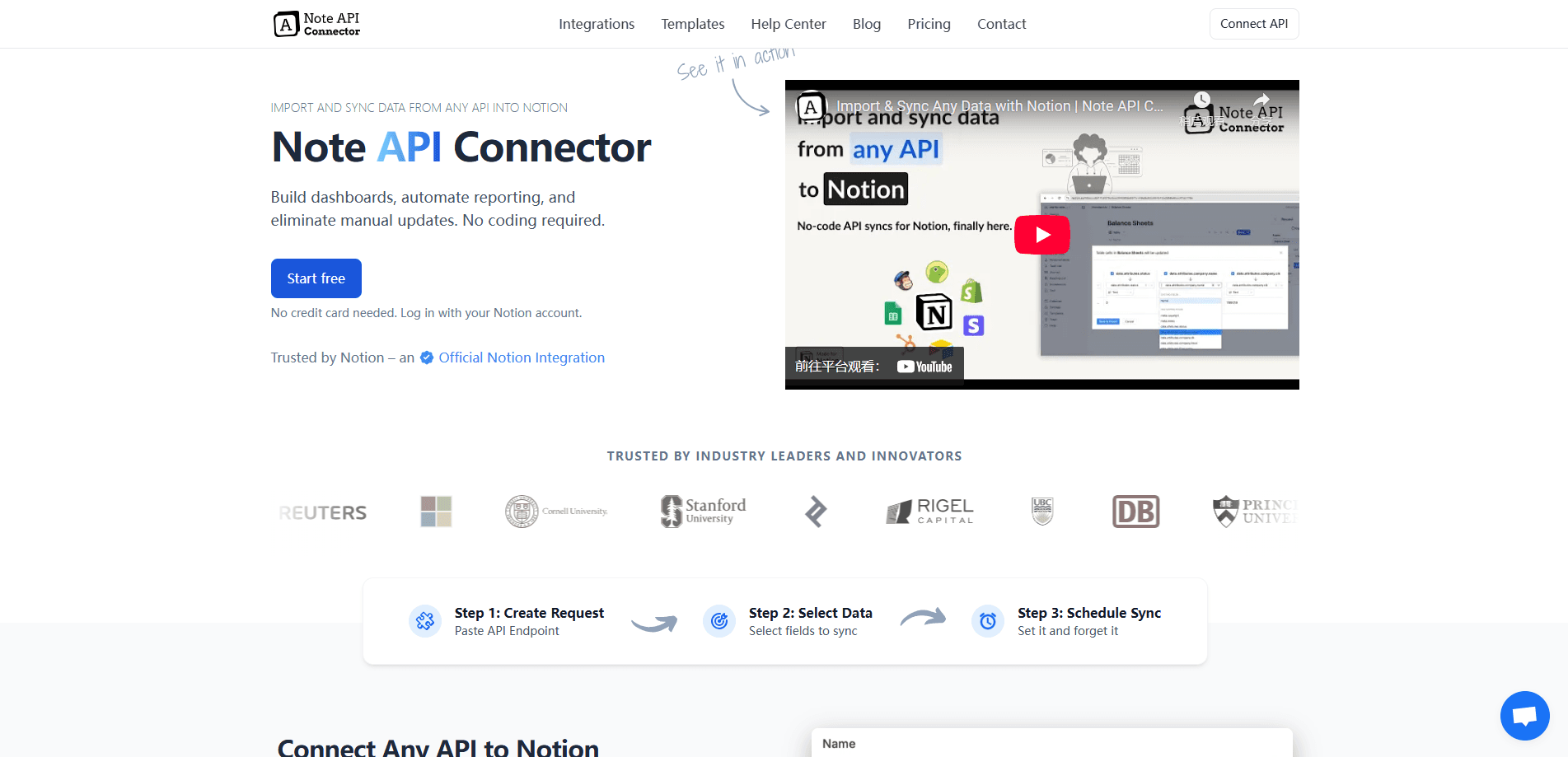
Note API Connector is a web app that moves data from an API into a Notion database. You point it at an endpoint, decide which fields to keep, and send the results into a table you already use. There's no code and no manual export in the middle. Andrej Gajdos built it, and Notion lists it as an official integration.
The job it does is narrow and useful. Notion has no native way to pull from a random service, so people usually fall back on copy-paste, CSV files, or a general automation platform that charges by the task. Note API Connector replaces that with a form: the request on one side, the Notion fields on the other. You can preview a response before you import anything, which cuts down on junk rows.
The catch is the shape of what you get. It suits APIs that return clean, repeatable data you want to track over time. If your source is a messy scrape or a one-off file, the tool won't fix that for you. The free plan also caps how much you can run each month, and scheduling only starts on the paid plans.
Getting Started
- Open the web app and connect your Notion workspace, granting access to the databases you want it to write to
- Create a request: paste the API endpoint, set the method, and add headers or authentication if the API needs them
- Preview the response, then map the API fields to the matching Notion properties
- Pick a write mode, then run the import by hand or set a schedule so it repeats on its own
Product Information
A quick look at Note API Connector's pricing, supported platforms, and performance.
Best for
The users, tasks, and scenarios where this tool fits best.
Users
- Notion power users
- Marketers and analysts
- Small teams on a budget
- Solo operators without a developer
Tasks
- Importing API data into Notion
- Scheduling recurring syncs
- Linking related databases
- Handling large responses
Scenarios
- A marketing report you rebuild every morning
- A CRM that lives in Notion
- A live dashboard other people check
- A finance or crypto tracker
Key features
Any API Into Notion
The point of the tool is breadth, and that's what makes it a real no-code API integration rather than a single-app add-on. You paste an endpoint, set the request, and the response goes into Notion, so YouTube, Stripe, Shopify, Mailchimp, Google APIs, and thousands of others all work the same way. It isn't limited to a fixed list of presets, which is what separates it from a single-app integration. If a service has an API, you can connect it.
Visual Field Mapping
Before importing, you preview the response and then map each API field to a Notion property with a visual editor. That matters because raw API output rarely lines up with how you want a database to look. You choose exactly what comes across and how it lands, so you skip the cleanup step that manual imports always cost you. Paid plans raise the cap on how many response fields you can map.
Scheduled Runs
You can run a request by hand or let it repeat. Schedules start at hourly on the Starter plan and tighten to every 15 minutes on Business and every 5 minutes on Enterprise. That range covers a daily report as easily as a near-real-time price feed. Set it once and the database keeps itself current, which is the difference between a one-off import and a live one.
Database Relations on Import
As data comes in, you can have the tool create relations between databases. A row for a product can link to its supplier, an event to its attendees, a campaign to its results. Doing that by hand in Notion is slow and easy to get wrong. Building the links during the import means related records stay connected from the start, with no separate pass afterward.
Large Dataset Handling
APIs that return thousands of rows are handled by following the next-page links automatically. You can let it pull every result or stop at a point you choose. That's what makes the tool usable for a full catalogue or a long history rather than just a quick sample. Without pagination support, most real datasets would arrive half-loaded.
Secure Authentication
You connect to an API with OAuth, a bearer token, or basic auth, and approve it once. After that you reuse the same connection for every request, so you're not pasting credentials over and over. Support for the common auth styles means the tool reaches private endpoints, not just public ones, without exposing keys where they shouldn't be.
Pros and cons
Pros
- Reaches any API, not just a fixed set of presets, so obscure endpoints work the same as popular ones
- No code at all, which puts API imports within reach of people who'd otherwise need a developer
- Cheaper than general automation platforms for straight imports, since pricing is per plan rather than per task
- Creates Notion relations during the import, saving the manual linking most people put off
Cons
- The free plan is thin: only 3 saved requests, 100 runs, and 1,000 rows a month, with no scheduling or relations, so you can't test the automations that make it worth paying for
- Scheduling needs a paid plan, which means the hands-off syncs people come for sit behind the Starter tier at $15 a month
- It only lands data in Notion, so anyone who wants the same feed in another tool still needs a second route
- Pricing counts both runs and records, so a high-volume API can burn through a plan faster than the request limit alone suggests
Frequently asked questions
Note API Connector is a no-code web app that imports and syncs data from any API into Notion. You paste an API endpoint, map the response fields to your Notion properties, and run the import once or on a schedule. It's an official Notion integration built by Andrej Gajdos.
Related content
Explore related tools, skills, and articles for Note API Connector.
Note API Connector Alternatives

Udon
Udon · Coding · ProductivityUdon turns an Apple Silicon Mac into a home server you run from a browser, with container controls, file shares, and an optional AI sysadmin.

offstage
offstage cloud · Coding · Productivityoffstage gives AI coding agents and CI jobs a real Mac: a fresh macOS account on Apple silicon, driven over an API and billed by the second.

BotBus
Chengdu Tuyang Tusen Technology Co., Ltd. · Coding · ProductivityBotBus lets you control AI coding agents from your phone and watch: approve commands, start tasks and read results while the code stays on your desktop.