
NoteFlow
NoteFlow · Productivity
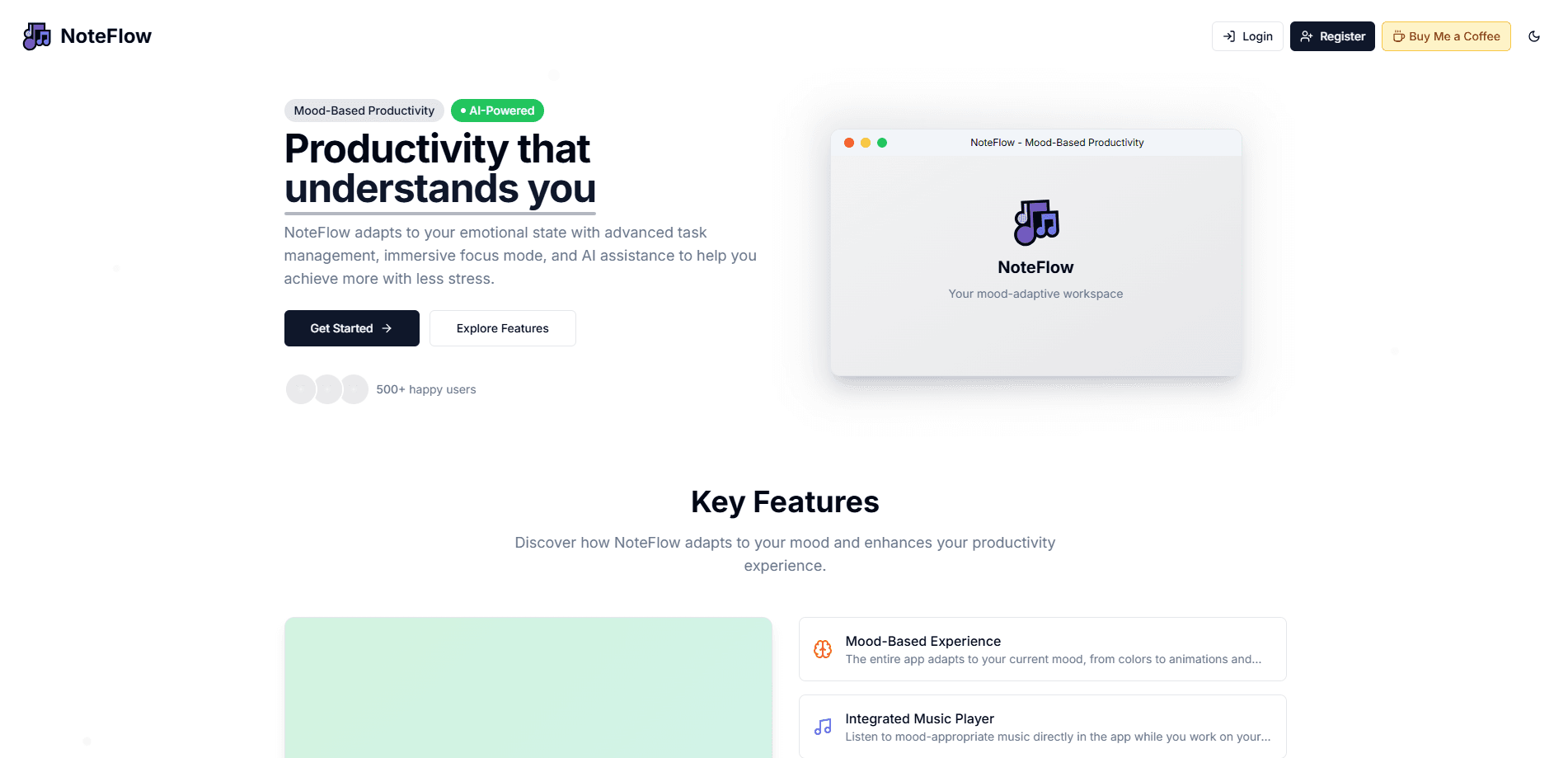
NoteFlow is a mood-based productivity app that blends note-taking, task management, and AI help. Its look, sound, and prompts shift to match how you feel.
About NoteFlow
What Is NoteFlow
NoteFlow is a web-based productivity app built around one idea: your focus changes with your mood, so your workspace should too. Pick a mood and the whole interface responds. Colors, animations, background music, and even the wording on the task box all shift to meet you where you are.
The app bundles three tools that usually live apart. You capture notes inside a task, you break work into sub-tasks, and an AI assistant sits beside the editor to help when you stall. That combination suits people who bounce between scattered apps and want one screen for capture, planning, and follow-through.
The catch is the platform. NoteFlow runs in the browser and leans on a YouTube music feed and a cloud account, so it needs a live internet connection. There's no native mobile app, and offline use isn't part of the design.
Getting Started
- Open the NoteFlow web app and create an account with your email.
- Confirm your email, then sign in to reach your workspace.
- Pick the mood that fits right now, from Motivated to Lazy, and watch the theme adjust.
- Add your first task, open it, and start writing notes or breaking it into sub-tasks.
- Set a due date or enter Focus Mode, then let the AI task assistant help when you get stuck.
Product Information
A quick look at NoteFlow's pricing, supported platforms, and performance.
Best for
The users, tasks, and scenarios where this tool fits best.
Users
- Students
- Remote workers
- Creatives
Tasks
- Breaking a big project into steps
- Getting unstuck on a stubborn task
- Daily planning
Scenarios
- A slow morning when motivation is low
- A deep-focus afternoon
- Jotting rough ideas during a meeting
Key features
Six Mood Presets
NoteFlow ships six moods, including Motivated, Energized, Lazy, Focused, and Creative. Each one rewrites your theme, animation speed, background track, and task prompt, so the app reads differently depending on where your head is.
AI Task Assistant
A side panel answers three kinds of requests: Break Down Task, Need Motivation, and Research Mode. Break Down Task turns one item into suggested sub-tasks, Need Motivation returns a short nudge, and Research Mode offers background on how to approach the work.
Focus Mode App Timer
Focus Mode drops the surrounding panels, flips to fullscreen, and starts a countdown so you can work against the clock. When time runs out, the app invites you to take a break or keep going.
Sub-Task Tracking
Every task holds its own sub-tasks with In Progress and done states. You can add, rename, tick off, or delete them, and the app nudges you to close the parent task once the last sub-task is checked.
AI Note Taking Inside Tasks
Each task carries its own AI note taking field for rough ideas, meeting jottings, or progress logs. Notes save on their own, so a quick thought doesn't disappear when you switch tasks.
Mood-Matched Music
Each mood maps to a music style, from Upbeat Lofi for Motivated to Slow Chill Beats for Lazy. Tracks stream from YouTube links, so the soundtrack continues even when you change moods.
Pros and cons
Pros
- The mood system changes colors, animation, music, and copy at once, which makes the workspace feel tailored rather than static.
- Task notes, sub-tasks, and the AI panel sit in one view, so you rarely jump between separate apps.
- Focus Mode with a timer and fullscreen is a quick way to start a work block without extra setup.
- Choice of six moods covers both high-energy and low-energy days, so the app doesn't only work when you're feeling good.
Cons
- There's no native mobile app, so phone users are stuck with a browser tab and a smaller layout.
- Music relies on YouTube embeds and the workspace needs an internet connection, so neither works cleanly offline.
- Public pricing and API details aren't documented, which leaves teams unsure about cost, data ownership, or integration before they commit.
Frequently asked questions
NoteFlow is a mood-based productivity app for planning tasks, writing notes, and getting AI help, all shaped around your current mood. It suits people who want capture and planning on one screen.
Related content
Explore related tools, skills, and articles for NoteFlow.
NoteFlow Alternatives

Udon
Udon · Coding · ProductivityUdon turns an Apple Silicon Mac into a home server you run from a browser, with container controls, file shares, and an optional AI sysadmin.

offstage
offstage cloud · Coding · Productivityoffstage gives AI coding agents and CI jobs a real Mac: a fresh macOS account on Apple silicon, driven over an API and billed by the second.

BotBus
Chengdu Tuyang Tusen Technology Co., Ltd. · Coding · ProductivityBotBus lets you control AI coding agents from your phone and watch: approve commands, start tasks and read results while the code stays on your desktop.