
NoteGPT: AI Note Taker
NoteGPT (Lumination AI) · Productivity
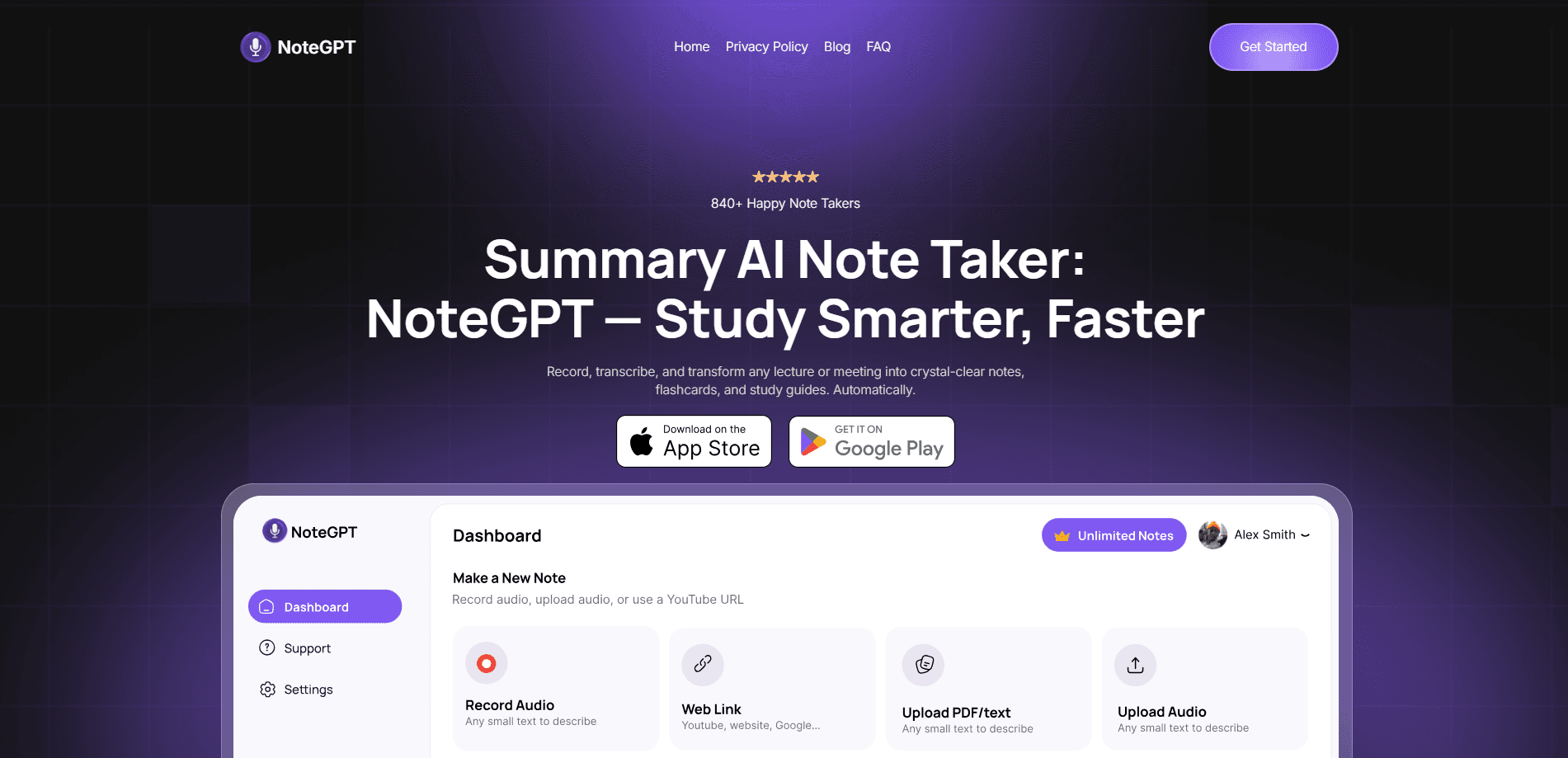
NoteGPT is an AI note taker that turns long videos, PDFs, lectures and meetings into clean summaries, transcripts and study notes. It's built around a YouTube video summarizer that also handles audio files, articles and documents, then pushes the output into mind maps, podcasts, slides or PDFs. Simply put, one tool covers a lot of formats. The tool targets students, researchers, teachers and content creators who want to pull the useful parts out of hours of material without watching or reading every minute, and a free tier plus paid plans keep the entry cost low.
About NoteGPT: AI Note Taker
What Is NoteGPT
NoteGPT is a web-based AI learning assistant built by NoteGPT (also known as Lumination AI) that focuses on one job: turning messy, long-form content into structured notes. Feed it a YouTube link, an uploaded PDF, an audio file or a pasted article, and it returns a summary with timestamps, a full transcript, and optional extras like mind maps or audio. The pitch is simple. You stop scrubbing through a 90-minute lecture to find the two ideas that matter.
The main draw is the YouTube summarizer, since it can generate a transcript even when a video has no captions. That opens up foreign-language lectures and old recordings that other summarizers skip. It also handles PDFs, so students can summarize a 40-page paper the same way they'd summarize a video. Same workflow, different input.
The limits are worth knowing up front. The free plan runs on a credit allowance, so heavy daily use will hit a wall quickly, and features like podcast generation and longer transcripts sit behind the paid tiers. Credits run out. NoteGPT also works inside a browser, so there's no offline mode, and accuracy on garbled audio or dense academic PDFs still depends on the underlying model. That matters for long projects.
Getting Started
- Go to notegpt.com and sign in with a Google or email account to get your free credits.
- Pick a tool from the dashboard, such as YouTube Summarizer, PDF Summarizer or Transcript Generator.
- Paste a video URL or upload your file, then choose the output language and summary style.
- Review the generated summary, transcript or mind map, and edit the notes if you want them tighter.
- Export the result as text, PDF, mind map or audio, or save it to your workspace.
Product Information
A quick look at NoteGPT: AI Note Taker's pricing, supported platforms, and performance.
Best for
The users, tasks, and scenarios where this tool fits best.
Users
- Students
- Researchers
- Teachers and creators
Tasks
- Summarizing long YouTube videos
- Turning PDFs into notes
- Making podcasts from text
Scenarios
- Catching up on a course before an exam
- Prepping for a meeting or interview
- Learning a language
Key features
YouTube Video Summarizer
The core tool takes any YouTube link and returns a structured summary with timestamps, so you can jump straight to the part you need. It works on videos without subtitles, which is the feature most competing summarizers leave out. Paste a two-hour lecture and you get a readable outline in seconds. That's the whole point of an AI summarizer.
AI Transcript Generator
NoteGPT pulls a full word-for-word transcript from a video or audio file and lets you export it as TXT or SRT. That's video to text in one click. It turns a video into something searchable and copyable, handy for quoting a source, building study notes or subtitling your own content. It supports more than 40 languages, so non-English videos aren't a dead end.
PDF and Document Summarizer
Upload a PDF, and the tool summarizes it the same way it handles video. It fits research papers, textbooks, contracts and long reports. The summary highlights the central points rather than dumping every heading, which is what you want when you're deciding whether a paper deserves a full read. No noise.
Mind Map and Slide Output
Beyond plain text, NoteGPT can turn a summary into a mind map or a slide deck. Mind maps work well for revision because they show how ideas connect, and the slide output saves time when you need a quick presentation from source material. Both are export options on top of the standard summary. Handy for revision.
Podcast and Audio Generation
You can convert notes, a transcript or an article into a podcast-style audio file, then listen during a commute or workout. In effect, it doubles as a podcast maker for study material. It's a genuine differentiator for people who learn by listening. One source feeds both your reading and your listening time.
Multi-Model AI Assistant
The sidebar assistant runs on several models, including ChatGPT, Claude, Gemini and DeepSeek, so you can ask follow-up questions about the content you just summarized. That turns a static summary into a conversation, which helps when a concept doesn't click on the first pass. Not ideal the first time around.
Pros and cons
Pros
- Summarizes YouTube videos without subtitles, which many rivals can't do
- Handles video, PDF, audio and articles in one place
- Exports to transcript, mind map, PDF and podcast audio
- Multi-language support covers 40+ languages
- Free plan gives a usable starting allowance
Cons
- Free credits run out fast with daily use, so heavy users need a paid plan
- The paid tiers only start making sense once you hit the credit ceiling
- Web-only workflow means no true offline use
- Accuracy drops on poor audio or very technical PDFs
Frequently asked questions
NoteGPT is an AI note taker that turns long videos, PDFs, lectures and meetings into summaries, transcripts and study notes. Students, researchers, teachers and creators use it to skip the slow part of consuming long content. So what does that look like day to day? Usually a pasted link, a waiting summary, and a decision about whether the source is worth a full read.
Related content
Explore related tools, skills, and articles for NoteGPT: AI Note Taker.
NoteGPT: AI Note Taker Alternatives

Base Code
Base44 (Wix) · Coding · ProductivityBase Code is a shared cloud development environment from Base44. Teammates describe changes to an existing GitHub codebase in chat, preview them live and send them back as pull requests.

Knocket
Knocket (Tencent RTC team) · Productivity · Business · ChatbotKnocket is a free live chat and contact page tool that lets visitors message you from your website, app, or a shareable link, with every reply handled from Telegram or one inbox.

FloorGen
Vinit Kumar (FloorGen) · Productivity · China AIFloorGen is a browser-based floor plan maker that turns a sentence or a sketch into an editable 2D plan and a 3D walkthrough. Export to PDF, DXF or video, and draw without an account.