

Novi Notes
Novi · Productivity
Novi Notes is a local-first note-taking app for macOS that keeps every note on your own Mac and connects to AI through MCP. Claude, Claude Code, Gemini, and Codex can read and write your notes in place, so you can ask an assistant to summarize last week's standups or draft today's to-dos without sending your files to a cloud server. It runs on Apple Silicon, asks for no account, and sells as a one-time purchase instead of a monthly plan.
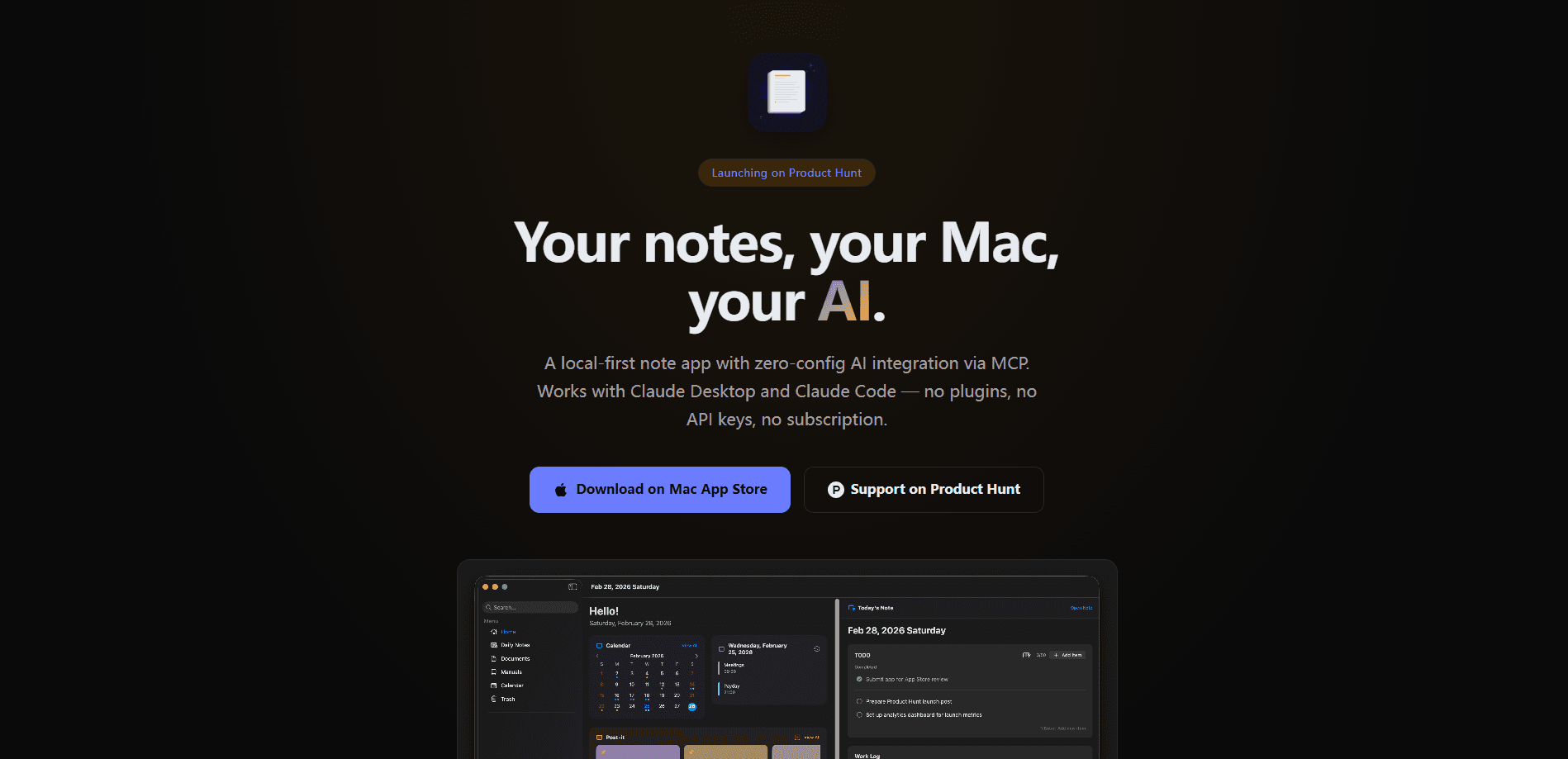
About Novi Notes
What Is Novi Notes
Novi Notes is a native macOS app built for people who want AI assistance on their notes but don't want their notes sitting on someone else's server. Everything lives in a local SwiftData store on your machine. The app works offline, skips sign-up entirely, and collects no telemetry. If your main worry with AI note apps has been privacy, that's the problem Novi targets first.
The AI part runs through MCP, short for Model Context Protocol, an open standard that lets an AI client talk to outside tools. Once you connect Claude, Gemini, or Codex inside AI Settings, that assistant can search your notes, create documents, update them, and delete them, all following your existing folder structure. No API keys, no config files. It's the kind of setup that either clicks in five minutes or doesn't, and Novi bets on the former.
The trade-offs are real. Novi is macOS only and needs Apple Silicon, so Windows and older Intel Macs are out. It also has no cloud sync of its own, which is great for privacy and annoying if you work across two Macs.
Getting Started
- Install Novi from the Mac App Store. It's a native SwiftUI app, and your notes go straight into a local SwiftData store.
- Open AI Settings and click to connect MCP. Claude Desktop, Claude Code, Gemini, and Codex attach themselves with no config files or keys.
- Write your first note. Use daily logs, to-do lists that roll over, work logs, or simple sticky notes.
- Ask the connected AI to work with your notes. Try "summarize last week's standups" or "draft tomorrow's to-do list from yesterday."
- Export when you need to. Notes leave as PDF or Markdown, so you're never locked in.
Product Information
A quick look at Novi Notes's pricing, supported platforms, and performance.
Best for
The users, tasks, and scenarios where this tool fits best.
Users
- Privacy-focused Mac users
- Developers and writers who already run Claude Code or Codex locally
- Freelancers tired of subscriptions
Tasks
- Daily logging and to-do rollover
- Meeting notes with voice capture
- Writing work logs and manuals
Scenarios
- Summarizing a week of standups
- Drafting tomorrow's plan from today's notes
- Keeping personal notes offline on a laptop that travels
Key features
Local-first storage
Every note is saved to a SwiftData store on your own Mac. The app works fully offline, needs no account, and sends no telemetry. For anyone who's uncomfortable handing a diary or work log to a cloud provider, this is the whole point.
MCP-native AI integration
Novi doesn't bolt AI on as an add-on. Through MCP, Claude, Claude Code, Gemini, and Codex can search, create, update, and delete your notes while respecting your folder structure and content blocks. You connect them with one click in AI Settings, and no API keys are involved.
Built-in voice transcription
WhisperKit runs locally to turn recordings into text. Capture a meeting, get a transcript, then convert it into a structured note. Because it runs on-device, audio doesn't go out to a paid third-party service the way it does in several competing apps.
Workday note types
The app covers the notes a workday actually generates: daily logs, to-dos that roll over, work logs, manuals with versioning, sticky notes, and a calendar. Fifteen block types plus voice-to-text cover most writing needs without plugins.
One-time purchase, no subscription
You pay once and keep using the app. There are no seats, tiers, or monthly fees, so you get a notes app without subscription charges, unlike rivals that bill for AI features or sync.
Portable exports
Notes export as PDF or Markdown. Combined with local storage, that means you can walk away with your data in formats that open in almost any tool, with no proprietary lock-in.
Pros and cons
Pros
- Notes stay on your Mac and the app works offline, so private material never touches a server.
- MCP integration connects Claude, Gemini, and Codex with one click and no API keys.
- On-device WhisperKit transcription avoids the paid add-on most rivals charge for voice notes.
- A one-time purchase replaces a recurring subscription.
- Clean Markdown and PDF export keeps your data portable.
Cons
- It's macOS only and requires Apple Silicon, so Windows users and older Intel Macs can't run it.
- With no built-in cloud sync, moving notes between two Macs takes manual export and import.
- AI features depend on a separate MCP-capable assistant being installed, since the app itself doesn't ship a chatbot.
Frequently asked questions
No. The app is local-first and works fully offline. You only need connectivity if the AI assistant you've connected through MCP relies on a cloud model.
Related content
Explore related tools, skills, and articles for Novi Notes.
Novi Notes Alternatives

Base Code
Base44 (Wix) · Coding · ProductivityBase Code is a shared cloud development environment from Base44. Teammates describe changes to an existing GitHub codebase in chat, preview them live and send them back as pull requests.

Knocket
Knocket (Tencent RTC team) · Productivity · Business · ChatbotKnocket is a free live chat and contact page tool that lets visitors message you from your website, app, or a shareable link, with every reply handled from Telegram or one inbox.

FloorGen
Vinit Kumar (FloorGen) · Productivity · China AIFloorGen is a browser-based floor plan maker that turns a sentence or a sketch into an editable 2D plan and a 3D walkthrough. Export to PDF, DXF or video, and draw without an account.