

On-Call Health
Rootly AI Labs · Productivity
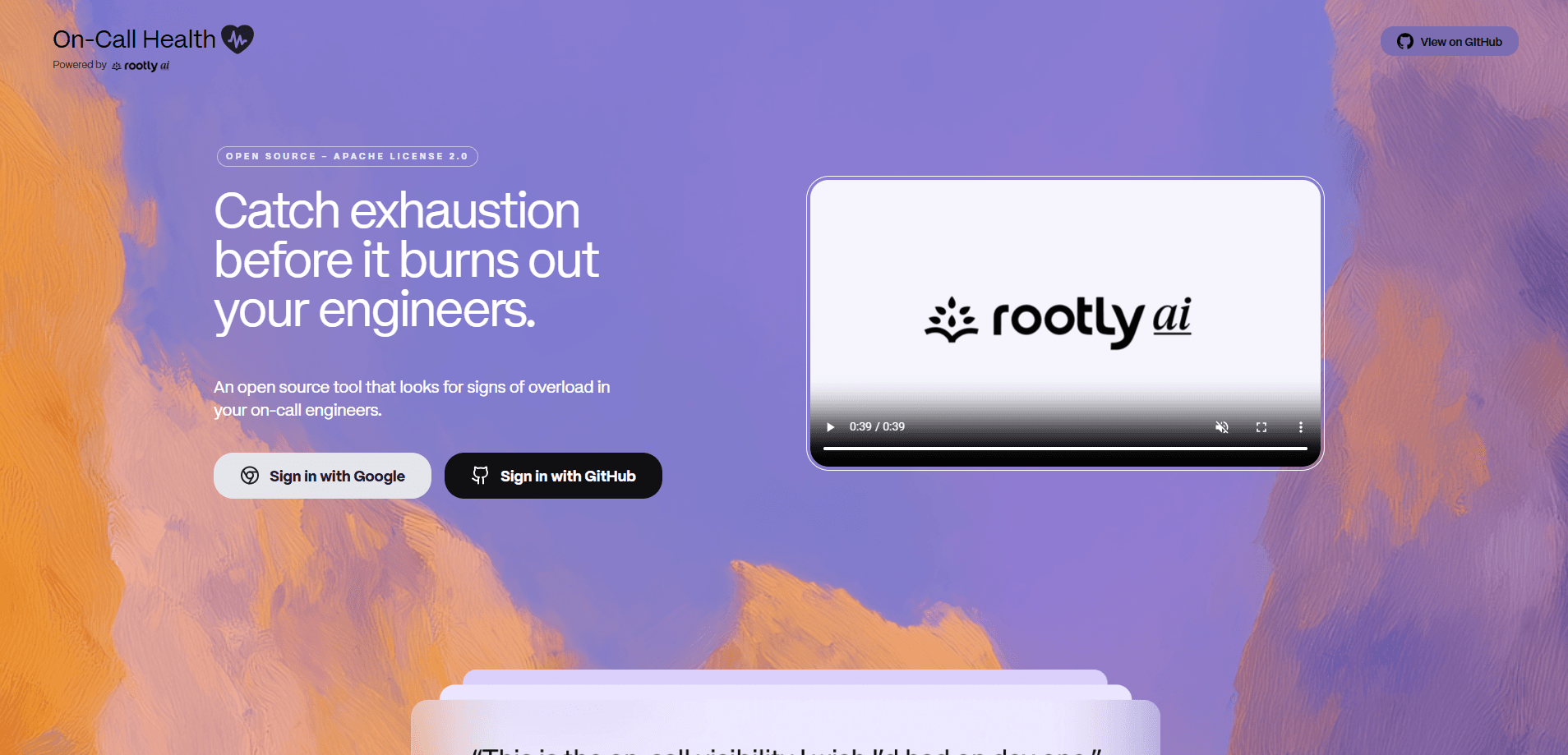
On-Call Health is an open-source burnout detection tool for engineering teams. It helps you catch on-call engineer burnout before it turns into turnover. It connects to the services your team already uses, like Rootly, PagerDuty, GitHub, Slack, Linear, and Jira, then turns those signals into a workload score you can actually act on without digging through raw incident logs yourself. You can use the hosted version at oncallhealth.ai or run the whole thing yourself.
About On-Call Health
What Is On-Call Health
On-Call Health watches the people who carry the pager. It gathers objective data, such as how often someone gets paged and how many incidents they handle during a rotation, and blends it with self-reported signals from the team about how the workload actually feels. The goal is to surface patterns that suggest overwork before a good engineer quietly burns out.
The tool is built by Rootly AI Labs and shipped under the Apache 2.0 license, which means the source code is open to audit, modification, and self-hosting on whatever infrastructure your security team is comfortable with. It isn't a medical or diagnostic product. Think of it as an early warning system for team health, not a clinical assessment.
The main limitation is scope. It only makes sense for teams that already run formal on-call rotations and have the integrations hooked up. A solo developer has nothing for it to measure. No incident process, no signal.
So how does it work? You connect your tools, and the app does the counting.
Getting Started
- Sign in at oncallhealth.ai with your work email. Or clone the repo and run it with Docker if you'd rather keep data in-house.
- Connect your sources: Rootly, PagerDuty, GitHub, Slack, Linear, and Jira each link through their own OAuth flow.
- Let the tool pull a few weeks of incident and workload history so it has a baseline to compare against.
- Review the OCH Score on the dashboard and pair it with the self-reported check-ins from your engineers.
- Set thresholds for when a score should trigger a conversation, then circle back on a regular schedule.
Product Information
A quick look at On-Call Health's pricing, supported platforms, and performance.
Best for
The users, tasks, and scenarios where this tool fits best.
Users
- Engineering managers
- Platform and SRE leads
- Developers on call
Tasks
- Spotting overload trends
- Justifying rotation changes
- Pairing hard data with sentiment
Scenarios
- A team keeps losing engineers after a heavy quarter
- Rolling out a new rotation policy
- A quiet but stretched SRE team
Key features
The OCH Score
The On-Call Health Score is one number built from every signal the tool collects. It reflects how much incident response workload one person is carrying. Managers scan a dashboard instead of reading raw logs. It's the fastest way to see who needs attention first.
Objective and Self-Reported Signals Together
On-Call Health doesn't rely on pager data alone. It mixes hard numbers from your incident tools with check-ins from the people doing the work. That pairing matters. A low page count can still hide a stressful rotation.
Broad Tool Integrations
It connects to Rootly, PagerDuty, GitHub, Slack, Linear, and Jira. Most teams already pay for at least one of these. So setup is usually a matter of authorizing access, not migrating anything. GitHub and Slack round out the picture with activity data that incident tools miss.
Open Source and Self-Hostable
The code sits on GitHub under Apache 2.0, and you can run it with Docker on your own infrastructure if you'd rather not hand a vendor a live feed of your team's pager activity. Some teams can't send HR-adjacent data to a third party. For them, self-hosting is the whole reason to pick this over a closed alternative.
Built for Incident Responders
The metrics are tuned to on-call work specifically, not the generic productivity tracking that a lot of workplace analytics tools fall back on. It counts the things that actually wear people down. How often are you paged? How many incidents land on your shift? And how does the load spread across the rotation?
Pros and cons
Pros
- Free and open source, so there's no license cost to trial it with a team.
- Self-hosting option keeps sensitive workload data inside your own infrastructure.
- Pulls from tools most engineering teams already run, which shortens setup.
- Focuses on the real drivers of on-call fatigue instead of vanity metrics.
- The OCH Score turns scattered signals into one figure you can track over time.
Cons
- It's a signal tool, not a diagnosis, so it can't tell you why someone is struggling.
- Value depends on integrations, and a team with no formal on-call process gets little out of it.
- No public API to pull scores into your own dashboards, so you're limited to what the app shows.
Frequently asked questions
It flags signs of overwork among on-call engineers by combining incident data with self-reported check-ins. Teams use it to spot overload early and justify changes to their rotation.
Related content
Explore related tools, skills, and articles for On-Call Health.
On-Call Health Alternatives

Base Code
Base44 (Wix) · Coding · ProductivityBase Code is a shared cloud development environment from Base44. Teammates describe changes to an existing GitHub codebase in chat, preview them live and send them back as pull requests.

Knocket
Knocket (Tencent RTC team) · Productivity · Business · ChatbotKnocket is a free live chat and contact page tool that lets visitors message you from your website, app, or a shareable link, with every reply handled from Telegram or one inbox.

FloorGen
Vinit Kumar (FloorGen) · Productivity · China AIFloorGen is a browser-based floor plan maker that turns a sentence or a sketch into an editable 2D plan and a 3D walkthrough. Export to PDF, DXF or video, and draw without an account.