

OneNode
OneNode · Coding
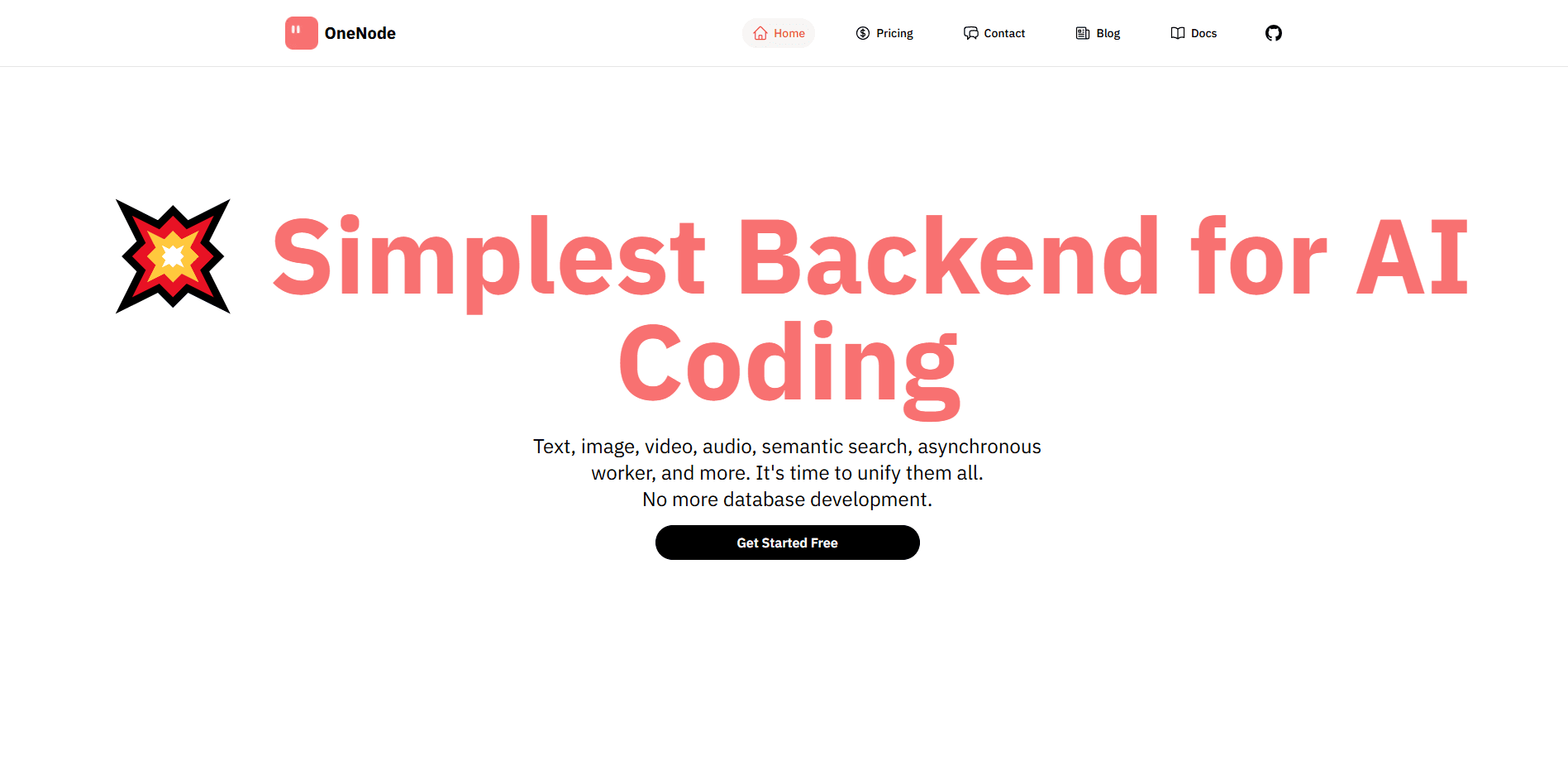
OneNode is an AI-native database that combines document storage, vector search and media handling in one backend, so developers build RAG apps without wiring up separate services.
About OneNode
What Is OneNode
OneNode is an AI-native database and backend as a service for teams building AI features. It keeps documents, embeddings and media together in one place, so semantic search and retrieval-augmented generation don't need a stack of separate services.
The product targets a specific chore: getting retrieval-augmented generation (RAG) into production. RAG means pulling relevant information from your own data before a language model answers, which raises accuracy and lets the model use facts it never trained on. OneNode handles the pipeline that feeds it, from raw uploads to searchable embeddings.
Its limits follow from what it is. OneNode lives behind an SDK and an API, so it suits people writing code rather than anyone wanting a point-and-click tool. The free tier caps storage and requests, which matters once a project leaves the testing stage.
Getting Started
- Install the SDK with pip install onenode.
- Initialize the client. Use anonymous mode to test right away, or pass an API key to keep data permanently.
- Create a database and a collection to hold your documents.
- Insert documents with Text and Image types, calling enable_index() on the fields you want searchable.
- Query with semantic search for meaning-based results, or the find method for exact MongoDB-style matches.
Product Information
A quick look at OneNode's pricing, supported platforms, and performance.
Best for
The users, tasks, and scenarios where this tool fits best.
Users
- Backend and full-stack developers building AI features
- Small teams shipping a RAG product
- Data engineers who already use MongoDB
- Prototype builders testing an idea
- Media-heavy app developers
Tasks
- Building semantic search
- Adding RAG to a chatbot
- Managing multimodal content
- Storing app media
Scenarios
- Launching an MVP on a tight budget
- Migrating from MongoDB to an AI-ready store
- Running a knowledge base for internal tools
- Experimenting during a hackathon
Key features
Document, vector and media in one backend
OneNode merges three jobs that usually need three services. You store documents, keep their embeddings, and hold media files in the same place. That removes the sync work between a document database and a separate vector store, which is where a lot of RAG setups get fragile. Fewer moving parts means less to break and less to maintain.
Built-in semantic search
The database indexes your content so you can search by meaning. You call query with a natural-language string and get back the closest matches with similarity scores. EmbText and EmbImage types take care of the chunking, the embedding and the indexing behind the scenes, so you don't build that pipeline yourself. That's the difference between a plain document store and one that understands what your data is about.
MongoDB compatibility
OneNode speaks MongoDB, so teams that know it can bring their existing queries and mental model. The find method works the way MongoDB users expect for exact matches and structured filters. You keep the familiar tooling while gaining vector search and media handling on top. For shops already invested in MongoDB, that familiarity shortens the path to an AI feature.
Multimodal data processing
Text, images, video and audio all move through one processing pipeline. Upload a file and OneNode runs the AI understanding and embedding steps on its own. This matters for a multimodal database where apps mix formats, like a product catalog with photos and descriptions, because it keeps them under one roof. You avoid building and maintaining a separate flow for every kind of content.
Async processing pipeline
Heavy AI work takes time, and OneNode runs it asynchronously so your app isn't stuck waiting. You insert a document and the indexing happens in the background. That design keeps requests fast while the expensive parts, like embedding large media, run on their own schedule. It fits an AI app backend where you can't afford a slow write on the user's path.
Anonymous mode and a free tier
You can start with no signup by initializing the client in anonymous mode. Data is temporary and cleaned up automatically, which suits prototyping and learning. When you need data to persist, you add an API key and move to the free tier. That low-friction start means you can test the workflow before committing to a plan or handing over a card.
Pros and cons
Pros
- Consolidates document storage, vector search and media handling, which cuts the number of services a RAG app depends on.
- Stays MongoDB-compatible, so teams keep their existing queries and habits instead of learning a new model.
- Handles text, image, video and audio in one pipeline rather than one tool per format.
- Lets you start with no signup through anonymous mode and a free tier, so evaluation costs nothing.
Cons
- Works only through an SDK and an API, so it's not for anyone expecting a visual, no-code tool.
- The free tier caps storage and requests, so a growing app has to move to the $25/month plan.
- Vector and request limits on paid tiers bill overages by use, which makes costs hard to predict at scale.
- The company's public material is thin on benchmarks, so you can't judge raw performance before you test it yourself.
Frequently asked questions
OneNode is used to store and search the data behind AI applications. It keeps documents and their embeddings together so you can run semantic search or feed a retrieval-augmented chatbot. It also handles media files, which means text and images live in the same backend.
Related content
Explore related tools, skills, and articles for OneNode.
OneNode Alternatives

Udon
Udon · Coding · ProductivityUdon turns an Apple Silicon Mac into a home server you run from a browser, with container controls, file shares, and an optional AI sysadmin.

offstage
offstage cloud · Coding · Productivityoffstage gives AI coding agents and CI jobs a real Mac: a fresh macOS account on Apple silicon, driven over an API and billed by the second.

BotBus
Chengdu Tuyang Tusen Technology Co., Ltd. · Coding · ProductivityBotBus lets you control AI coding agents from your phone and watch: approve commands, start tasks and read results while the code stays on your desktop.