

Onpilot
Onpilot · Productivity
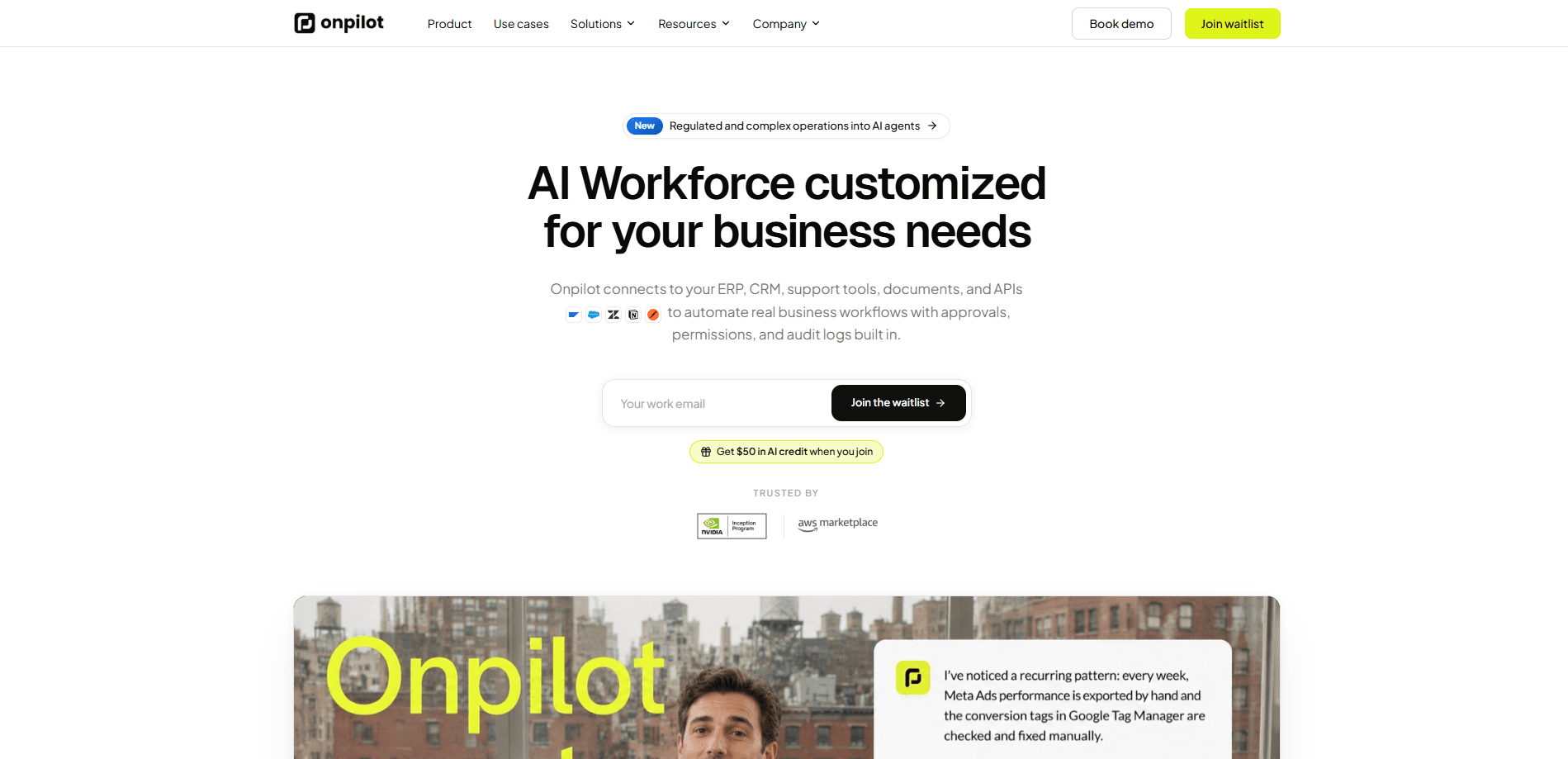
Onpilot is an enterprise AI agent platform that connects to your CRM, ERP, support tools, documents, and APIs, then turns them into AI agents that complete real work. Agents search, reason, take action, and escalate on a schedule, delivering results to Slack, Teams, or a web widget. Every action runs through approvals, permissions, and audit logs, so teams keep control while the routine work moves off their plate.
About Onpilot
What Is Onpilot
Onpilot is a platform for building an embeddable AI agent that lives inside the software your team already uses. You train the agent on your knowledge sources, wire it to your business systems, and drop it into an app as a chat widget or invoke it through an API. It isn't a chatbot that only answers questions. An Onpilot agent can look things up, take an action, and hand a result back in Slack or inside your product.
The core promise is grounded work. Agents pull from the data you connect, cite where an answer came from, and route anything sensitive through human approval before it goes out. That's the difference between a demo and something an operations team will actually run. Not everyone needs that.
The catch is scope. Onpilot is built for teams with systems worth connecting, so expect setup work before the payoff. A solo user with no integrations gets little from it. Pricing is also token-based and still shifting, which makes long-term cost harder to pin down than a flat subscription.
Getting Started
- Sign up for a free account and open the dashboard.
- Build your agent: name it, set its role, and pick the model provider you want to route through.
- Connect knowledge by uploading documents, pointing at a sitemap, or linking a source like Notion.
- Wire up integrations and channels so the agent can act on your CRM, ERP, or support tools and post results to Slack, Teams, WhatsApp, or a widget.
- Set permissions, approvals, and escalation rules, then launch and review transcripts in the dashboard.
Product Information
A quick look at Onpilot's pricing, supported platforms, and performance.
Best for
The users, tasks, and scenarios where this tool fits best.
Users
- Support teams drowning in repeat tickets
- Sales and operations teams
- Product and engineering teams
Tasks
- Answering routine customer questions
- Scheduled reporting and monitoring
- Drafted actions that need approval
Scenarios
- Handling a steady stream of tickets that follow the same pattern
- Running early project research across scattered docs and tools
- Embedding a white-label assistant inside your own SaaS product
Key features
Embeddable Agents for Your Own App
Onpilot agents aren't locked to a single dashboard. You can drop one into your site with a one-line embed script, render it anywhere with the @onpilot/react component, or call the REST API for server-side access. One agent, two audiences: your customers and your team.
Knowledge Grounding With Citations
You train an agent by uploading documents, pointing at a sitemap, or connecting a source like Notion or a website crawler. Onpilot handles indexing and retrieval, and every answer shows the sources it used, so when an agent gets something wrong you can trace exactly where the bad information entered the loop and fix the source rather than guessing at the prompt.
Governance, Approvals, and Audit Logs
This is the part that separates Onpilot from most AI agent tools. Every customer's data stays separate, credentials are encrypted, and access is least-privilege. You can require human-in-the-loop approval before an agent sends a response, and every action leaves an audit trail you can review. For regulated teams, that matters more than raw speed.
Multi-Channel Delivery
Agents deliver results where your team works. Out of the box you get a web chat widget, Slack, WhatsApp, Telegram, and direct API access. The company adds channels based on customer demand, so a specific request has a real chance of landing on the roadmap.
Bring Your Own LLM
Onpilot routes through a model gateway, so you can point agents at OpenAI, Anthropic, Google, or another supported provider, and if you'd rather be billed directly by the model provider you can plug in your own API keys instead of paying a markup through the platform. That flexibility keeps you from being locked to a single model vendor.
Scheduled Runs and Escalation
Agents don't just wait for a prompt. They search, reason, take action, and escalate on a schedule, which fits recurring work like monitoring, reporting, and triage. Want a daily summary delivered to Slack before the standup? Set the cadence and forget about it.
Token-Based Usage Billing
You're billed monthly for your plan plus any usage above the included token allotment, and teams can buy token packs in advance to smooth out usage spikes while downloading invoices from the dashboard whenever finance asks. For teams with unusual usage patterns, Onpilot will design a custom plan.
Pros and cons
Pros
- Human-in-the-loop approvals and audit logs make it viable for sensitive workflows where most agent tools aren't.
- The embed script and React package mean you can ship an in-app agent without building chat from scratch.
- Knowledge citations let you verify where each answer came from, which helps when tuning the agent.
- Bring-your-own-LLM support avoids locking you into one model provider's pricing or limits.
- Multi-channel delivery puts results in Slack, Teams, or a widget instead of a dashboard nobody opens.
Cons
- Setup is real work. You connect systems and tune knowledge before the agent is useful. That slows a quick trial.
- Token-based pricing gets hard to predict at scale. Current plans are still changing pre-launch.
- The value depends on having systems worth connecting, so small teams without integrations get little from it.
- Self-hosting is enterprise-only, which rules out smaller teams that want to run it in their own cloud.
Frequently asked questions
Onpilot is used to build AI agents that do real work inside your existing tools. You connect your knowledge and business systems, then the agent answers questions, takes actions, and reports back in Slack, Teams, or your own app. It's aimed at teams that want repeatable tasks handled automatically, not just a Q&A bot.
Related content
Explore related tools, skills, and articles for Onpilot.
Onpilot Alternatives

Base Code
Base44 (Wix) · Coding · ProductivityBase Code is a shared cloud development environment from Base44. Teammates describe changes to an existing GitHub codebase in chat, preview them live and send them back as pull requests.

Knocket
Knocket (Tencent RTC team) · Productivity · Business · ChatbotKnocket is a free live chat and contact page tool that lets visitors message you from your website, app, or a shareable link, with every reply handled from Telegram or one inbox.

FloorGen
Vinit Kumar (FloorGen) · Productivity · China AIFloorGen is a browser-based floor plan maker that turns a sentence or a sketch into an editable 2D plan and a 3D walkthrough. Export to PDF, DXF or video, and draw without an account.